KD900 Remote Maker
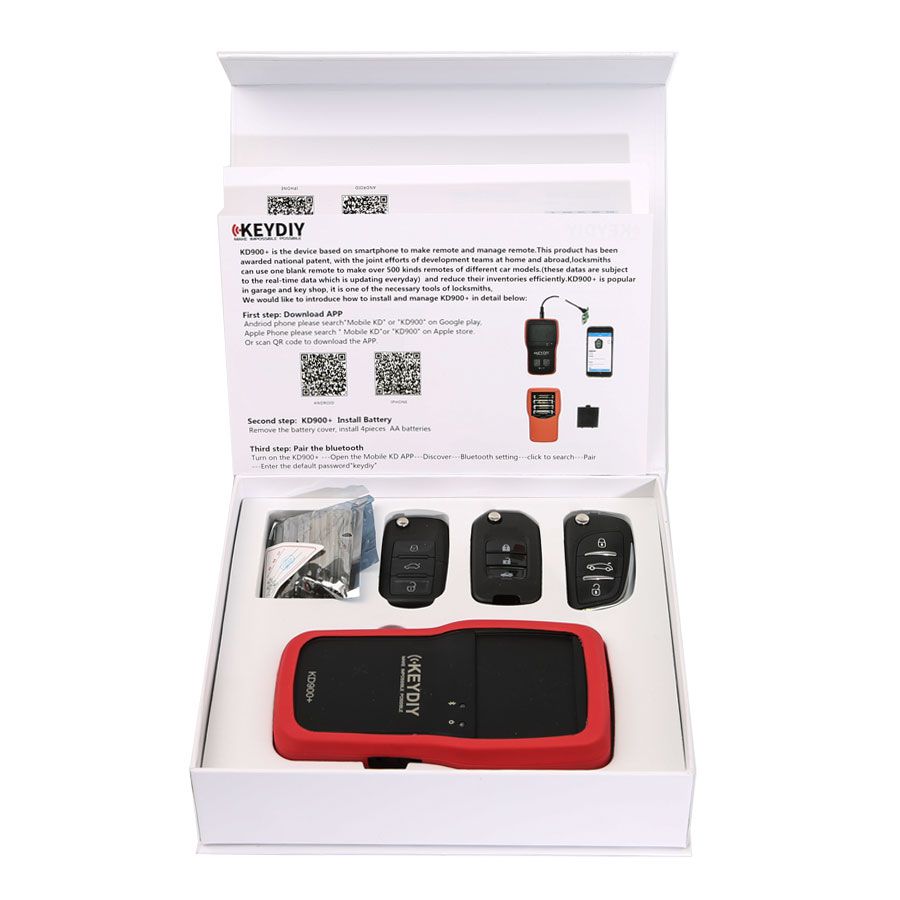
KEYDIY KD900+ is the device based on smartphone to make remote and manage remote.This product has been awarded national patent.locksmiths can use one blank remote to make over 500 kinds remotes of different car models.
Newest KEYDIY KD900+ Bluetooth Remote Maker for IOS/Android Smartphone is a one of our KD900 Remote Maker Tools, you can buy Newest KEYDIY KD900+ Bluetooth Remote Maker for IOS/Android Smartphone from ukobd2.com.
Wholesale Top quality VAS6154, GM Tech2, VCM II For Ford, Handy Baby II Car Key Chip Copier, CDP DS150
images of Newest KEYDIY KD900+ Bluetooth Remote Maker for IOS/Android Smartphone
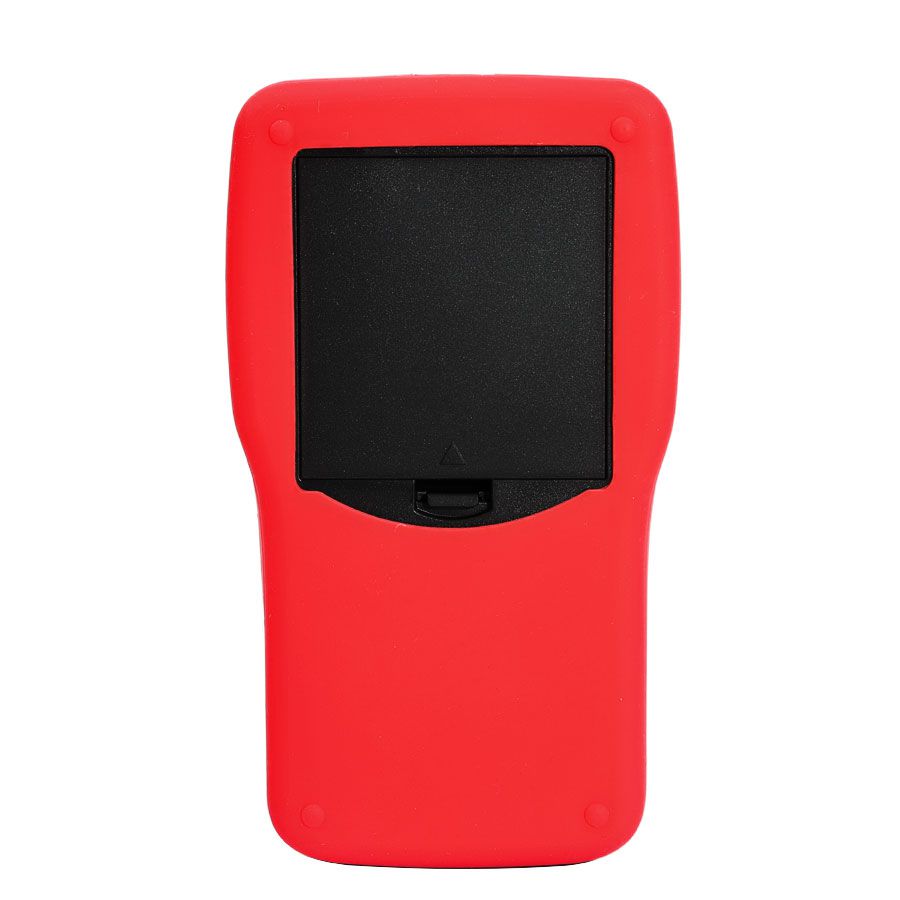
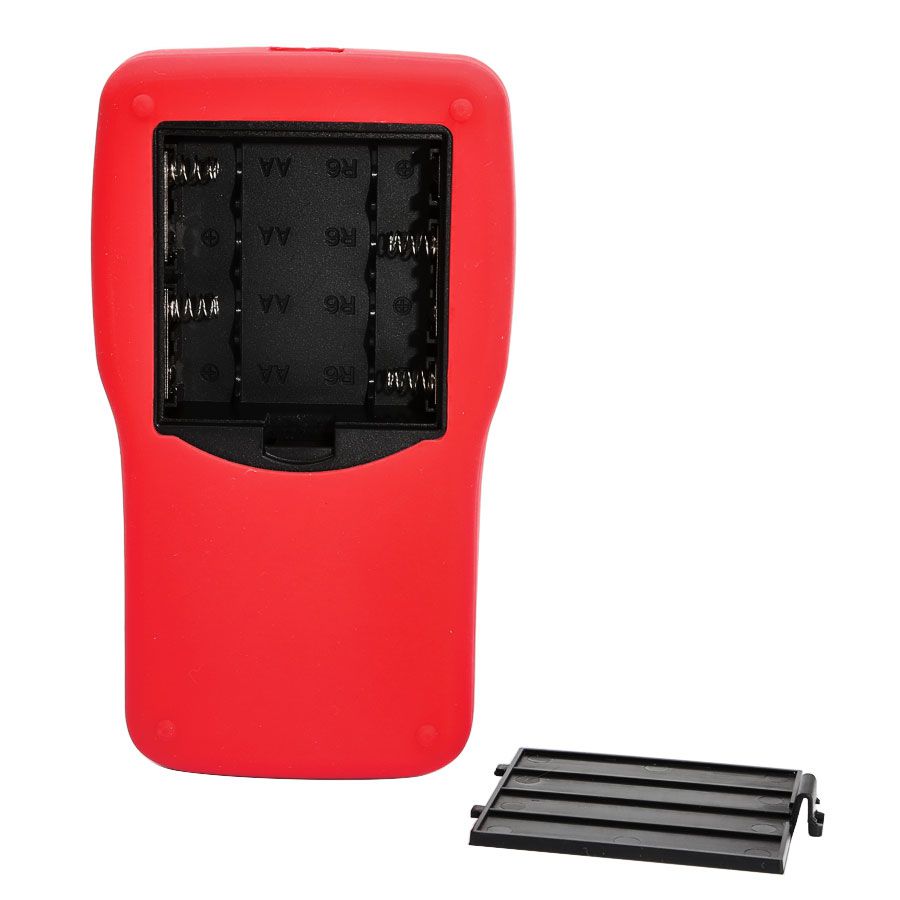
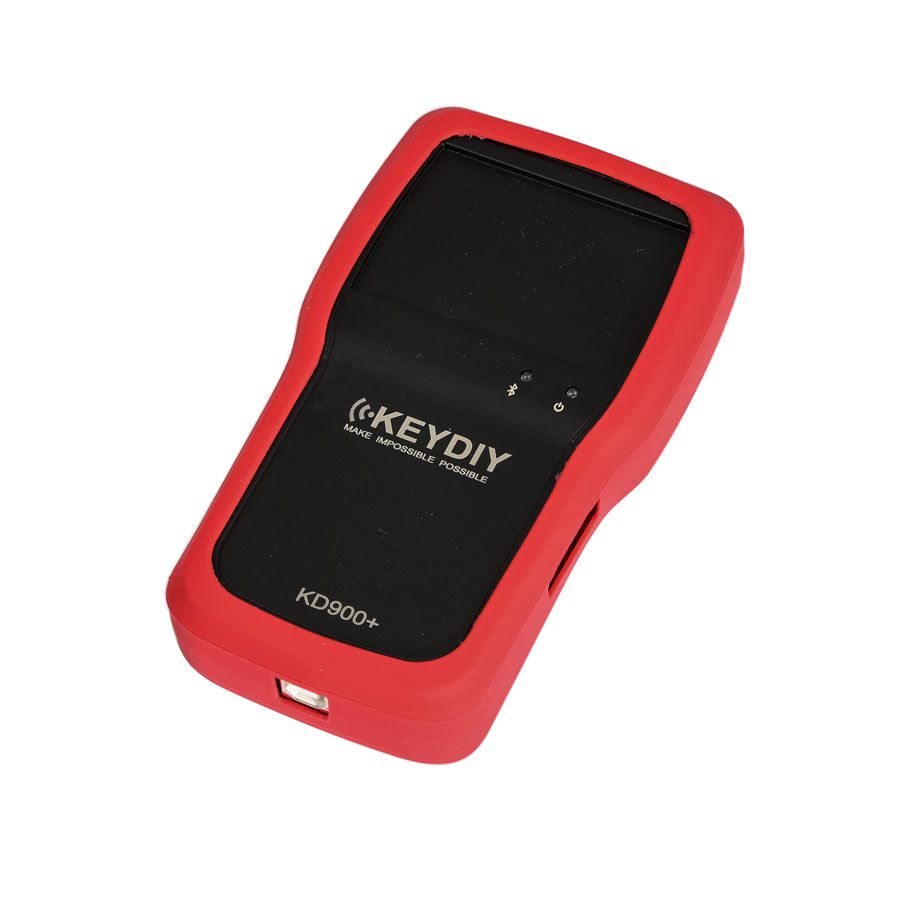
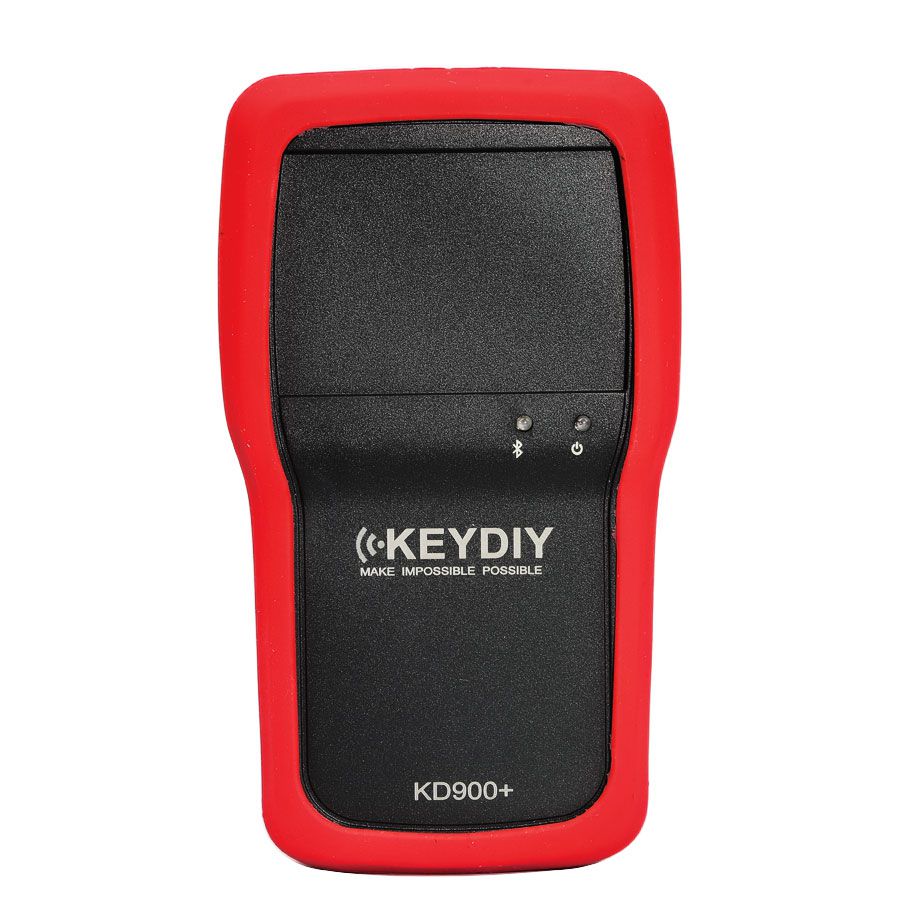
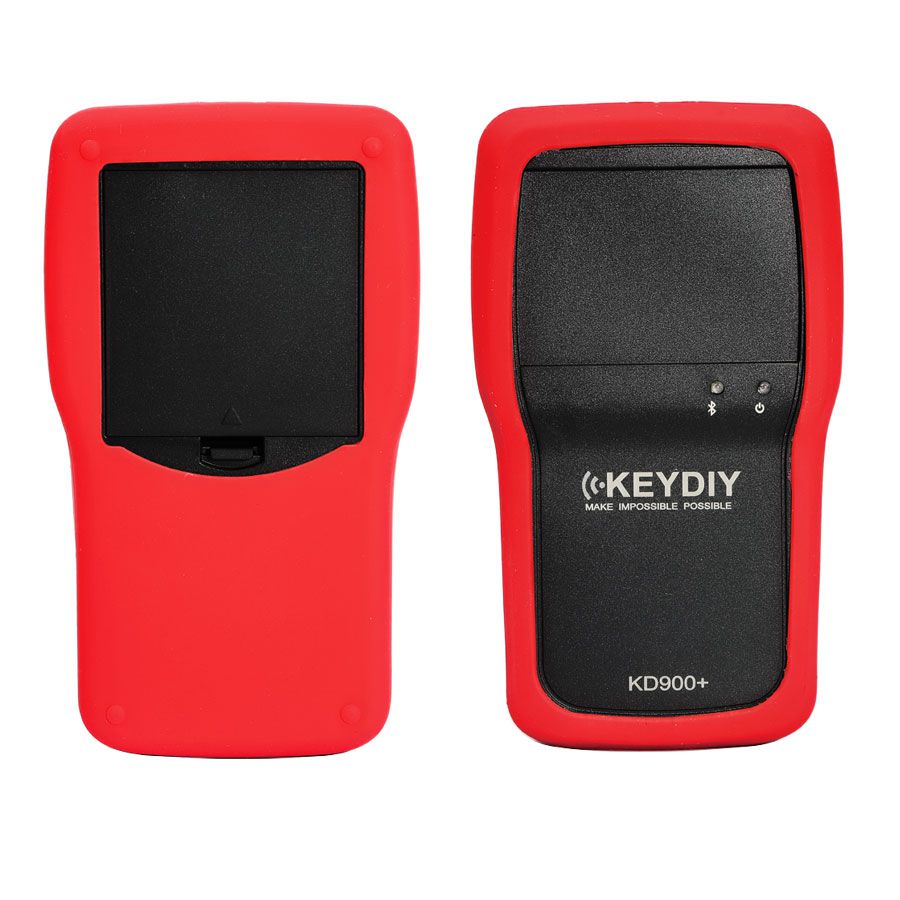
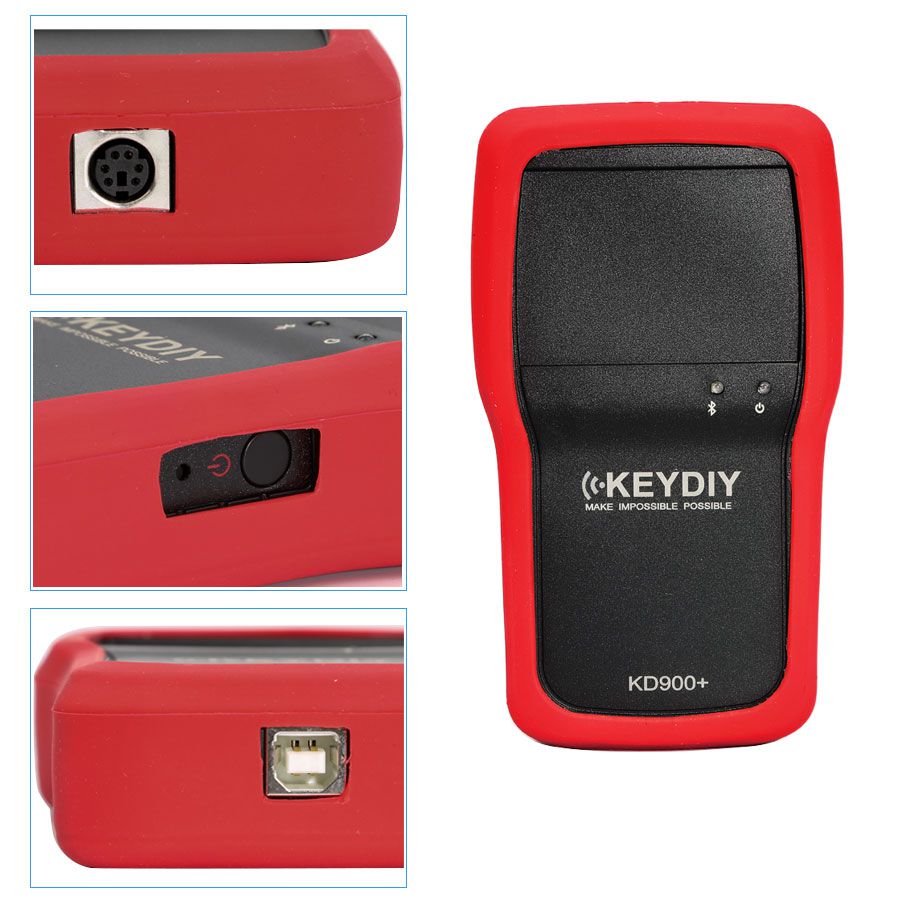
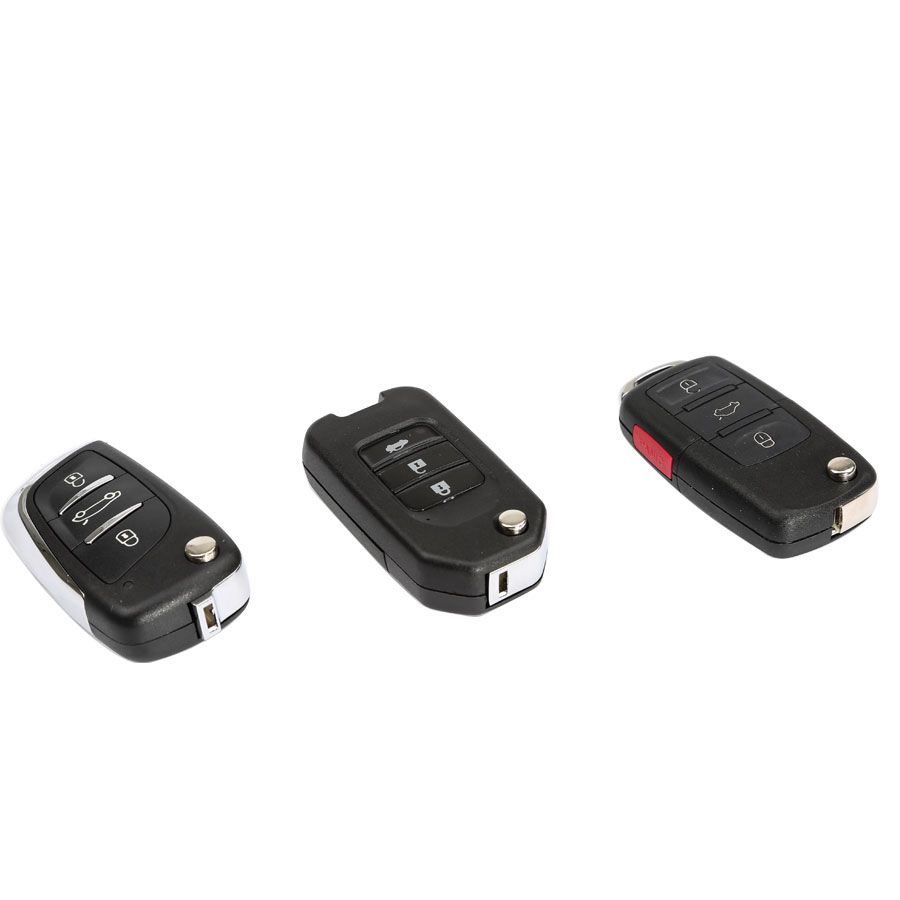
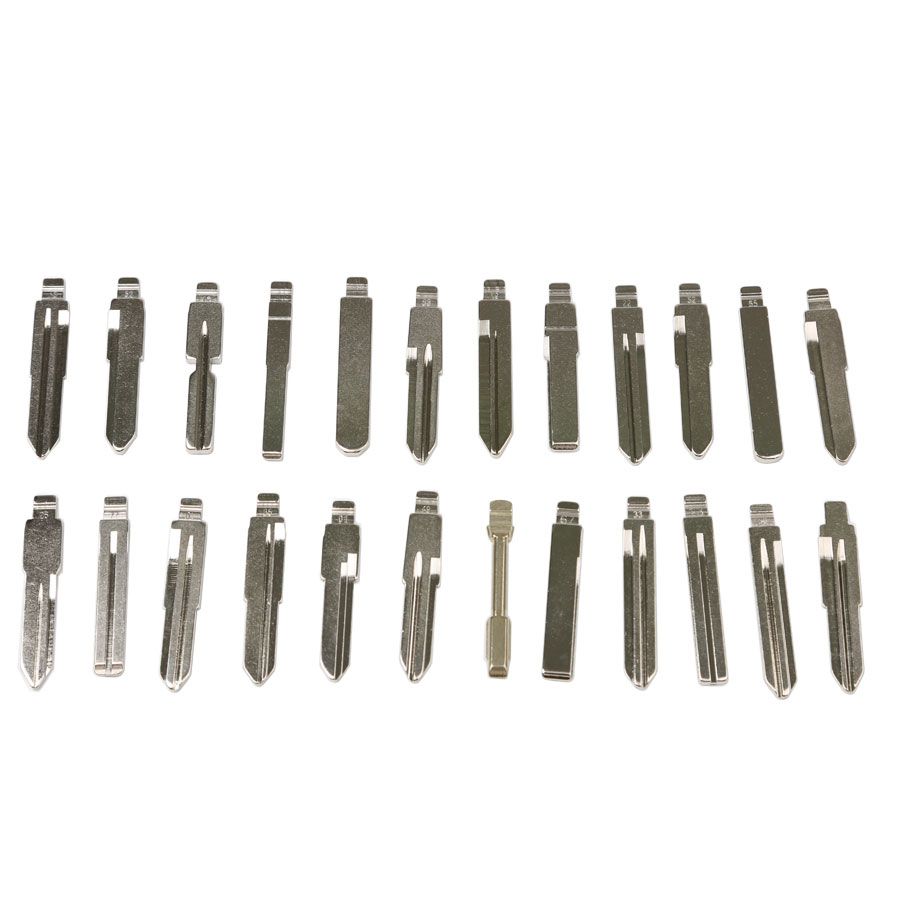
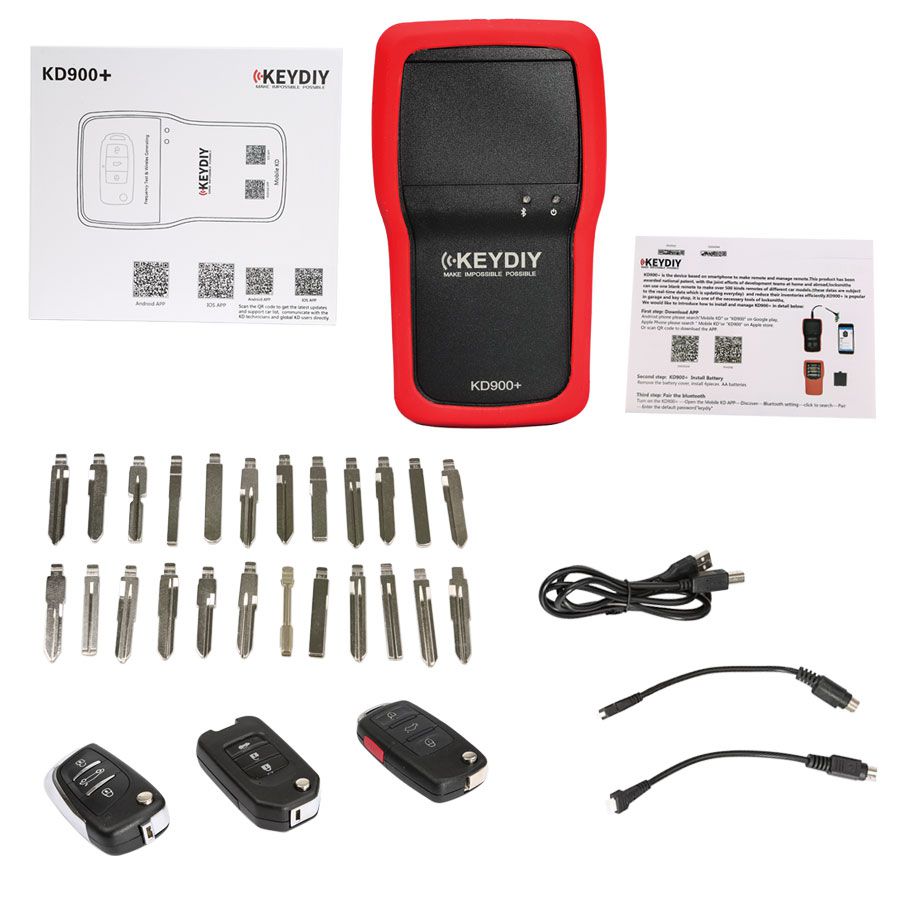
KEYDIY KD900+ Bluetooth Remote Maker for iOS and Android
The KEYDIY KD900+ is a smartphone-based device designed to create and manage vehicle remotes. This product holds a national patent and was developed through the collaborative efforts of international and domestic engineering teams. Locksmiths can use a single blank remote to produce over 500 different car remote types, thanks to a real-time database that updates daily. This significantly reduces inventory requirements. The KD900+ is widely used in garages and key shops and has become an essential tool for professional locksmiths.
Key Features
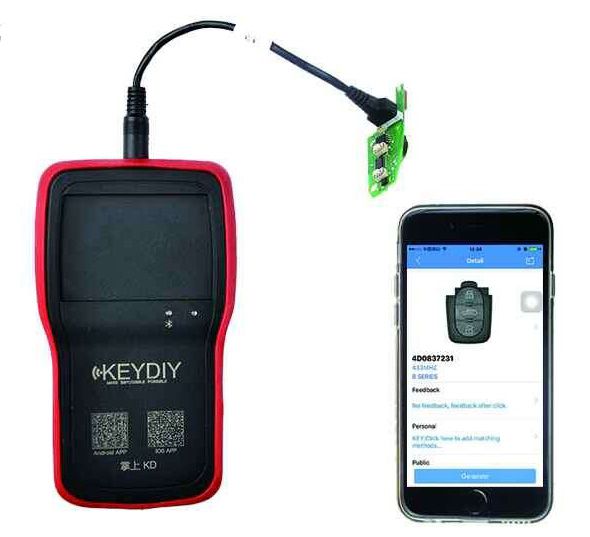
- Creates Over 200 Types of Remotes—Using KEYDIY remote blanks, the KD900+ can generate fully functional remotes and remote head keys for customers. Compatible with Audi, BMW, Chrysler, Ford, GM, Honda, Hyundai, Kia, Mazda, Nissan, Subaru, Toyota, VW, and many others. It can also adjust remote frequencies as needed. Each generated code is unique and never repeated, ensuring security and allowing multiple remotes to be programmed for the same vehicle.
- Remote Frequency Testing—Test remote functionality and identify operating frequencies between 312 MHz and 868 MHz. Unlike most testers, it distinguishes between ASK (amplitude shift keying) and FSK (frequency shift keying) modulation modes.
- Copies Alarm Remotes or Garage Door Openers—With F-Series remote head keys, one remote can control both a vehicle and a garage door. It copies all fixed-code garage transmitters (300–500 MHz) and most anti-theft and rolling-code garage transmitters.
- Use Your Smartphone as Your Car Remote—COMING SOON! Use your Bluetooth-enabled smartphone to lock, unlock, activate panic mode, or open the trunk. Includes a proximity feature that automatically locks or unlocks the vehicle when entering or exiting Bluetooth range. Requires the separately sold KEYDIY Entry module (coming soon).
- Smart Matching Technology—Operate the customer’s original remote while the KD900+ detects the correct vehicle data, simplifying your workflow. While still under development, this feature is already usable on many vehicle models.
- Remote Simulation—Test remote functionality using the KD900+ before generating the actual remote.
- Reprogram & Reuse Remotes—Remotes generated for one vehicle can be reprogrammed for another without issue.
- Easy Online Updates—The manufacturer continuously adds support for new vehicles and improves functionality. Firmware, software, and transmitter data can be updated automatically via user-friendly desktop software.
Setup Guide
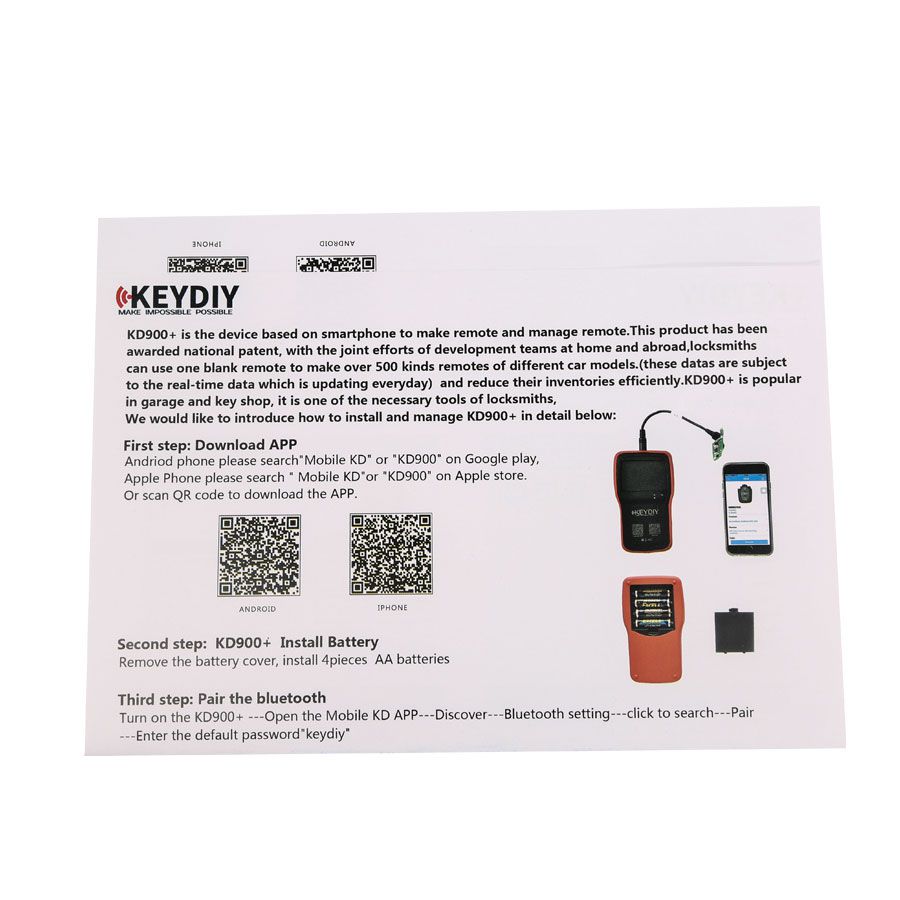
Step 1: Download the App
Android users: Search for "Mobile KD" or "KD900" on Google Play.
iOS users: Search for "Mobile KD" or "KD900" on the Apple App Store.
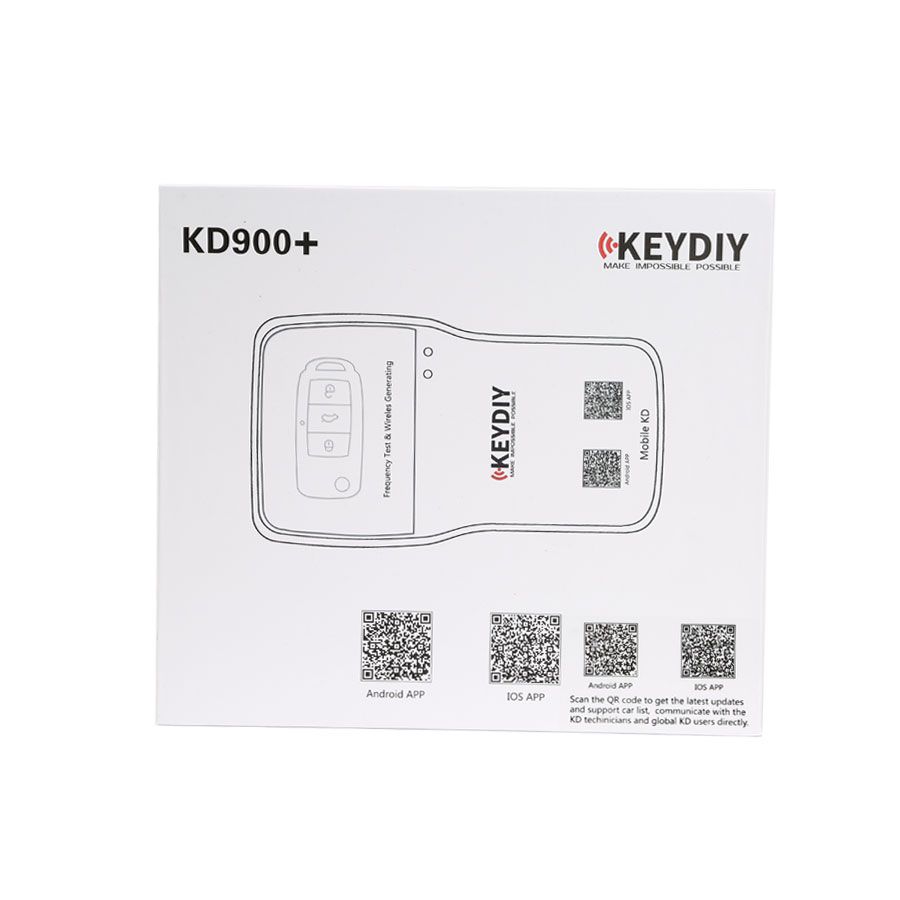
Alternatively, scan the QR code to download the app.
Step 2: Install Batteries
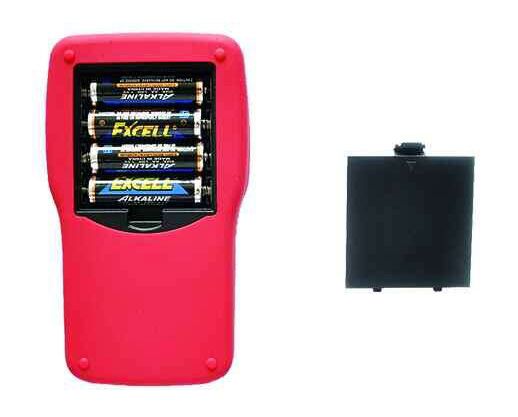
Remove the battery cover and install 4 AA batteries.
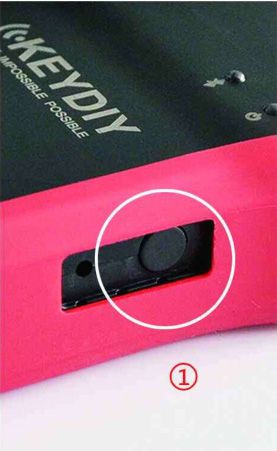
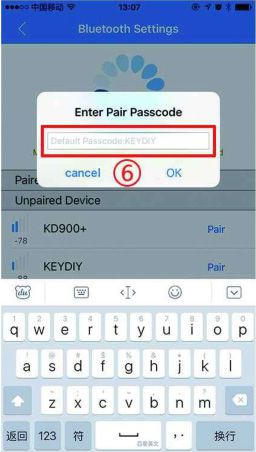
Step 3: Pair via Bluetooth
- Turn on the KD900+.
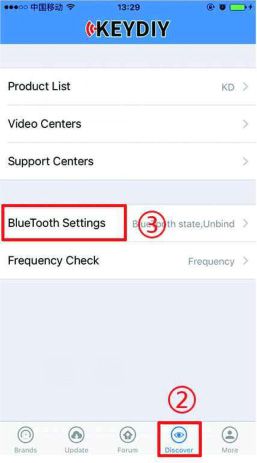
- Open the Mobile KD app.
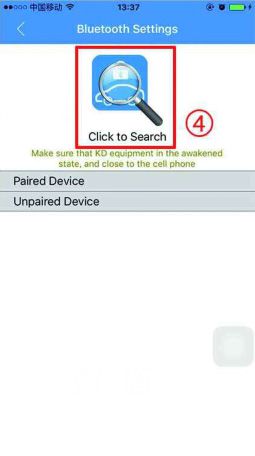
- Go to "Bluetooth settings" and tap "Discover."
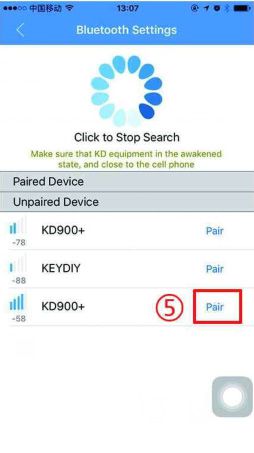
- Select the device to pair.
- Enter the default password:
keydiy.
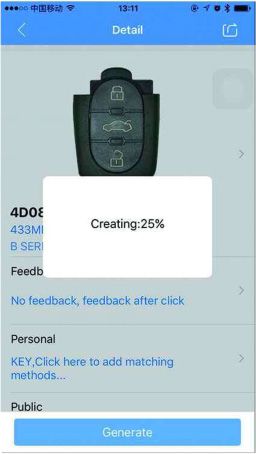
Step 4: Generate a Remote
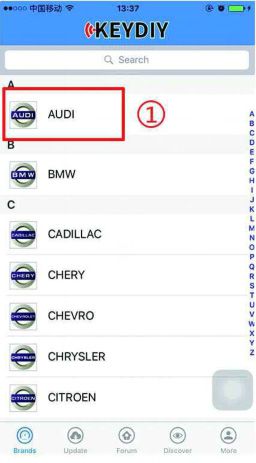
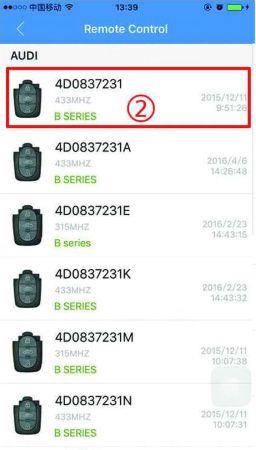
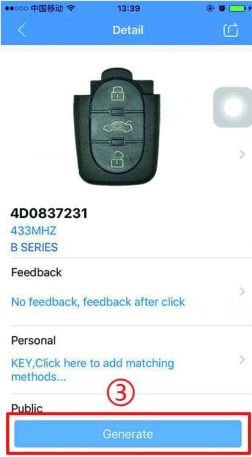
Select car brand → choose remote type → generate.
Step 5: Log In via Social Media
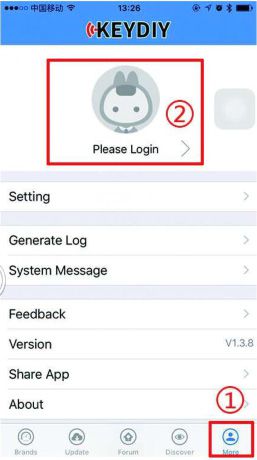
Tap "More" at the bottom of the app, then select "Please Login."
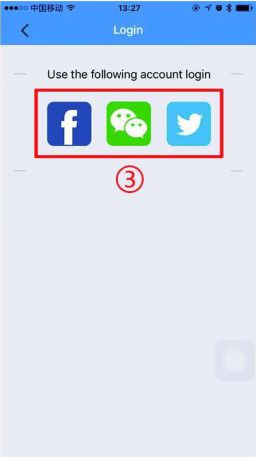
Log in using Facebook, Twitter, or WeChat.
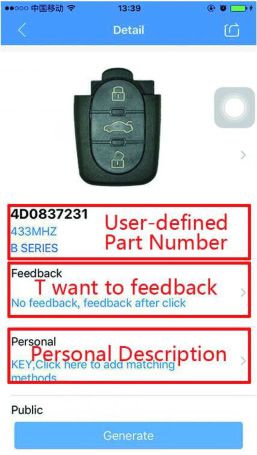
Benefits After Logging In
- Send feedback
- Edit remote part numbers
- Add remote programming methods
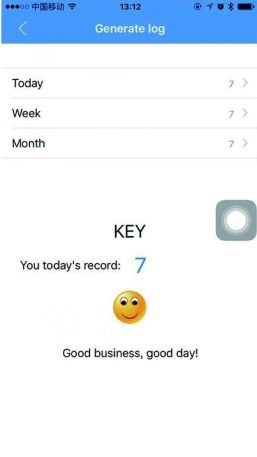
- Access generation logs
Options are accessible via: send feedback, edit part number, or add programming method.
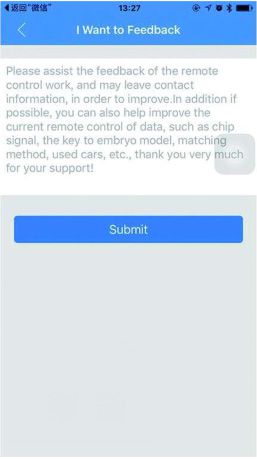
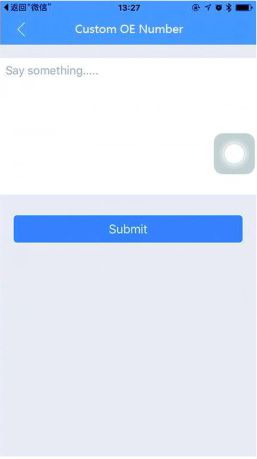
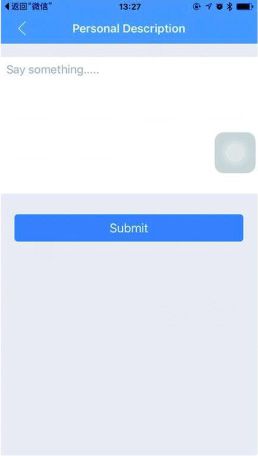
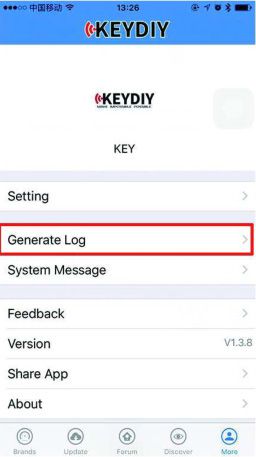
Step 6: Special Functions
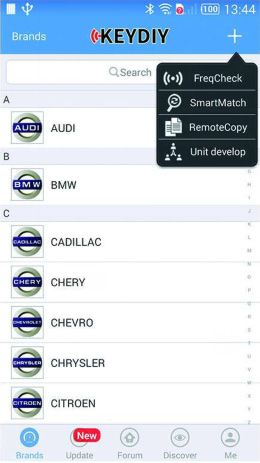
- Frequency Test
- Smart Match
- Remote Copy
How It Works
- Open the new remote, remove the electronics board, and take out the battery.
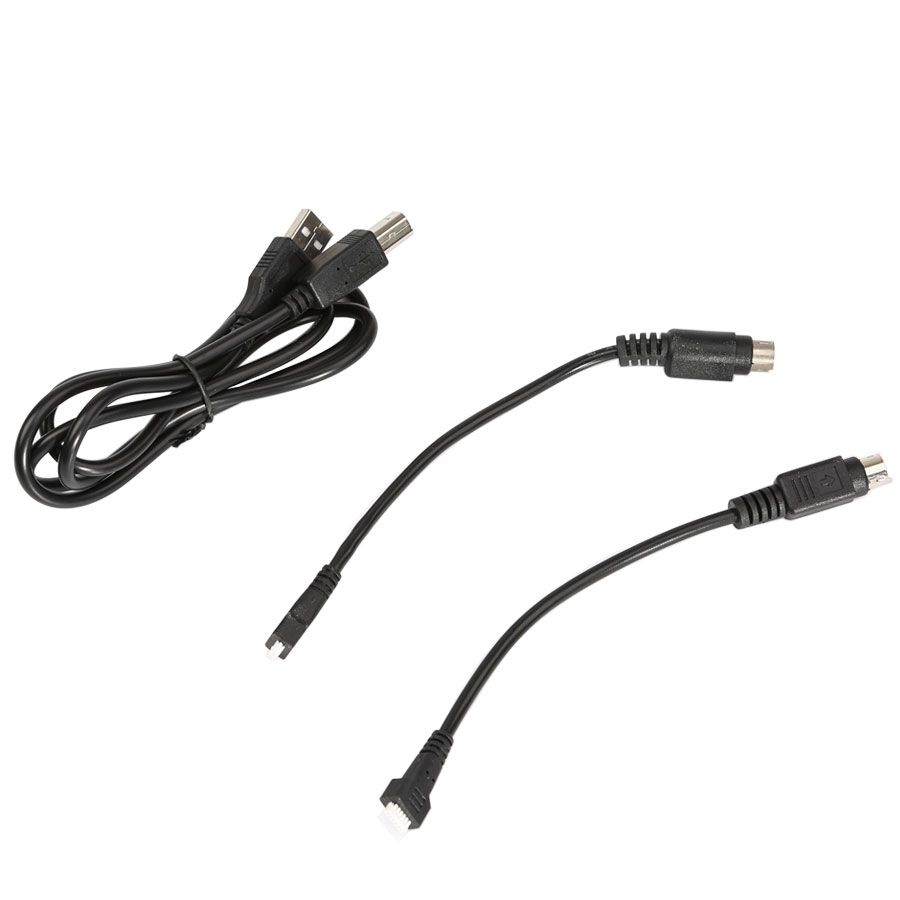
- Connect the remote data cable from the KD900+ to the KEYDIY remote electronics.
- Select your vehicle type in the KD900+ menu.
- Choose [Make Remote] in the menu to create the remote.
- Reassemble the remote, insert the appropriate transponder chip if required, cut the blade, and program it to the vehicle just like an OEM remote.
Go to Buy: Newest KEYDIY KD900+ Bluetooth Remote Maker for IOS/Android Smartphone