KS501
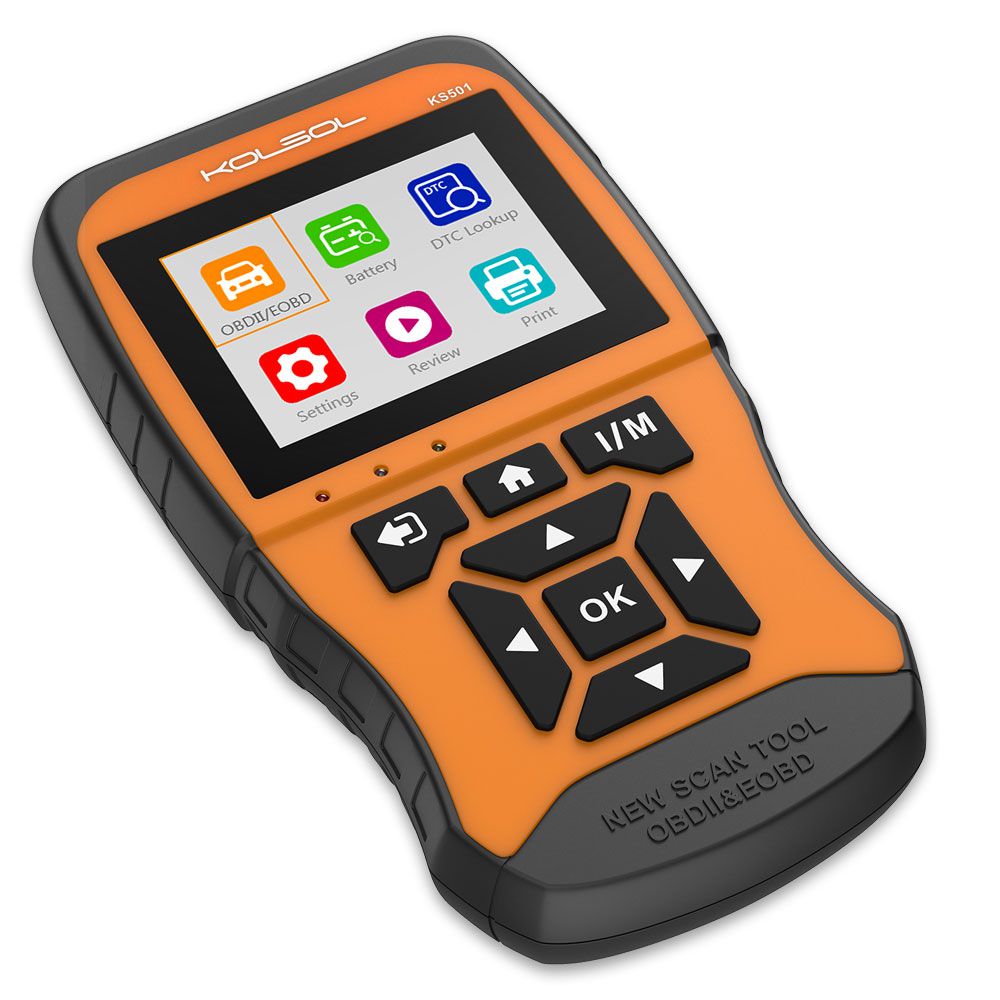
KOLSOL KS501 is easy to carry, simple to operate, fast in diagnosis, large in memory, comprehensive in code base, powerful in performance and novel in design. It is a new generation OBDII diagnostic tool tailored for the owner.
KOLSOL KS501 New Generation OBDII & EOBD Scan Tool for Universal Vehicles Automotive Scanner Diagnostic Tool is a one of our KS501 Tools, you can buy KOLSOL KS501 New Generation OBDII & EOBD Scan Tool for Universal Vehicles Automotive Scanner Diagnostic Tool from ukobd2.com.
Wholesale Top quality VAS6154, GM Tech2, VCM II For Ford, Handy Baby II Car Key Chip Copier, CDP DS150
images of KOLSOL KS501 New Generation OBDII & EOBD Scan Tool for Universal Vehicles Automotive Scanner Diagnostic Tool
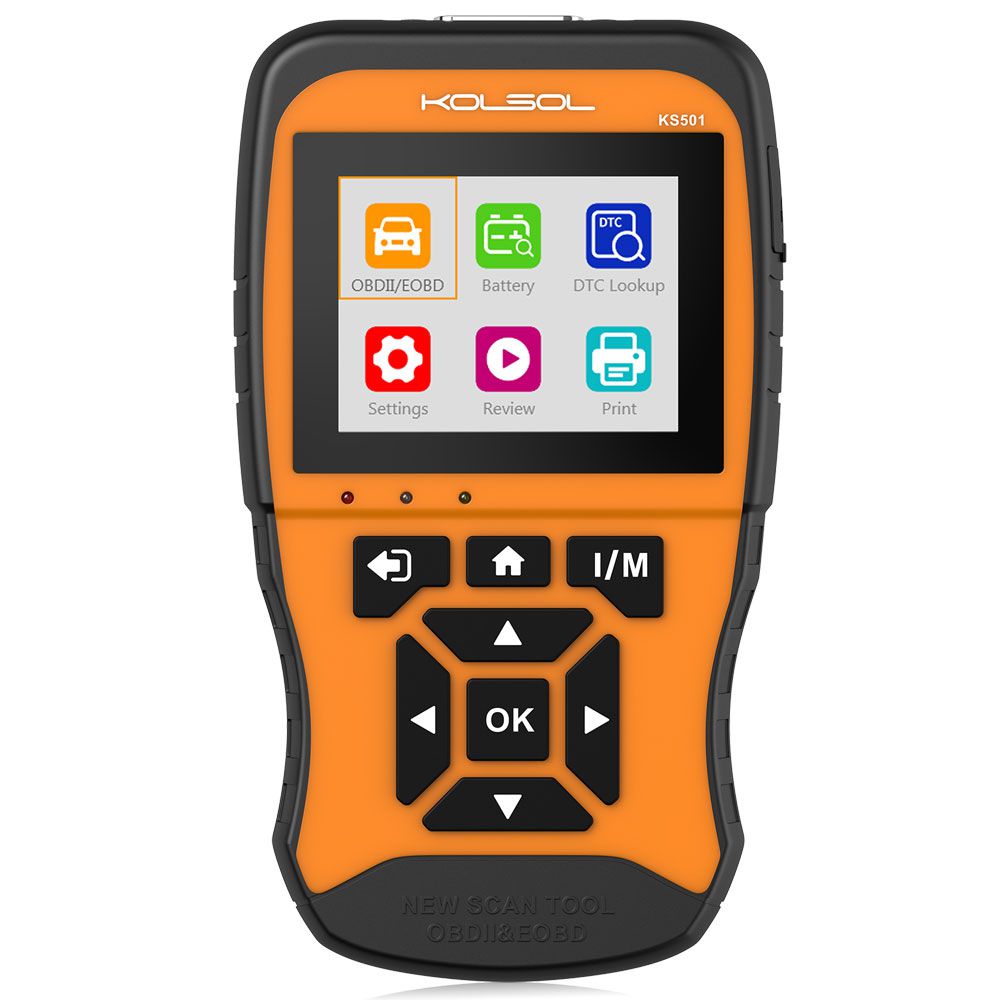
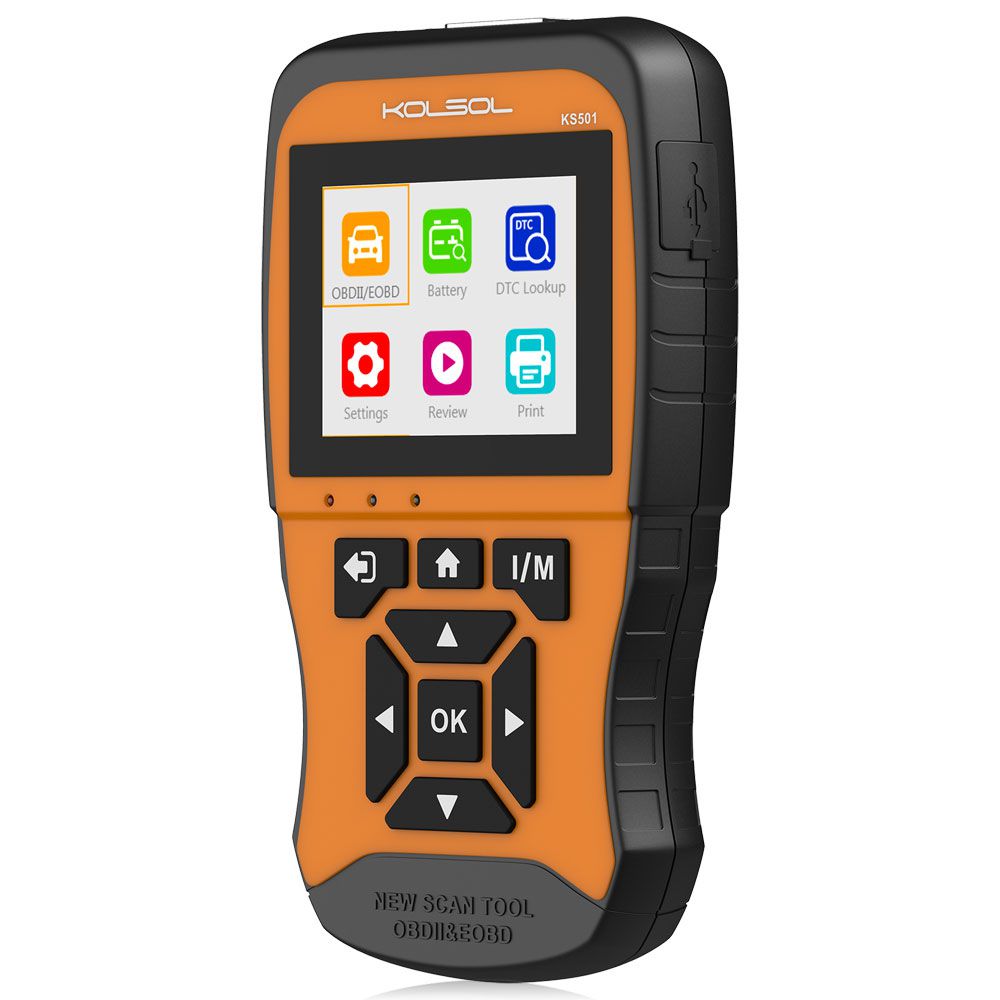
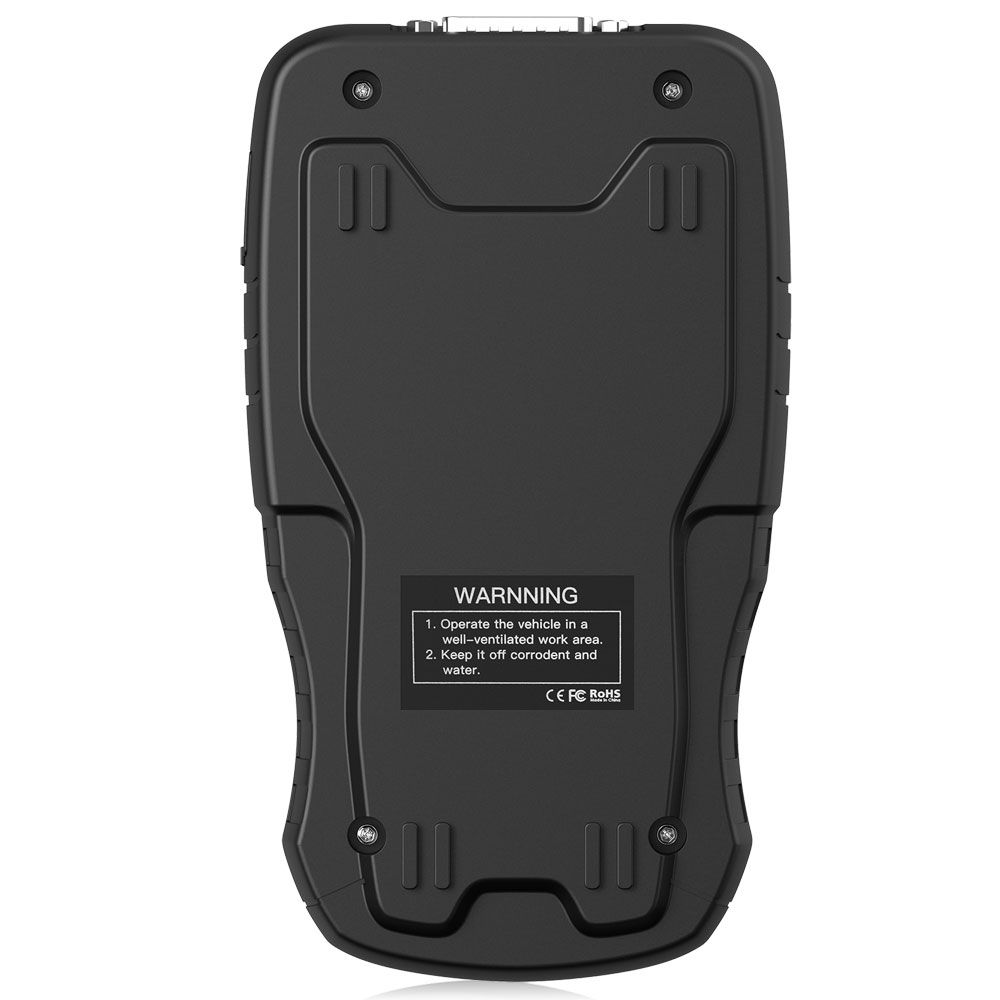
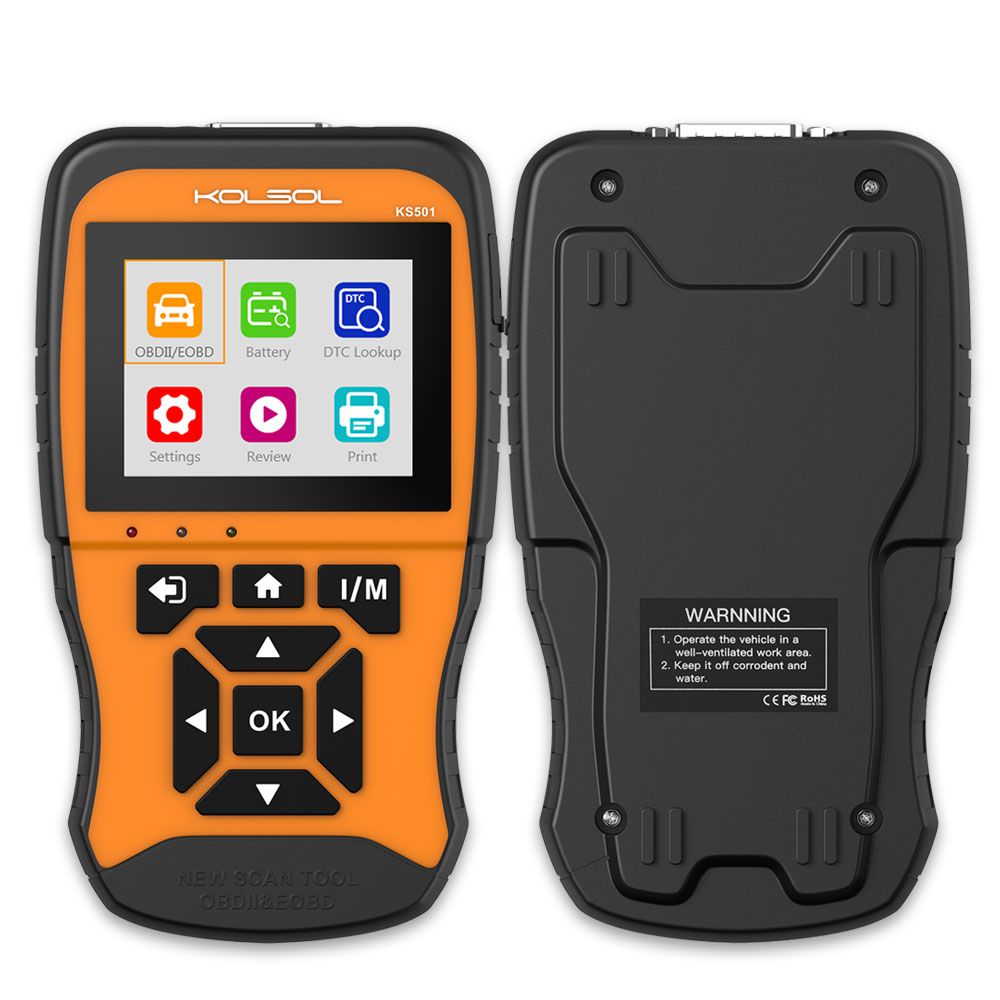
KOLSOL KS501 New Generation OBDII & EOBD Scan Tool for Universal Vehicles Automotive Scanner Diagnostic Tool
KOLSOL KS501 is easy to carry, simple to operate, fast in diagnosis, large in memory, comprehensive in code base, powerful in performance and novel in design. It is a new generation OBDII diagnostic tool tailored for the owner.
KOLSOL KS501 Highlights
- Enhanced OBD2 Diagnosis: Fully covers OBD2 diagnosis modes, read/clear codes, live data, freeze frame, with O2 sensor, Mode 6, Mode 8, MIL status
- Powerful Database: Exclusive support for 40,000 DTCs, leading the industry
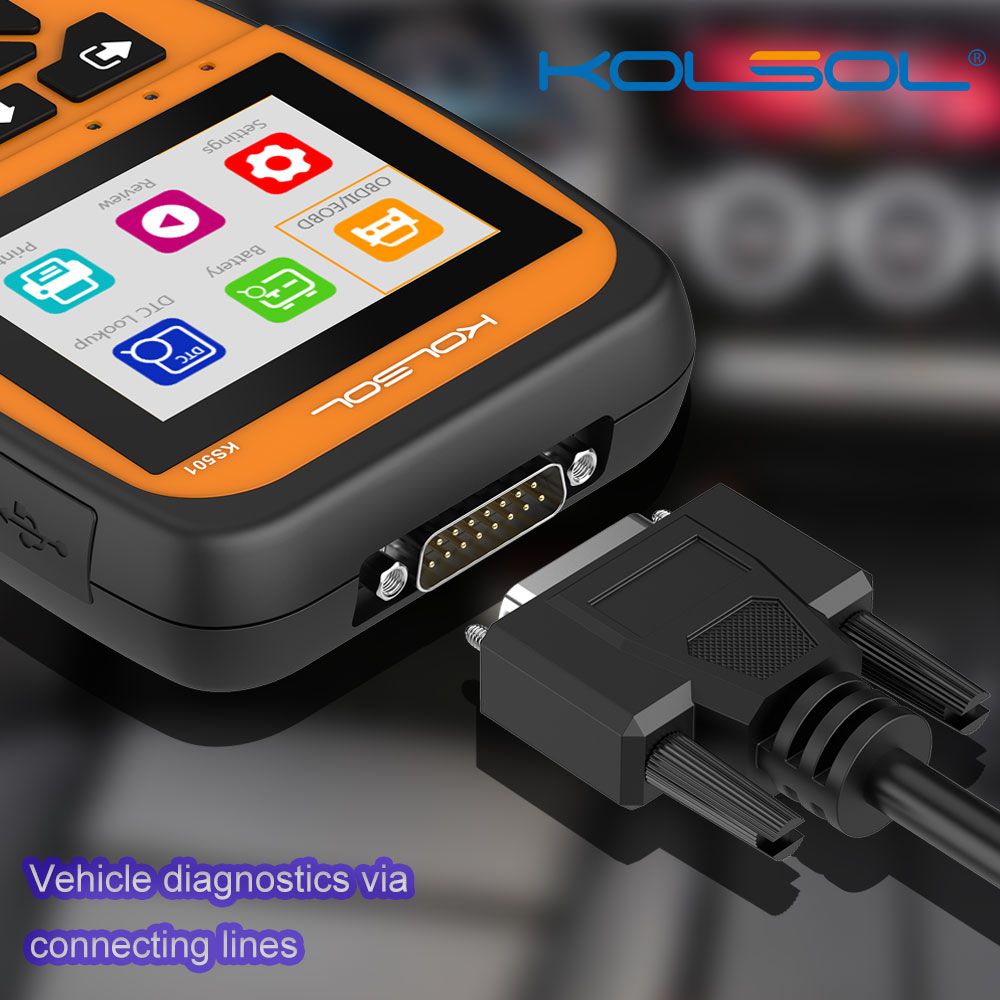
- Wide Vehicle Coverage: Works on almost all the gasoline cars with standard OBD2 protocols 16-pin connector
- One-Key I/M Readiness: Independent button for quickly enter into diagnostic function
- Live Data Visualized Comparison: Greatly supports four parameters comparison, record the live data for later review
- 2.8’’ TFT Color Screen, Clear UI: More visualized interface without reflection under sunlight
- Maximum Chip Capacity, Fastest Diagnosis
- Support Multi-languages: English, French, German, Spanish, Russian, Chinese, Italian, Polish
KOLSOL KS501 Features
- Supports all OBD2 functions, get one device to turn off the Check Engine Light
- Works with almost all standard OBD2/EOBD protocols gasoline cars
- 18 functions listed out clearly instead of repeatedly entering the sub-menu
- 40,000+ database greatly supports DTC Query with clear code description
- 4 parameters live data comparison, and record it for later review
- Retrieves generic, manufacturer specific, and pending codes
- One-click I/M Readiness quick access to diagnosis
- Fastest diagnosis speed with the maximum chip capacity
- Lifetime upgrade and print data via PC
KOLSOL KS501 Functions
OBD2 Diagnosis
Do not worry about the Check Engine Light on, make car repair easier.
- Read and Clear Codes: read and clear engine codes, generic, manufacturer specific, and pending codes
- Live Data: read and record live sensor data, 4 parameters comparison supported
- Freeze Frame: a snapshot of the vehicle which shows engine conditions when the MIL on
- O2 Sensor: check the vehicle O2 sensor values
- Mode 6: advanced test results (like misfire counts) for on-board diagnostic system monitors
- Mode 8 (Component test): allows initiating a leak test for the vehicle's EVAP system
- I/M Readiness: check the operations of the Emission System on OBD2 compliant vehicles
- Battery Test: show battery voltage and comment battery status
- Smog Check: indicate whether or not the various emissions-related systems on the vehicle are operating properly and are ready for inspection and maintenance testing
- MIL Status: MIL is essentially an emission warning light. If the light comes on, it means the OBD II system has detected an emissions-related problem
- Vehicle Info: check the make, years, VIN Code and other detail information of your vehicle
- Fuel Analysis: allow viewing the fuel economy of the vehicle
- Core Analysis: allow viewing the performance of the vehicle
- Engine Analysis: allow viewing the engine data of the vehicle
One-Click I/M Readiness Key
Provide quick access to emissions readiness status, complete vehicle exhaust test.
Live Data Display
FOUR parameters comparison, clearly show how they can affect each other and increase diagnostic efficiency
Review Data
Allow viewing of data from last test recorded by the scan tool
DTC Query
40,000 database available for DTC lookup online
Update & Print Data
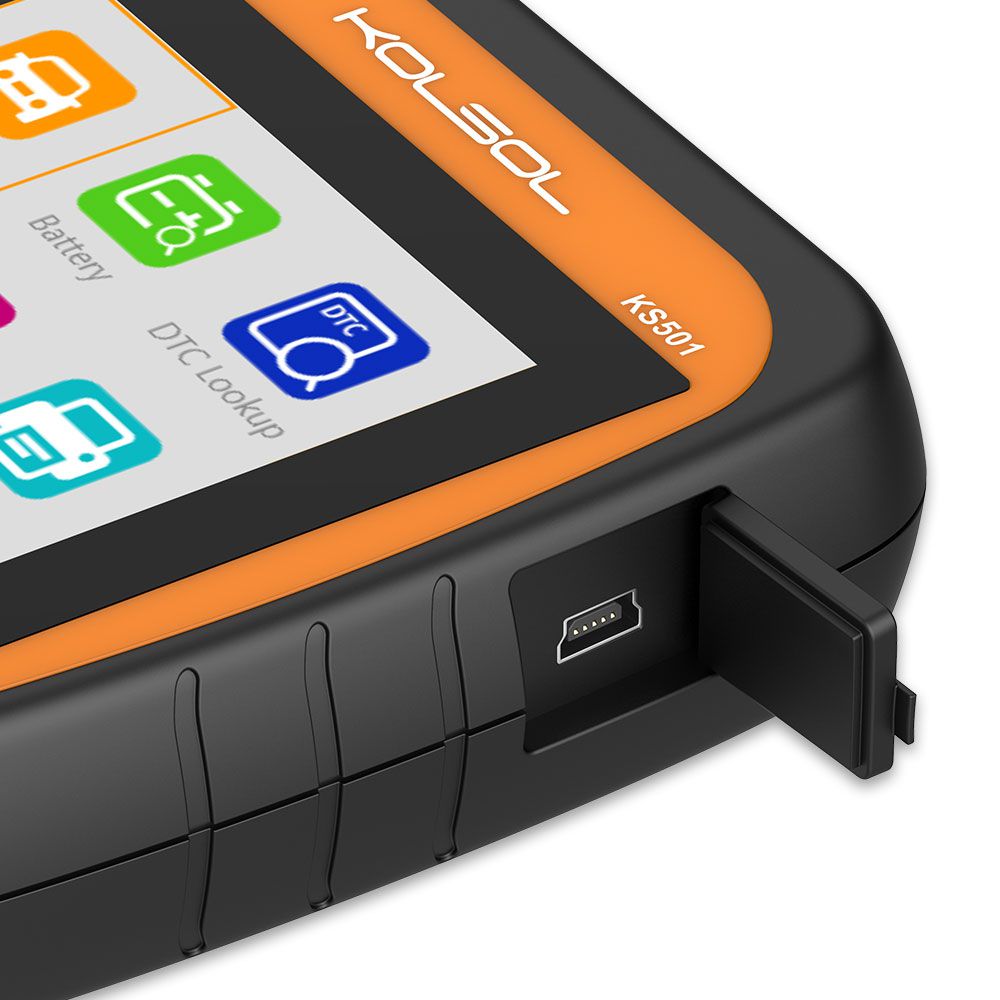
Update to the latest version and print the stored data by PC via USB cable
KOLSOL KS501 Vehicle Coverage
Supported OBDII Vehicles
- For Acura
- For Daihatsu
- For Isuzu
- For Mercedes
- For Porsche
- For Smart
- For Alfa Romeo
- For Daimler
- For Jaguar
- For Mercury
- For Regal
- For Subaru
- For Ariel
- For Dodge
- For Jeep
- For MG
- For Renault
- For Suzuki
- For Aston Martin
- For Ferrari
- For Kai
- For Mini
- For Rolls-Royce
- For Tesla
- For Audi
- For Fiat
- For Lamborghini
- For Mitsubishi
- For Roush
- For Toyota
- For Bentley
- For Ford
- For Lancia
- For Nissan
- For Rover
- For Triumph
- For BMW
- For Geo
- For Land Rover
- For Oldsmobile
- For Saab
- For TVR
- For Buick
- For GMC
- For Lexus
- For Opel
- For Saleen
- For Vauxhall
- For Cadillac
- For Holden
- For Lincoln
- For Pagani
- For Saturn
- For Volkswagen
- For Chevrolet
- For Honda
- For Lotus
- For Panoz
- For Seat
- For Volvo
- For Chrysler
- For Hummer
- For Maserati
- For Peugeot
- For Scion
- For Yugo
- For Citroen
- For Hyundai
- For Mazda
- For Plymouth
- For Shelby
- For Daewoo
- For Infiniti
- For McLaren
- For Pontiac
- For Skoda
KOLSOL KS501 Supported Protocols
SAE_J1850 (PWM, VPW), ISO_9141-2, ISO_14230-4 (KWP, KWP-5BPS), ISO_15765-4 (CAN, CAN-B, CAN-C, CAN-D).
KOLSOL KS501 Troubleshooting
| Problem | Possible Cause | Likely Solutions |
|---|---|---|
| Scan Tool doesn't power up | 1. OBDII Cable connector is not securely connected. 2. Vehicle's DLC pins are bent or broken. 3. Vehicle's battery is bad. | 1. Verify that the Scan Tool's OBDII Cable connector is securely connected to the vehicle's DLC. 2. Check if the DLC pins are bent or broken. If bent or broken, have a certified technician repair the DLC. 3. Make sure the vehicle battery provides at least 8V. |
| Vehicle Linking Error | 1. Vehicle is not meet OBD standards. 2. Ignition is off. 3. Bad connection. | 1. Verify that the vehicle is meet OBDII standards. 2. Verify that the ignition is ON. 3. Reset the tool by turning the ignition off, waiting 10 seconds, then turning the ignition back on. |
| Scan Tool Freezes | Scan Tool or vehicle's computer system is not responding. | Reset the Scan Tool by turning the ignition off, waiting 10 seconds, then turning the ignition back on. |
Software Update
- Download the applications in our website: www.kolsol.net or our distributors' site.
- Make sure that your computer is connected to the Internet.
- Connect the scanner to computer with the USB cable supplied.
- Run the update option in PC Suit software. Wait for the log in window to pop up.
- In the Update window, select the items you want to install.
KOLSOL KS501 Specifications
- Display Screen
- TFT Color (320*240)
- Operating Temperature
- 0 to 60℃ (32 to 140℉)
- Storage Temperature
- -20 to 70℃ (-4 to 158℉)
- Power
- 8V to 18V (power provided by vehicle battery)
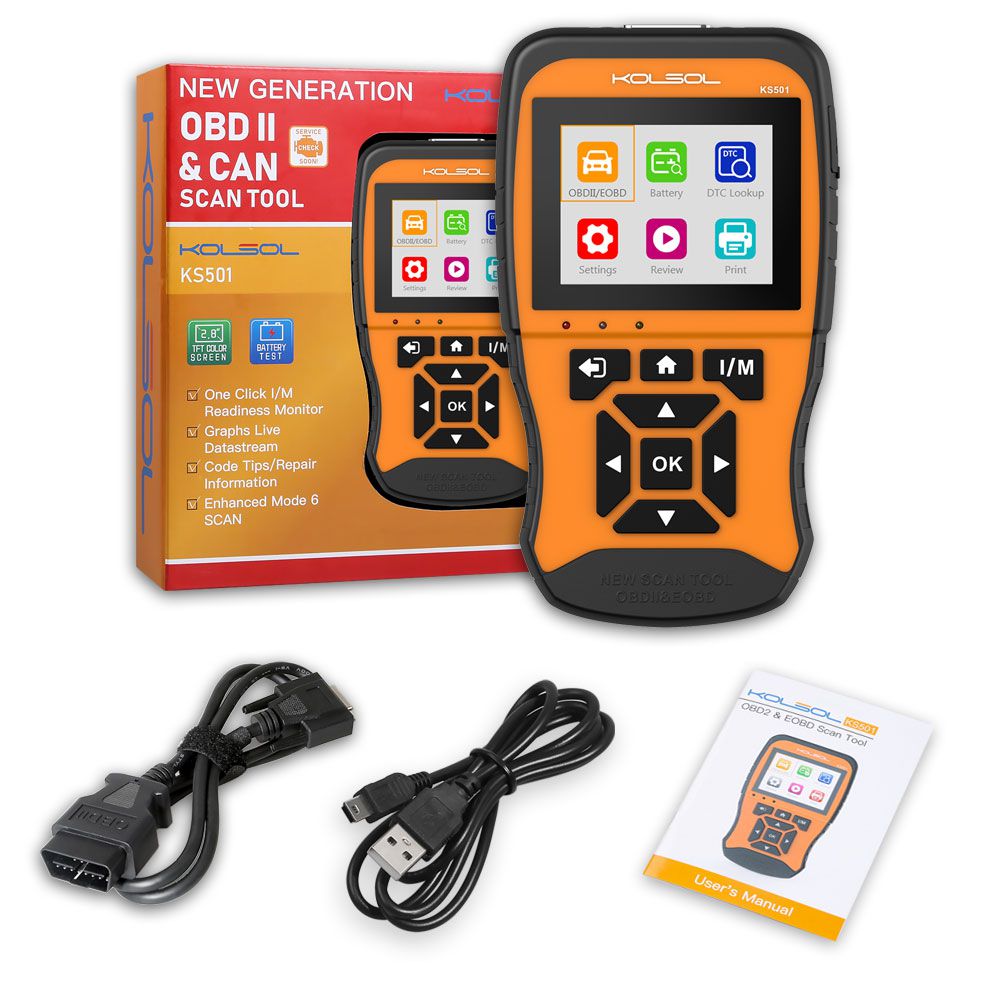
Package Includes
- 1pc x KOLSOL KS501
- 1pc x User's Manual
- 1pc x USB Cable
- 1pc x OBD Cable