LAUNCH CR HD Pro
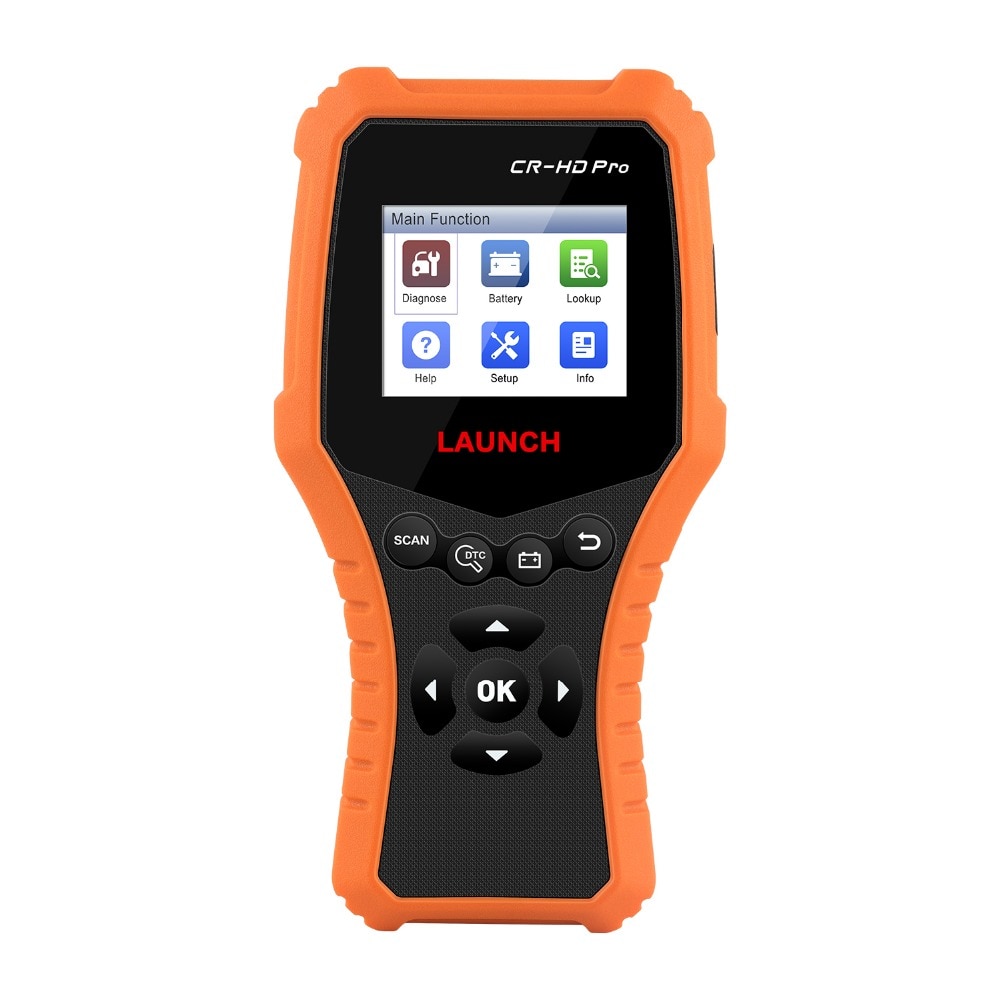
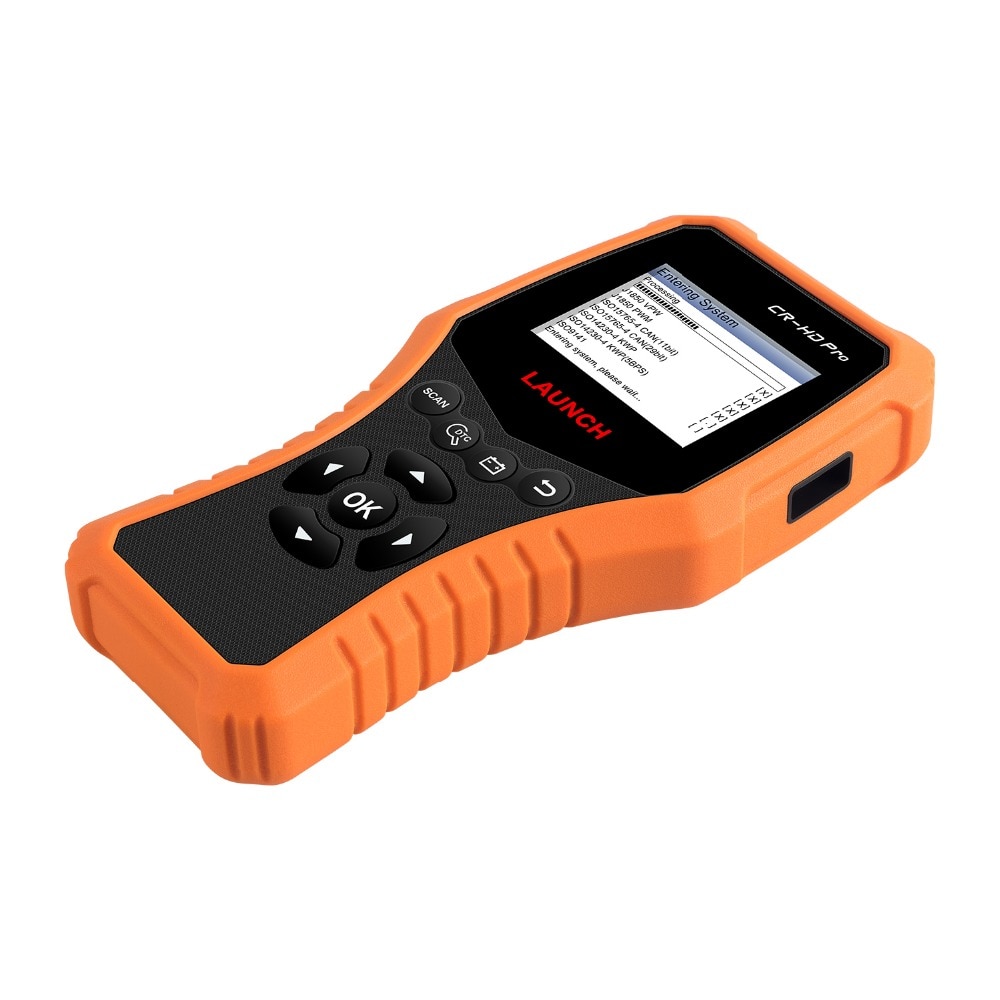
LAUNCH CR-HD Pro is a code reader for diagnosing and clearing 24V truck and 12V car trouble codes.It covers J1939, J1708, SAE J1979 (OBDII) protocols for accessing Engine, transmission, instrument panel system etc.
LAUNCH CR-HD Pro Car and Truck OBD2 HOBD Code Reader Scanner is a one of our LAUNCH CR HD Pro Tools, you can buy LAUNCH CR-HD Pro Car and Truck OBD2 HOBD Code Reader Scanner from ukobd2.com.
Wholesale Top quality VAS6154, GM Tech2, VCM II For Ford, Handy Baby II Car Key Chip Copier, CDP DS150
images of LAUNCH CR-HD Pro Car and Truck OBD2 HOBD Code Reader Scanner
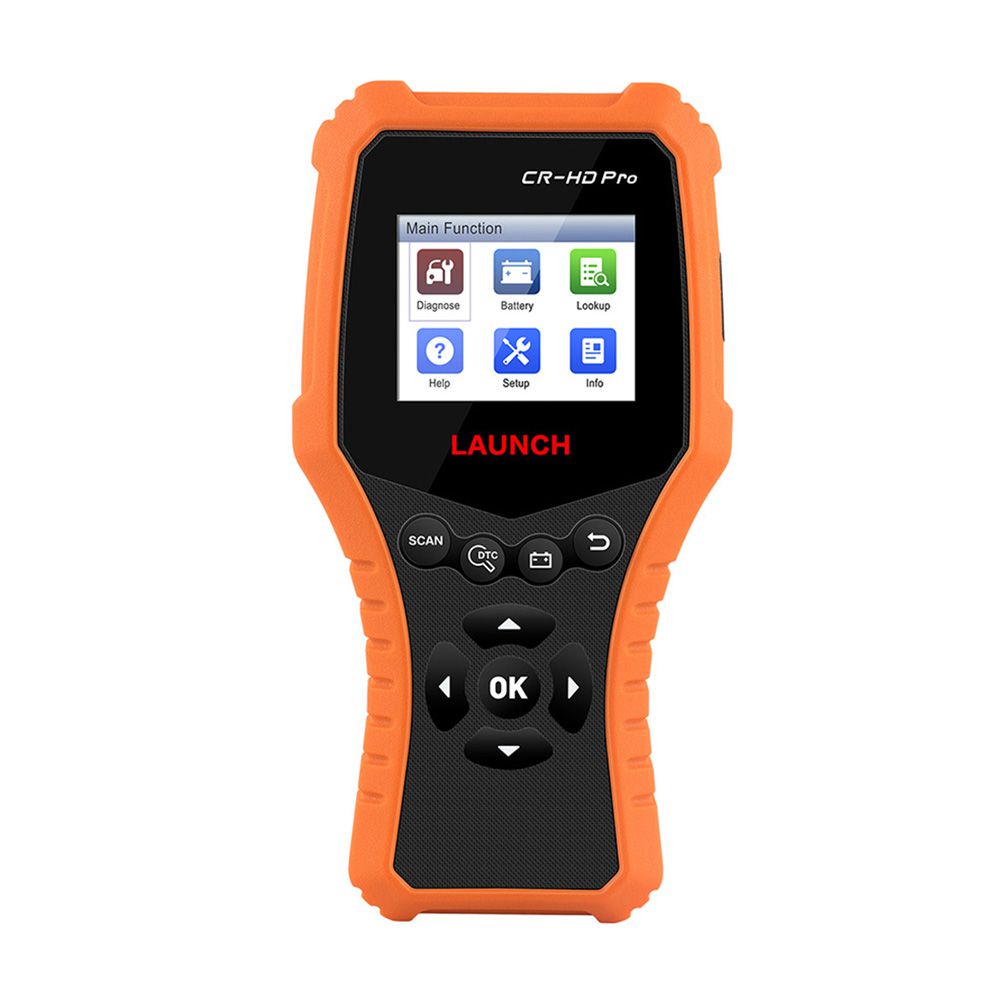
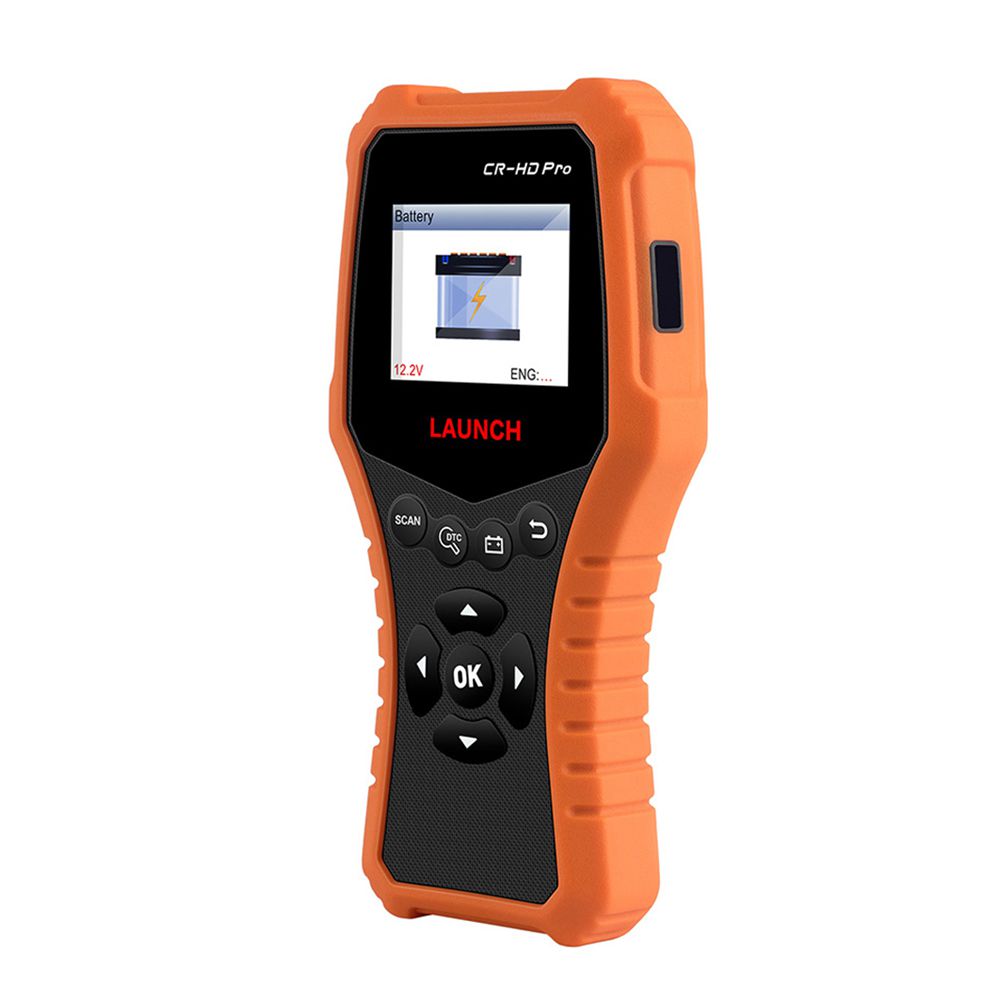
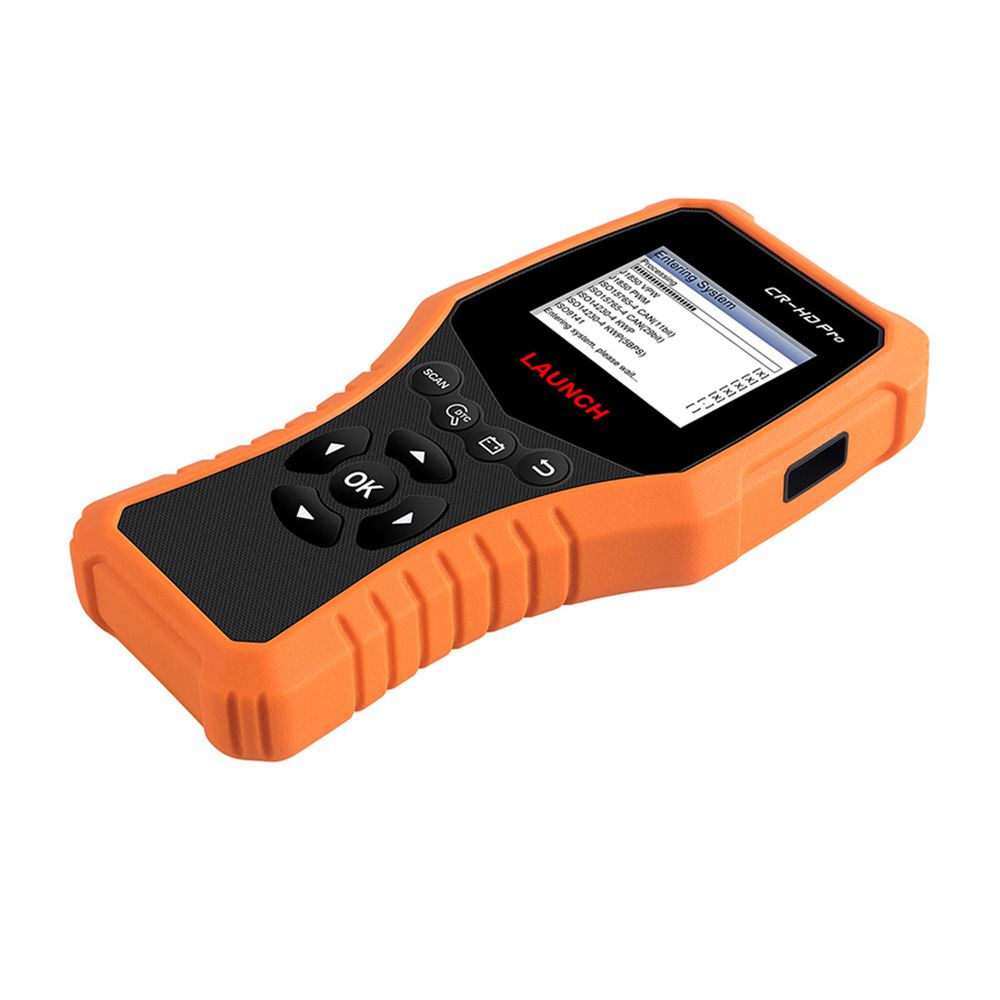
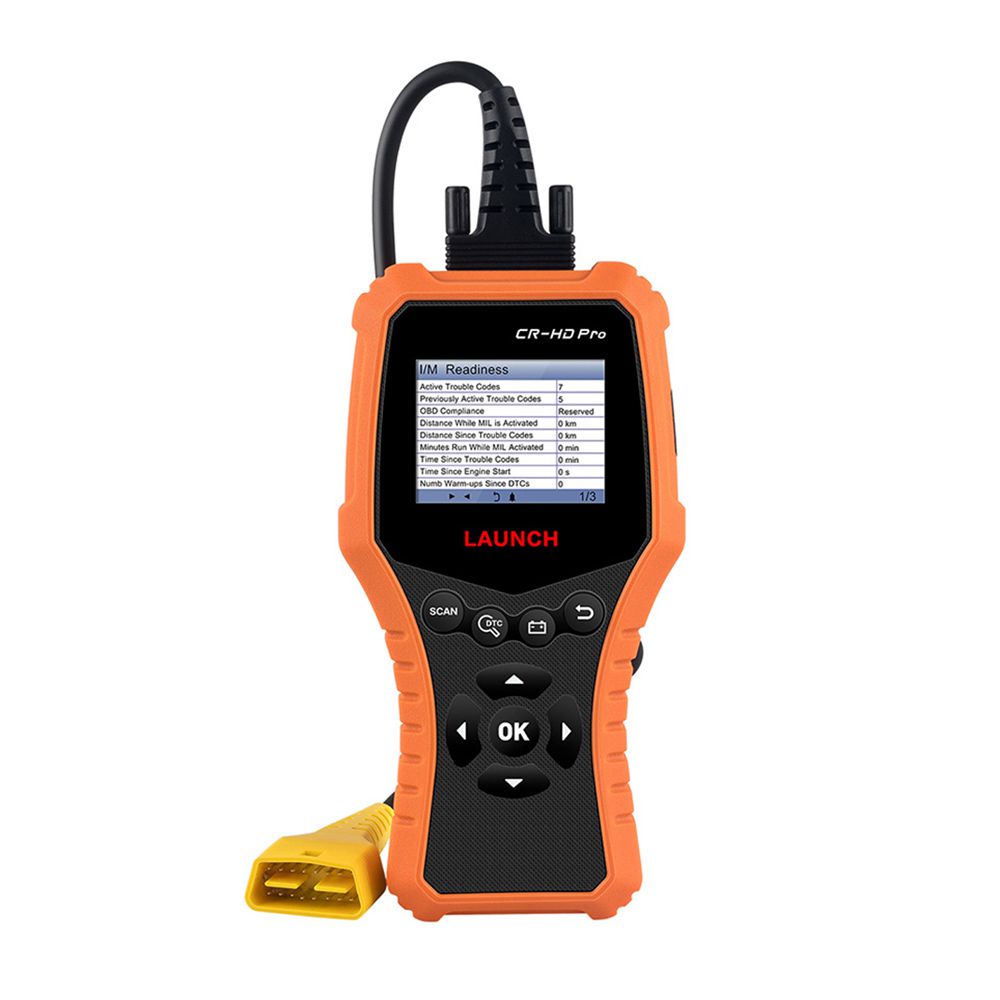
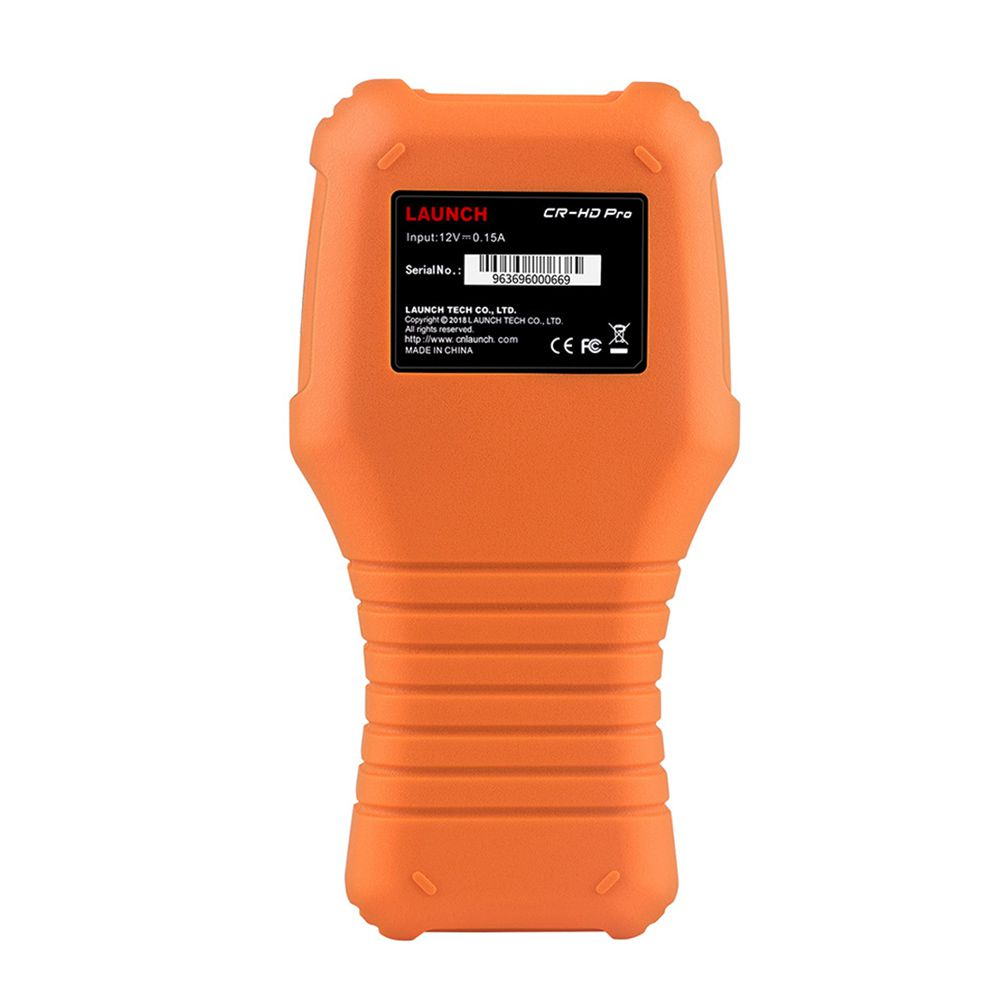
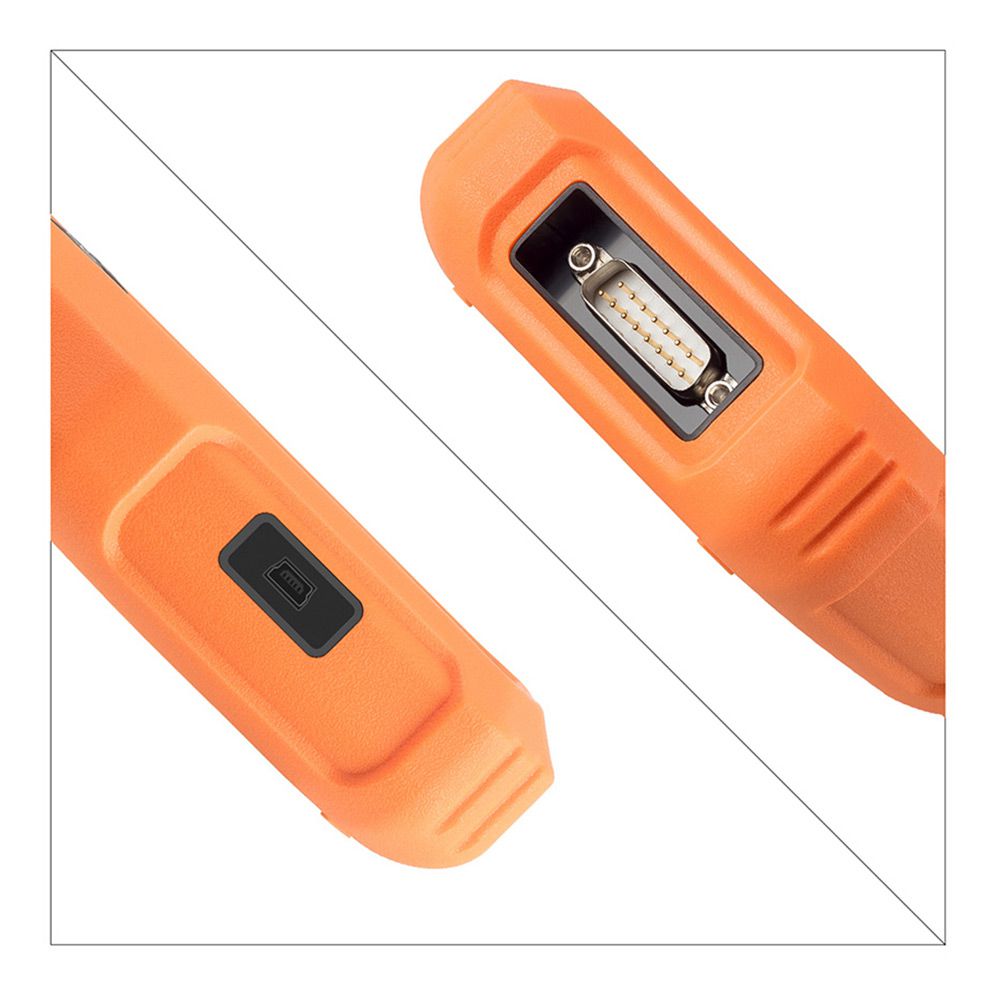
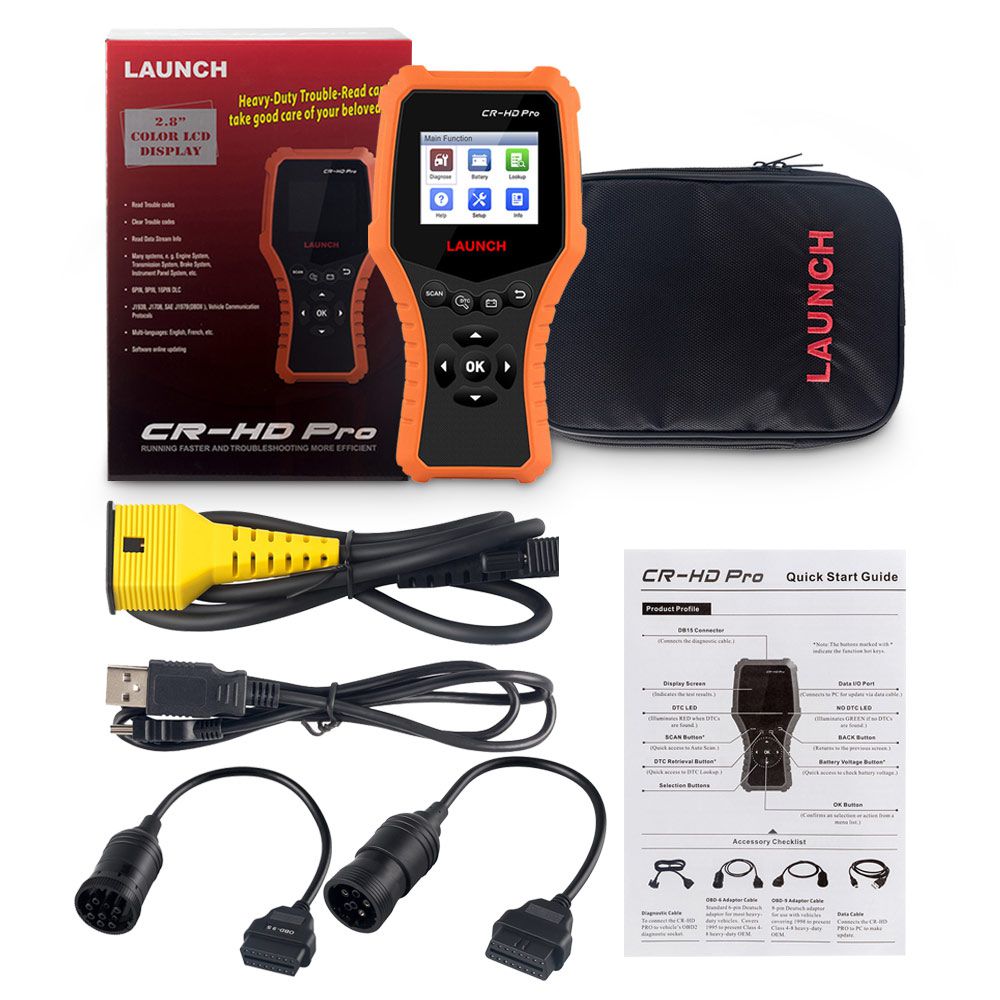
Launch CR-HD Pro Car and Truck OBD2 / HOBD Code Reader Scanner
Supported Languages
English, French, Spanish, German, Russian, Portuguese
Functions for 24V Trucks
- Supported Systems: Engine system, transmission system, instrument panel system, etc.
- Functions: Read trouble codes, clear trouble codes, and read data stream information
- Supported Protocols: J1939, J1708, SAE J1979 (OBDII)
Functions for 12V Cars
- Read fault codes
- Delete fault codes
- Live Data
- Read Vehicle Information
- O2 Sensor Test
- EVAP System Test
- On-board Monitor Test
- DTC Code Lookup
- IML Fault Indicator
- View Freeze Frame
- I/M Readiness
Battery Monitoring
Reads the vehicle’s battery voltage.
DTC Lookup
Retrieves the desired diagnostic trouble code (DTC) from the DTC library.
Help Feature
Provides general knowledge about OBD II, HD OBD, and I/M readiness.
Tool Information
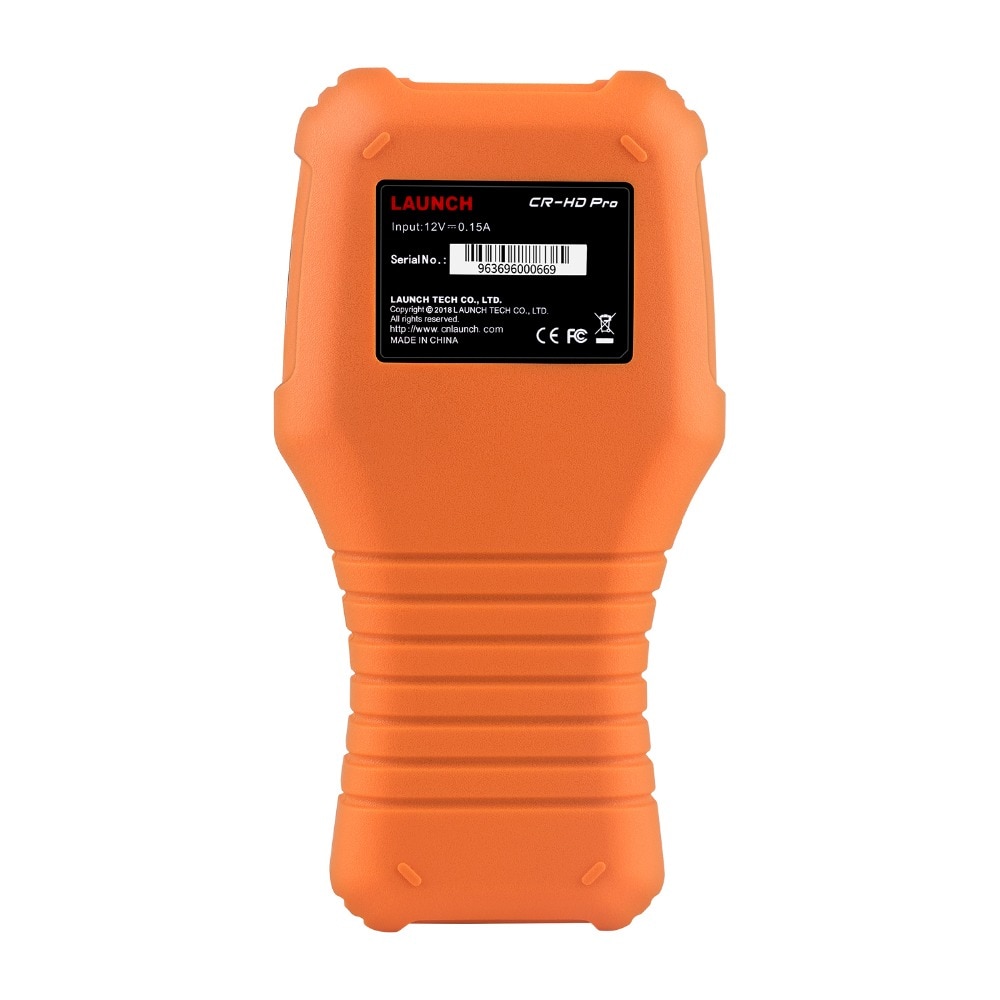
Displays tool details including software version, hardware version, and serial number.
Supported OBD2 Protocols for Cars
- SAE J1850 PWM (41.6 Kbaud)
- SAE J1850 VPW (10.4 Kbaud)
- ISO9141-2 (5 baud init, 10.4 Kbaud)
- ISO14230-4 KWP (5 baud init, 10.4 Kbaud)
- ISO14230-4 KWP (fast init, 10.4 Kbaud)
- ISO15765-4 CAN (11-bit ID, 500 Kbaud)
- ISO15765-4 CAN (29-bit ID, 500 Kbaud)
- ISO15765-4 CAN (11-bit ID, 250 Kbaud)
- ISO15765-4 CAN (29-bit ID, 250 Kbaud)
Vehicle Compatibility
American Cars
Requires standard OBD2 protocols from 2000 to present
European Cars
Requires standard OBD2 protocols from 2003 to present
Japanese/Korean Cars
Requires standard OBD2 protocols from 2006 to present
Chinese Cars
Requires standard OBD2 protocols from 2009 to present
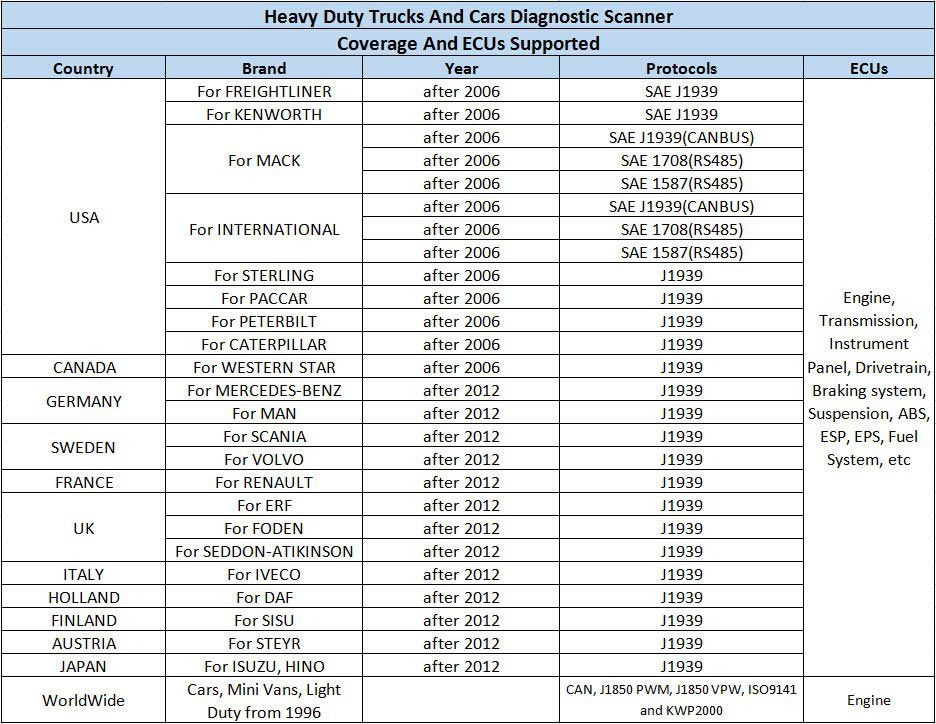
Truck Compatibility
How to Update the Launch CR-HD Pro
The Launch CR-HD Pro is updated via data cable. Ensure your PC has an active Internet connection.
- Download the update tool to your computer.
- Decompress and install it on your computer (compatible with Windows XP, Windows 7, Windows 8, and Windows 10).
- After installation, connect one end of the data cable to the USB port of your PC and the other end to the scanner.
Note: If the tool is properly connected to the PC, the “No DTC” LED illuminates green and the DTC LED turns off. Otherwise, the red LED illuminates and the green LED turns off.
- Launch the update tool on your PC. The system will begin reading the tool. Once it obtains the tool information, it will automatically navigate to the update center.
- The update process is complete, and your tool is now ready for use.
Note: To enjoy the latest features and improvements, it is recommended to check for updates frequently and keep your device synchronized with the latest available software.
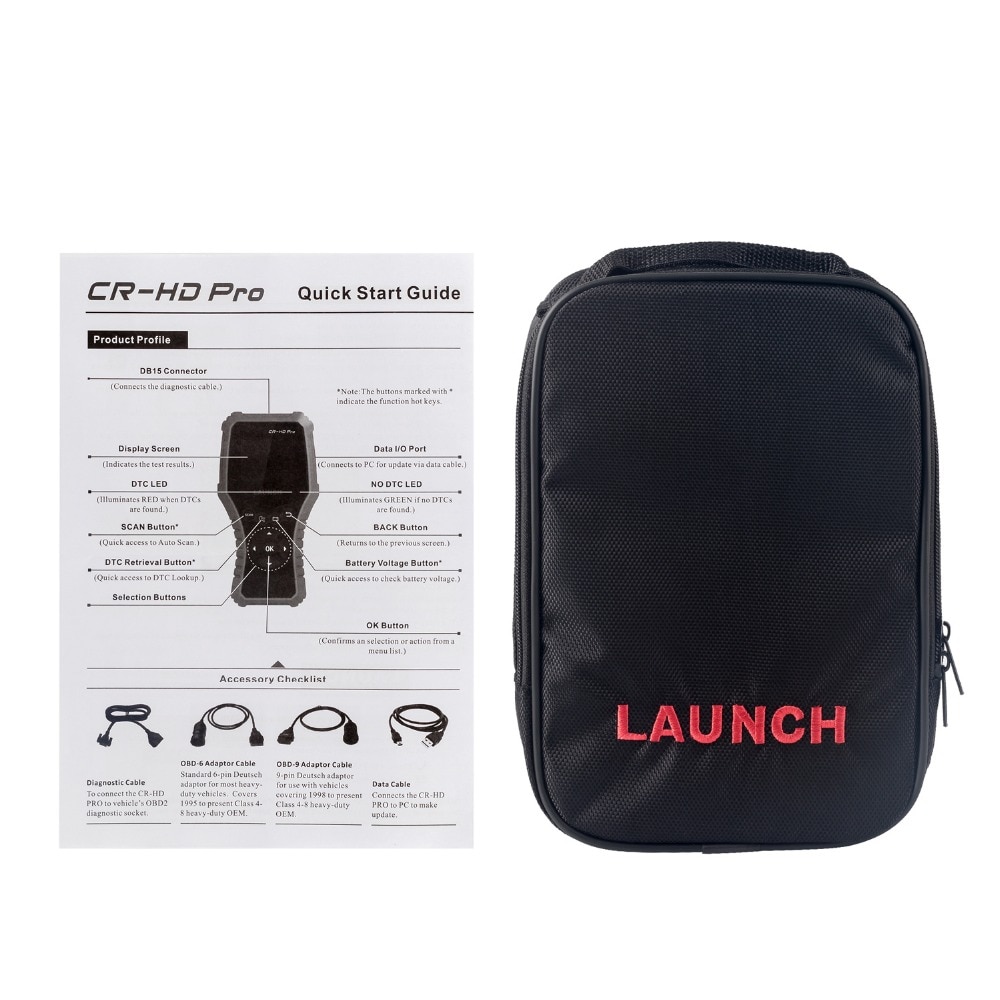
Package Includes
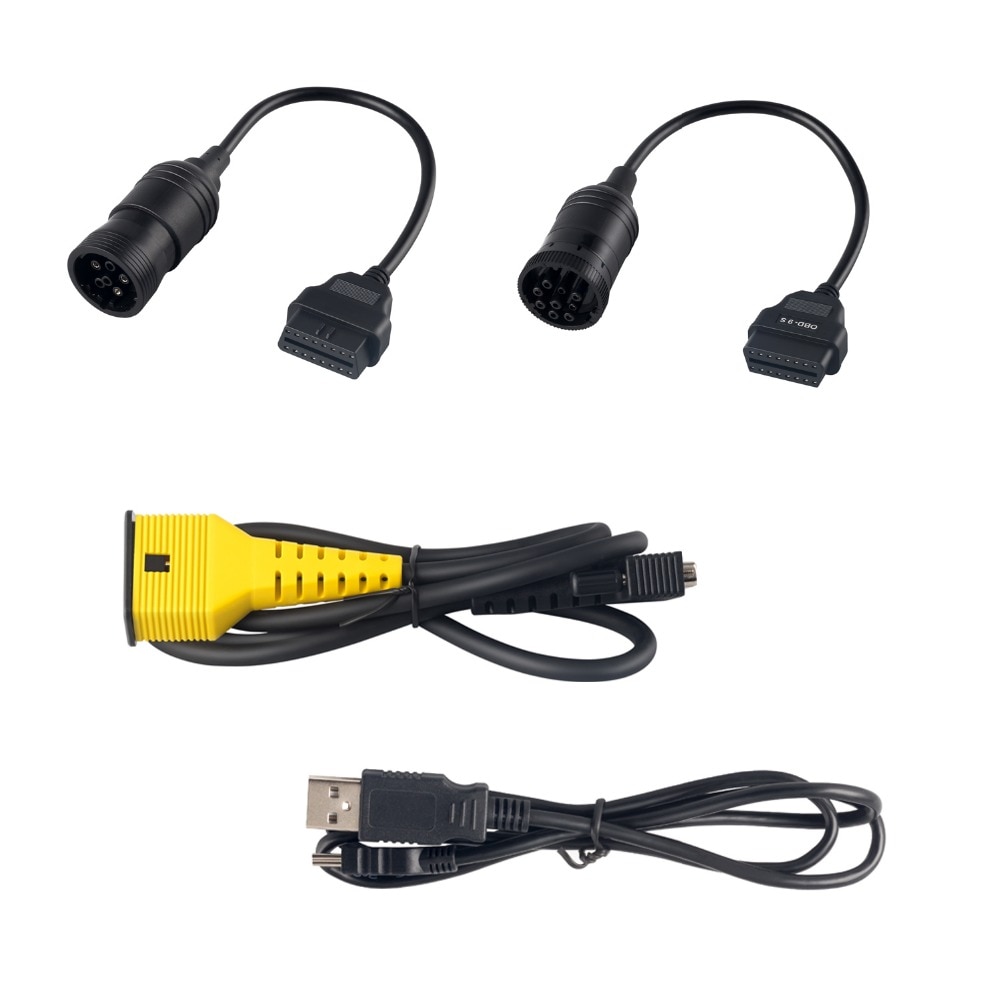
- 1 pc × Diagnostic Cable
- 1 pc × OBD-6 Adaptor Cable
- 1 pc × OBD-9 Adaptor Cable
- 1 pc × Data Cable
Go to Buy: LAUNCH CR-HD Pro Car and Truck OBD2 HOBD Code Reader Scanner