Mini Key Tool
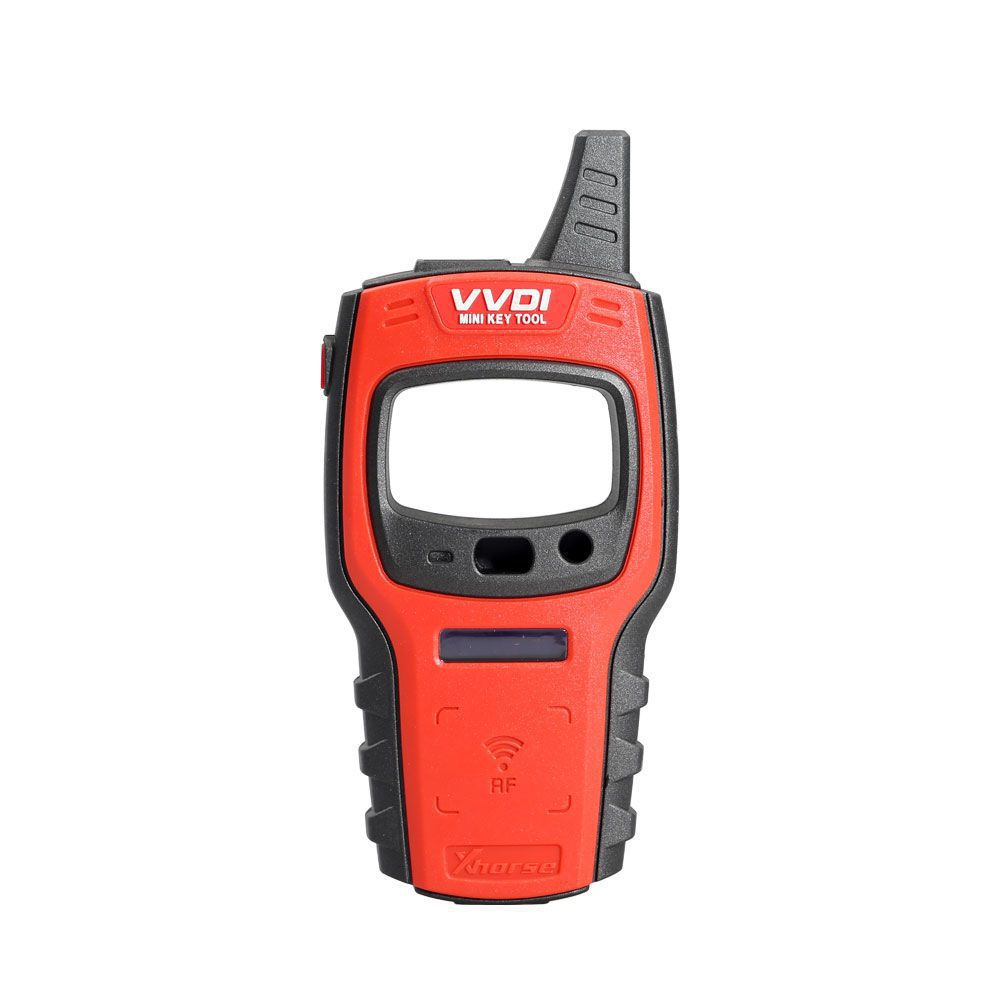
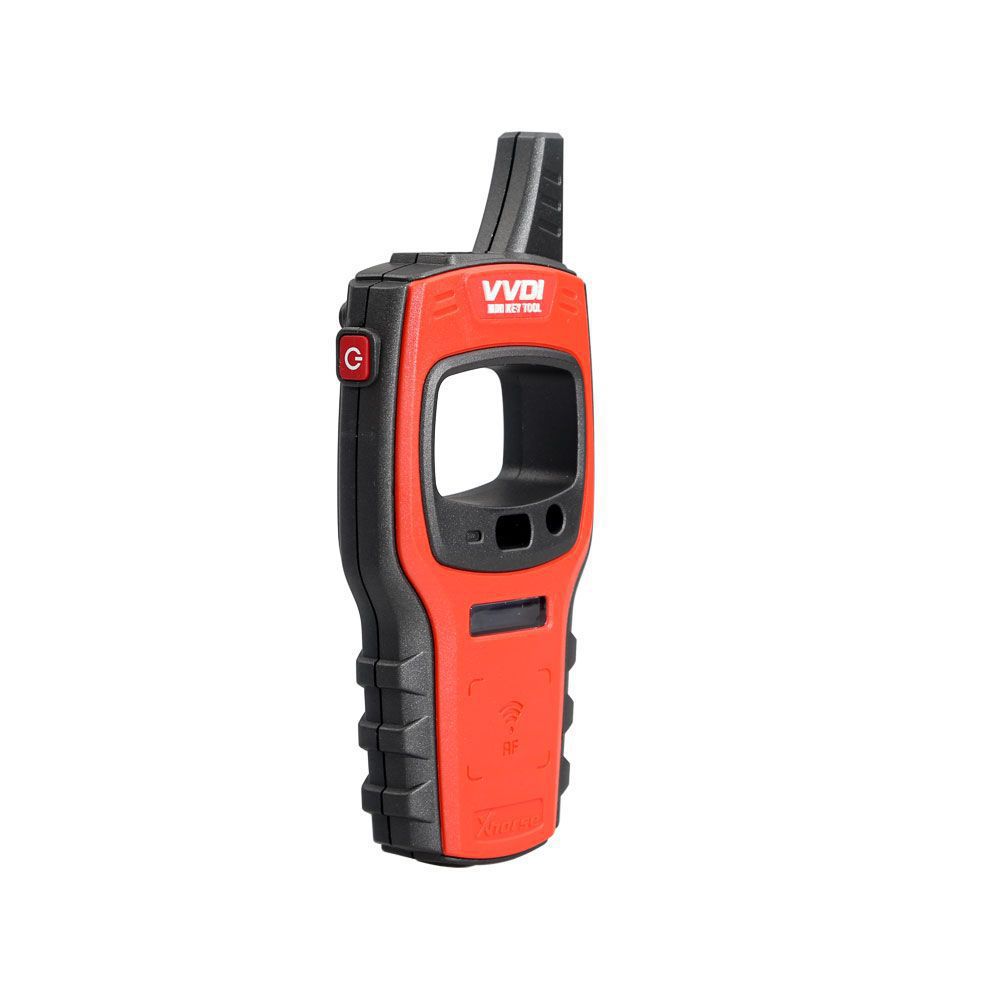
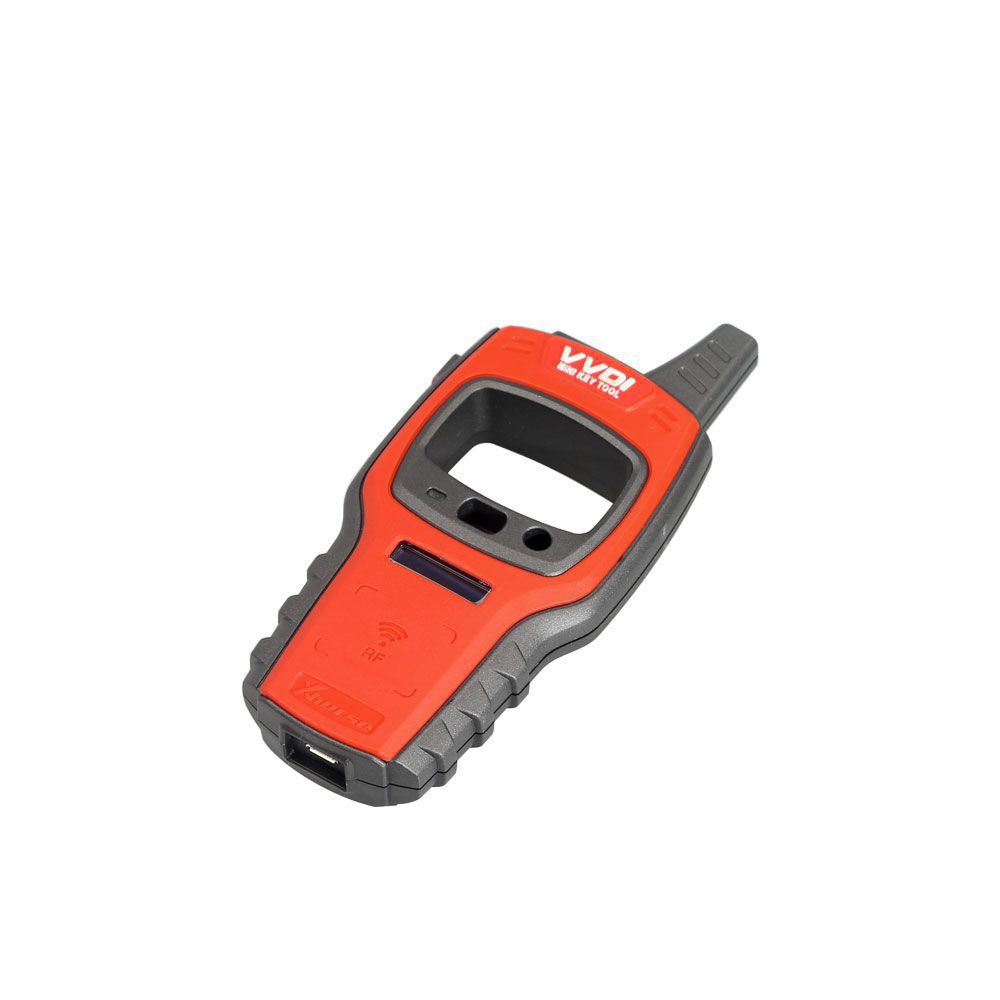
Xhorse VVDI Mini Key Tool with smart app control, powerful remote and chip functions and easy control on both ios and android.
Xhorse VVDI Mini Key Tool Remote Key Programmer Support IOS and Android Global Version Grey and Green Color Randomly is a one of our Mini Key Tool Tools, you can buy Xhorse VVDI Mini Key Tool Remote Key Programmer Support IOS and Android Global Version Grey and Green Color Randomly from ukobd2.com.
Wholesale Top quality VAS6154, GM Tech2, VCM II For Ford, Handy Baby II Car Key Chip Copier, CDP DS150
images of Xhorse VVDI Mini Key Tool Remote Key Programmer Support IOS and Android Global Version Grey and Green Color Randomly
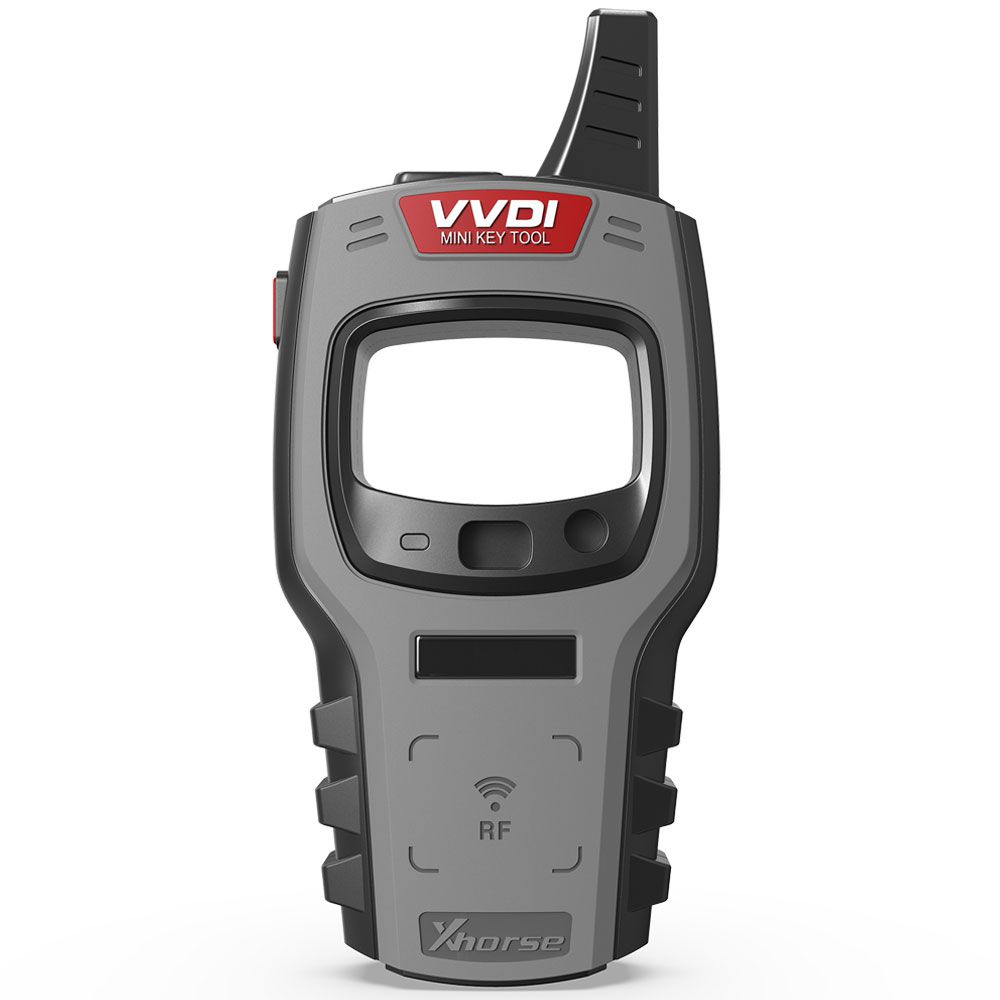
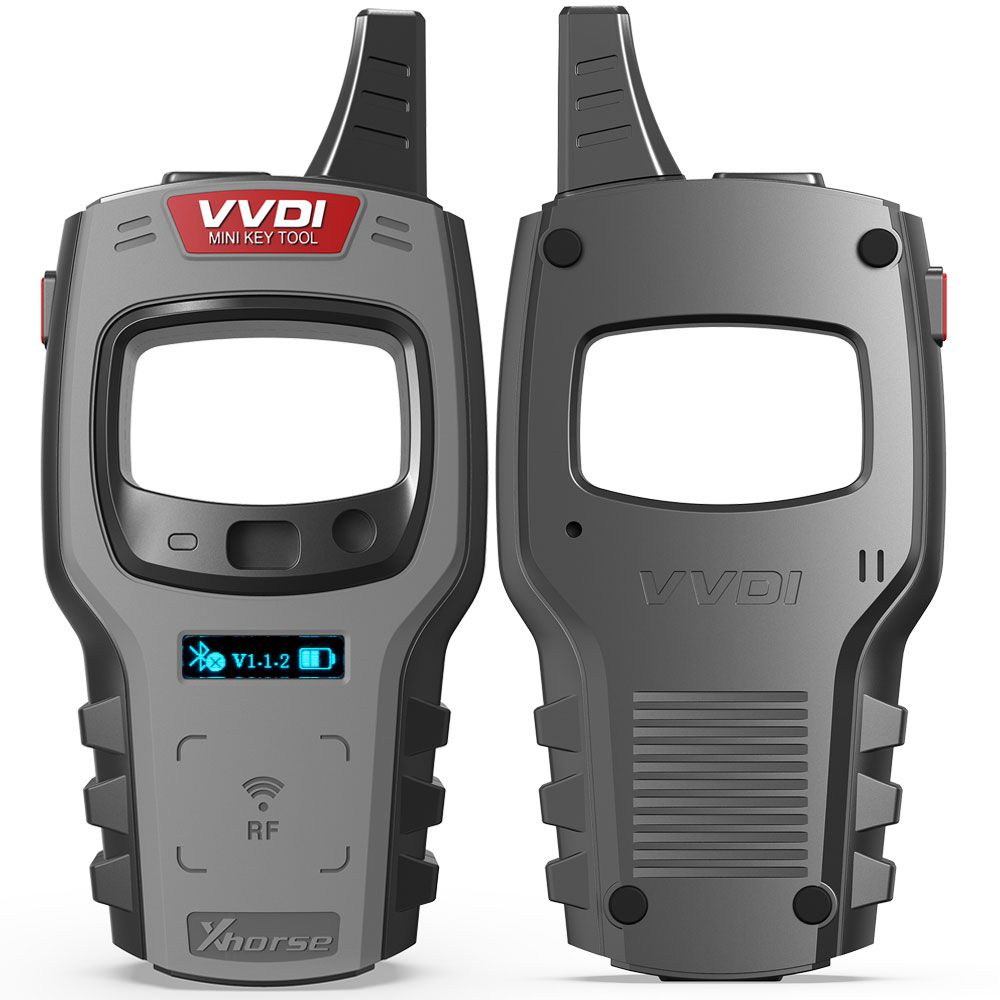
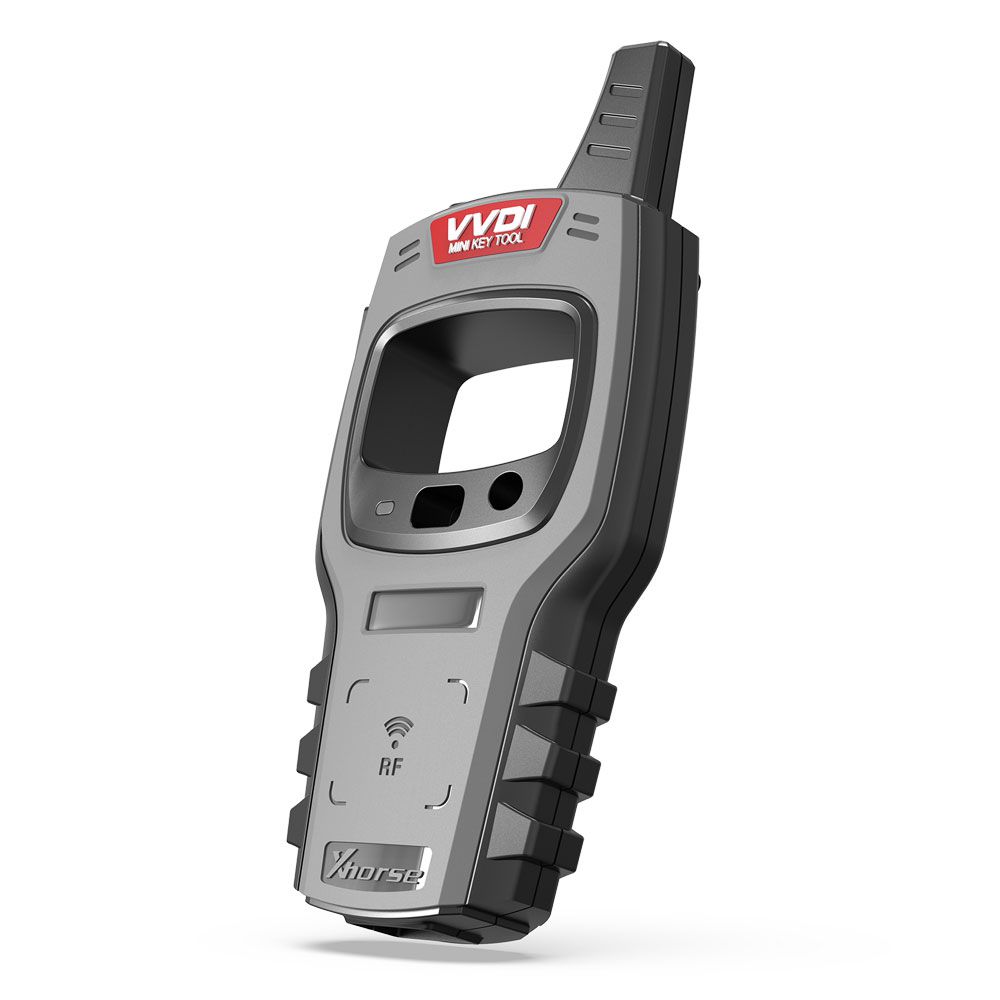
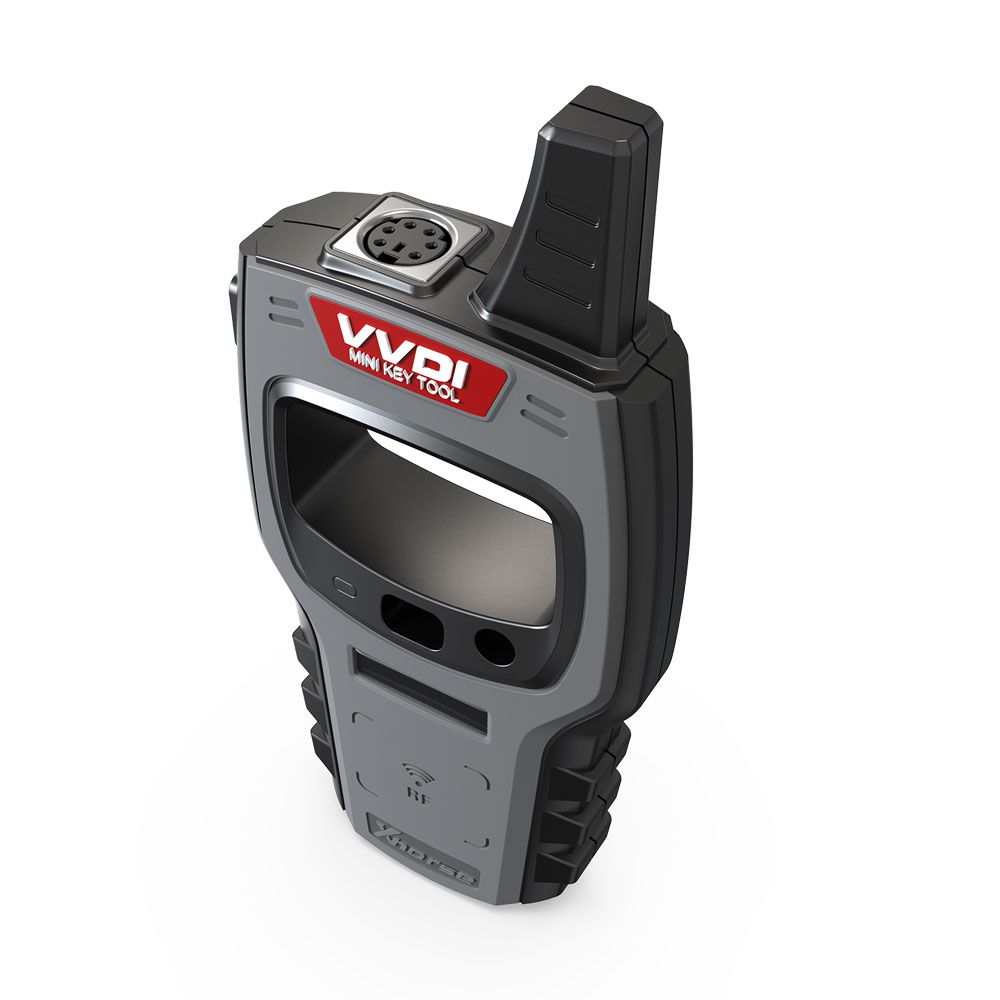
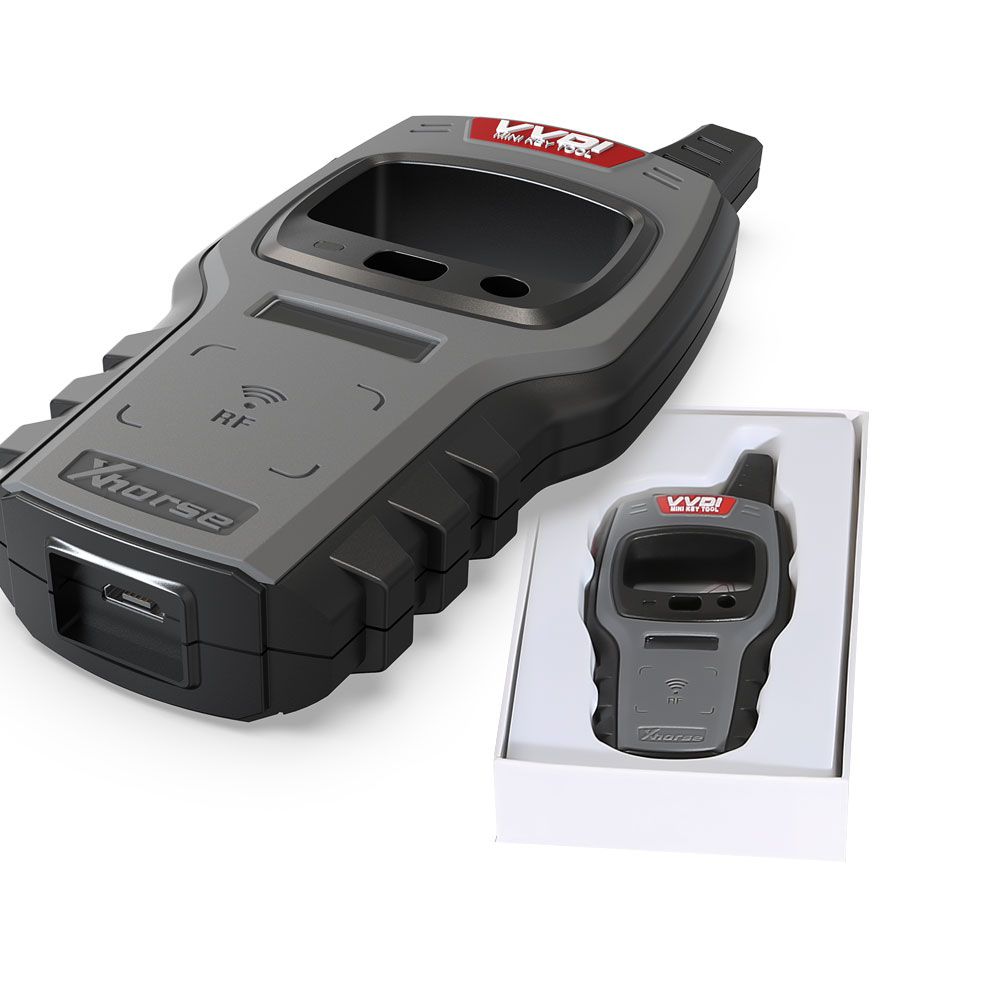
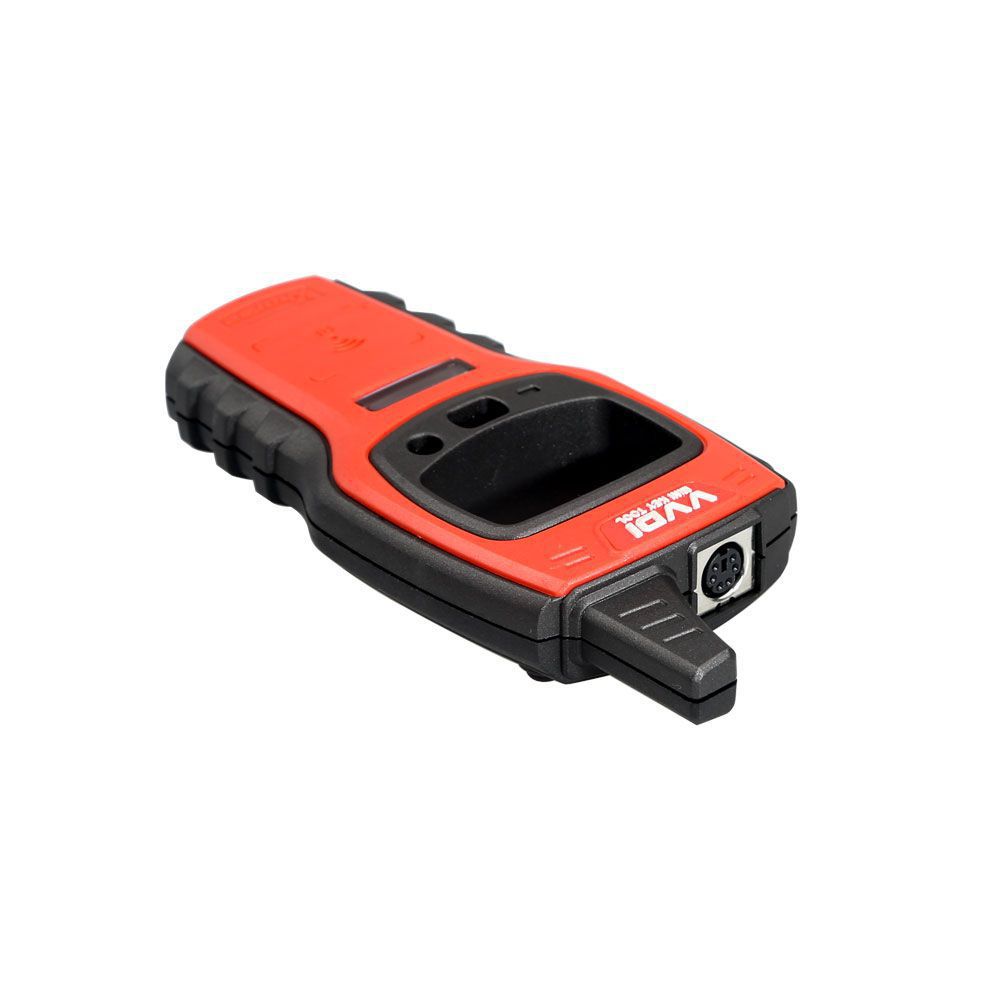
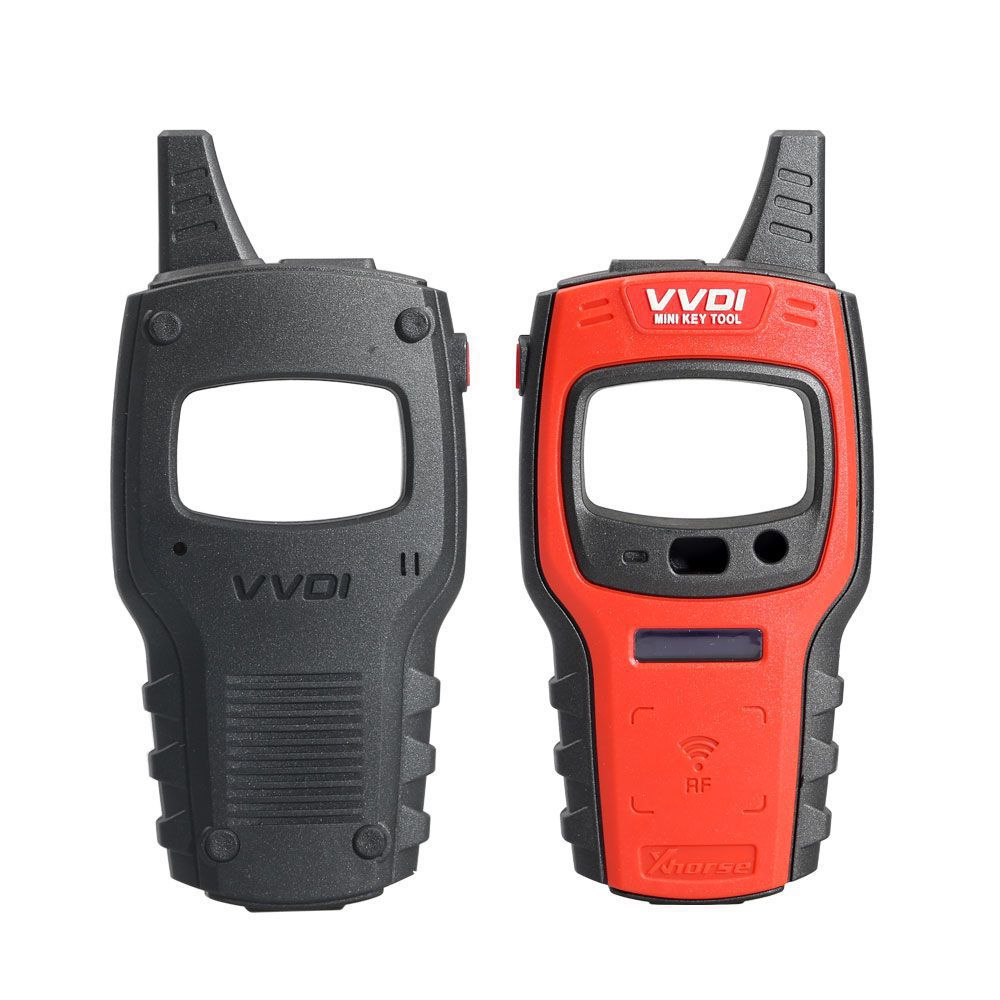
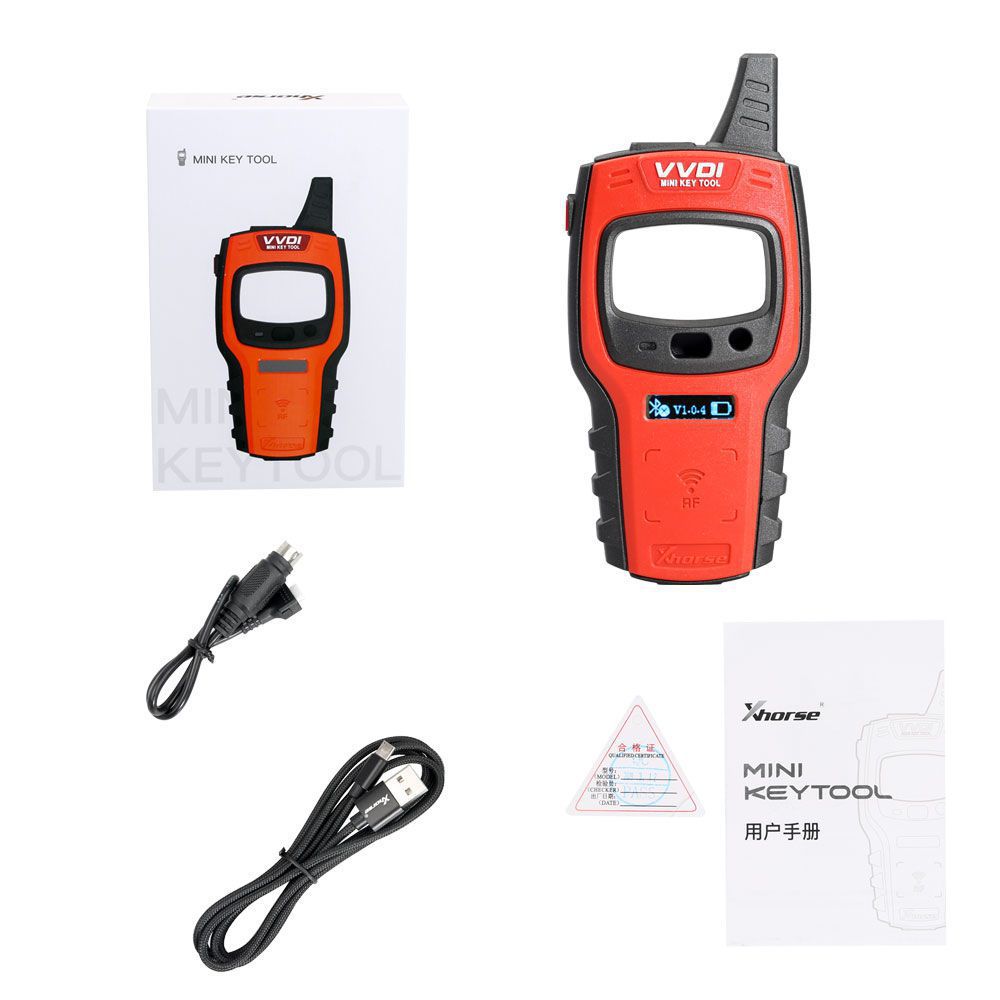
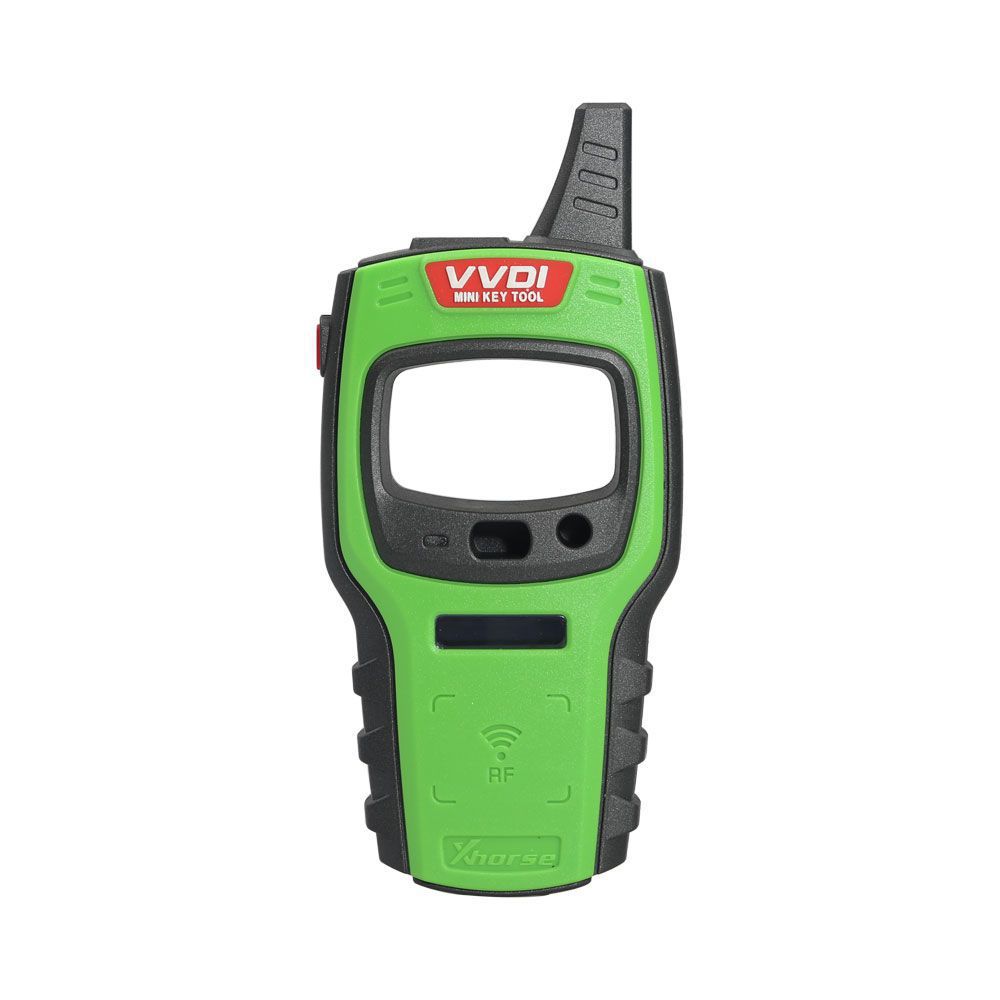
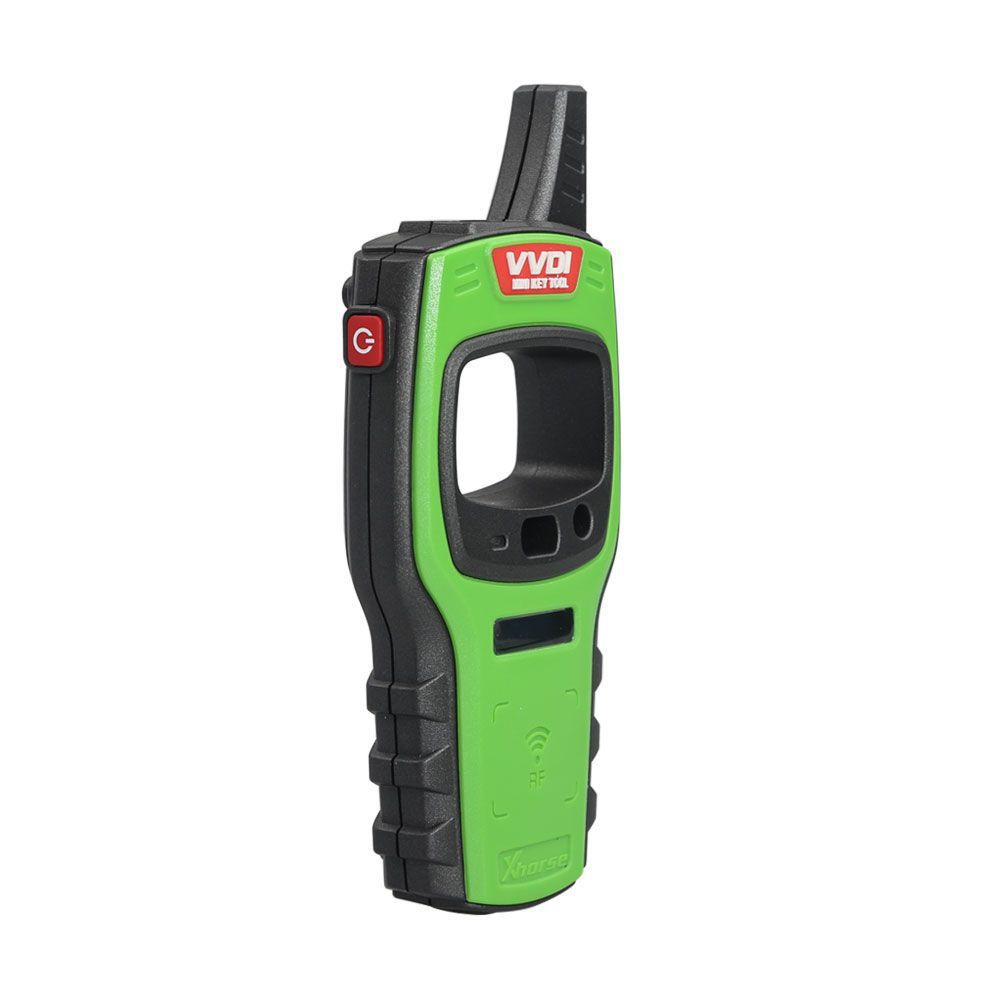
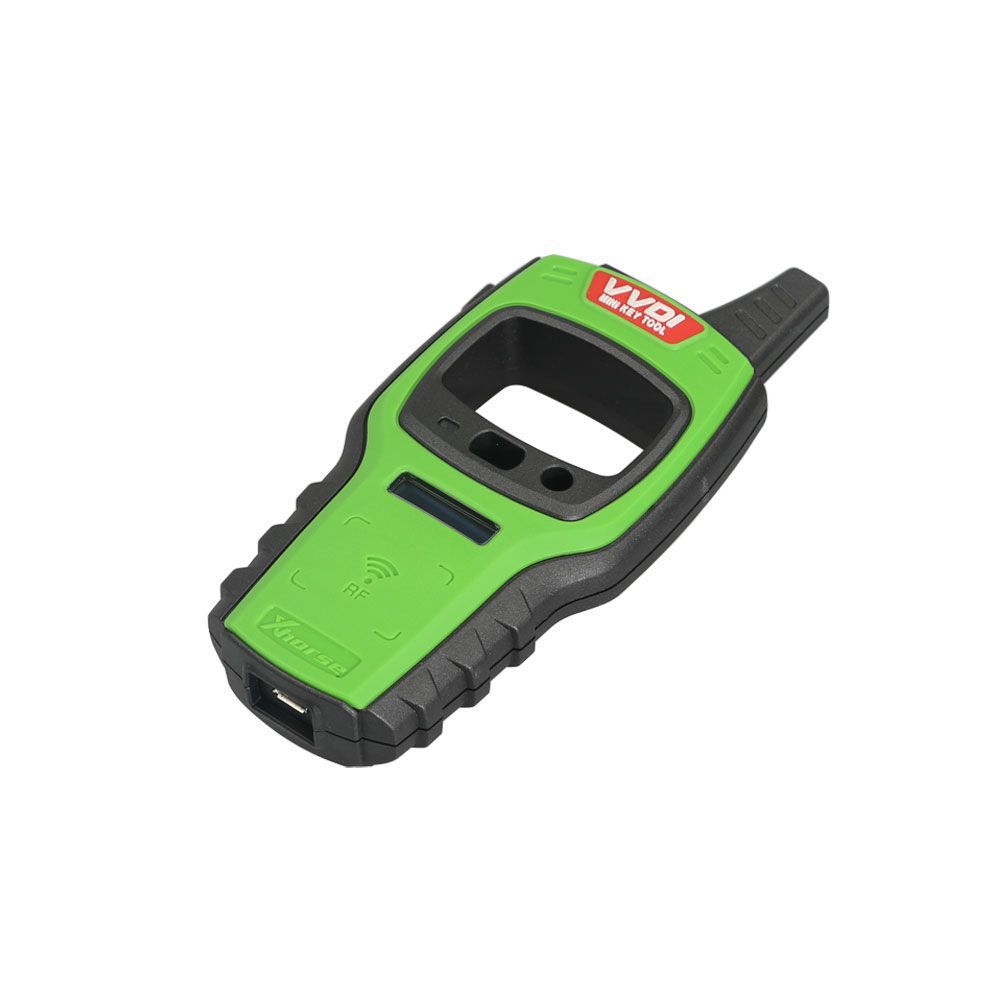
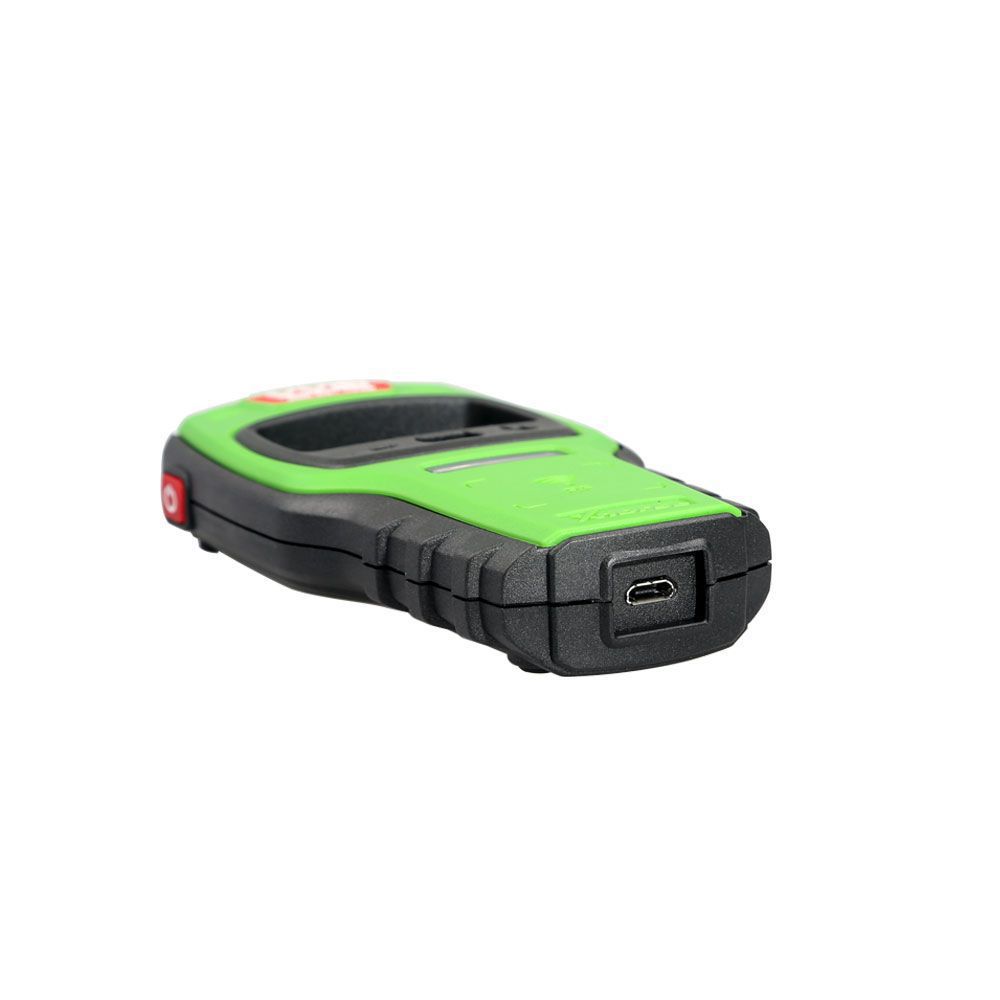
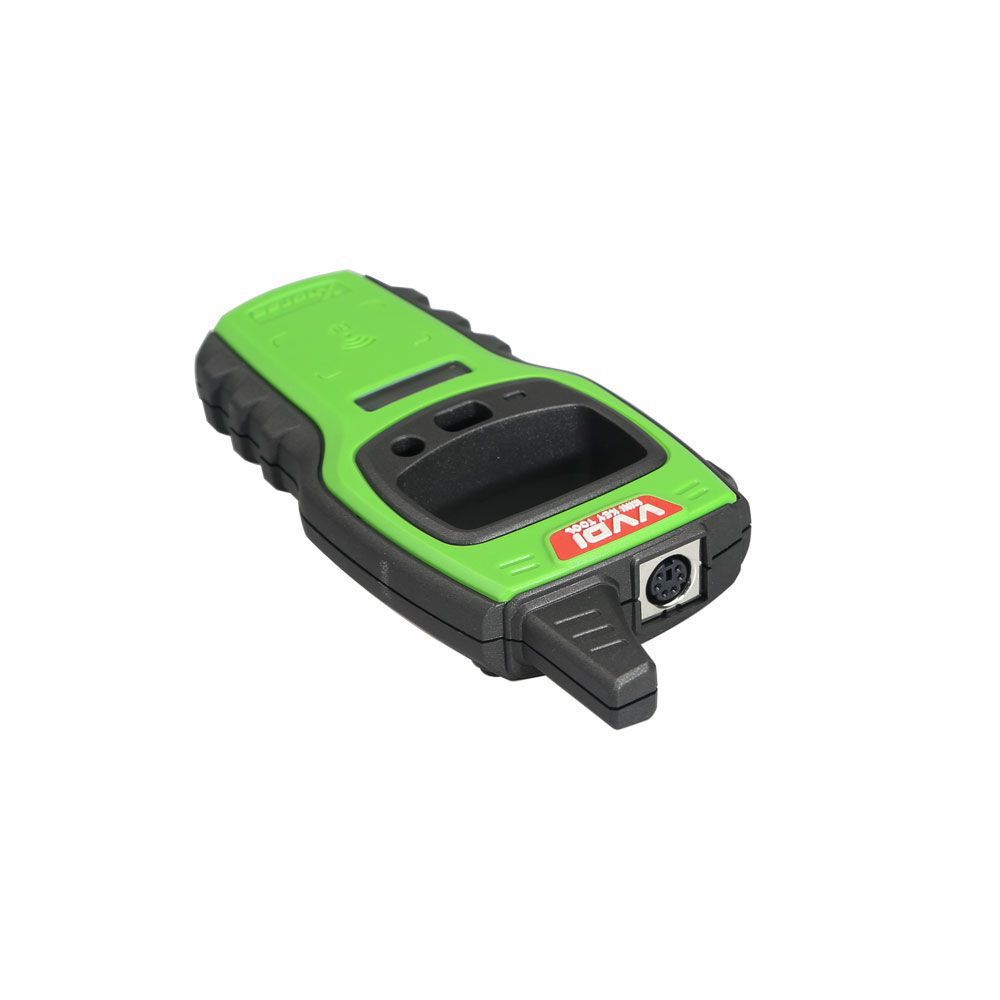
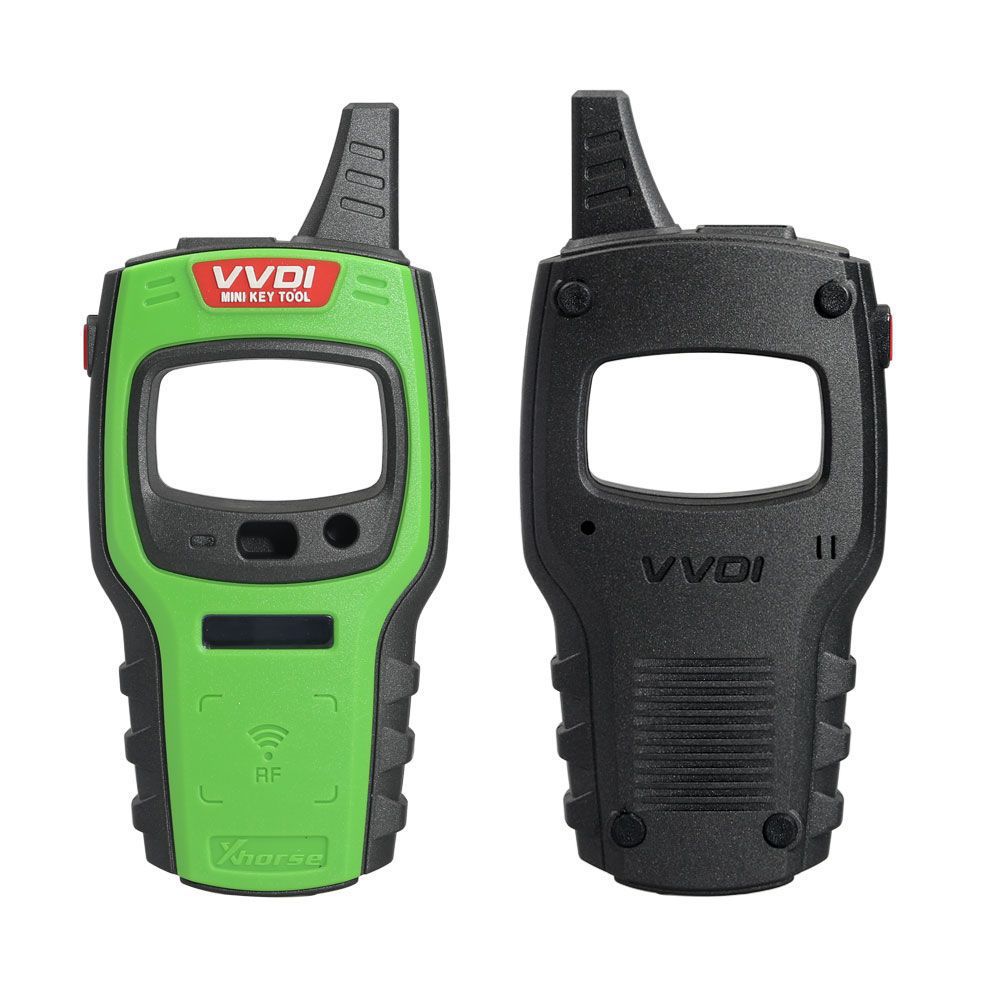
Xhorse VVDI Mini Key Tool Remote Key Programmer
VVDI Mini Key Tool vs. VVDI Key Tool
- VVDI Mini Key Tool works on iOS and Android—you can check the software on your phone screen, making operation much easier.
- According to engineer tests and customer feedback, the VVDI Mini Key Tool performs better in testing key frequencies and reading chips faster.
- The VVDI Mini Key Tool has a wider range for data collection and offers greater stability.
- The VVDI Mini Key Tool is available at a lower price.
- Includes free 96-bit ID48 cloning function, with 1 free token provided daily for one year. After one year, tokens can be obtained using points.
- The VVDI Mini Key Tool does not include a renew function by default, but you can later exchange points for free renew functions.
- You can select the Global Version directly when placing your order to cover all regions including EU, US, ME, and more.
Important Notice: VVDI Mini Key Tool – Global Version Explanation
Based on customer feedback from different regions, users often require remote options from other regions (e.g., ME region customers also need SE and EU database options). Starting with firmware version 2.3.5, a GL (Global) version is available:
- The GL version consolidates the previous three regional versions (EU, ME, SE, US). Devices with older regional firmware will automatically upgrade to the GL version from 2.3.5 onward.
- The GL version supports more remote options and will continue to be updated with additional remotes.
(If you notice any missing options compared to the old regional version, please contact us for updates.) - The GL version already includes more universal smart key generation features.
- If you prefer to keep your original regional version, simply send your device’s serial number (SN) to us. We can revert it for you. (To switch between GL or original region version, contact Xhorse support via the Xhorse APP online service or direct message.)
VVDI Mini Key Tool Features
Transponder Generating
Supports TP transponders and select special transponders across more than 700 vehicle models, significantly reducing transponder inventory needs.
Remote Cloning
Supports HCS and fixed-code cloning, as well as non-HCS rolling code cloning. Also supports fixed-code editing for PT22XX, LX918, HT6P20, VD5026, AX5326, and HT12X.
Garage Remote Generating
Supports over 100 garage remote types.
Remote Generate
Supports 128 brands and more than 2,000 vehicle models, providing comprehensive key images, transponder types, key blanks, and remote matching data.
Frequency Test
Supports power testing within the 300–450 MHz range.
Toyota H Transponder
Enables Toyota H transponder generation functionality.
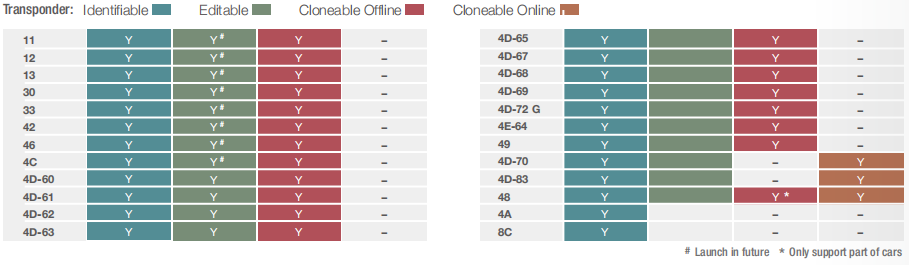
What Can You Do with VVDI Mini Key Tool (All Functions Activated)?
VVDI Mini Key Tool FULL Authorization: Done!
- AI – Car remote type: Already activated
- AI – Key blade type: Already activated
- AI – PIN code: Already activated
- Remote – Vehicle remote: Already activated
- Remote – Garage remote: Already activated
- Remote – Proximity remote: Already activated
- Generate transponder – 7935 / 46 / 4D / 48 / 8C: Already activated
- Generate transponder – Toyota H (8A): Already activated
- Transponder clone – ID48 (96 bits): Already activated
- Transponder clone – ID46: Already activated
- Transponder clone – ID4D: Already activated
- Transponder clone – ID4E: Already activated
- Transponder clone – ID70 / 83: Already activated
- Transponder clone – ID11 / 12 / 13 / 4C / 8C: Already activated
- Transponder clone – Toyota / Daihatsu G: Already activated
- Transponder clone – Toyota H (8A): Already activated
- Transponder clone – ID33 / 42: Already activated
- Transponder edit – 11 / 12 / 13 / 4C: Already activated
- Transponder edit – 46 / 47 / 48 / 4D / 4E: Already activated
- Remote clone – Fixed code: Already activated
- Remote clone – Rolling code: Already activated
- Remote clone – Make new: Already activated
- Detect remote frequency: Already activated
- Set type of VVDI super transponder: Already activated
- VVDI Special TP: Already activated
- Special 4D to 4C: Already activated
- Unlock Toyota smart key: Already activated
- ID63 to ID83: Already activated
- Hyundai / KIA PIN code: Already activated
- Copy BYD smart key: Already activated
- Detect ignition coil signal: Already activated
- Online technical support: Already activated
- Technical center: Already activated
- Video center: Already activated
- History: Already activated
VVDI Mini Key Tool Software Updates
Mini Key Tool New Version 1.1.9
- Add Access Card Clone (APP → Special Function → IC/ID clone)
- Add BMW HUF5767 Renew
- Bug fixes
V1.1.3 MINI Key Tool Update (2019/09/06)
- Add support for additional chip generation types
- Improve ID46 cloning
- Enhance Peugeot & Citroën remote generation
V1.1.2 MINI Key Tool Update (2019/07/06)
- Add support for Europe Toyota folding 8A chip detection and cloning
- Fix ID46 clone bugs
- Fix ID46 special chip generation bugs
MINI KEY TOOL Remote Database Update to V201 (2019-06-19)
The following options require VVDI smart remotes:
- VW Golf VII (2012–2015) remote/keyless go MQB48 434MHz
- VW Polo (2014–2017) remote MQB48 434MHz
- VW Tiguan (2013+) remote/keyless go MQB48 434MHz
- VW Passat B8 keyless go MQB48 434MHz
- Škoda Octavia (2013+) remote/keyless go MQB48 434MHz
- Škoda Fabia (2014+) remote/keyless go MQB48 434MHz
- SEAT León (2012+) remote/keyless go MQB48 434MHz
- SEAT Ibiza (2016+) remote/keyless go MQB48 434MHz
MINI KEY TOOL V1.1.1 New Update (2019-06-03)
- Support copy super chip
- Add French language
- UI improvements
- Bug fixes
MINI KEY TOOL V1.0.9 New Update (2019-05-14)
- Add generation for Buick Excelle 4D70 special chip and American Ford ID49 special chip (requires VVDI super chip)
- Fix chip 46 cloning issues (type CDP, e.g., Mitsubishi, Suzuki, and some Honda models)
MINI KEY TOOL Remote Database Version 228 Update (2019-01-25)
- Add Hyundai Grand i10 smart key
- Add Hyundai Elite i20 smart key
- Add Cruze smart key
- Add Ford EcoSport ID83 smart key
- Add Nissan Micra smart key
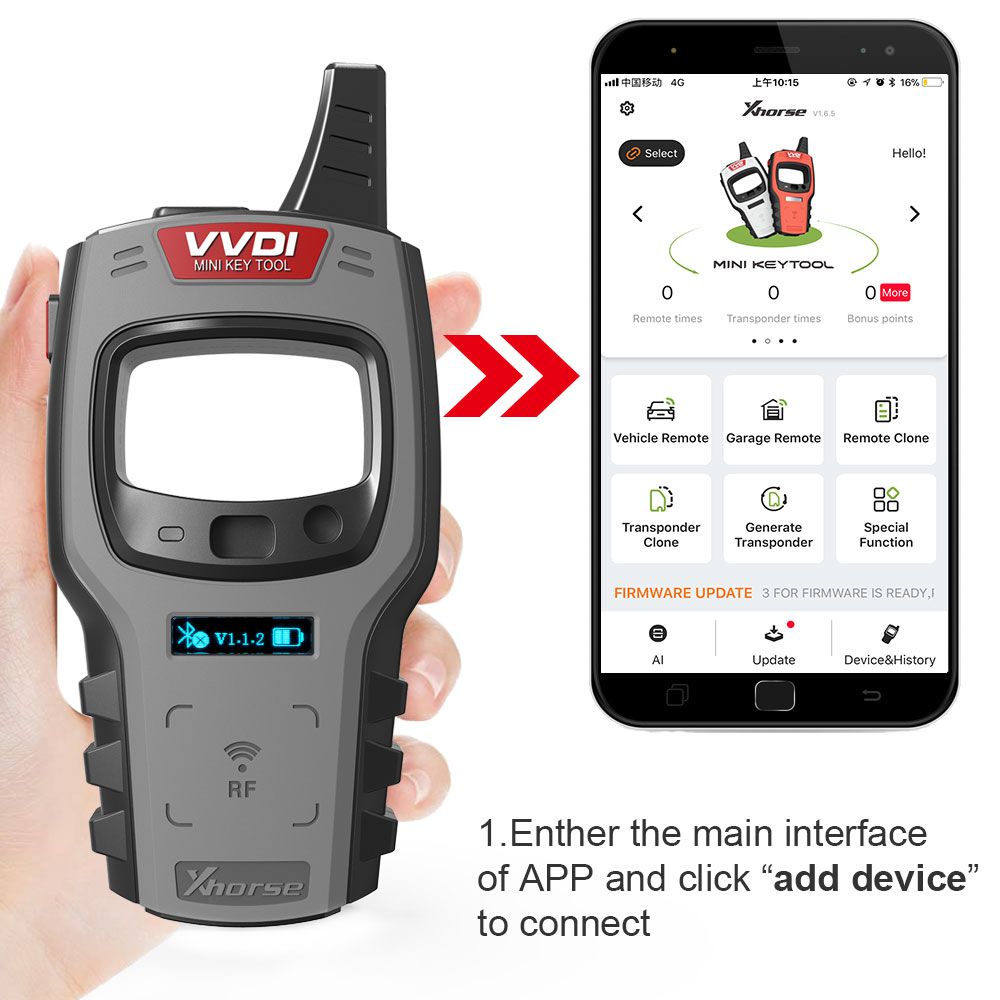
VVDI Mini Key Tool App Display
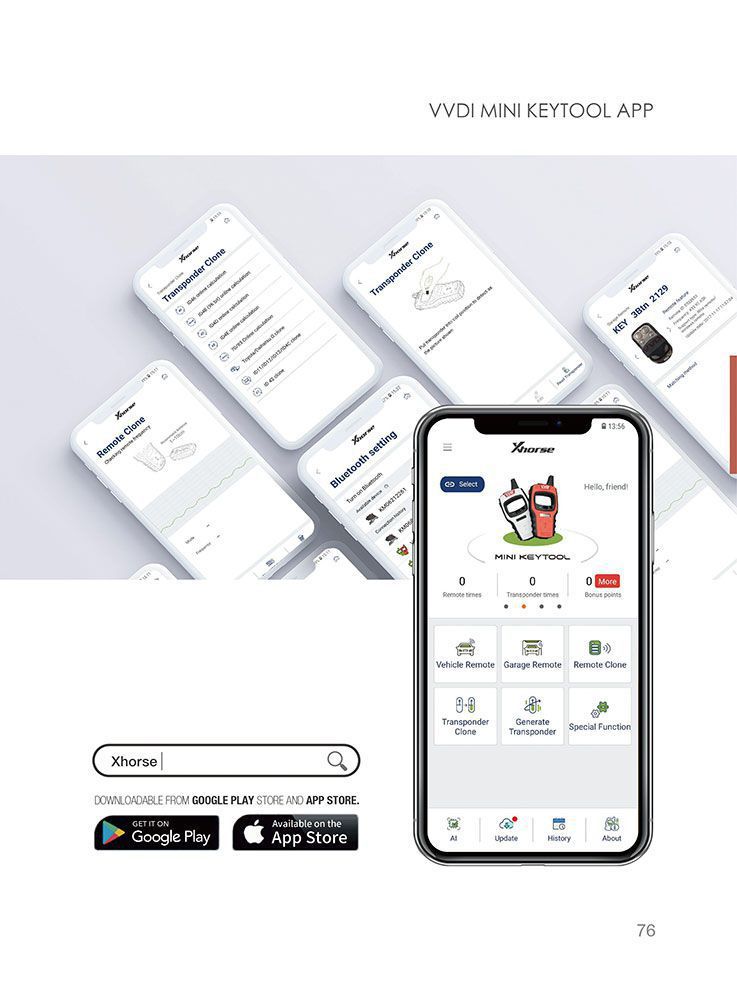
How to Use Xhorse VVDI Mini Key Tool?
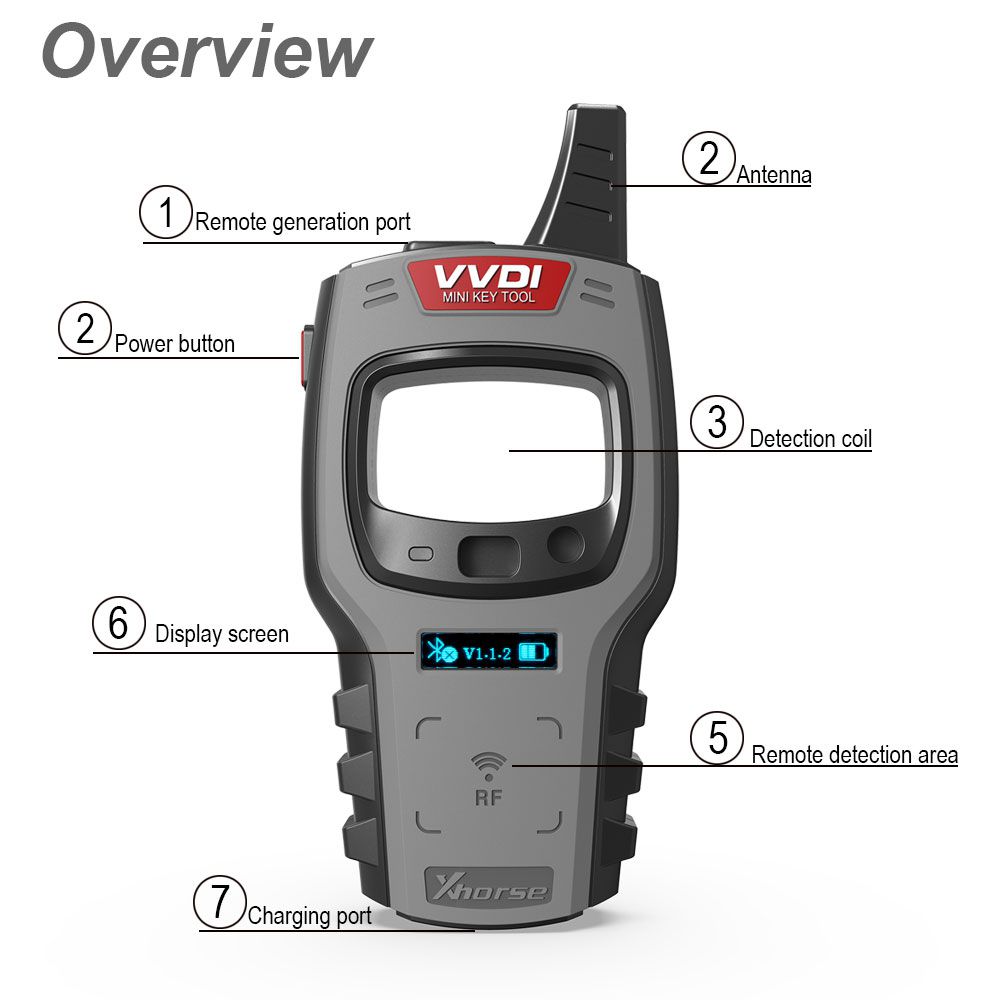
VVDI Mini Key Tool Overview
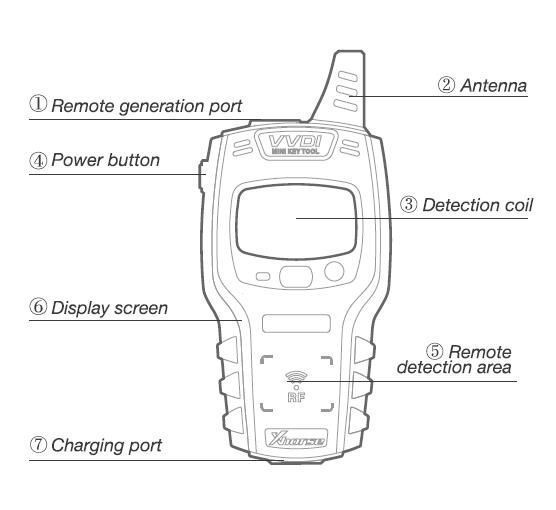
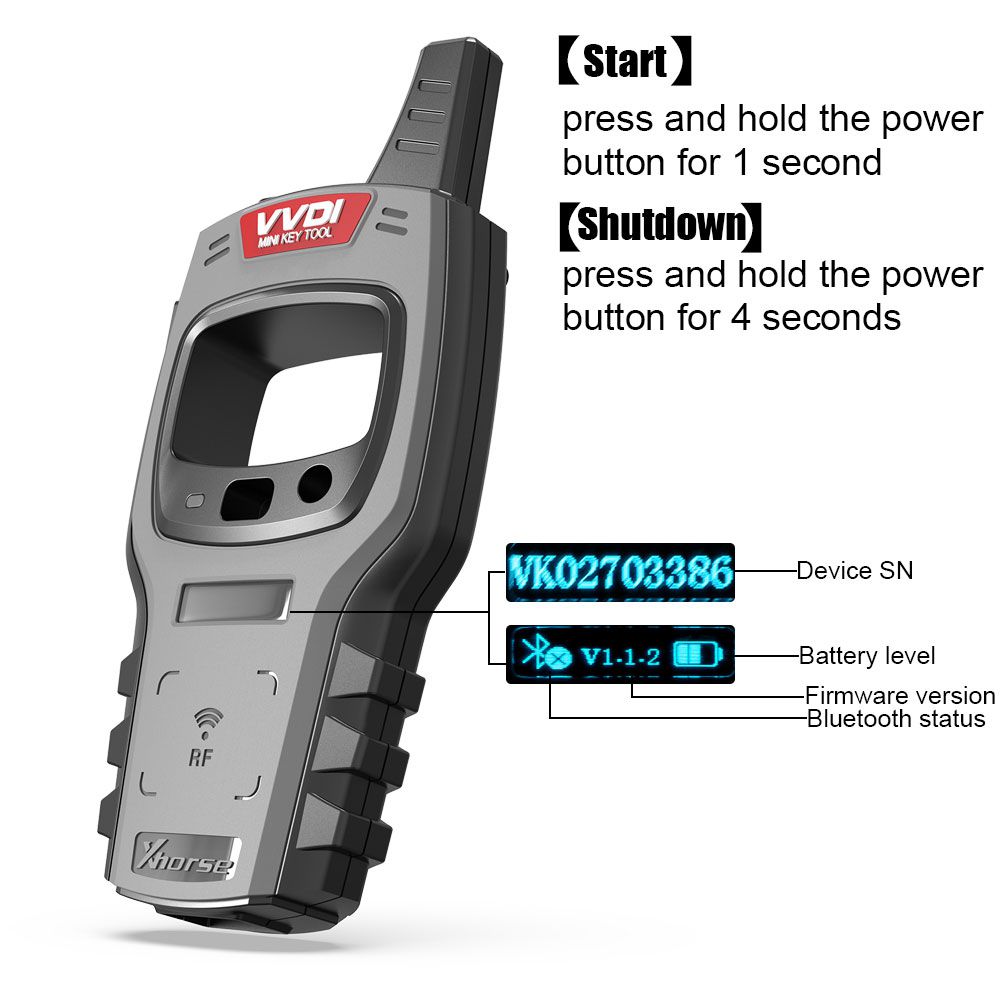
- [Start]: Press and hold the power button for 1 second
- [Shut down]: Press and hold the power button for 4 seconds
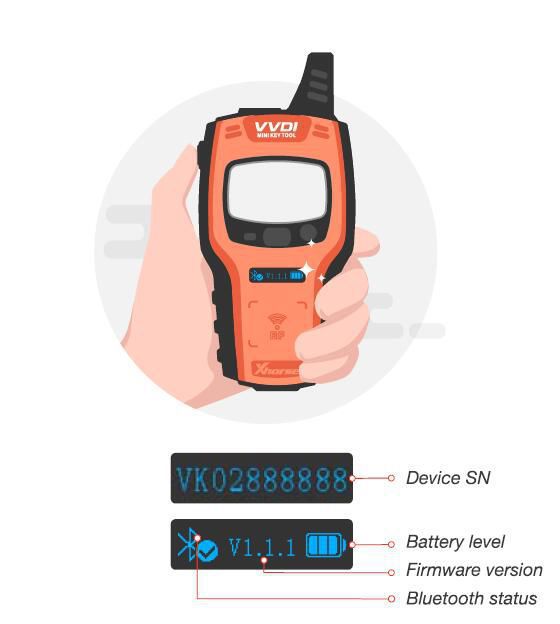
- [Transponder detection]: Press the power button for 1 second
- [Frequency test]: Press and hold the power button for 2 seconds
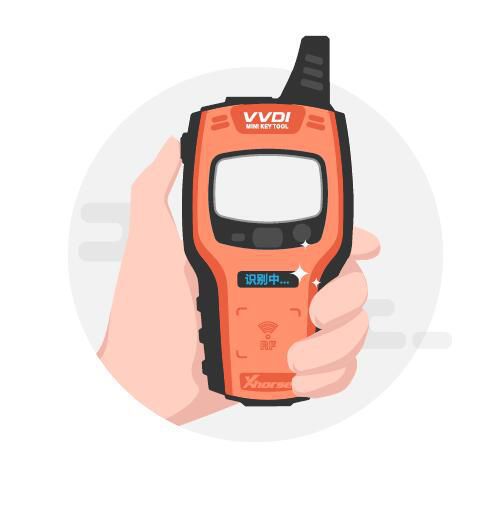
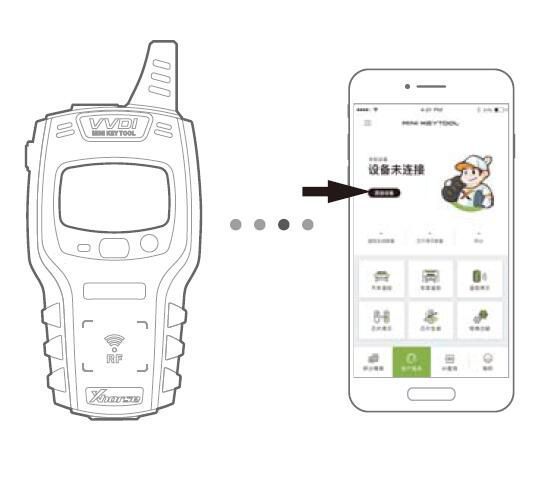
- Enter the main interface of the app and click "Add Device" to connect.
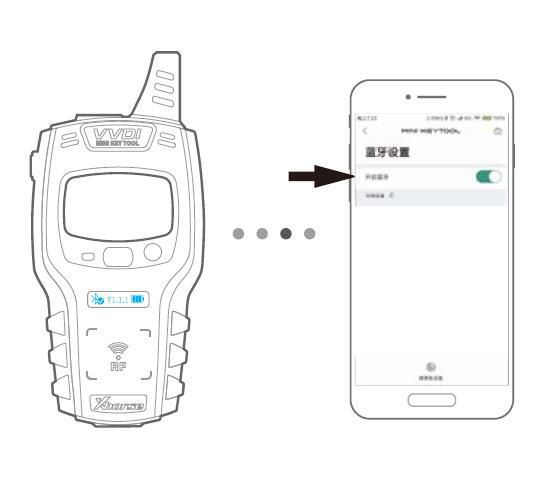
- Ensure Bluetooth is enabled on your smartphone.
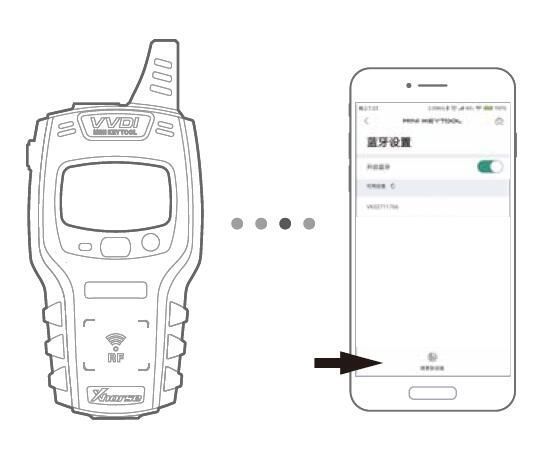
- Click "Search for New Device" and pair the device using its SN.
VVDI Mini Key Tool FAQs
- Q: How to combine Xhorse MINI KEY TOOL / DOLPHIN / KEY TOOL to your account?
- Log in to the Xhorse APP
- Connect your Xhorse device via Bluetooth
- Go to "Device & History" to link your Xhorse device
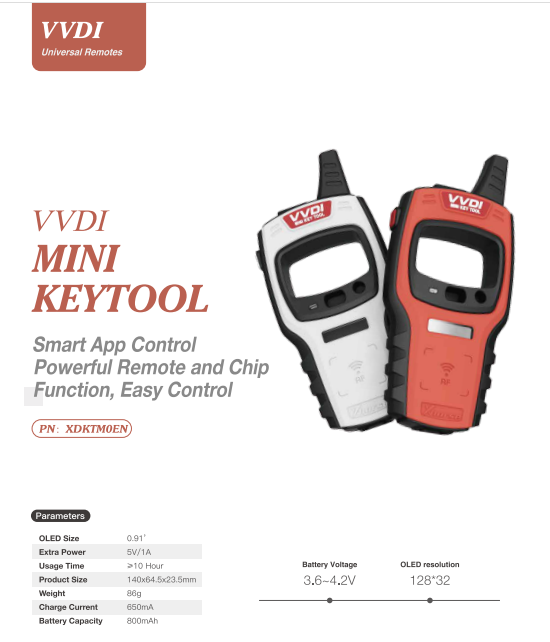
VVDI Mini Key Tool Parameters
- OLED Size: 0.91"
- Extra Power: 5V/1A
- Usage Time: ≥10 hours
- Product Size: 140 × 64.5 × 23.5 mm
- Weight: 86g
- Charge Current: 650mA
- Battery Capacity: 800mAh
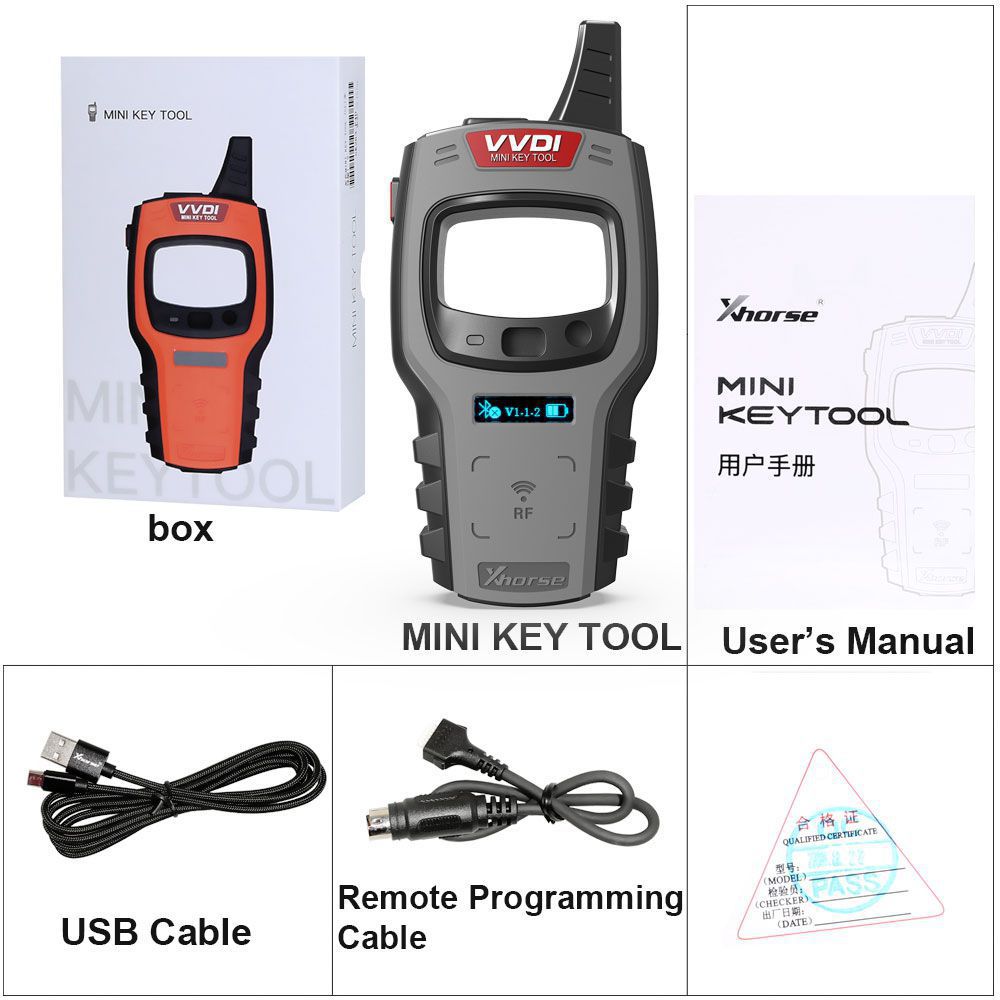
VVDI Mini Key Tool Package Includes
- 1 pc × VVDI Mini Key Tool Device
- 1 pc × Remote Programming Cable
- 1 pc × USB Cable
- 1 pc × User Guide