SKE IT Smart Key Emulator
Lonsdor K518ISE SKE-IT Smart Key Emulator 5 in 1 Set
Lonsdor K518ISE SKE-IT Smart Key Emulator 5 in 1 Set Free Shipping by DHL is a one of our SKE IT Smart Key Emulator Tools, you can buy Lonsdor K518ISE SKE-IT Smart Key Emulator 5 in 1 Set Free Shipping by DHL from ukobd2.com.
Wholesale Top quality VAS6154, GM Tech2, VCM II For Ford, Handy Baby II Car Key Chip Copier, CDP DS150
images of Lonsdor K518ISE SKE-IT Smart Key Emulator 5 in 1 Set Free Shipping by DHL
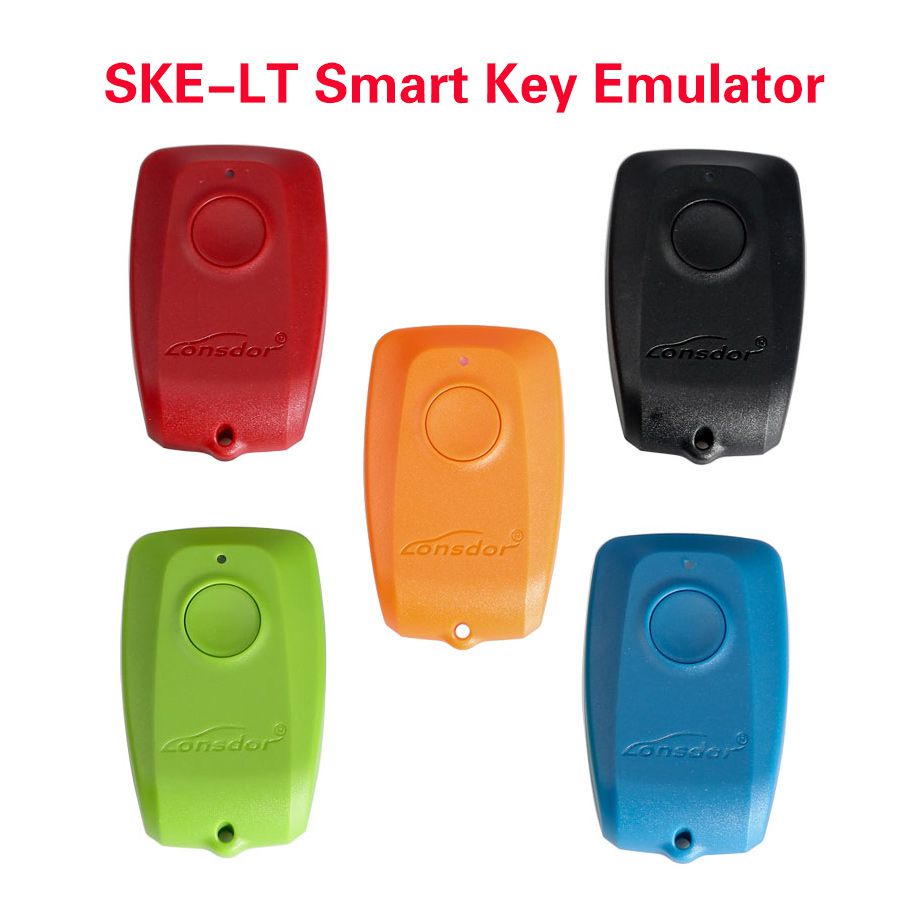

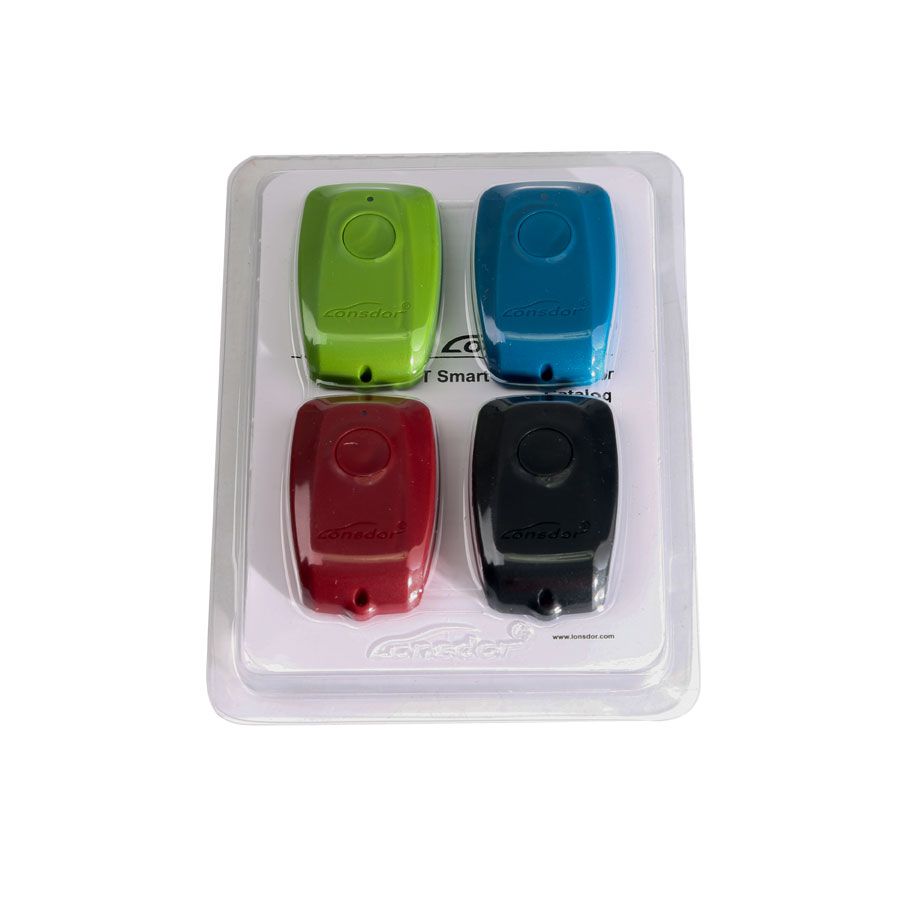
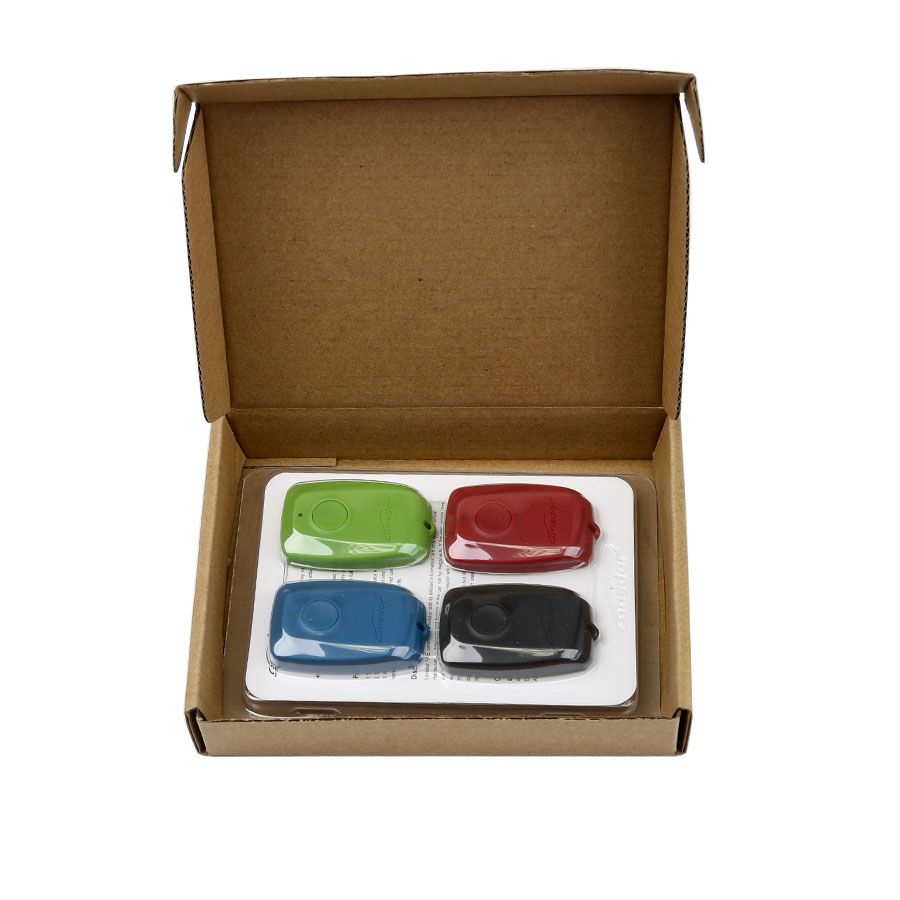

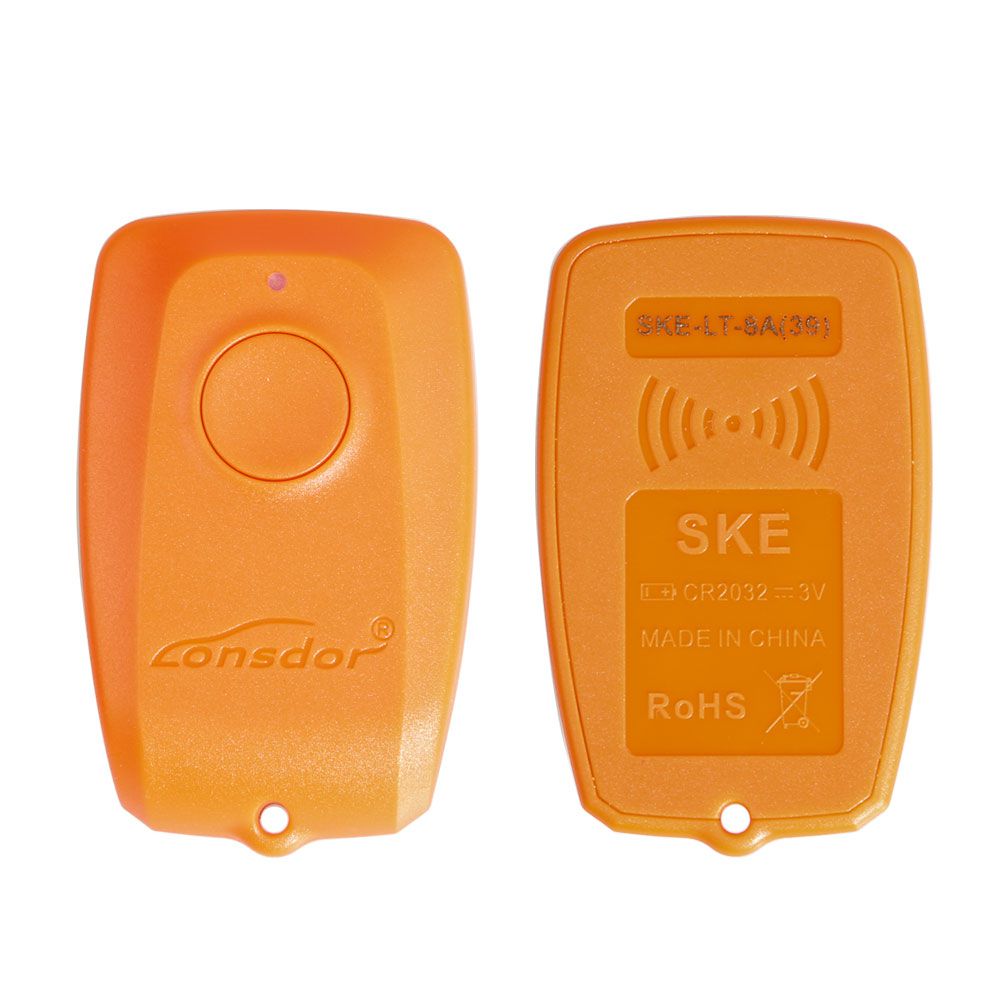
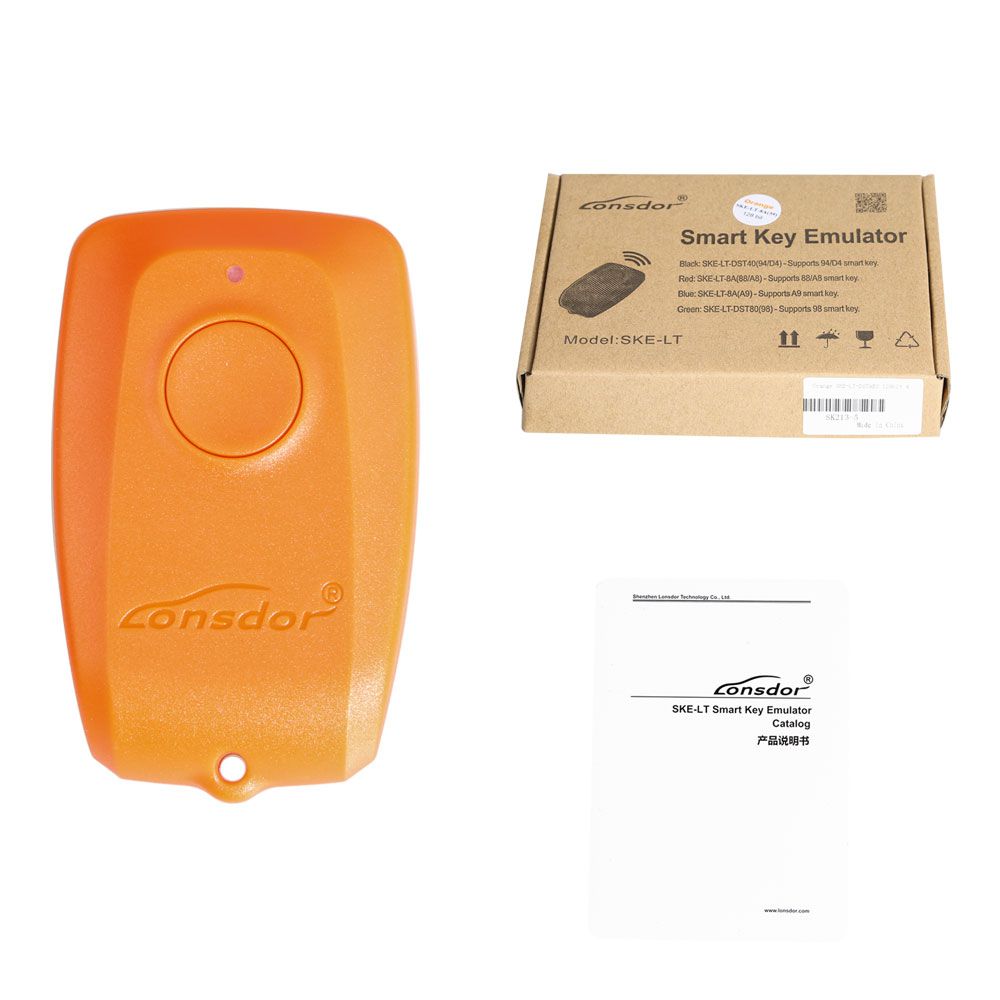
Lonsdor K518ISE SKE-IT Smart Key Emulator 5 in 1 Set
SKE-LT Introduction
Product name: SKE-LT Smart Key Emulator
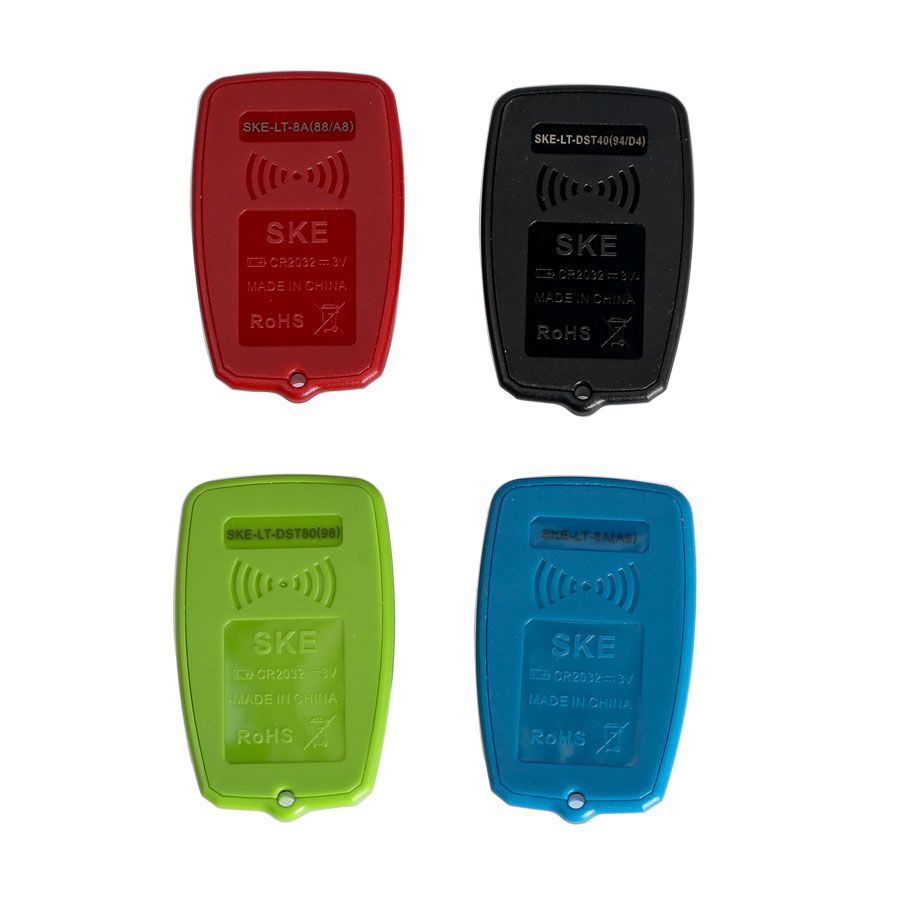
Battery standard: CR2032=3V (Please install battery)
SKE-LT Smart Key Emulator Functions
- Bind emulator key: First use requires binding the SKE-LT emulator to the K518ISE main unit.
- Backup EEPROM data: Back up on-board computer immo data.
- Make emergency emulator key: Use the backed-up immo data to create a designated SKE emulator key that replaces the original master key. This key can turn on the ignition, enabling smart key addition.
- Add smart key: Add a new smart key.
- Delete smart key: Delete a programmed key.
Lonsdor K518ISE Toyota/Lexus Smart Key Programming for All Keys lost via OBD
The Lonsdor K518ISE can program Toyota/Lexus smart keys in all-key-lost scenarios via OBD when used with the SKE-LT Smart Key Emulator.
SKE-LT Smart Key Emulator Models:
- Black: SKE-LT-DST40(94/D4) – Supports 94/D4 smart key.
- Red: SKE-LT-8A(88/A8) – Supports 88/A8 smart key.
- Green: SKE-LT-DST80(98) – Supports 98 smart key.
- Blue: SKE-LT-8A(A9) – Supports A9 smart key.
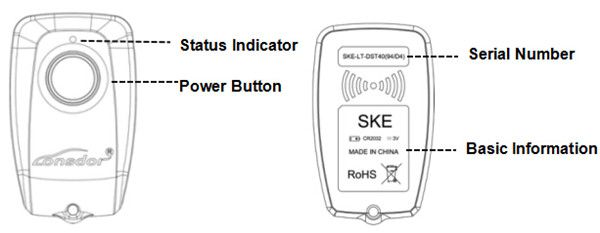
Operating Instructions
- Press and hold the power button for 2 seconds to turn on/off. In standby mode, the key automatically shuts down after 2 minutes. After three power cycles, the key is initialized and ready for reuse.
- Status indicator: Blue = normal; Red = hardware failure.
- After receiving the product, open the back cover of each emulator and install the battery before first use.
Steps to Install Battery
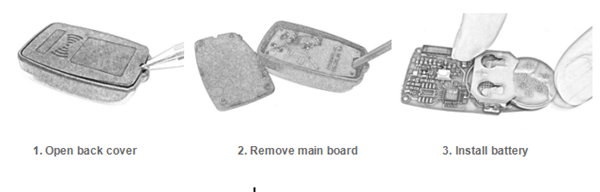
How to Operate the SKE-LT Smart Key Emulator in All-Key-lost Situations
1) Binding
- Go to the “Bind emulator key” function.
- Turn on the emulator key and insert it into the K518ISE key slot (place the status indicator facing down to ensure the key is active).
- Follow system prompts and click “OK” to start binding.
- Upon completion, the system displays “Binding successful.”
2) Backup EEPROM Data
Connect the K518ISE to the vehicle’s OBD port and select “Backup immodata” to back up the immo data.
3) Make Emergency Emulator Key
After selecting the immo data, the system (in a network environment) will prompt you to choose the corresponding SKE emulator key model. Power on the key, insert it into the K518ISE key slot (ensuring it is active), and follow instructions to create the emulator key.
4) Add Smart Key
Press the vehicle’s start button and place the generated SKE emulator key near it. The car will activate via induction. The system reads the current key count, then guides you through adding a new key.
Precautions
- “Bind emulator key” identifies the SKE emulator key’s binding status.
- The SKE emulator key must be bound to the K518ISE host and can only be bound once.
- When creating an emulator key, ensure a stable internet connection and select the correct SKE emulator key model.
Lonsdor Orange SKE-LT-DSTAES – 5th Emulator for Toyota & Lexus Chip 39 (128bit) Smart Key All-Key-Lost via OBD
Features
- All key lost support
- No internet connection required
- Supports offline calculation
Orange Smart Key Emulator for Chip 39 (128bit) – Tested Vehicle Models
- Hilux – OK
- Fortuner – OK
- YARIS – OK
No server connection required.
Package Includes
1 Set × SKE-IT Smart Key Emulator 5 in 1
Go to Buy: Lonsdor K518ISE SKE-IT Smart Key Emulator 5 in 1 Set Free Shipping by DHL