THINKCAR 2
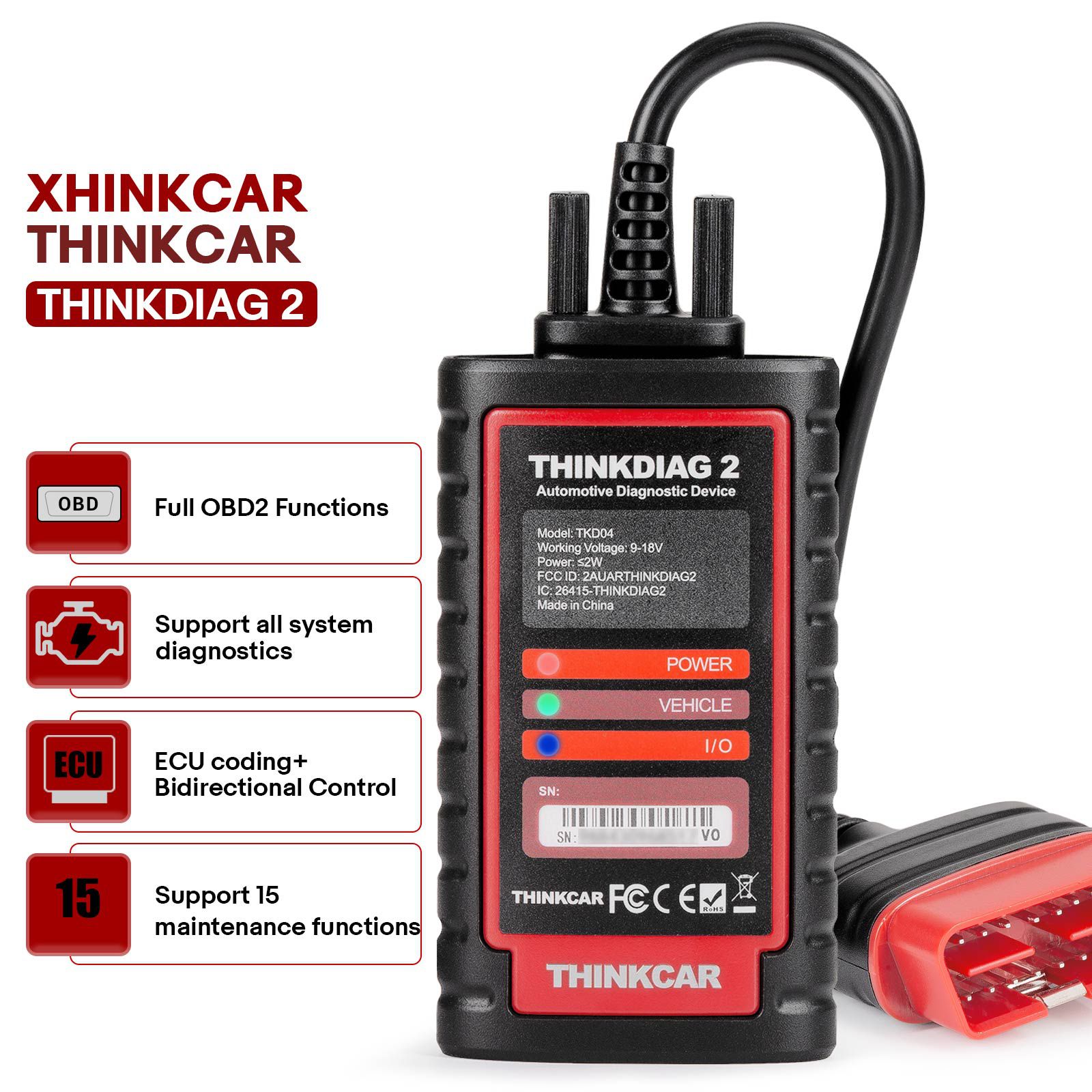
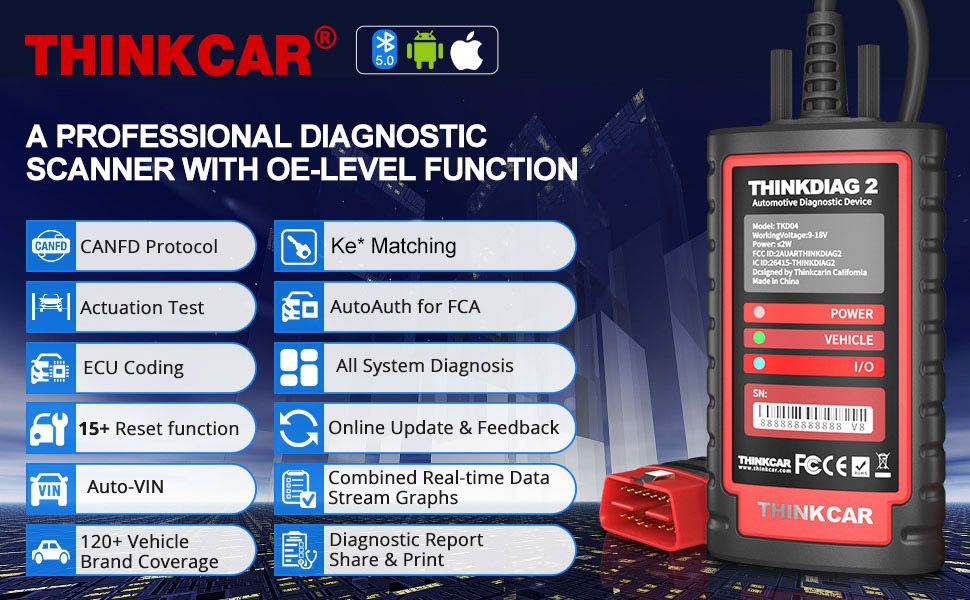
Thinkcar Thinkdiag2 is the most powerful wireless diagnostic tool for it's price! Equipped with multi-functions of Newly added CAN-FD protocol + Bi-Directional control(Active Test) + ECU coding+ 15 Maintenance resets + All Systems diagnosis+Auto VIN+FCA AutoAuth +120+ Car brands coverage etc. No IP limited. Good for workshops & DIYers.
2025 THINKCAR Thinkdiag2 All System Bidirectional Diagnostic Tool with CAN-FD Protocol Auto VIN ECU Coding 15+ Reset Functions One Year Free Update is a one of our THINKCAR 2 Tools, you can buy 2025 THINKCAR Thinkdiag2 All System Bidirectional Diagnostic Tool with CAN-FD Protocol Auto VIN ECU Coding 15+ Reset Functions One Year Free Update from ukobd2.com.
Wholesale Top quality VAS6154, GM Tech2, VCM II For Ford, Handy Baby II Car Key Chip Copier, CDP DS150
images of 2025 THINKCAR Thinkdiag2 All System Bidirectional Diagnostic Tool with CAN-FD Protocol Auto VIN ECU Coding 15+ Reset Functions One Year Free Update
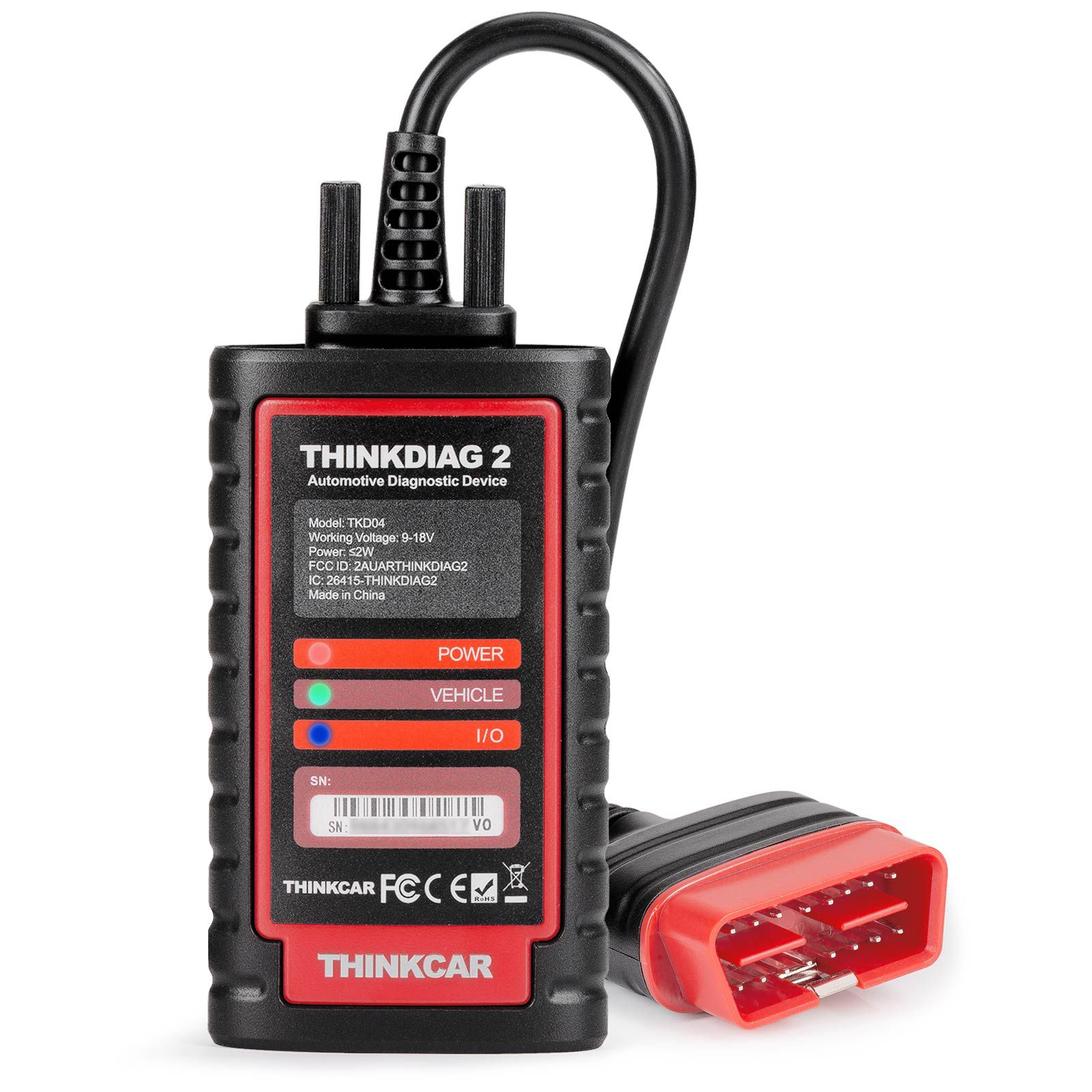
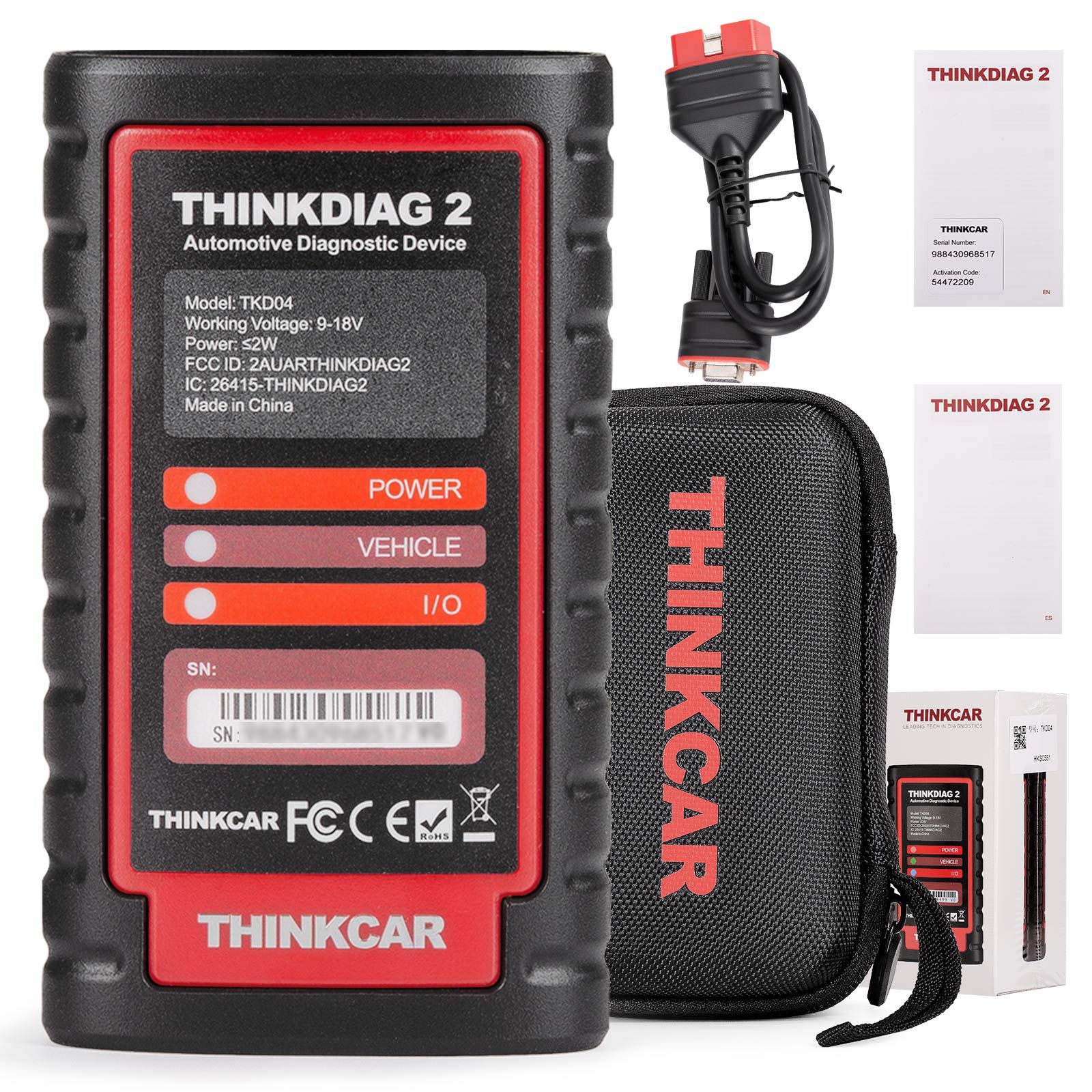
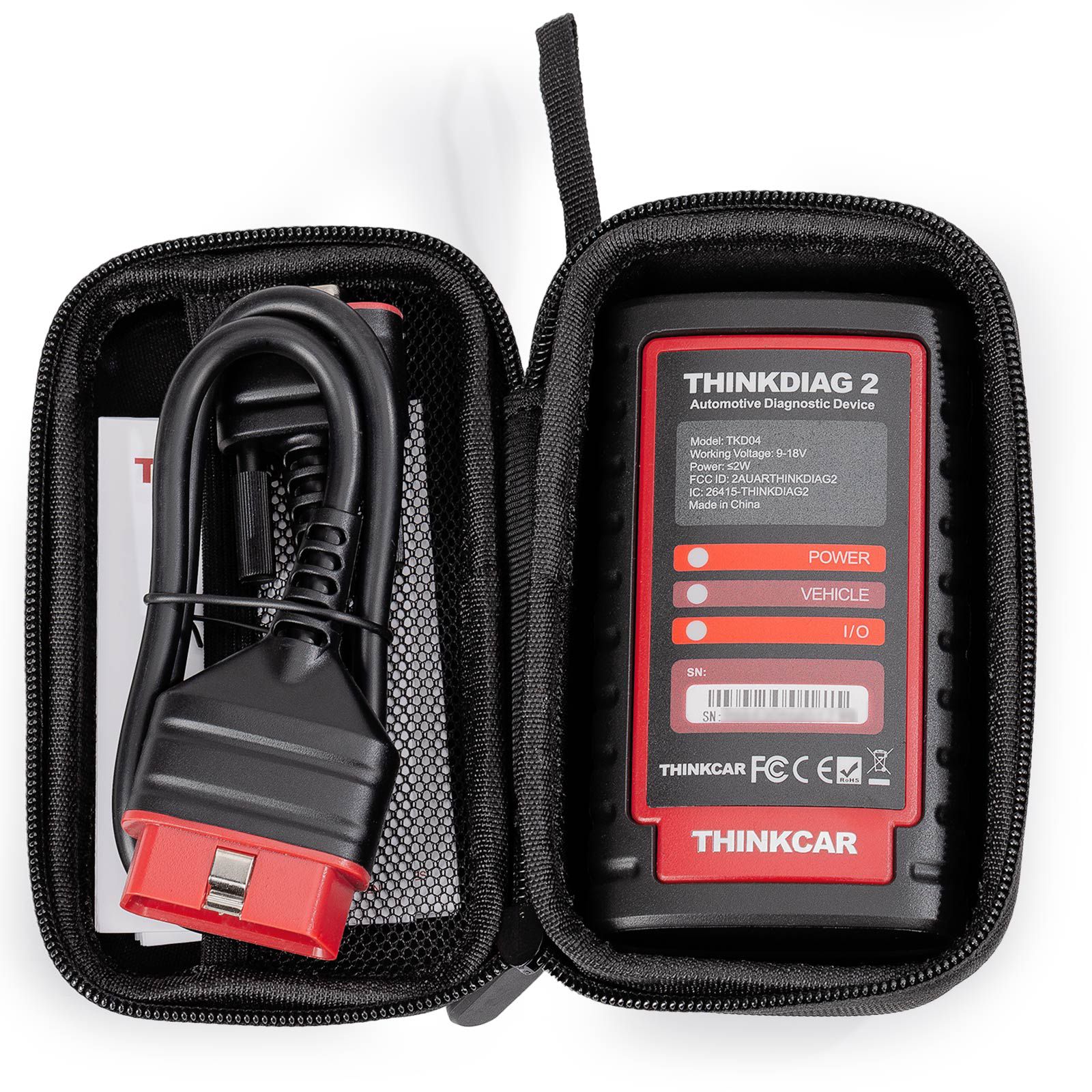
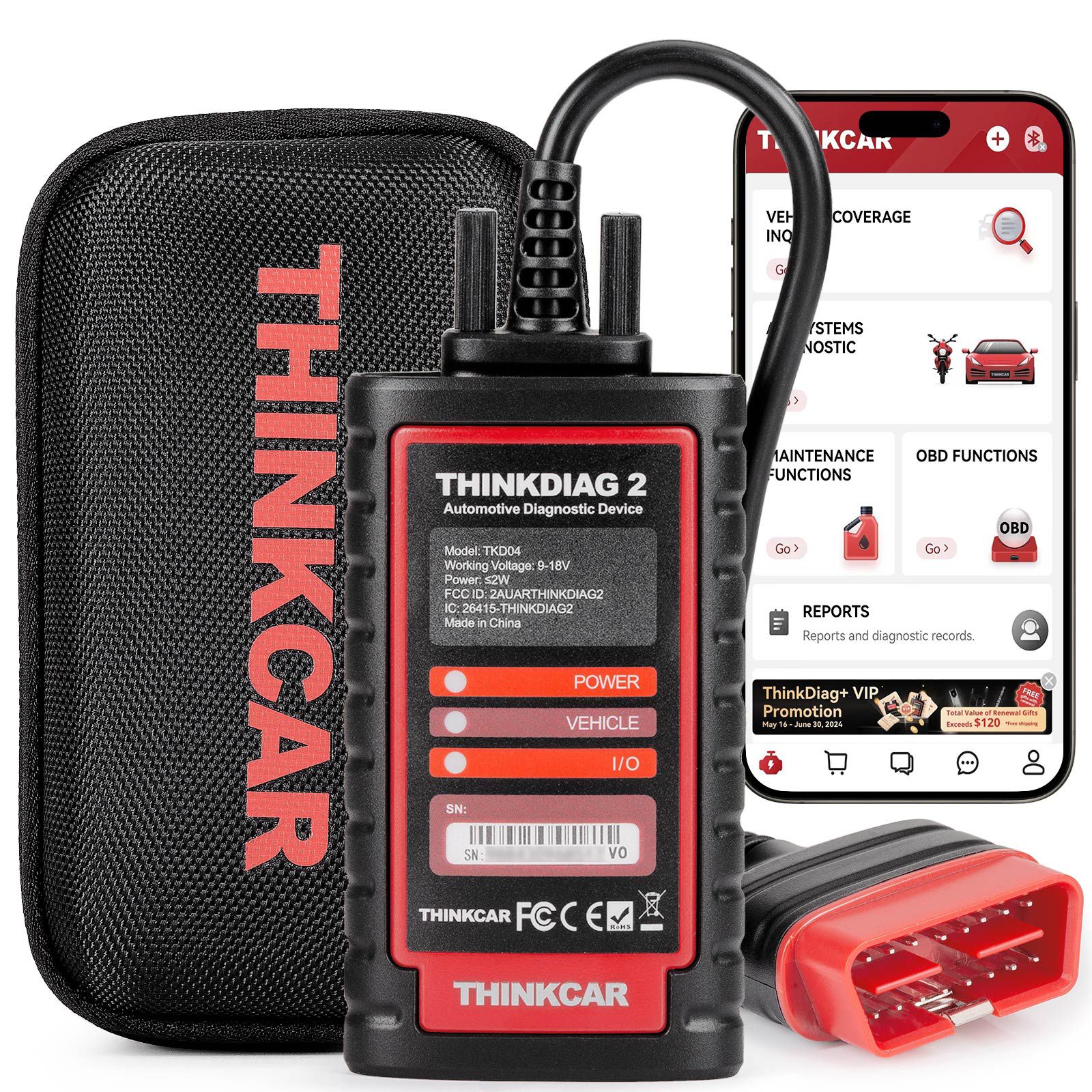
THINKCAR Thinkdiag2 All System Bidirectional Diagnostic Scanner for iOS & Android with CAN-FD Protocol
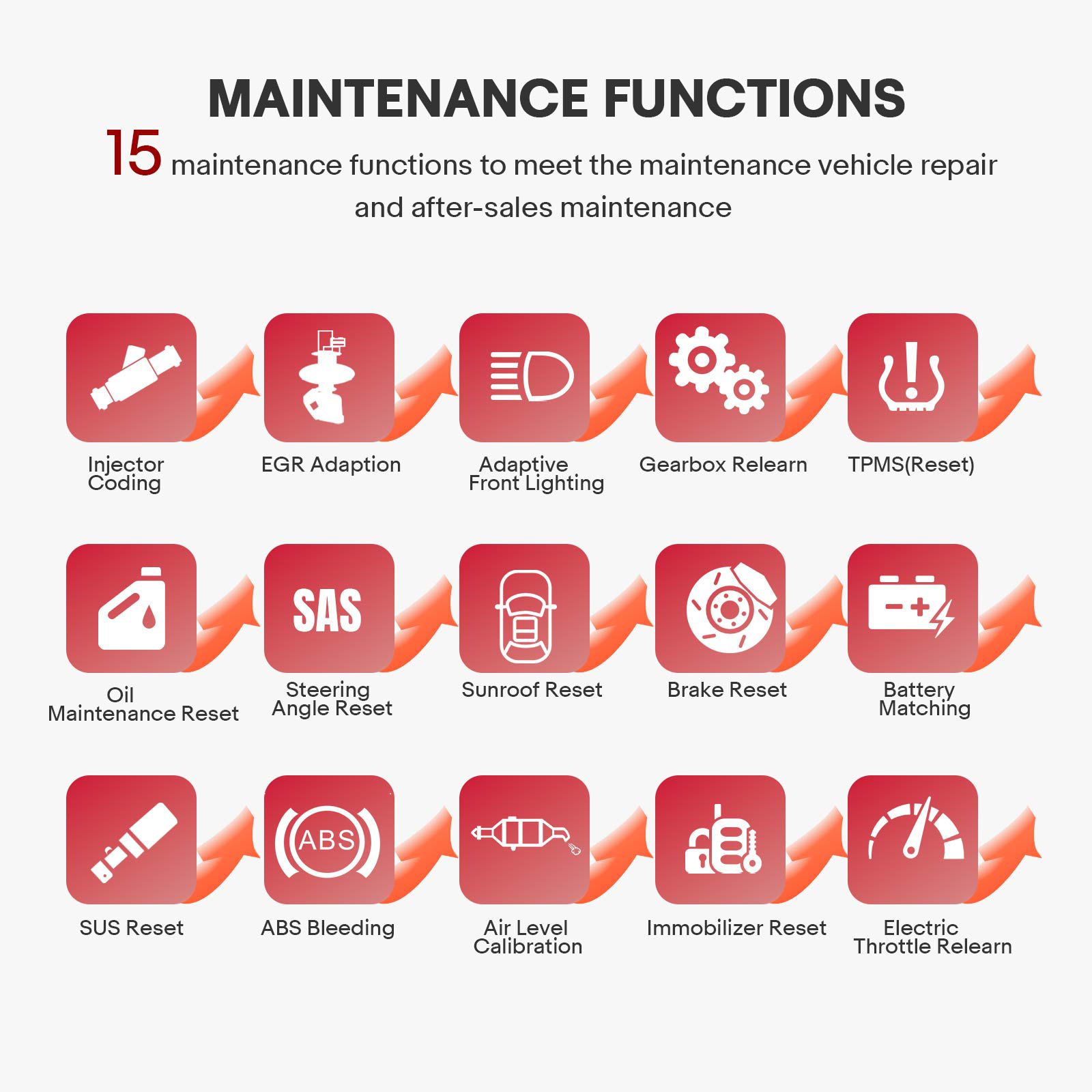
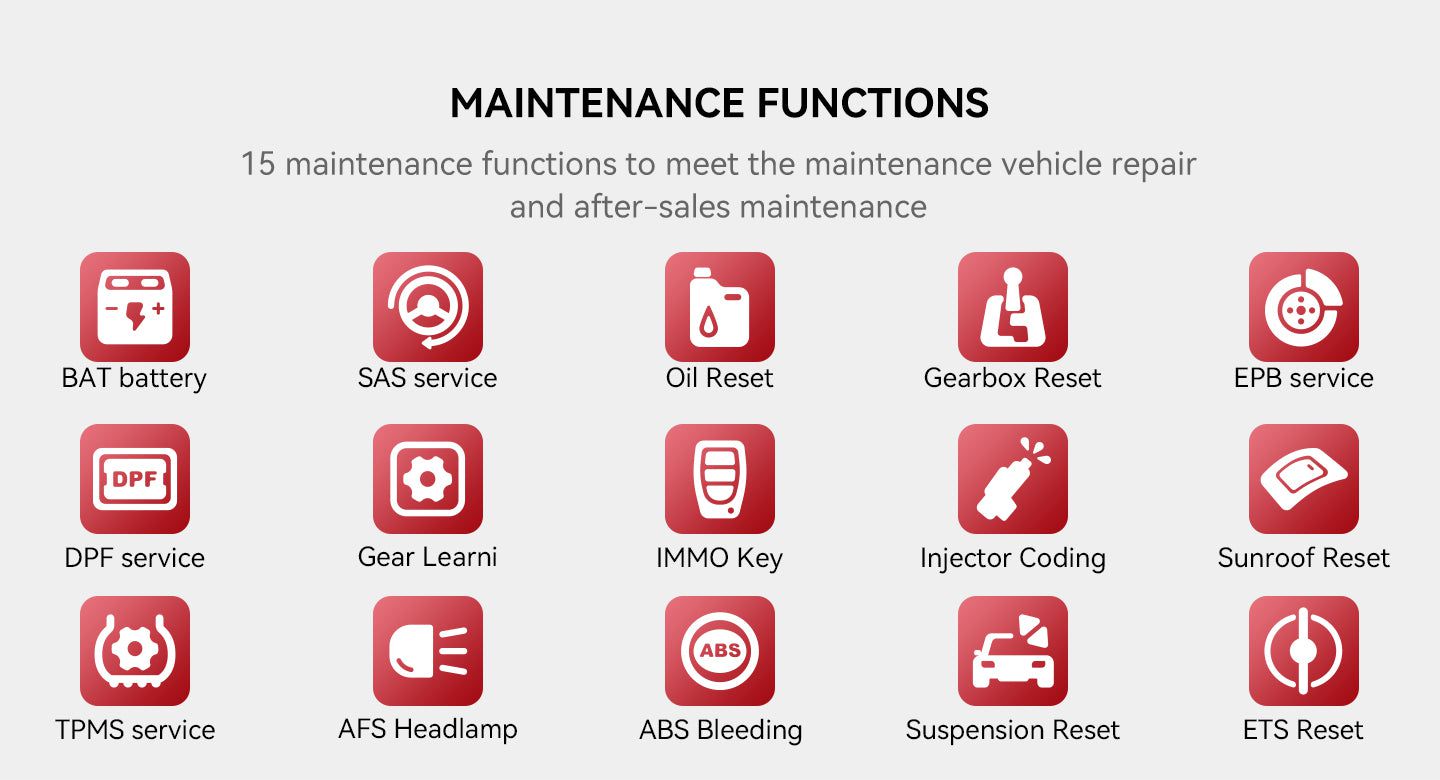
Thinkdiag2 OBDII code scanner is designed for individual car owners, DIYers, and minor repair shops. It features a dedicated menu of 15 standard special functions, including Oil Reset, EPB Reset, DPF Regeneration, SAS Calibration, ABS Bleeding, Injector Coding, IMMO Matching, TPMS Reset, and more. Access through the all-system diagnostic menu to unlock additional system-specific functions and efficiently perform resets and relearn procedures on most vehicles.
Key Features of THINKCAR Thinkdiag2
- Supports CAN-FD protocol for expanded vehicle compatibility
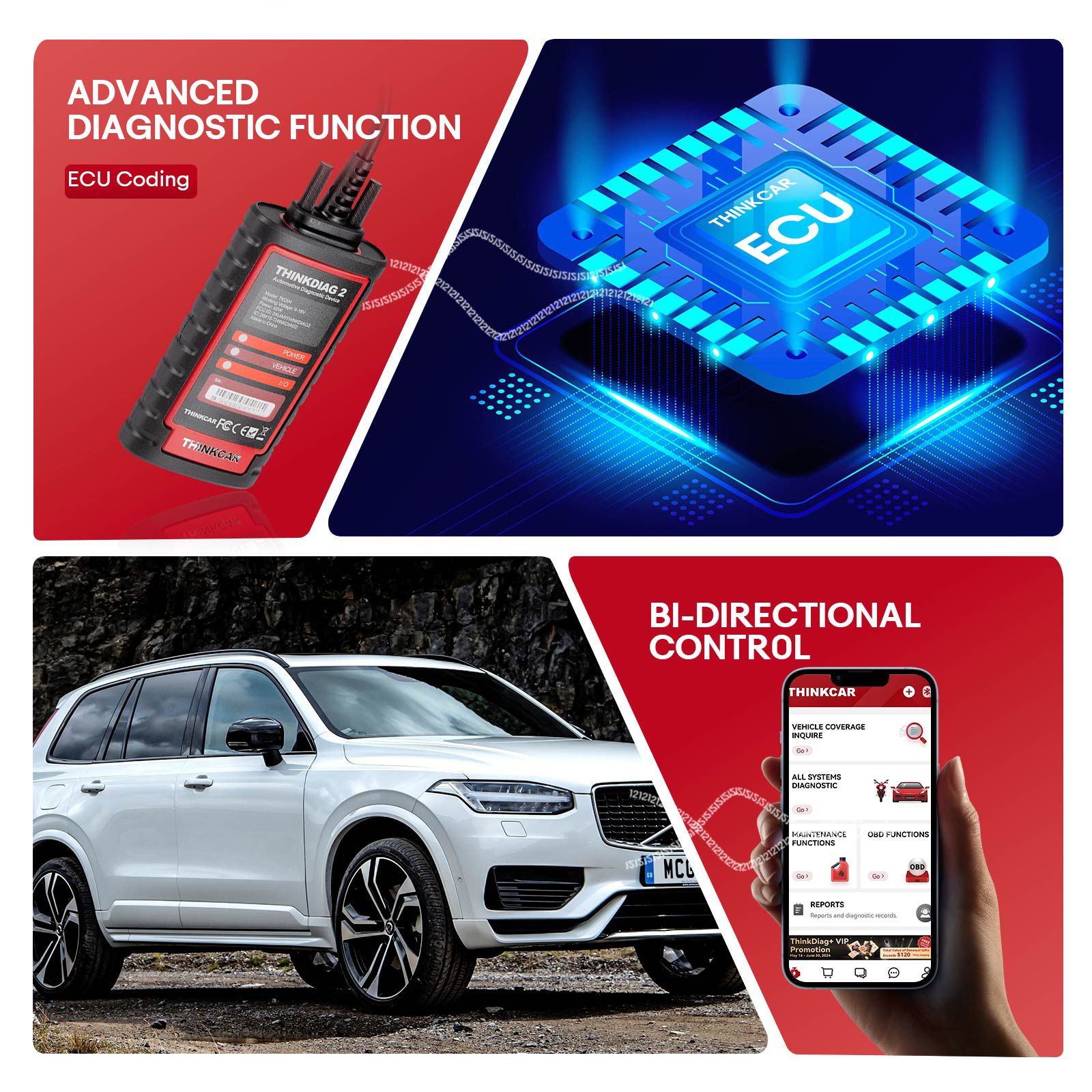
- ECU coding and bi-directional/active testing capabilities
- Full system diagnostics with 15+ maintenance functions
- Adaptation, IMMO key matching, and Auto VIN detection
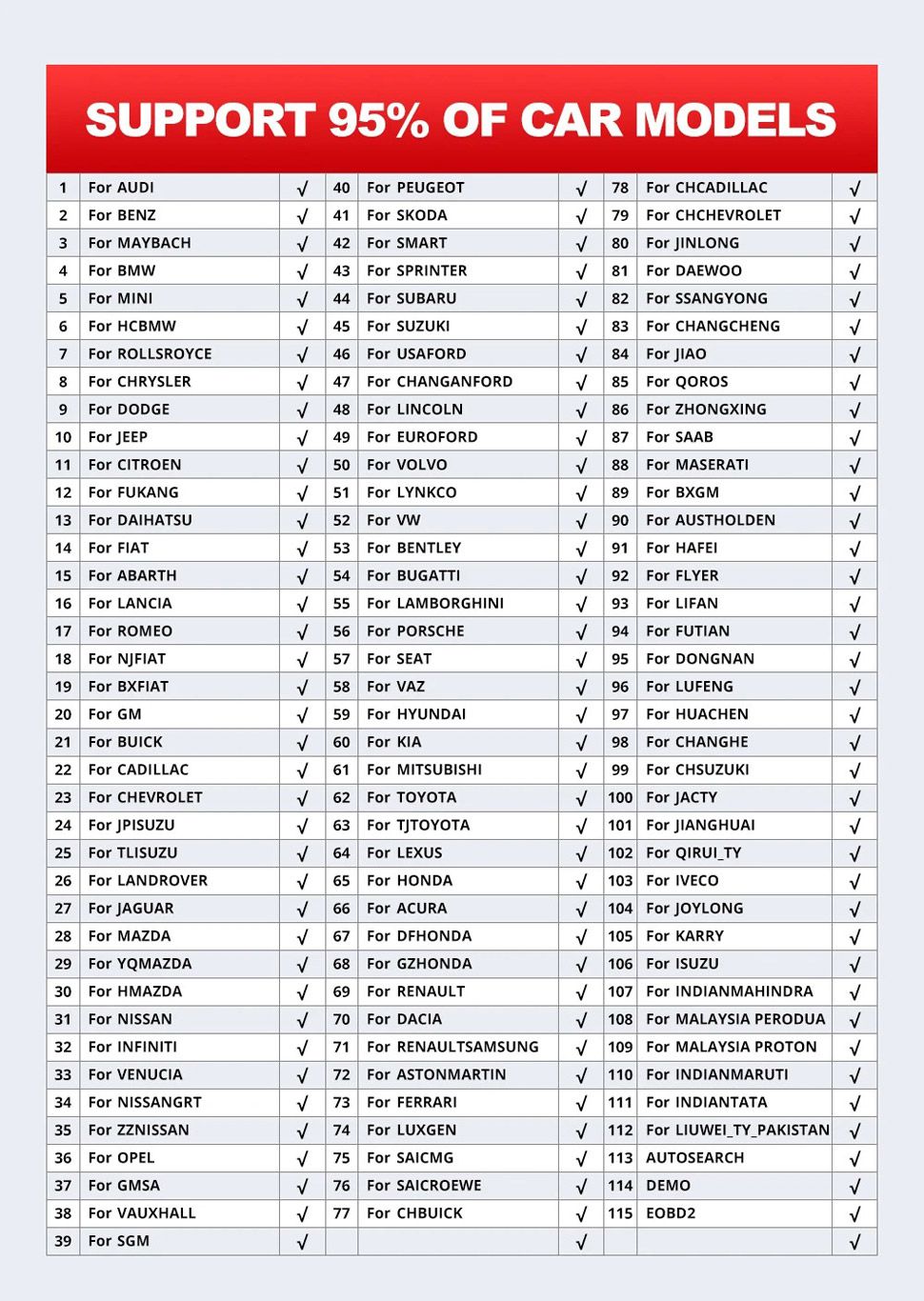
- Covers 98% of car models available in the market
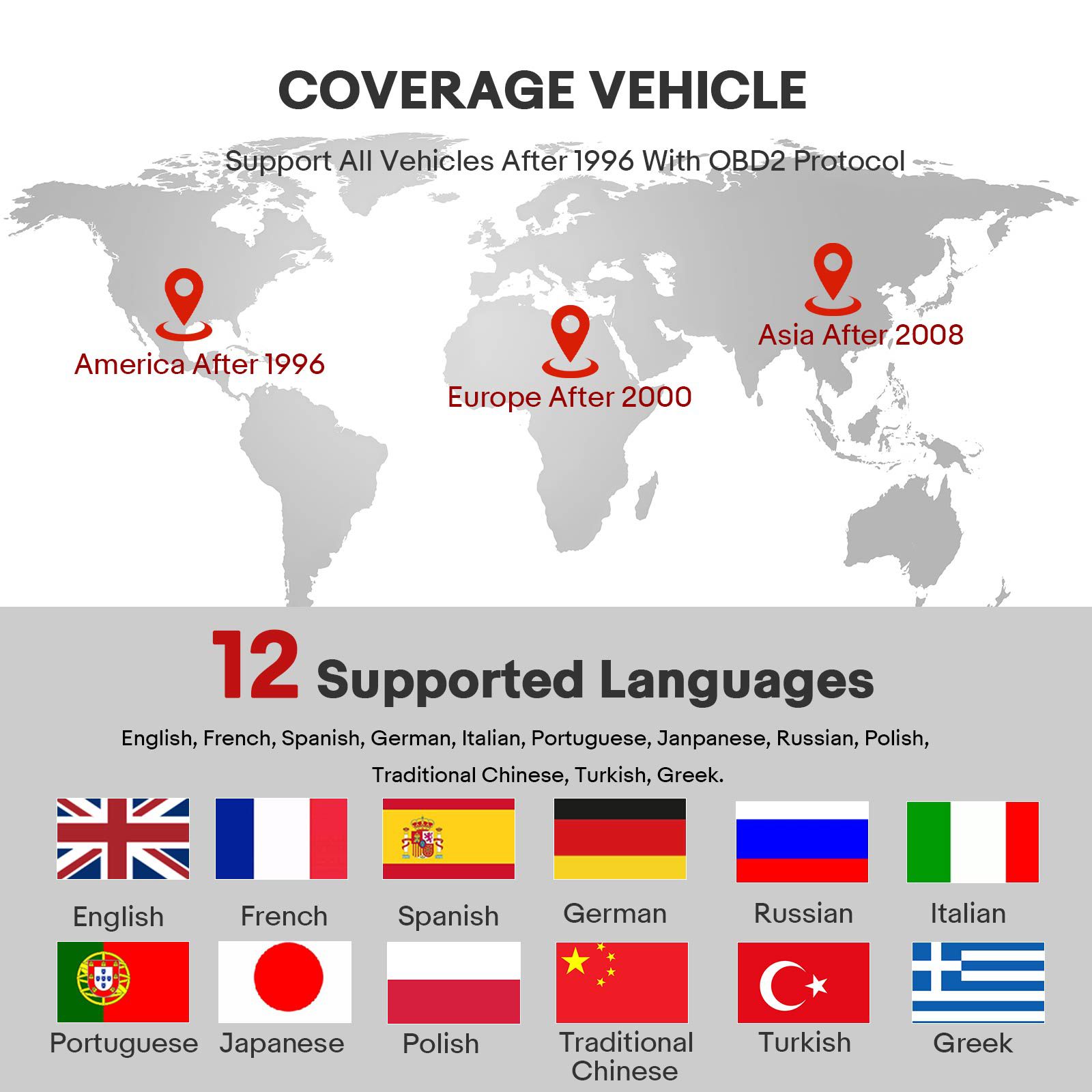
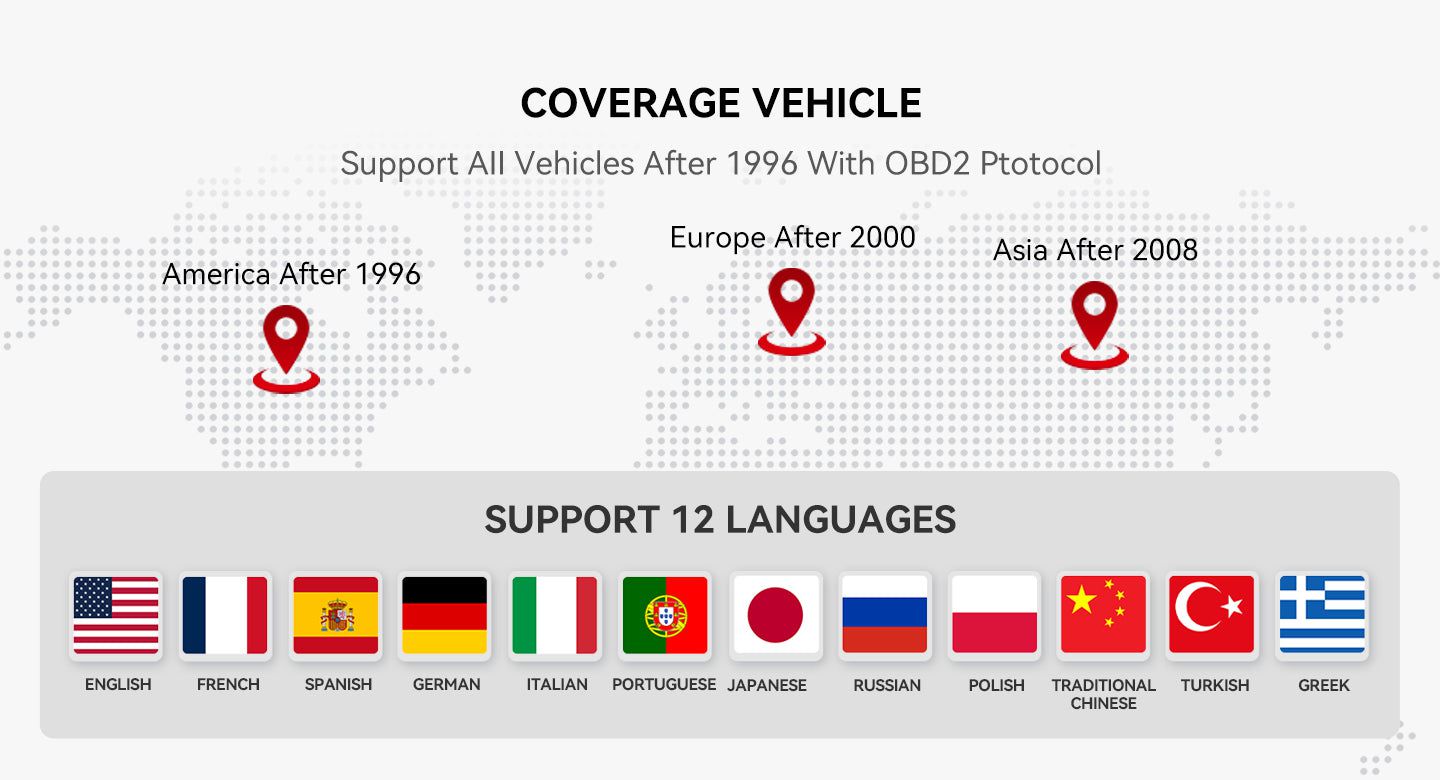
- Supports 12+ languages
- One year of free online updates; renewal fee is $70 after one year (basic OBDII functionality remains if not renewed)
- Vehicle coverage inquiry available
Thinkdiag2: The Upgraded Version of Thinkdiag
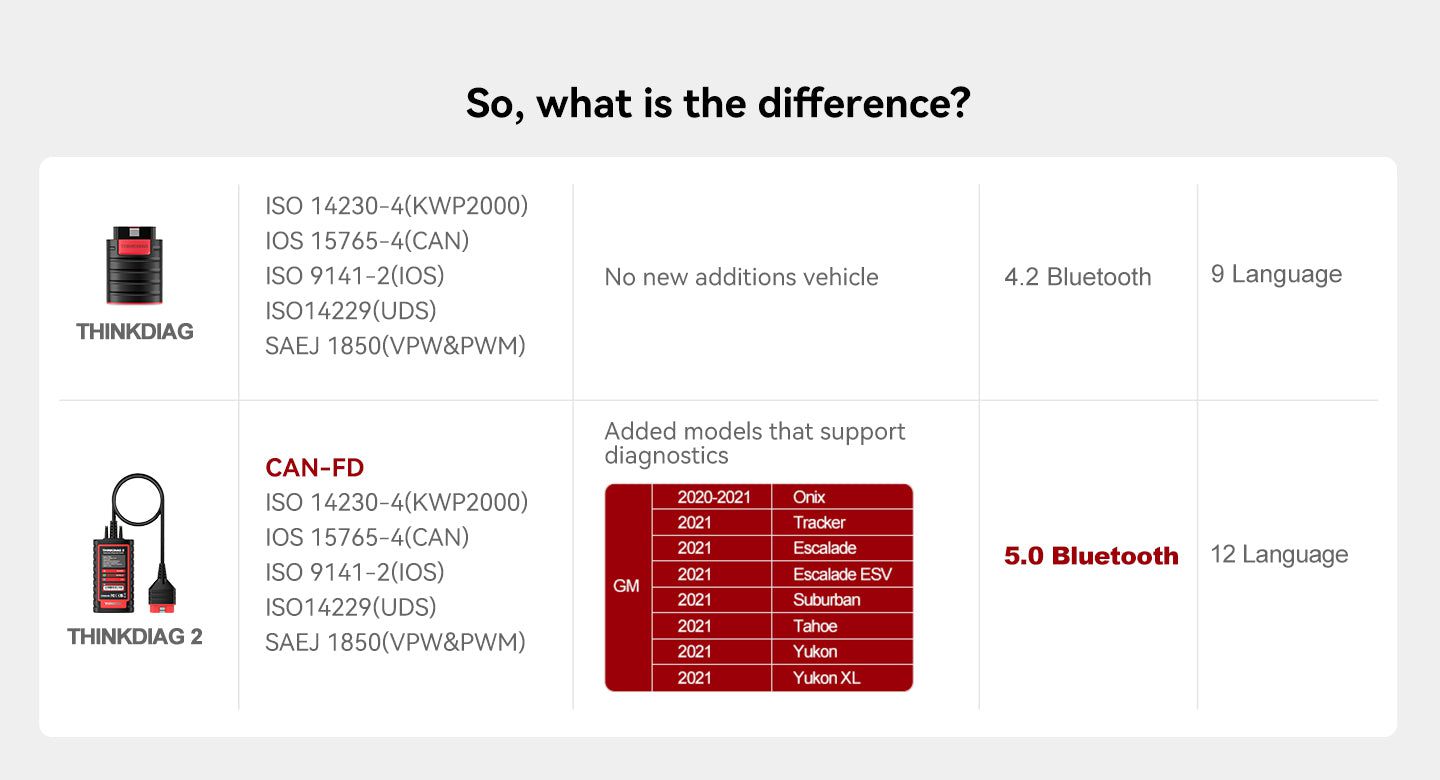
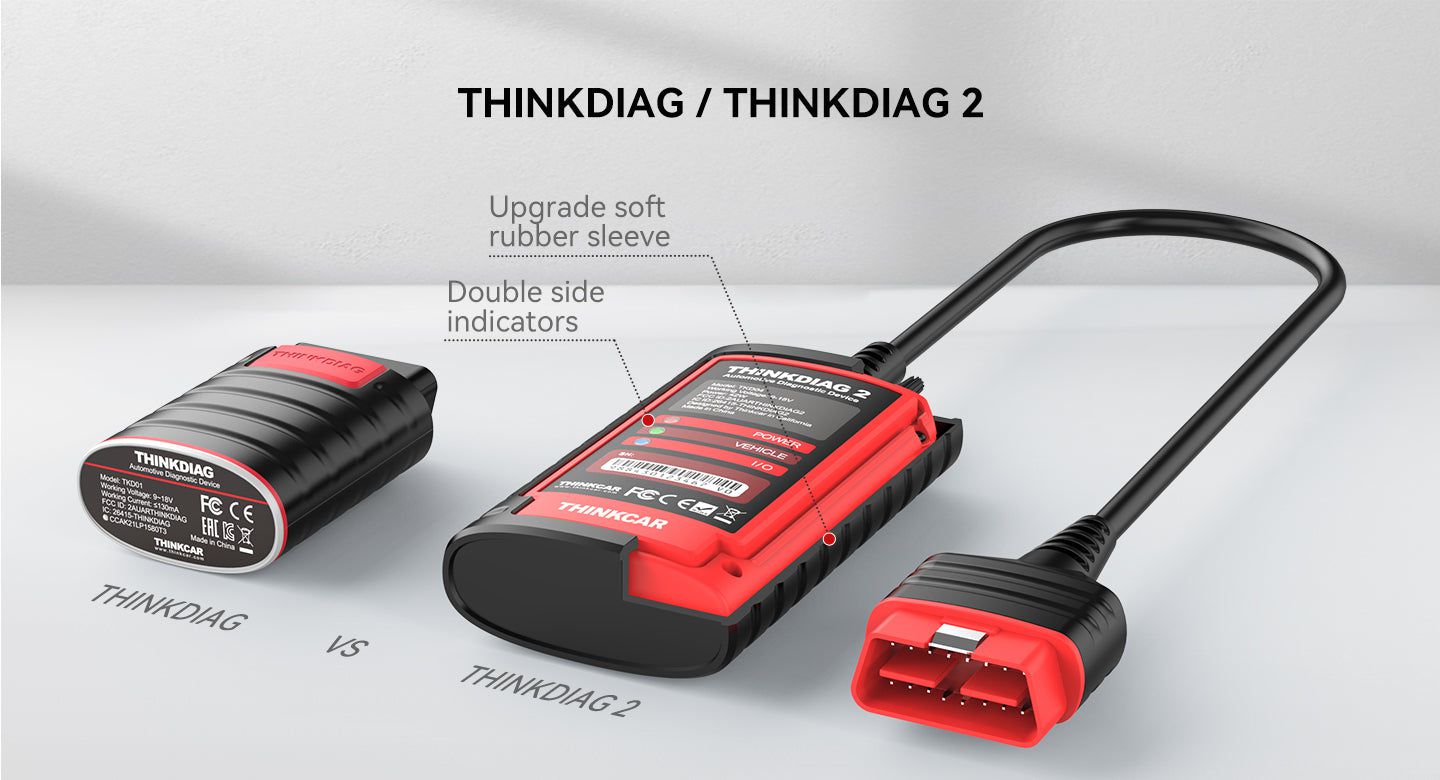
Thinkdiag2 is the enhanced successor to the original Thinkdiag automotive scanner, offering advanced diagnostics and broader vehicle support.
Differences Between Thinkdiag and Thinkdiag2
The primary upgrade in Thinkdiag2 is its built-in CAN-FD protocol support—the only feature of its kind in this price range. This enables compatibility with newer vehicles, particularly General Motors models manufactured after 2020.
CAN-FD improves data transmission by supporting frame sizes from 8 to 64 bytes using an advanced CRC algorithm, reducing undetected errors and improving reliability. With higher bandwidth, faster bit rates, reduced latency, and better real-time performance, CAN-FD enhances overall diagnostic efficiency and accuracy.
Thinkdiag2 Core Functions
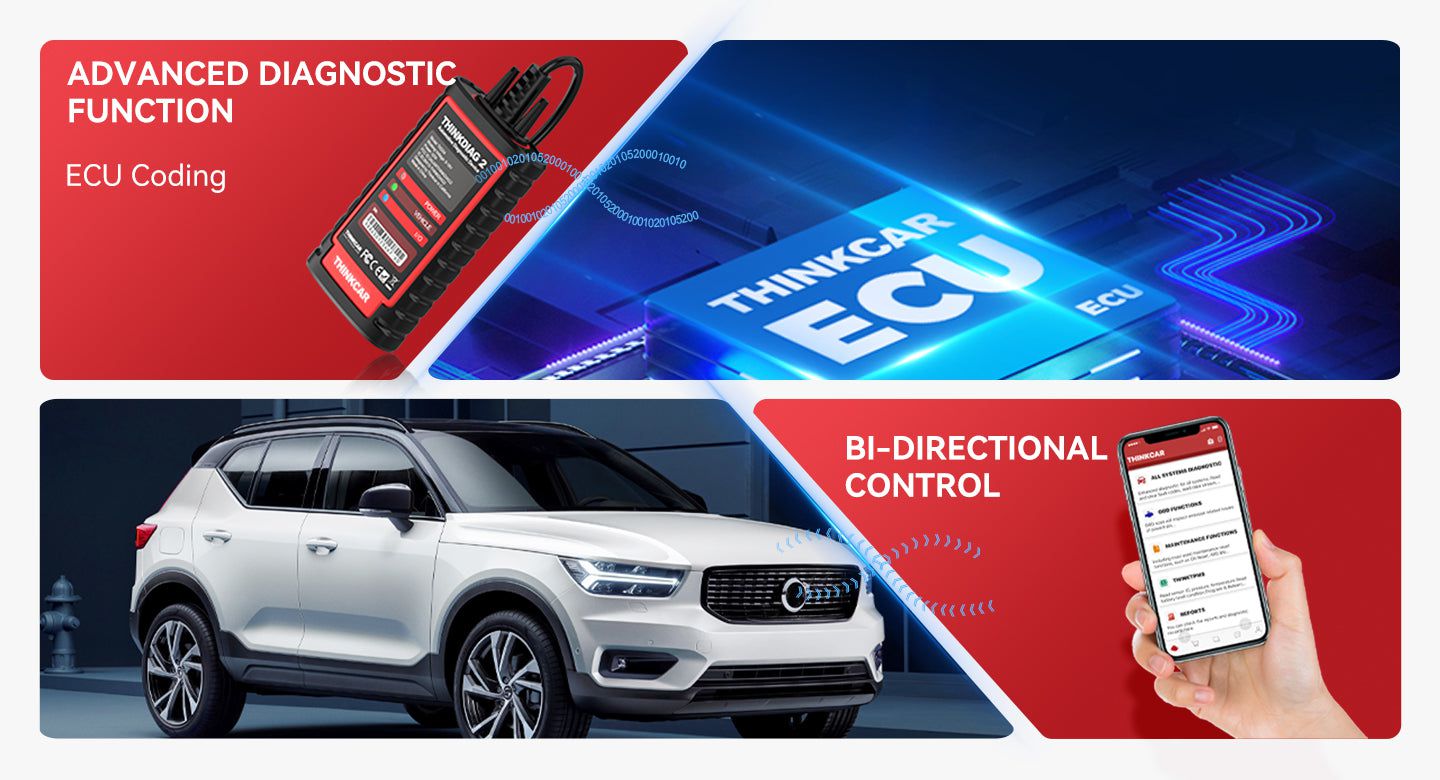
ECU Coding (Customization)
Use the ThinkDiag 2 App to modify adaptive data in vehicle control modules after part repairs or replacements. Supported customizations include:
- Power Window
- Illuminated Entry
- Warning Systems
- Light Control
- Slide Roof
- Air Conditioner
- Display Settings
- Unit Conversion
- Entry & Start Configuration
- PSD & PBD Operation
- Seat Adjustments
Active Test (Bi-Directional Control)
Perform actuator tests directly via the ThinkDiag 2 App without using physical vehicle controls. Enhances diagnostic effectiveness with real-time component operation:
- Turn on radiator fan
- Modulate throttle
- Open/close windows
- Operate mirrors
- Turn lights on/off
- Sound horn
- Test door locks
IMMO Key Programming
Thinkdiag2 supports immobilizer functions such as Key Learning, Remote Control Learning, and Remote Control Add. It allows programming, reading, retrieving, and writing key chip information—making key replacement and setup easier.
Multi-Data Graph Display
View up to four live data parameters simultaneously in a single graph for improved analysis and monitoring during diagnostics.
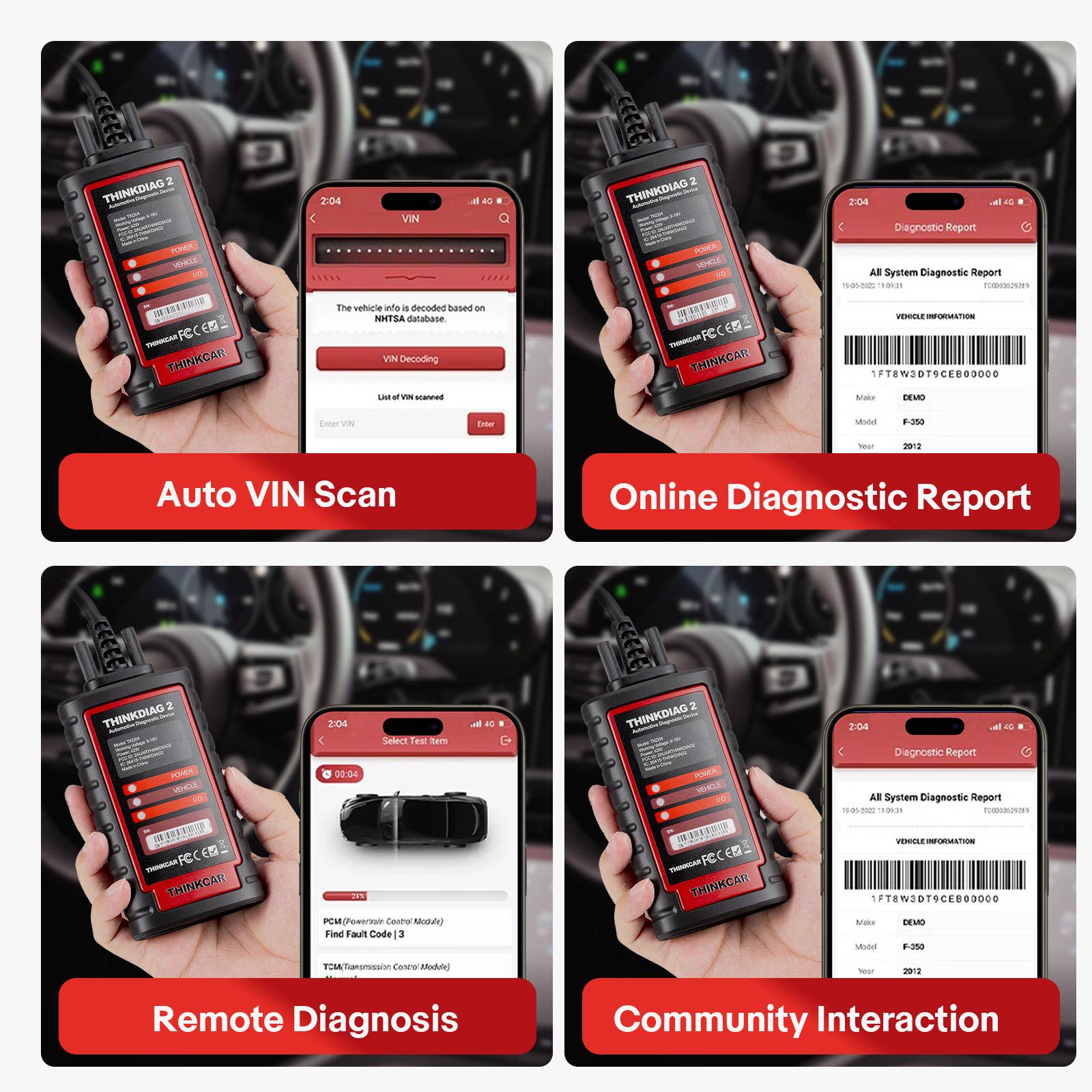
Auto Scan Vehicle VIN
Automatically detects and reads vehicle information including VIN, model year, vehicle model, and engine type for quick access to appropriate diagnostic menus.
Printable Diagnostic Reports
Generate and print comprehensive OBD vehicle diagnostic reports from a PC. These reports help identify issues and guide necessary repairs.
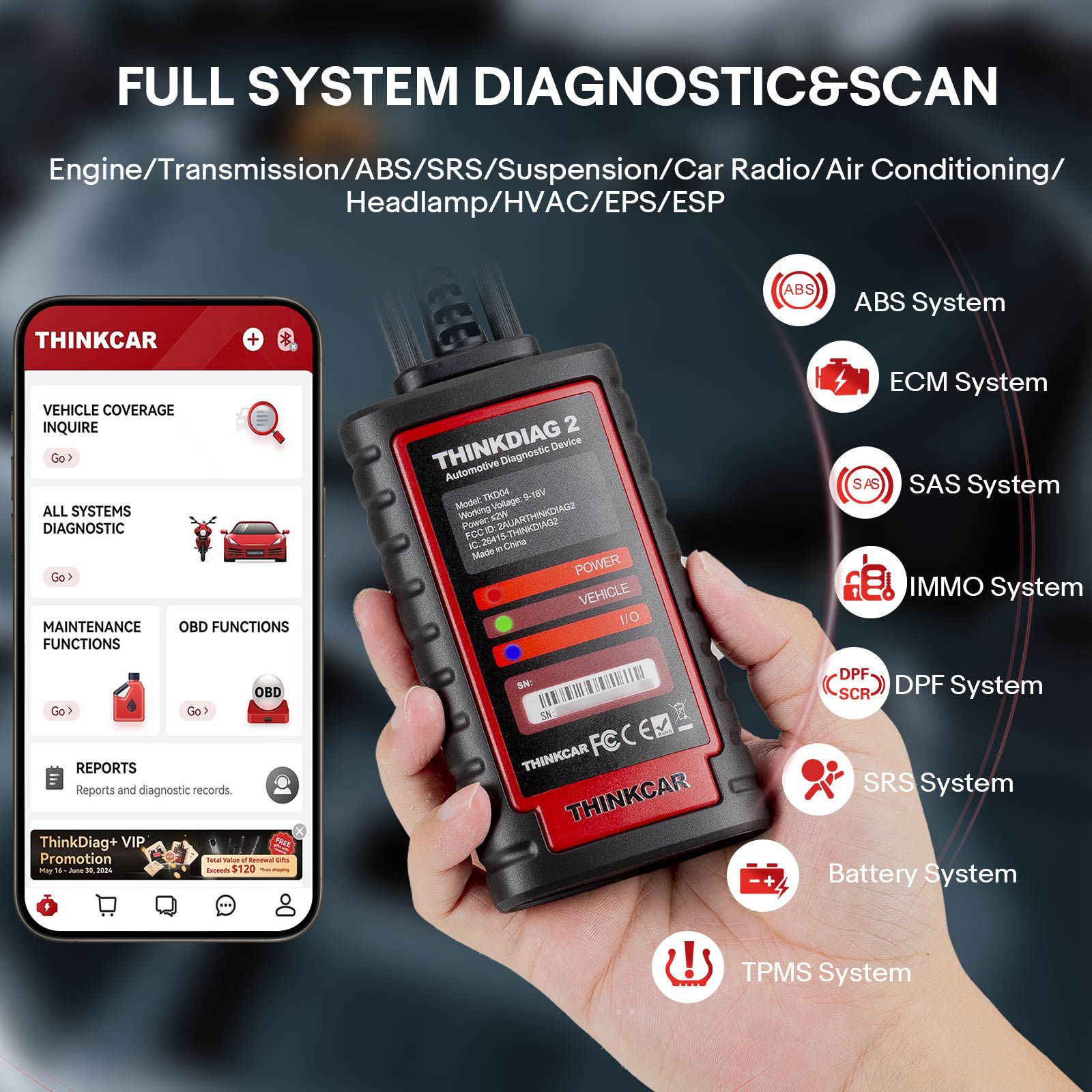
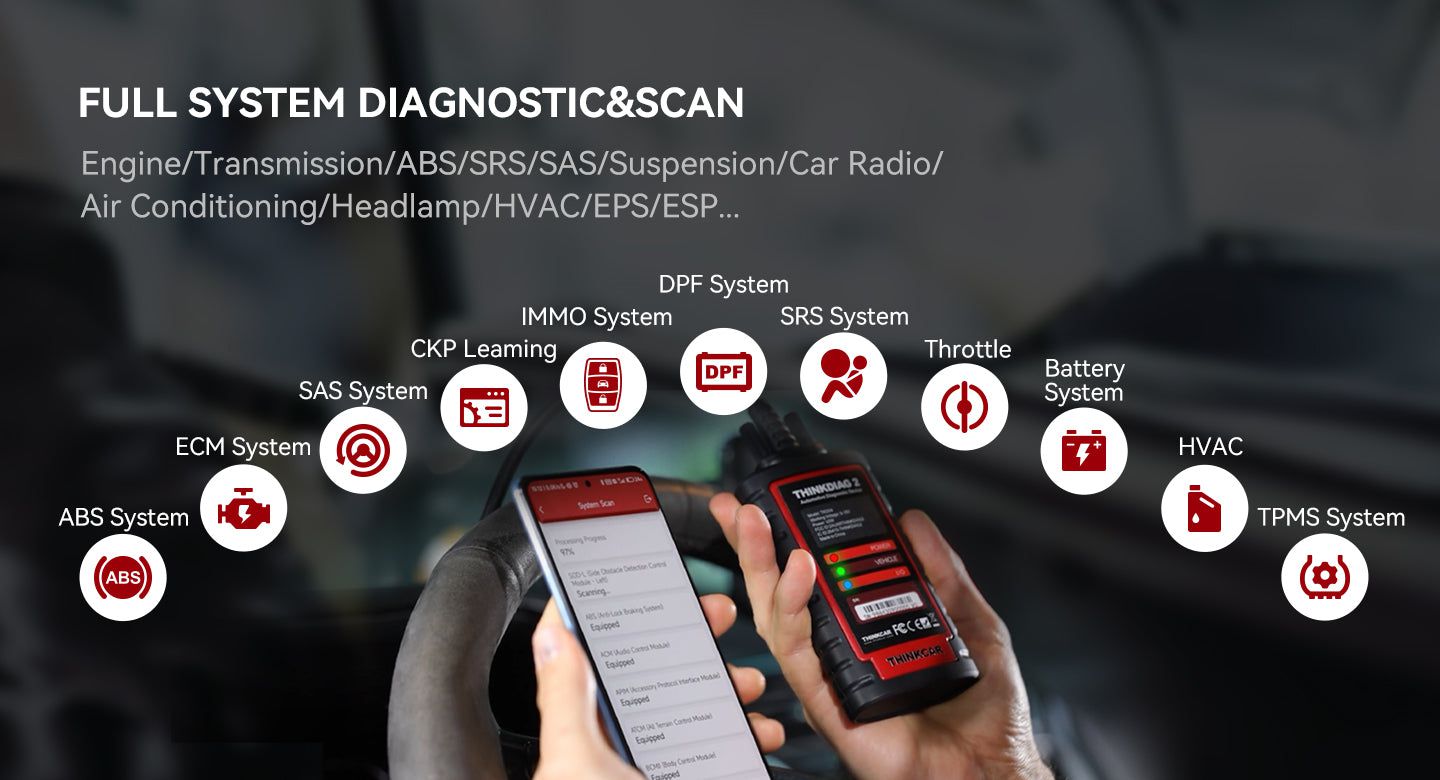
Full System OE-Level Diagnostics
Perform factory-level diagnostics across all major vehicle systems, including:
- ABS
- SRS
- Engine
- Transmission
- Wiper System
- Seat Controls
- EPB
- TPMS
- Body System
- AWD
- Door Lock System
- Battery
- ESP
- Parking Sensor
- Cruise Control
- Instrument Cluster
Supported Maintenance Functions (15+)
- Adaptive Front Lighting
- ABS Bleeding
- Battery Matching
- Gearbox Relearn
- Brake Reset
- SUS Reset
- EGR Adaption
- Electric Throttle Relearn
- Immobilizer Reset
- Injector Coding
- Oil Maintenance Reset
- Steering Angle Reset
- Sunroof Reset
- TPMS Reset
- Air Level Calibration
Note: Available maintenance functions vary by vehicle make and model.
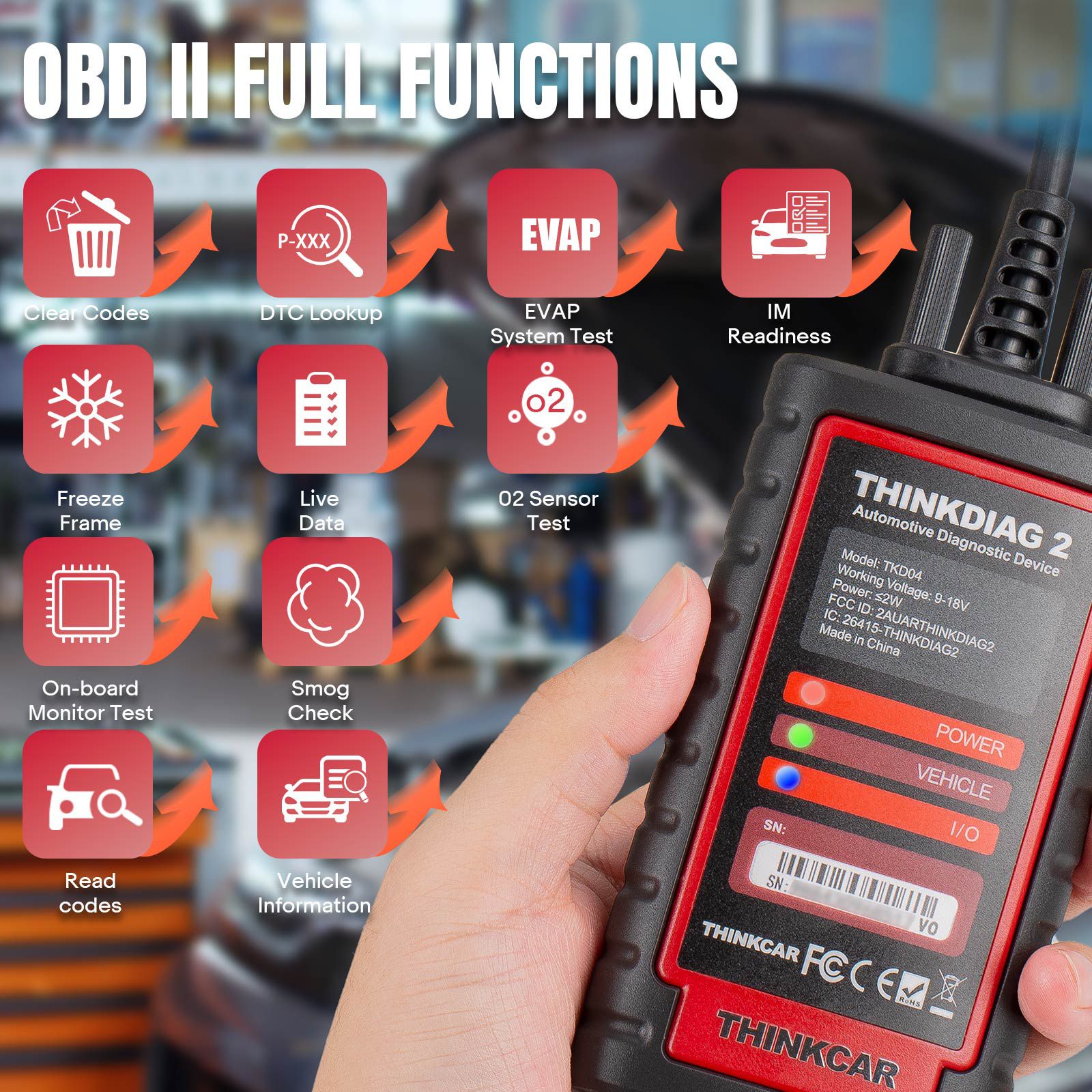
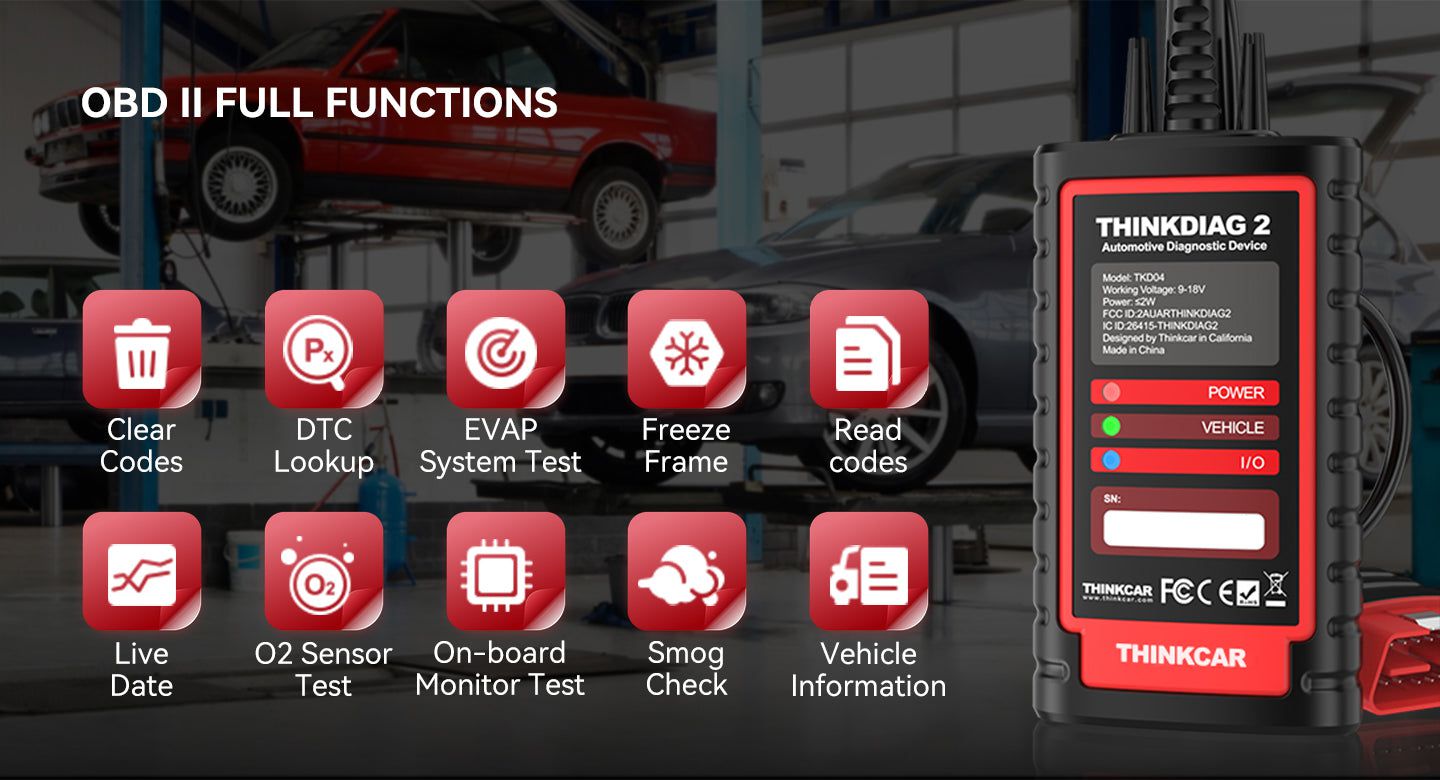
OBD2 Full Function Support (10 Functions)
Compatible with all vehicles equipped with engines meeting SAE J1850, ISO9141-2, ISO14230-4, and ISO15765 standards under OBD2 and EOBD regulations.
- View freeze frame data
- Graph data stream support
- O₂ sensor test
- Evap system test
- On-board monitor test
- Read and clear DTCs
- VIN identification
- DTC code lookup
- Turn off MIL (Malfunction Indicator Light)
- I/M Readiness status test
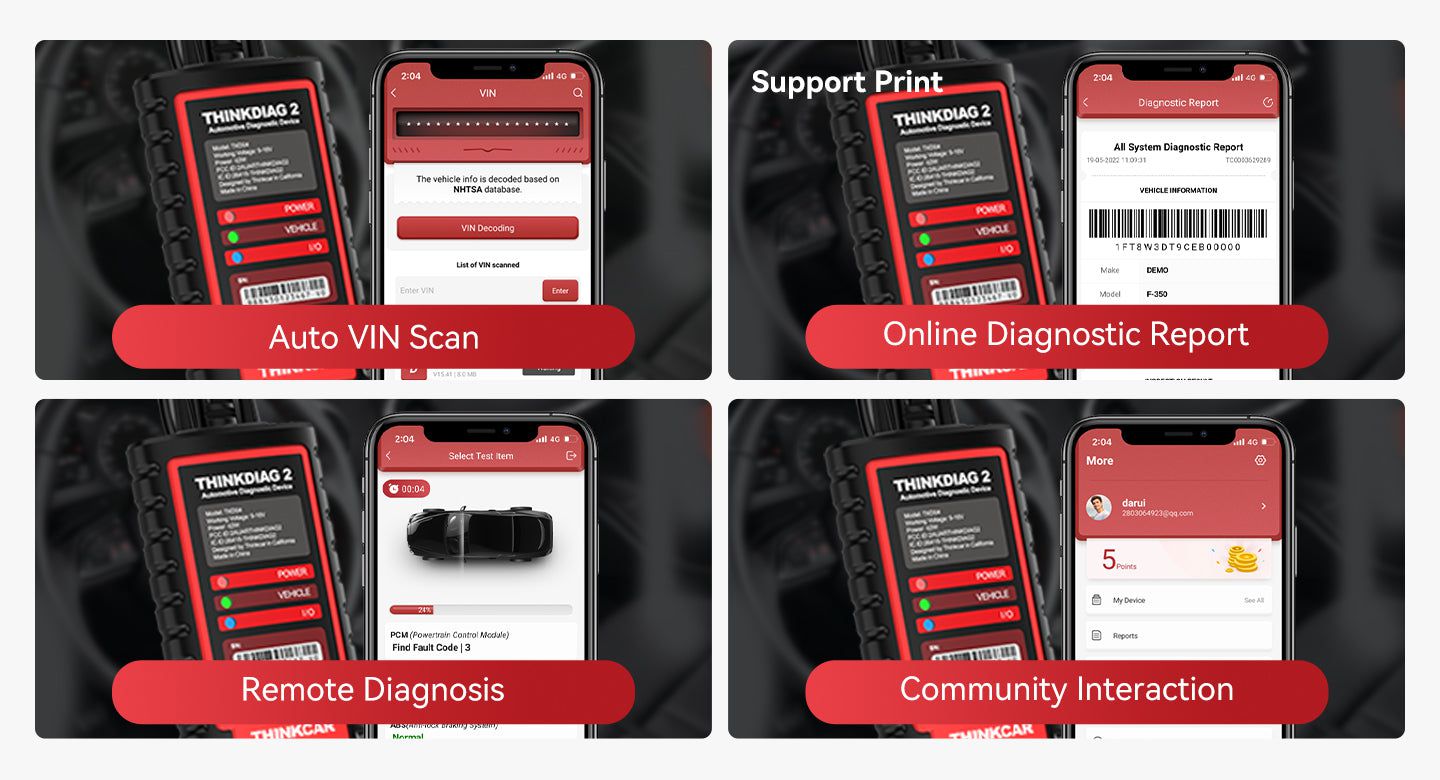
The THINKCAR Thinkdiag2 includes Auto-VIN technology, enabling fast automatic recognition of manufacturing year, model, and VIN for most vehicles. After detection, users can run a full system scan via the 'Health Report' feature, which generates a detailed diagnostic report. Reports and historical records are accessible in the REPORT and HISTORY sections of the app and can be shared or printed.
Additional Features
- Auto-detects vehicle in under 10 seconds
- Generates printable car health reports
- Remote diagnosis capability
- Community support access
- Supports ISO and Bluetooth connectivity; compatible with Android devices
Vehicle Coverage: 120+ Brands and Growing
For OBDII diagnostics, the Thinkdiag2 works effectively with most vehicles manufactured in 1996 or later. Supports the following communication protocols:
- ISO 14230-4 (KWP2000)
- ISO 15765-4 (CAN)
- ISO 9141-2
- ISO 14229 (UDS)
- SAE J1850 (VPW & PWM)
How to Use ThinkDiag 2
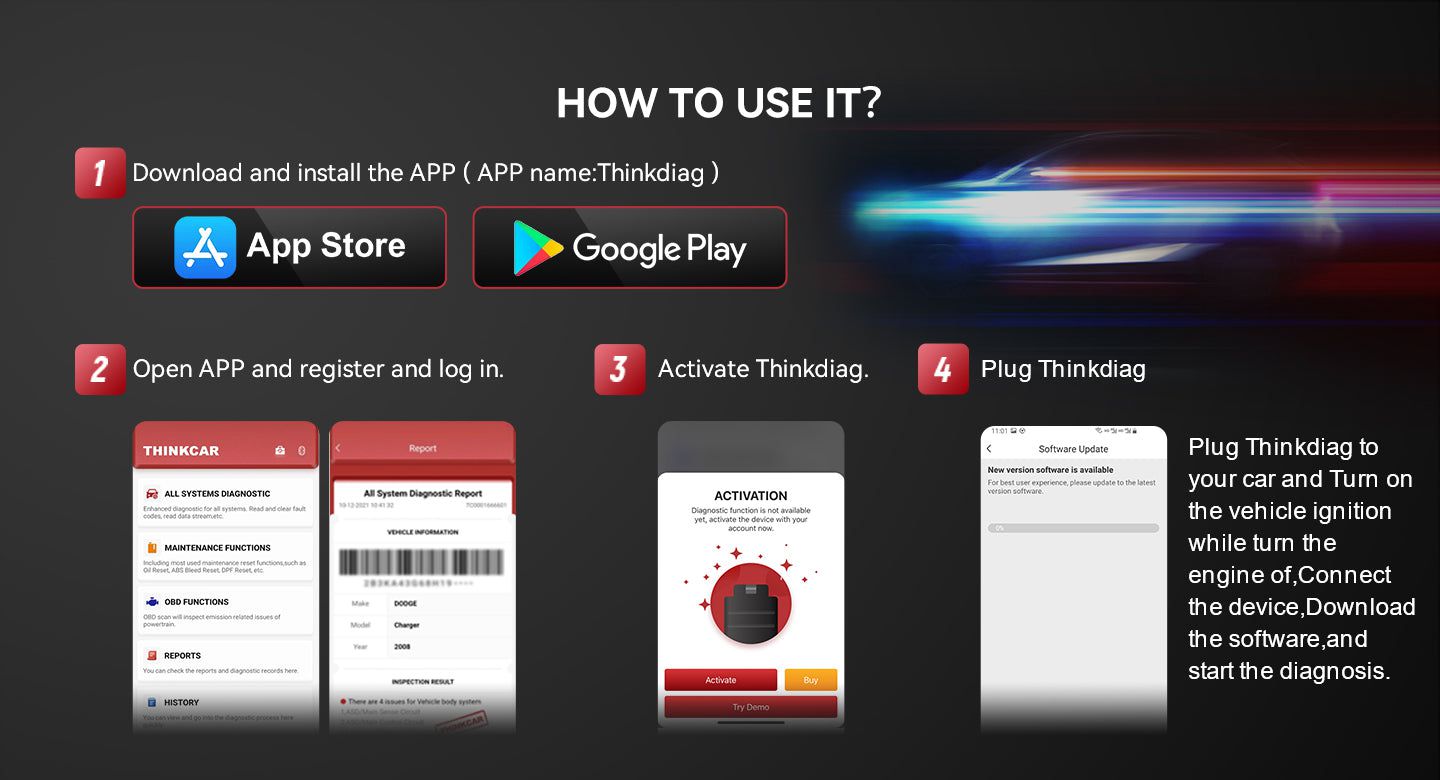
- Download the ThinkDiag App from Google Play (Android) or App Store (iOS)
- Register and log in
- Activate Thinkdiag2 using the serial number (located on the back of the device) and password (found on the white sticker inside the manual)
- Download all required software
- Connect Thinkdiag2 to your vehicle, read the VIN, and begin diagnosis
Technical Specifications
- Supported Systems: Android & iOS
- Bluetooth: Hardware supports 5.0 BLE, dual-mode Bluetooth
- Diagnostic Interface: DB15
- Working Voltage: 12V
- Operating Temperature: -10℃ ~ 50℃
- Storage Environment: -20℃ ~ 60℃
- Dimensions: 120.5mm × 65mm × 29mm
- Shell Material: ABS + PC + TPU rubber sleeve
- OBD Cable Length: 0.65 meters
Package Contents
- 1 x Thinkdiag2 Unit