VVDI MB tool
Xhorse VVDI MB Tool is used for key reading and writing,EIS tools,password calculation,key file preparing,ESL tools,ECU/Gearbox renew and many special functions. It supports all key lost for W204, W207,W166, W246, W212, W212(old), some W216, W164 2009-, W210 (newly add) etc and free update online lifetime.
Xhorse VVDI MB Tool V5.1.6 Benz Key Programmer Get 1 Year Unlimited Token is a one of our VVDI MB tool Tools, you can buy Xhorse VVDI MB Tool V5.1.6 Benz Key Programmer Get 1 Year Unlimited Token from ukobd2.com.
Wholesale Top quality VAS6154, GM Tech2, VCM II For Ford, Handy Baby II Car Key Chip Copier, CDP DS150
images of Xhorse VVDI MB Tool V5.1.6 Benz Key Programmer Get 1 Year Unlimited Token
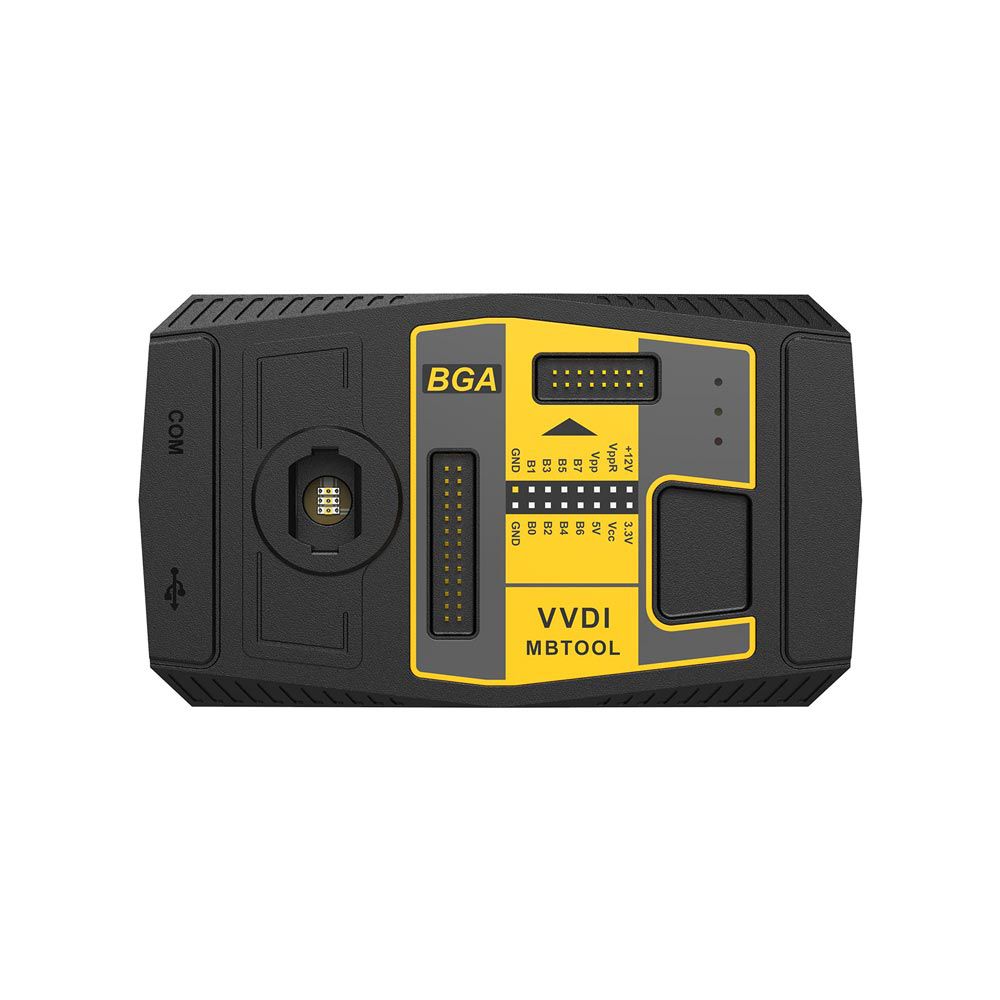
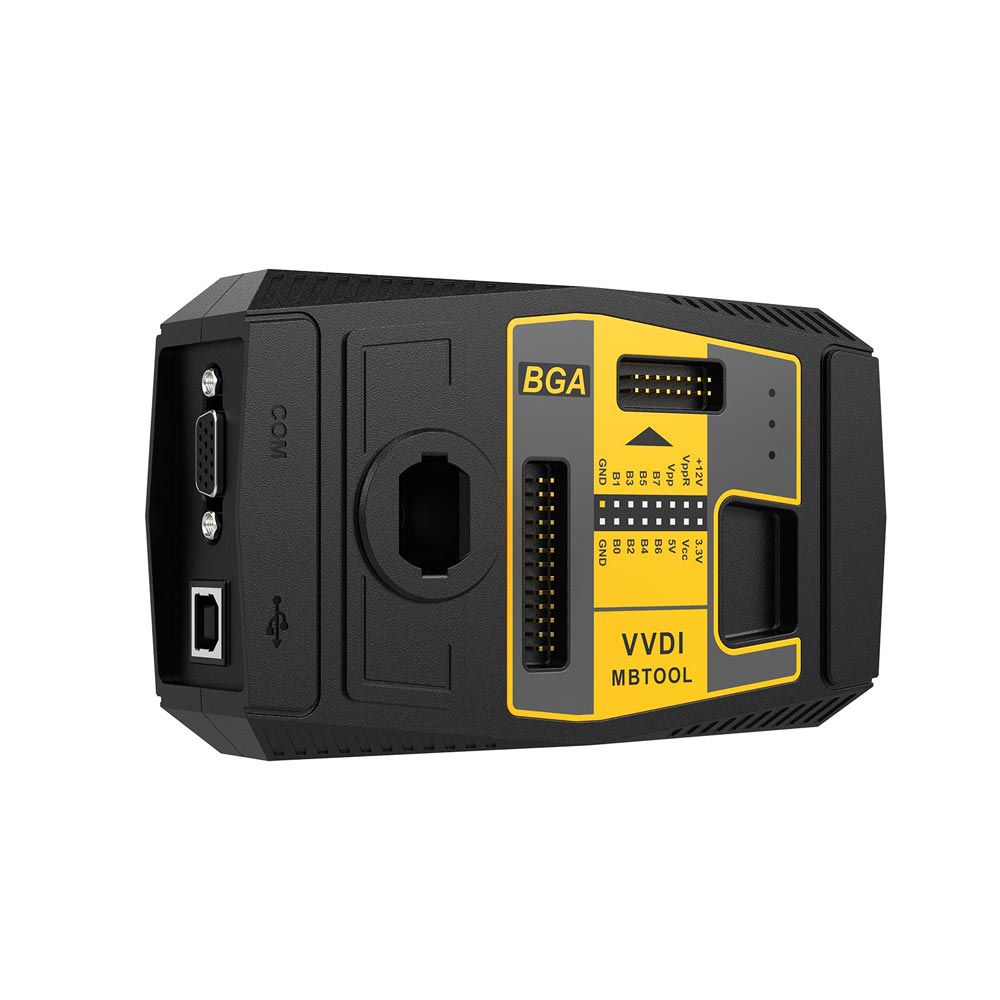
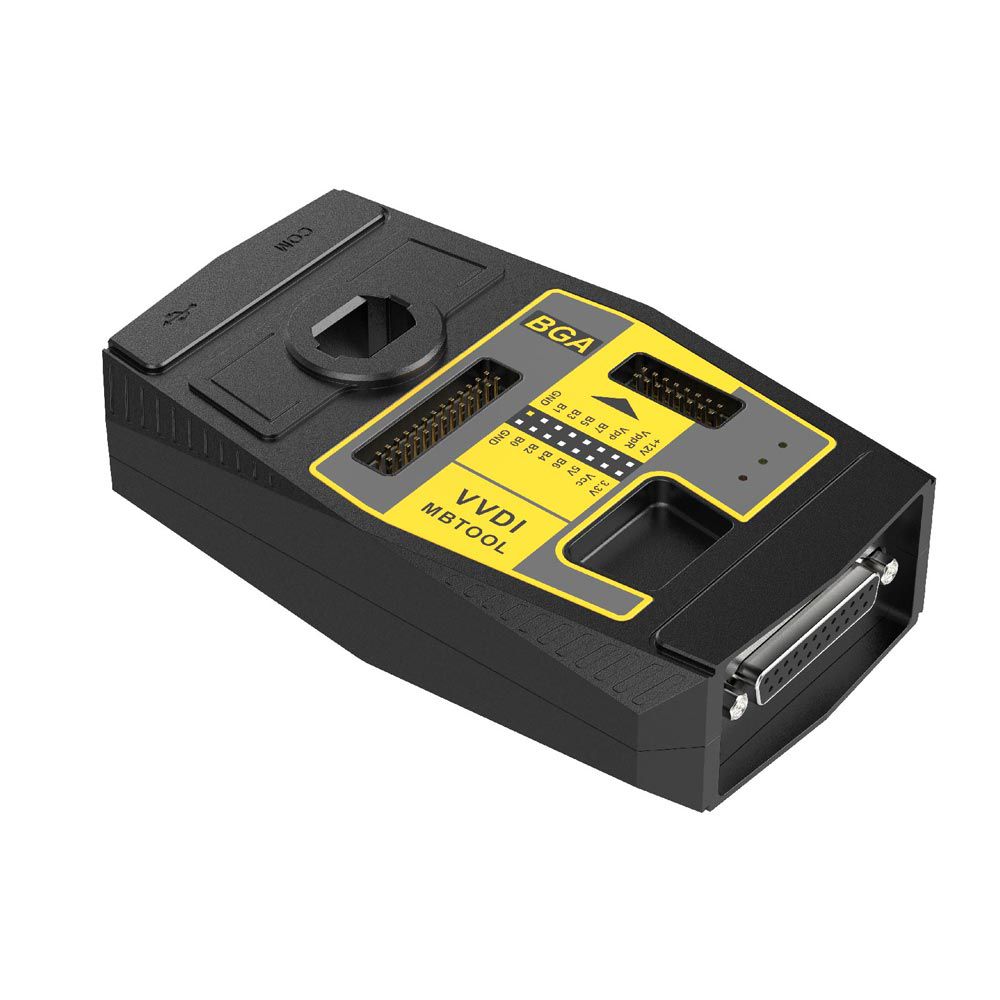
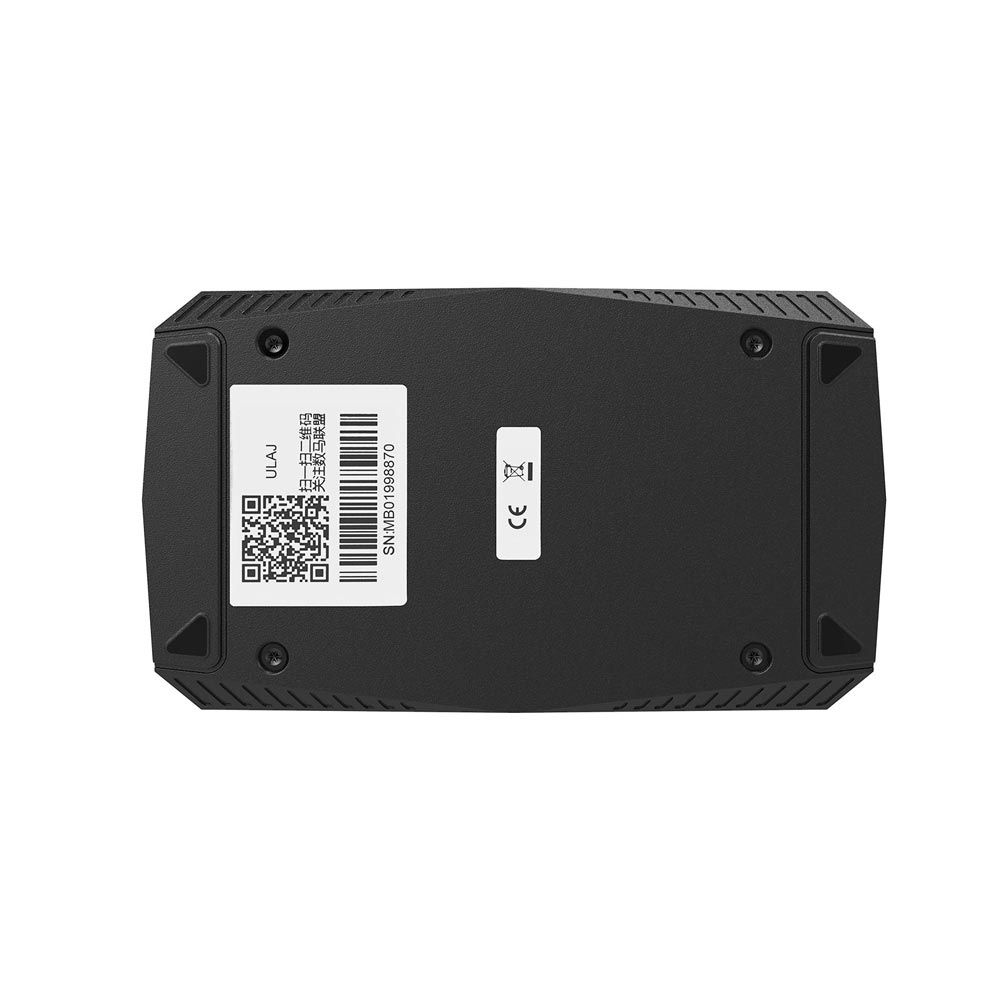
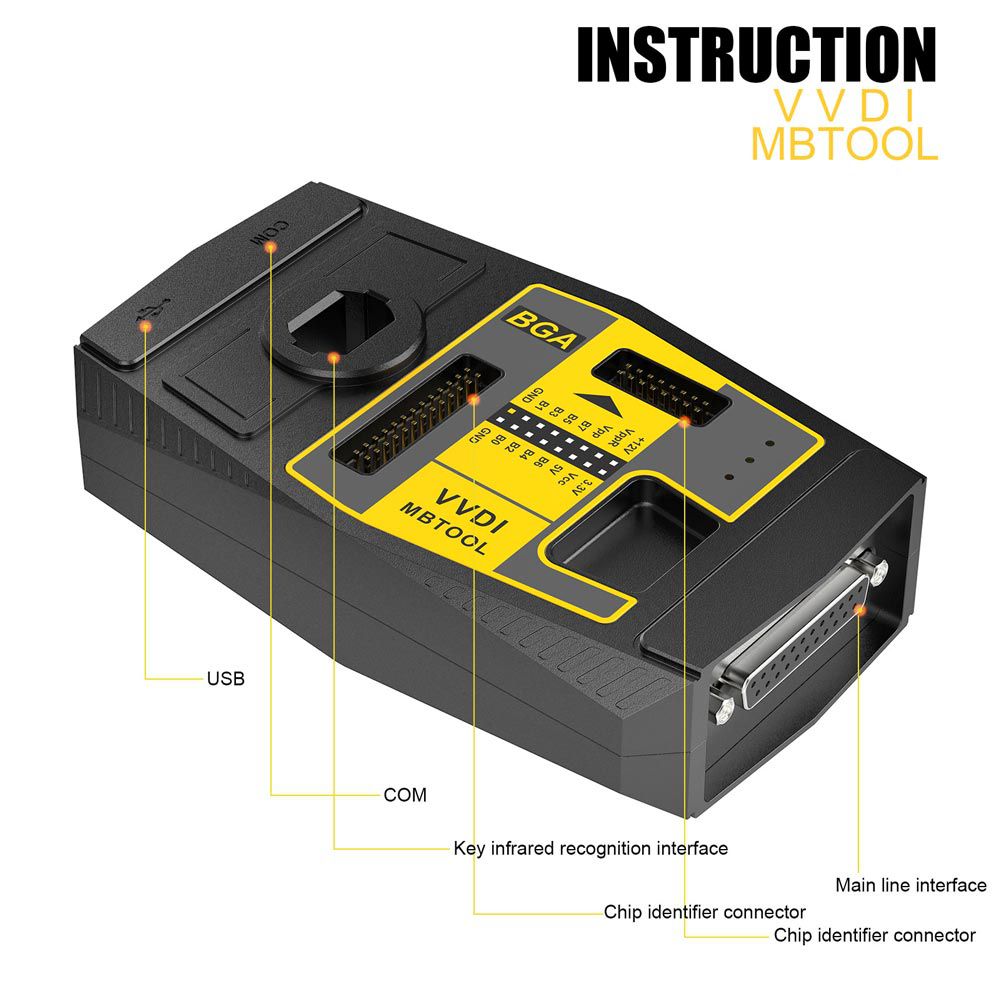
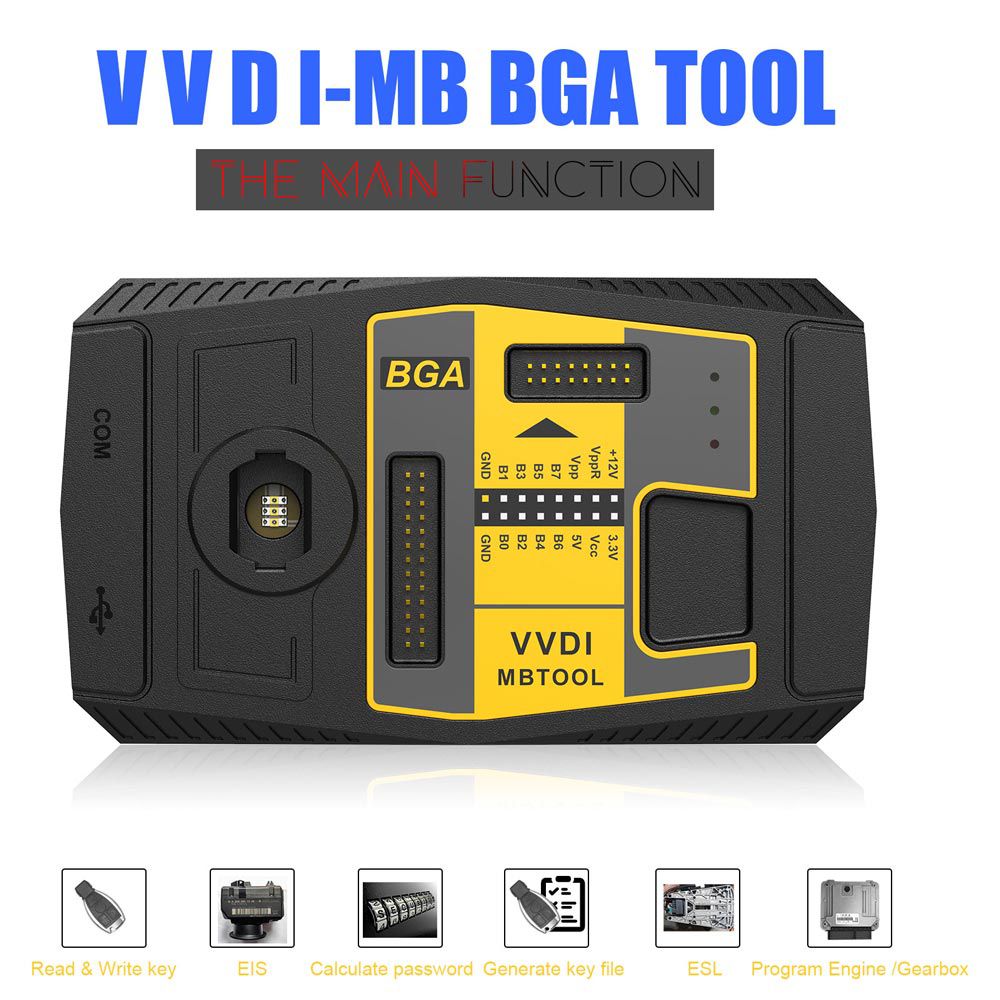
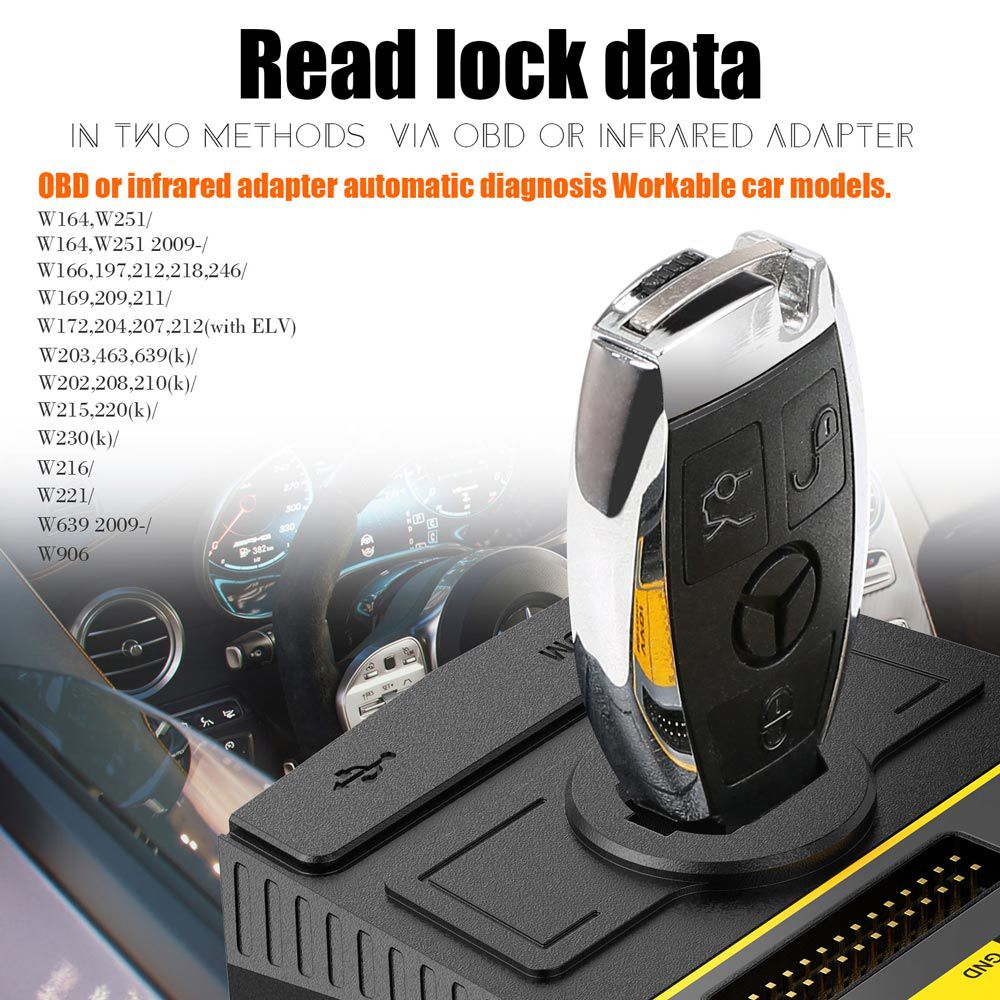
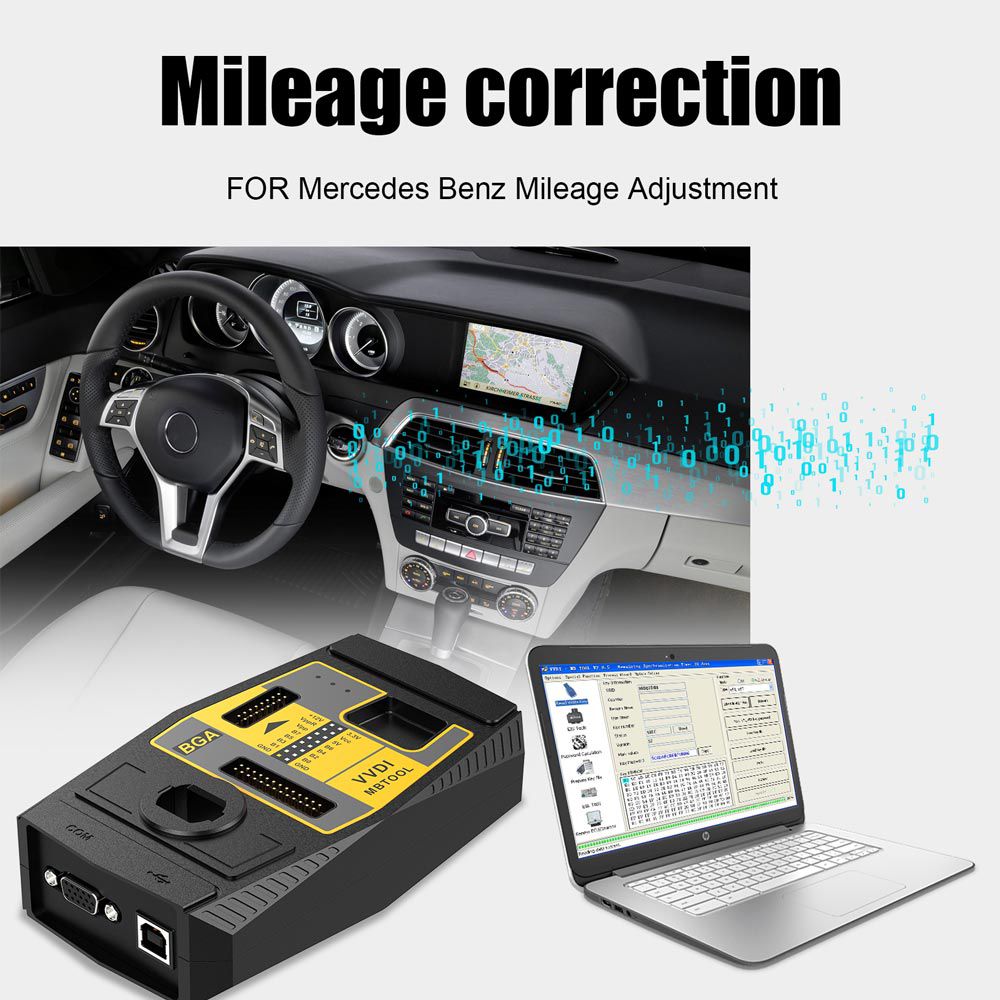
Xhorse VVDI MB Tool mercedes Benz Key Programmer
Free Download V5.1.1 VVDI Benz Software [Password: 123456]
Xhorse VVDI MB BGA TOOL Highlights
- Support BE key, read password, and prepare new key via IR
- NEC V051, V057 support on-board password retrieval
- All NEC keys support on-board write and erase functions
- Password calculation: supports BGA keys, NEC keys (including versions 51 and 57); fast operation
- Support renew EIS and ELV
- Support write EIS and ELV
- Support online generate key file
- Unlock ELV function
- Available languages: English, Spanish, and Polish
- Compatible with popular models including W166, W197, W212, W218, W246, W206, W210, W204, W207, W203, W463, W639, W221, W215, W220, W230, and select W216, W164 (2009–), among others
- Includes 1 Year Unlimited Token Service free of charge
Important Notices
- If you own the Xhorse Condor Mini Plus or Xhorse Dolphin XP-005, you are eligible for one free token per day.
- Supports Password Calculator Function: data collection takes approximately 4 minutes, calculation takes about 2 minutes. Learn more at MB BGA Tool Token Service.
VVDI MB BGA Tool Functions in Detail
1. Read Write Key
- Read basic key information
- For keys with BE version: read password directly via IR; supports key renewal and writing new key files via IR
- Supports IR-based key repair for non-working keys
- NEC adapter enables reading password from NEC v51 and v57 versions
- Supports writing and renewing NEC keys (using NEC adapter) including versions: v51, v57, v28, v35, v40, v03, v06, v08 (Keyless Go), v05, v07, v09 (Keyless Go), v59, v61 (Keyless Go)
2. EIS Tools
- Read EIS data via OBD or IR adapter
- OBD mode includes auto-detection of EIS type for CAN protocol
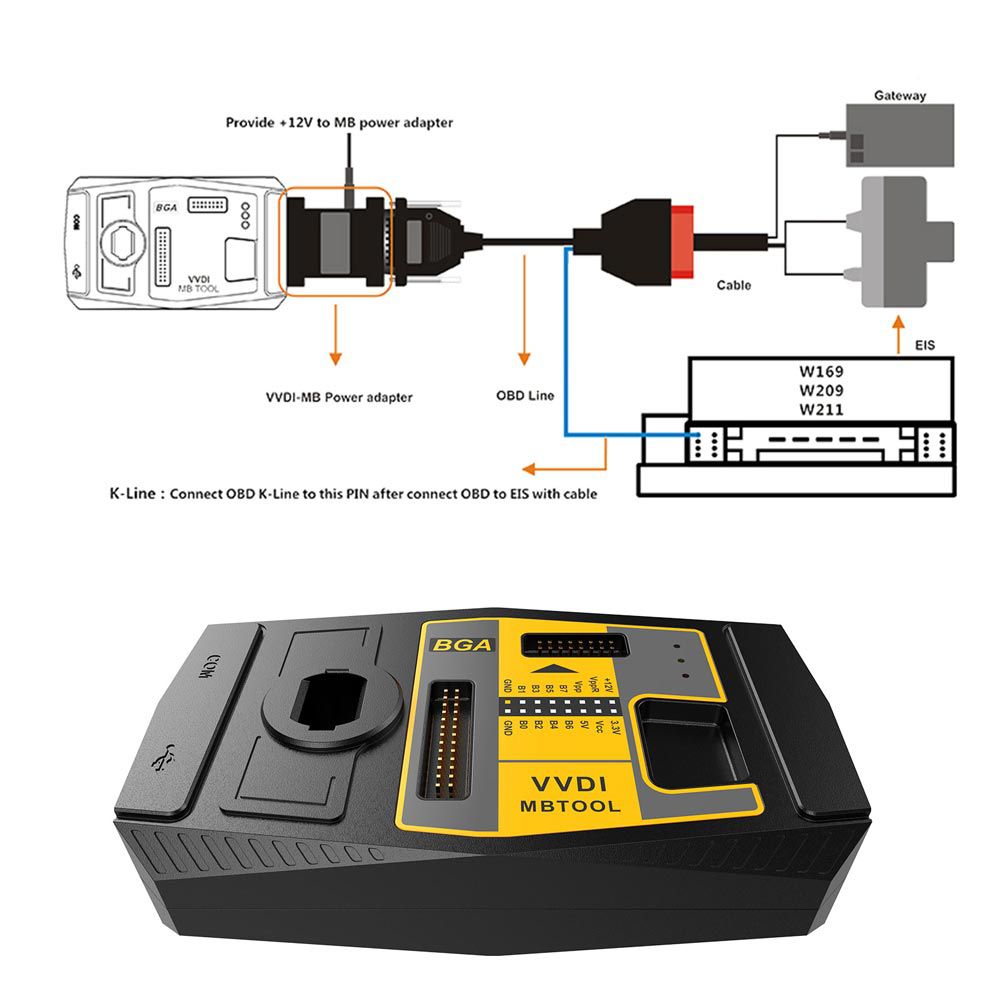
- Supports reading EIS from W164, W209, W211 via OBD without gateway
- Directly read password from old Motorola EIS (HC05, HC08, K-Line) via IR
- Renew EIS – convert second-hand EIS to new (online)
- Replace EIS – write original EIS data to a new unit via IR
- Write new VIN
- Clear TP
- Disable key position
- Personalize W204 ESL
- Test EIS, ELV, and working key status
- Supported models: W164, W164 2009-, W166, W197, W212, W218, W246, W169, W209, W211, W172, W204, W207, W212 (old, with ELV), W203, W463, W639 (K), W202, W208, W210 (K), W215, W220 (K), W230 (K), W216, W221, W639 2009-
3. Password Calculation: Supports Working Key and All keys lost Scenarios
- Retrieve key password using a working key and EIS data (online)
- CAN protocol EIS fully supports password calculation (BGA and other NEC keys)
- Supports password calculation for NEC v51 and v57 keys – no soldering required
- Data acquisition time varies by key version: 3.5–13 minutes; BGA version requires ~5 minutes
- Server calculation time: 30 seconds – 1 minute
- VVDI-MB TOOL is currently the fastest tool for password calculation
- lost all keys: supports W166, W212, W246, W212 (old, with ELV)
- Supported models (with working key): W164, W164 2009-, W166, W197, W212, W218, W246, W169, W209, W211, W172, W204, W207, W212 (old, with ELV), W216, W221, W639 2009-
4. Prepare Key File
- Prepare key file for writing to a new key (online process)
- Takes approximately 20 seconds
- Supports VVDI-MB type EIS data and legacy Motorola EEPROM dumps
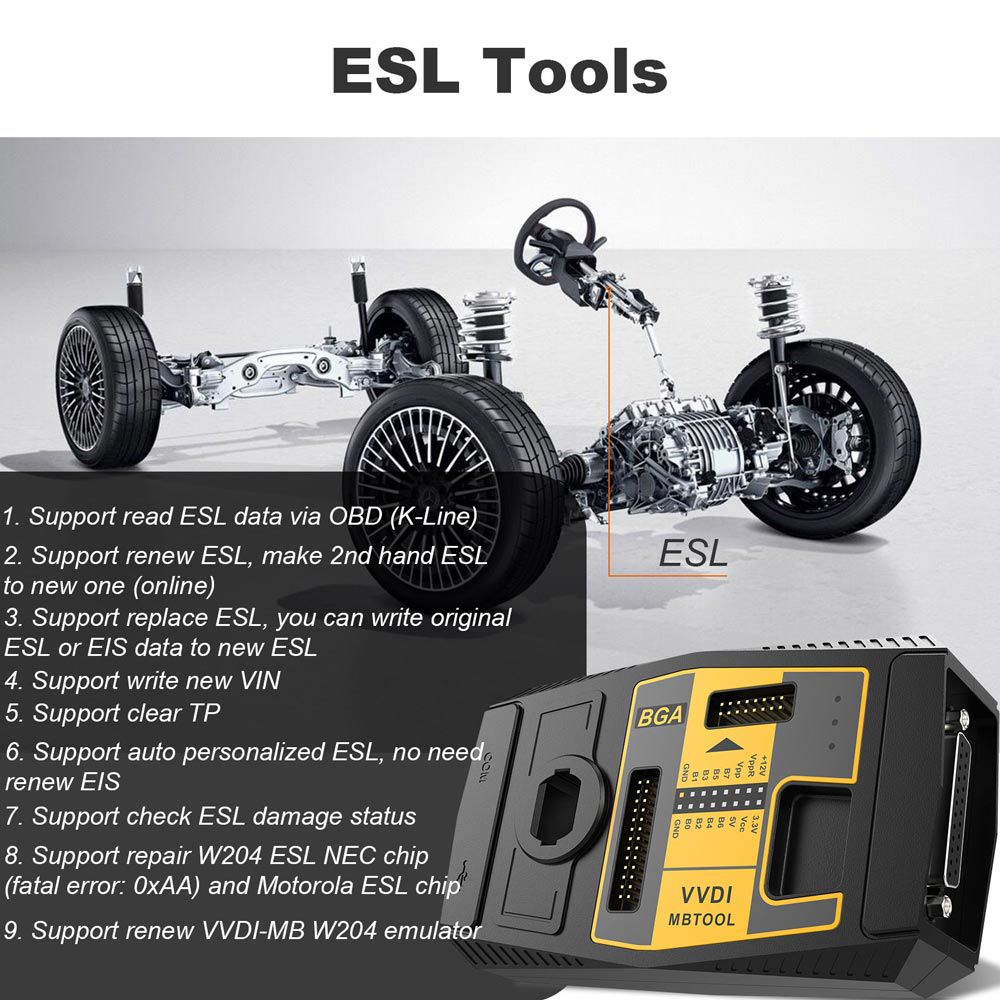
5. ESL Tools
- Read ESL data via OBD (K-Line)
- Renew ESL – convert second-hand ESL to new (online)
- Replace ESL – write original ESL or EIS data to a new ESL
- Write new VIN
- Clear TP
- Auto-personalize ESL – no need to renew EIS
- Check ESL damage status
- Repair W204 ESL NEC chip (fatal error: 0xAA) and Motorola ESL chip
- Renew VVDI-MB W204 emulator
6. Renew ECU/Gearbox
- Supports renew, VIN write, and personalization operations for modules such as ECU, Gearbox, ISM, etc.
For more details, refer to the Xhorse VVDI MB Tool User Manual
VVDI MB TOOL Latest Update Information
V5.1.1 (2021-07-14) – Requires Firmware V5.0.1
- Released user manual V2.1
- Bug fixes
V5.1.0 (2021-04-06) – Requires Firmware V5.0.1
- Bug fix for writing K-line EIS
- Bug fix for writing ECU (272) VIN (test purpose only)
- Added Setting option (Menu → File → Setting): supports deactivating voltage limit and reading password via IR
- Bug fixes
V5.0.6 (2020-07-30) – Requires Firmware V5.0.1
- Improved VVDI Smart Key (FBS3) bonus point acquisition
- Bug fixes
V5.0.5 (2020-05-26) – Requires Firmware V5.0.1
- Support for VVDI Smart Key (FBS3) bonus points
- Manual device time synchronization via menu
- Bug fixes
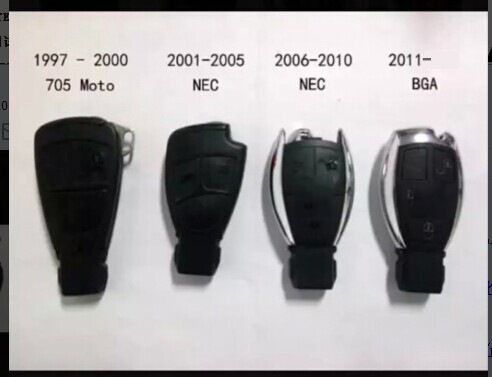
Supported Key Types Display
Latest Technical Details
The VVDI MB BGA tool update performs well. The following model compatibilities are provided for reference.
Model Support: IR / OBD
- W164, W164 2009+
- A166, W197, W212, W218, A246
- A169, W209, W211
- W172, W204, A207
- W203
- W204, W207, W212 – supported via dump only
- W209 – supported via dump only
- W210
- W215, W220
- W230
- W216
- W221
- W906
Supported Key Versions
- v03, v06, v08
- v05, v07, v09
- v59, v61
VVDI MB BGA Tool Firmware Update Guide
- Connect the VVDI MB Tool to your computer using the USB cable
- Select the desired firmware version from the Firmware List
- Click “Update Online” and wait until the process completes
- If an error occurs during update, close, disable, or pause antivirus and firewall software, then retry
- Do not shut down your computer or disconnect the USB cable during the update
How to Use VVDI MB BGA Tool?
- Step 1: Connect VVDI MB BGA Tool to the vehicle, run VVDI Benz BGA software, and read/save EIS data
- Step 2: Select Password Calculation, choose chassis type, click "Data Acquisition", and save the data file
- Step 3: Upload the saved data file to calculate the password
- Step 4: Return to EIS Tool menu, read EIS data, enter the password, and save the updated EIS file
- Step 5: Go to "Prepare Key File", load the updated EIS file, and click "Prepare Key File" to generate key data
- Step 6: Navigate to "Read Write Key", place a blank BGA key into the coil for identification, then write the prepared data to the key
- Step 7: Synchronize the new key with the vehicle
Real Programming Example: Using VVDI MB BGA Tool to program a mercedes BGA key for ML250 W166
VVDI Benz BGA Tool Customer Feedback
- mercedes W245 B-Class (2007): Works for All keys lost scenario
- W221: All keys lost – Success
- W164: No OBD connection; IR works. Data collection not possible via OBD. EZS IR reading functional
- W212: All keys lost via OBD – Success
- W220: No K-Line connection for data collection; IR reading successful
- W210: Various EIS/EZS units tested – IR password reading unsuccessful on MCU types 1D69J, 0D69J
- W215: Mixed results – Some MCUs (e.g., 1L85D) failed IR reading
- W203: Successful IR password reading on A203.545.05.08 with MCU 1J35D
- W220: A215.545.02.08 – IR reading successful; A215.545.00.08 with 1D69J – unsuccessful
- W639: Multiple MCU types tested – IR/OBD reading unsuccessful
- HC05-based systems generally not supported via IR alone
- MCUs 1D69J/0D69J require K-line calculation; cannot be read by IR alone
Note: Only partial support for HC05 and HC08 Motorola EIS (K-Line). If unsupported, an error will appear; EEPROM must be removed manually. Verified working on some W215 units, but not universally compatible.
W204 ESL Replacement Steps:
ESL: Clear TP, Renew ESL (requires password erase)
EIS: Renew EIS (requires password and erase)
Write EIS data back, then Personalize W204 ESL
- Tested password retrieval on W212 new model – excellent performance; requires 2 tokens; completed in ~10 minutes
- Confirmed capability to perform All keys lost on W212 – demonstrated in video; comparable tools like Mehaco or Nec Pro51 also support this feature now
To view more real customer feedback worldwide, visit our official blog: Xhorse VVDI MB BGA Tool All Info
VVDI MB BGA Tool FAQ
Q: I successfully read data via OBD2 on W210 (K-Line) and W204, but W211 fails to connect via OBD2 cable.
Pin configuration:
16 – 12V
4+5 – GND
14 – CAN_L
6 – CAN_H
Pin 1: ESL 1
Pin 2: GND
Pin 3: +12V (30)
Pin 5: CAN L (White)
Pin 6: CAN H (Green)
Pin 7: CAN L
Pin 8: CAN H
A: Reading EIS via OBD on W164, W169, W211, W209 requires a connected gateway.
Connection Display
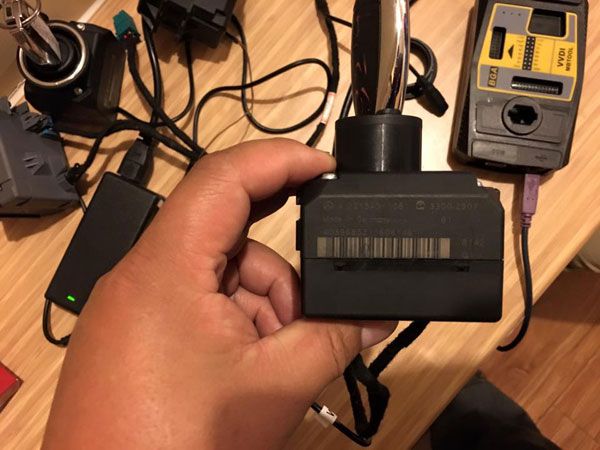
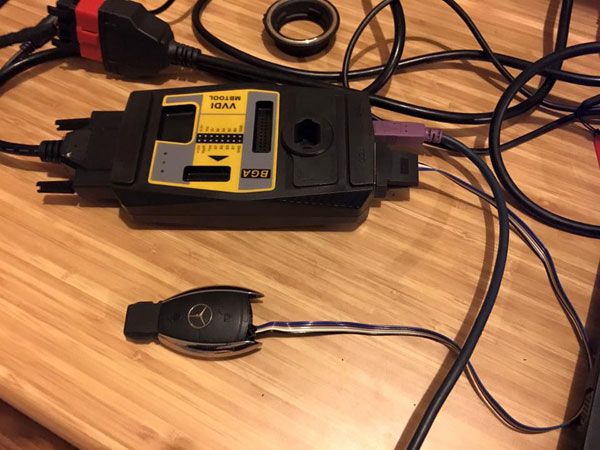
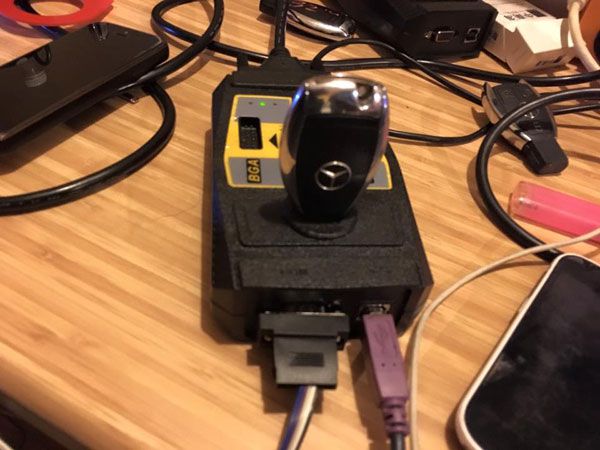
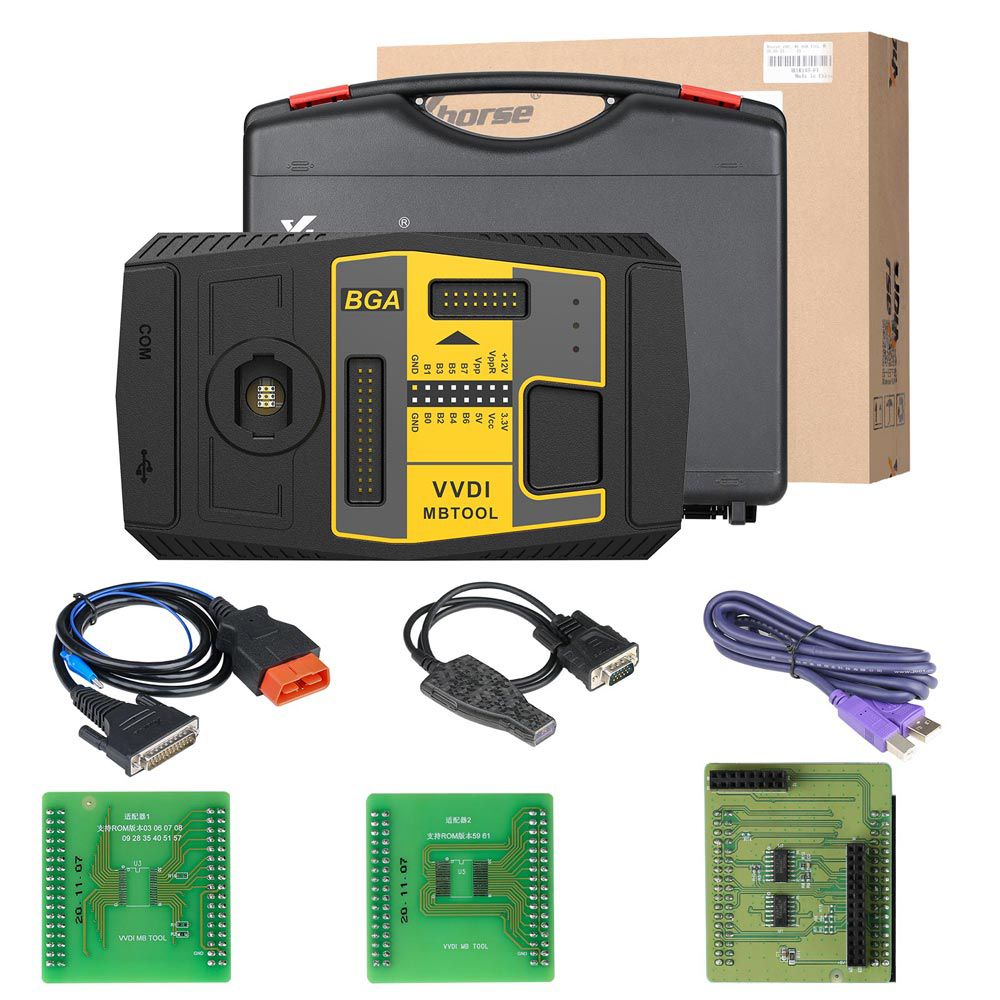
VVDI MB BGA Tool Package List
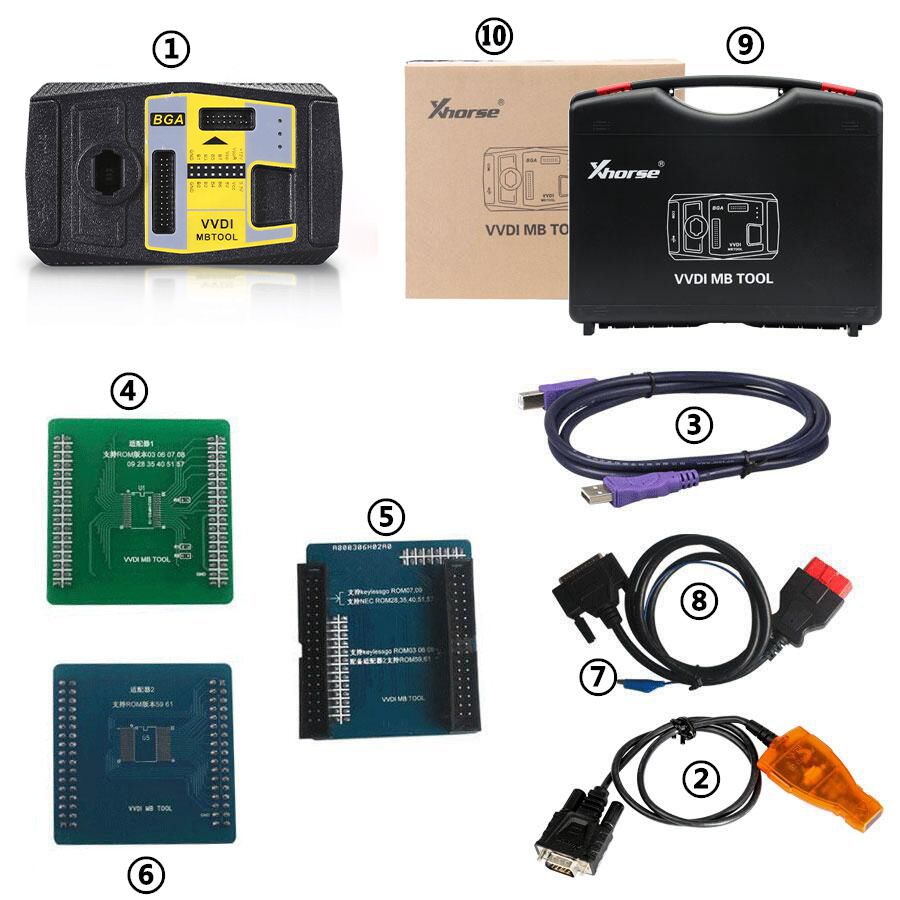
- VVDI-MB TOOL Device
- IR Adaptor
- USB Cable
- NEC Adaptor 1
- NEC Adaptor 2
- NEC Adaptor Base PCB
- K Line in OBD Line
- OBD Line
- Plastic Box
- Carton Box
Go to Buy: Xhorse VVDI MB Tool V5.1.6 Benz Key Programmer Get 1 Year Unlimited Token