elm327 15v
New arrival MINI OBDII Car Diagnostic Scanner for Android makes your smart phone a convenient car diagnostic platform. Easy operation with low cost, everyone can afford to have one!
Mini OBDII Car Diagnostic Scanner for Android and Windows (Blue/Black/White) is a one of our elm327 15v Tools, you can buy Mini OBDII Car Diagnostic Scanner for Android and Windows (Blue/Black/White) from ukobd2.com.
Wholesale Top quality VAS6154, GM Tech2, VCM II For Ford, Handy Baby II Car Key Chip Copier, CDP DS150
images of Mini OBDII Car Diagnostic Scanner for Android and Windows (Blue/Black/White)
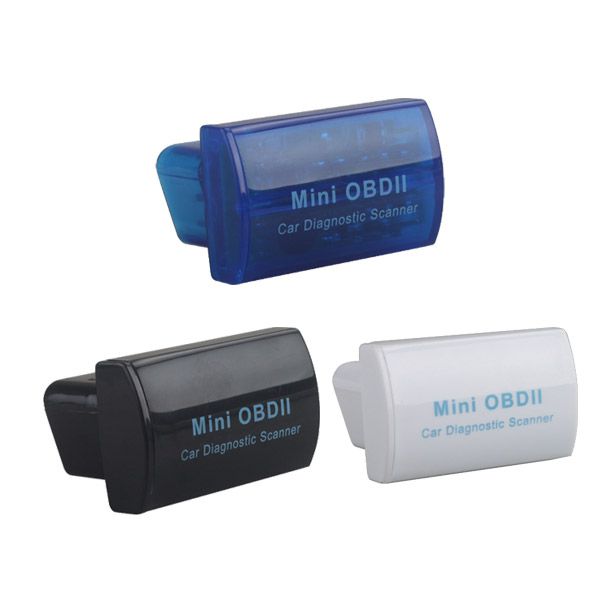
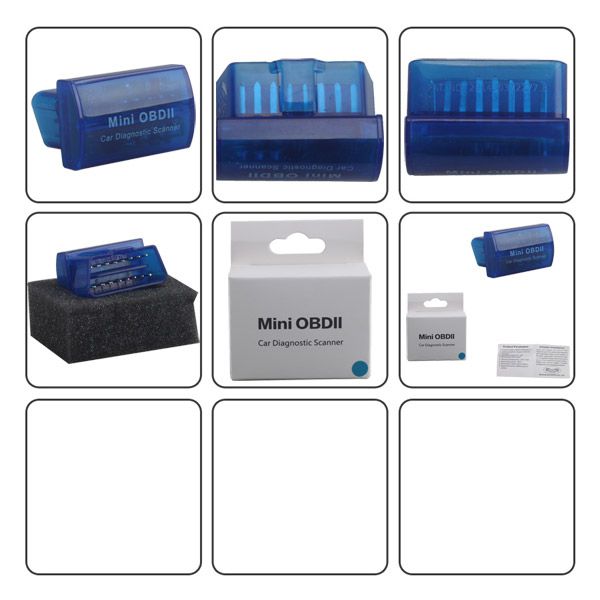
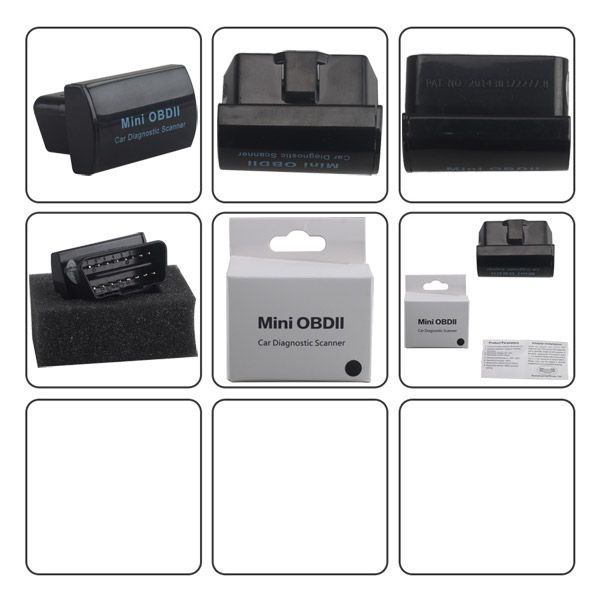
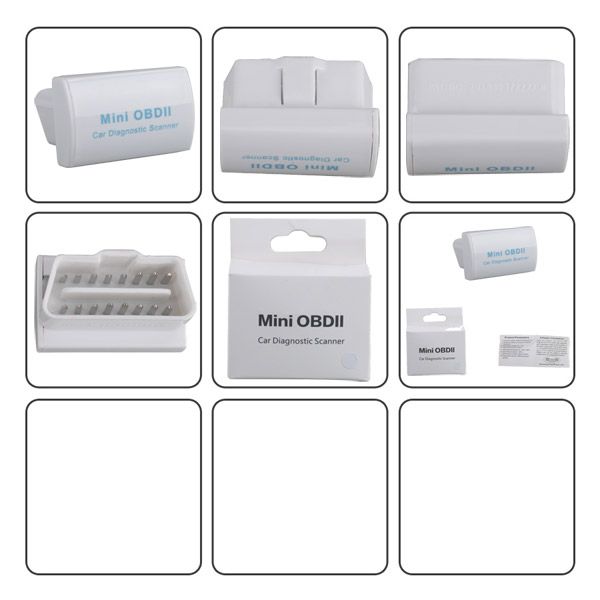
Mini OBDII Car Diagnostic Scanner for Android (Blue/Black/White)
Top 4 Reasons to Get the Mini OBDII Car Diagnostic Scanner
- The newly developed high-quality wireless scan tool supports all OBD2 protocols.
- Works with all OBD2 compliant vehicles.
- Enables reading of diagnostic trouble codes.
- Features a small Bluetooth interface with a 16-pin socket.
Compatible Devices
The Mini OBDII Car Diagnostic Scanner supports the following devices:
- Android system phones
- Symbian system phones
- Windows XP and Windows 7 32-bit computers
Mini OBDII Car Diagnostic Scanner Functions
Reads diagnostic trouble codes—both generic and manufacturer-specific—and displays their meaning (includes over 3000 generic code definitions in the database).
Current Sensor Data Display
The scanner displays real-time sensor data, including:
- Engine RPM
- Calculated Load Value
- Coolant Temperature
- Fuel System Status
- Vehicle Speed V2.1
- Short Term Fuel Trim
- Long Term Fuel Trim
- Intake Manifold Pressure
- Timing Advance
- Intake Air Temperature
- Air Flow Rate
- Absolute Throttle Position
- Oxygen sensor voltages / associated short term fuel trims
- Fuel System status
- Fuel Pressure
Supported Protocols
The Mini OBDII scanner supports the following protocols:
- ISO 9141-2 (5 baud init, 10.4 Kbaud)
- ISO14230-4 KWP (5 baud init, 10.4 Kbaud)
- ISO14230-4 KWP (fast init, 10.4 Kbaud)
- ISO15765-4 CAN (11bit ID, 500 Kbaud)
- ISO15765-4 CAN (29bit ID, 500 Kbaud)
- ISO15765-4 CAN (11bit ID, 250 Kbaud)
- ISO15765-4 CAN (29bit ID, 250 Kbaud)
How to Use the Mini OBDII Scanner with Android
- Plug in the OBDII adapter and start the car engine.
- Install the “Mini OBD” software:
- Copy “Mini OBD” to your phone from the included CD.
- Install the software.
- Launch the “Mini OBDII” software:
- Register and log in to your account.
- Click the icon in the top right corner.
- Click “Vehicle Settings” and select your car model.
- Connect with the OBDII adapter:
- Click “Connecting Device” to prepare for OBDII adapter connection.
- Click “Device Plugged Please Scan Now” to scan for the OBDII Bluetooth device.
- Locate the Bluetooth OBDII device and click “Connect.”
Additional features include:
- Vehicle Real Time Data
- HUD Display
- Vehicle Real Time Data Stream
- Route Analysis
- Health Scan
- Clear Fault Codes
Package Includes
1 × Mini OBDII Car Diagnostic Scanner for Android
Go to Buy: Mini OBDII Car Diagnostic Scanner for Android and Windows (Blue/Black/White)