obdstar x300 dp tablet
OBDSTAR X300 DP tablet supports both key programming and diagnosis 2 in 1, covers vast range of vehicles, featuring powerful function, and providing superior quality,with Maintenance Database, remote assistant, and One Key Update etc.
OBDSTAR X300 DP Key Master DP Key Programmer Standard Configuration Immobilizer+ Odometer Adjustment+ EEPROM/PIC Adapter +OBDII+Toyota G & H Chip is a one of our obdstar x300 dp tablet Tools, you can buy OBDSTAR X300 DP Key Master DP Key Programmer Standard Configuration Immobilizer+ Odometer Adjustment+ EEPROM/PIC Adapter +OBDII+Toyota G & H Chip from ukobd2.com.
Wholesale Top quality VAS6154, GM Tech2, VCM II For Ford, Handy Baby II Car Key Chip Copier, CDP DS150
images of OBDSTAR X300 DP Key Master DP Key Programmer Standard Configuration Immobilizer+ Odometer Adjustment+ EEPROM/PIC Adapter +OBDII+Toyota G & H Chip
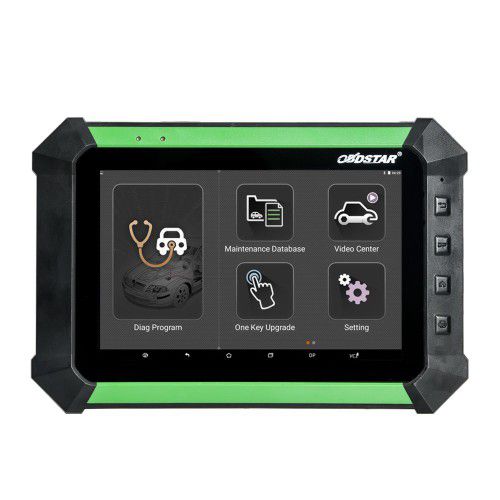
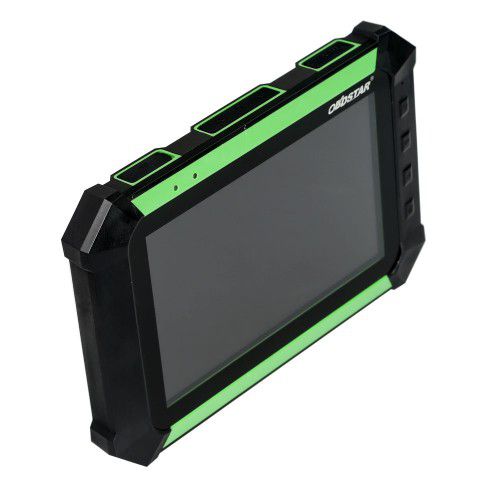
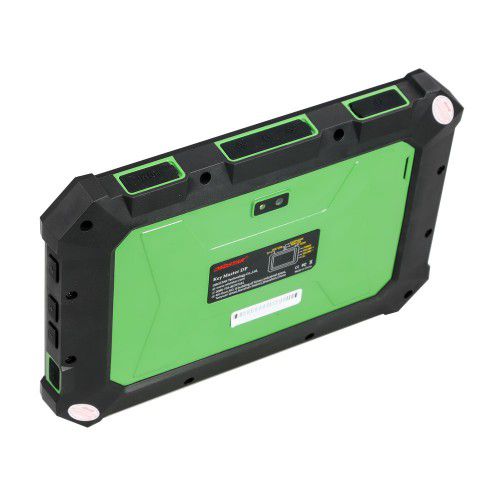
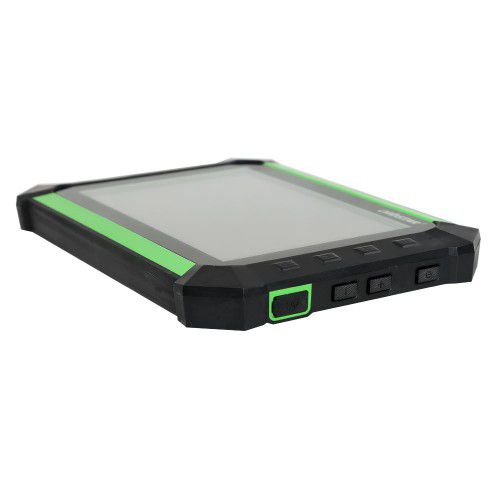
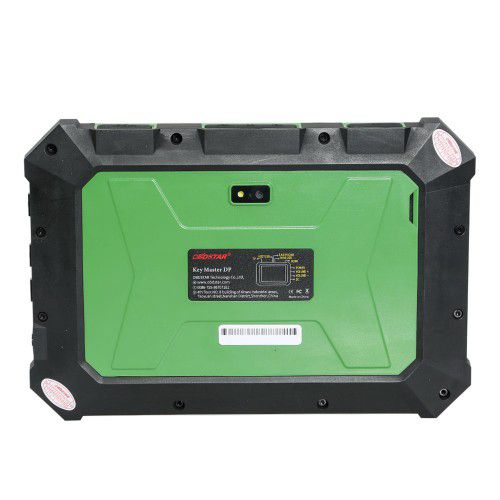
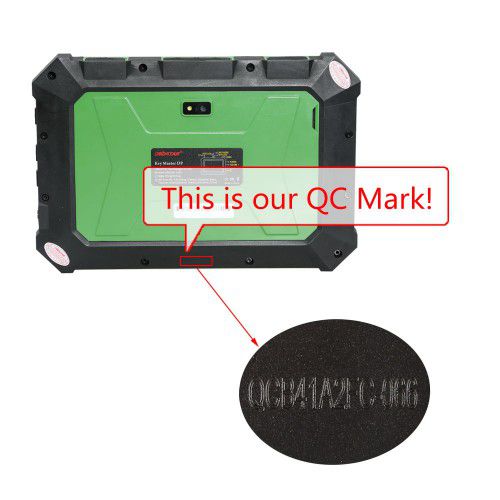
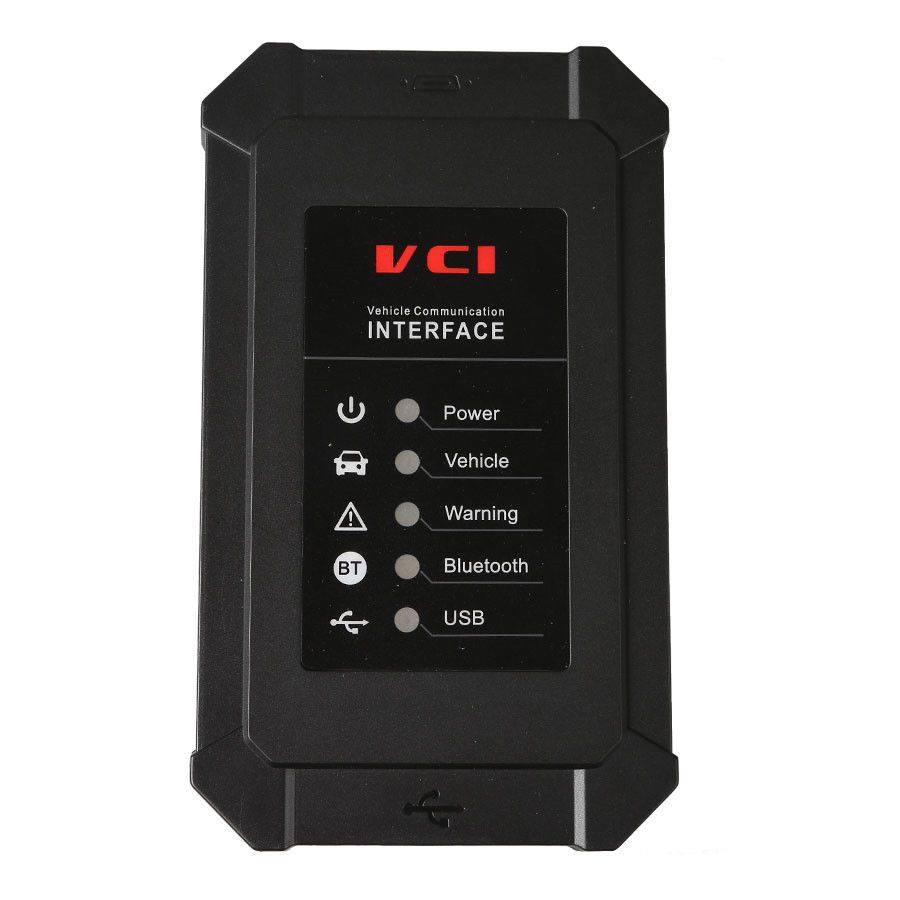
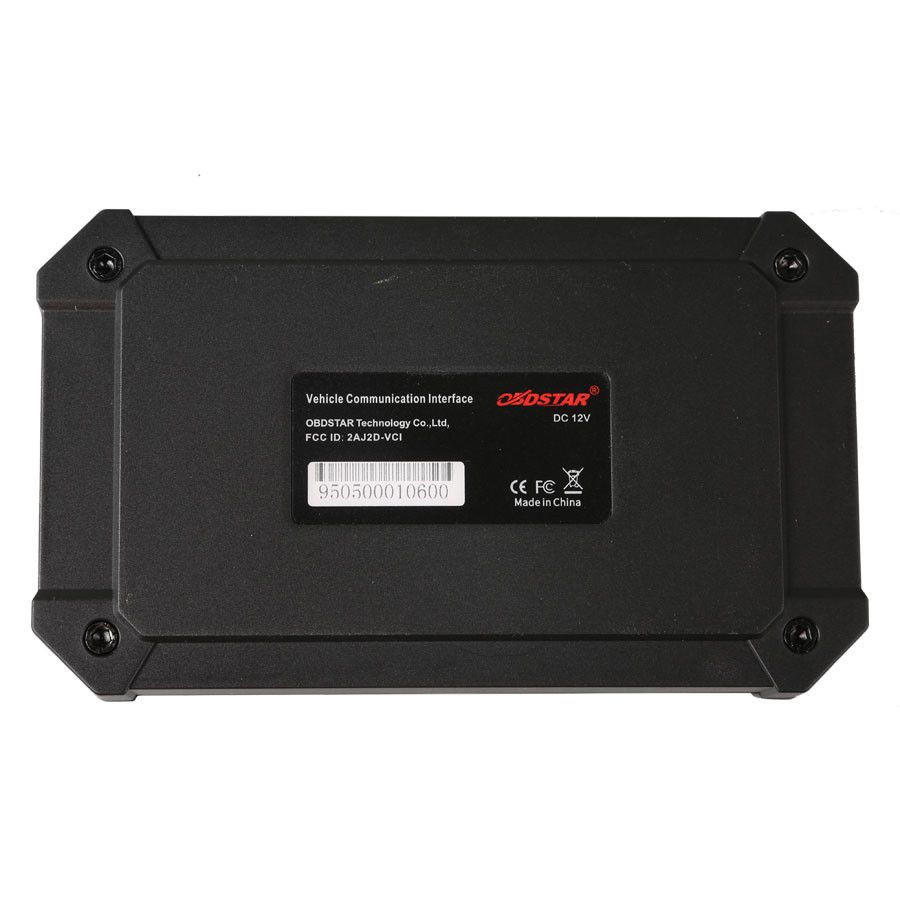
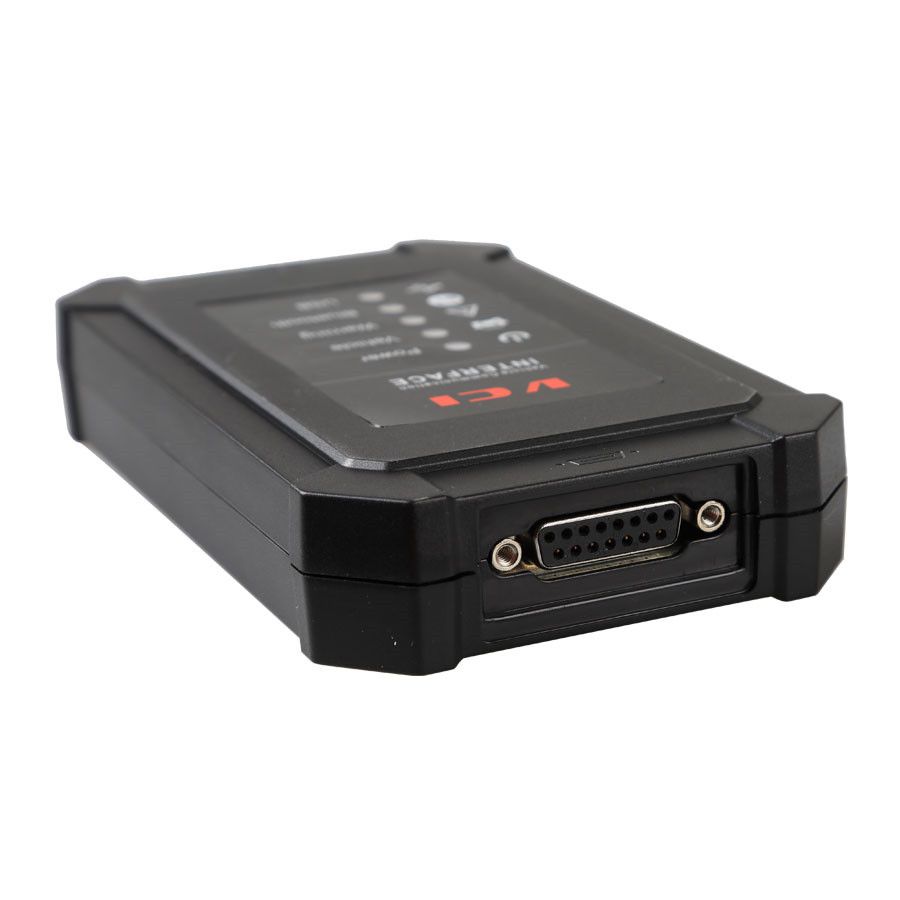
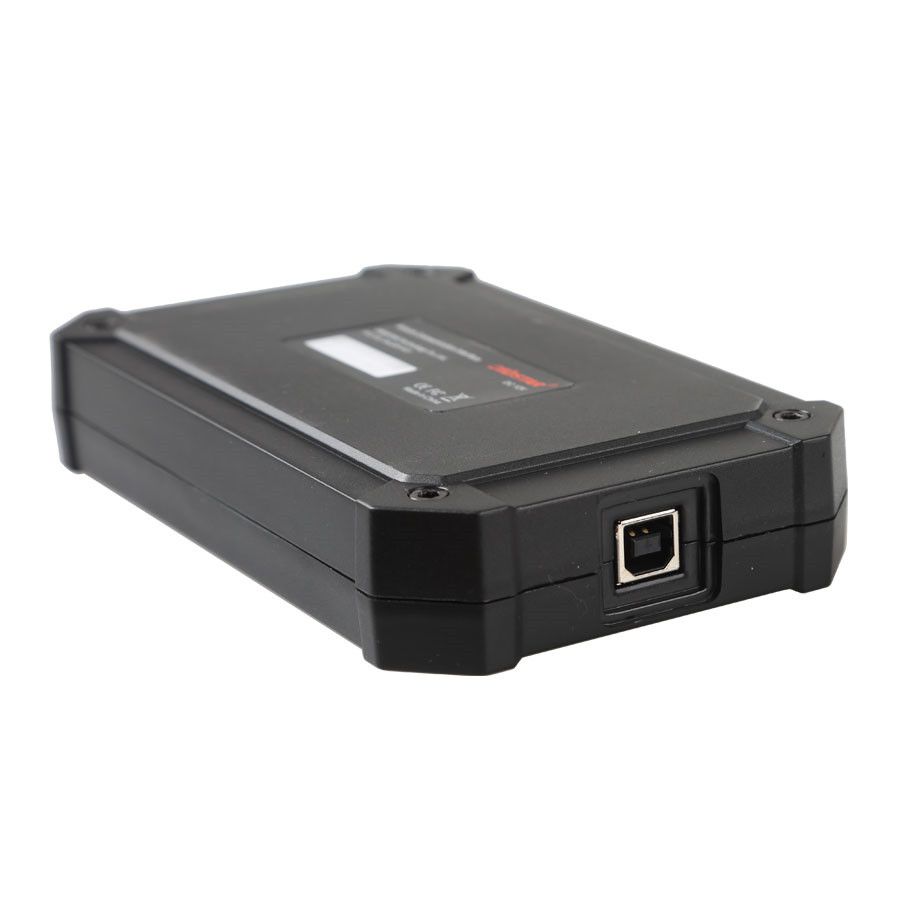
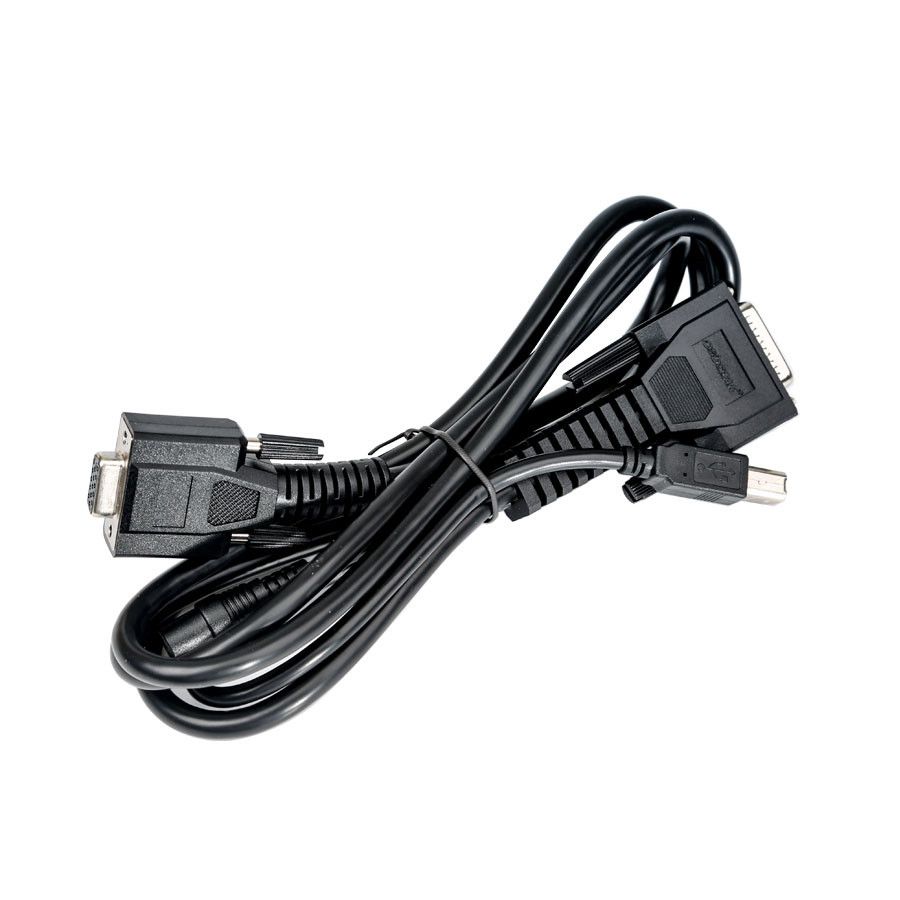
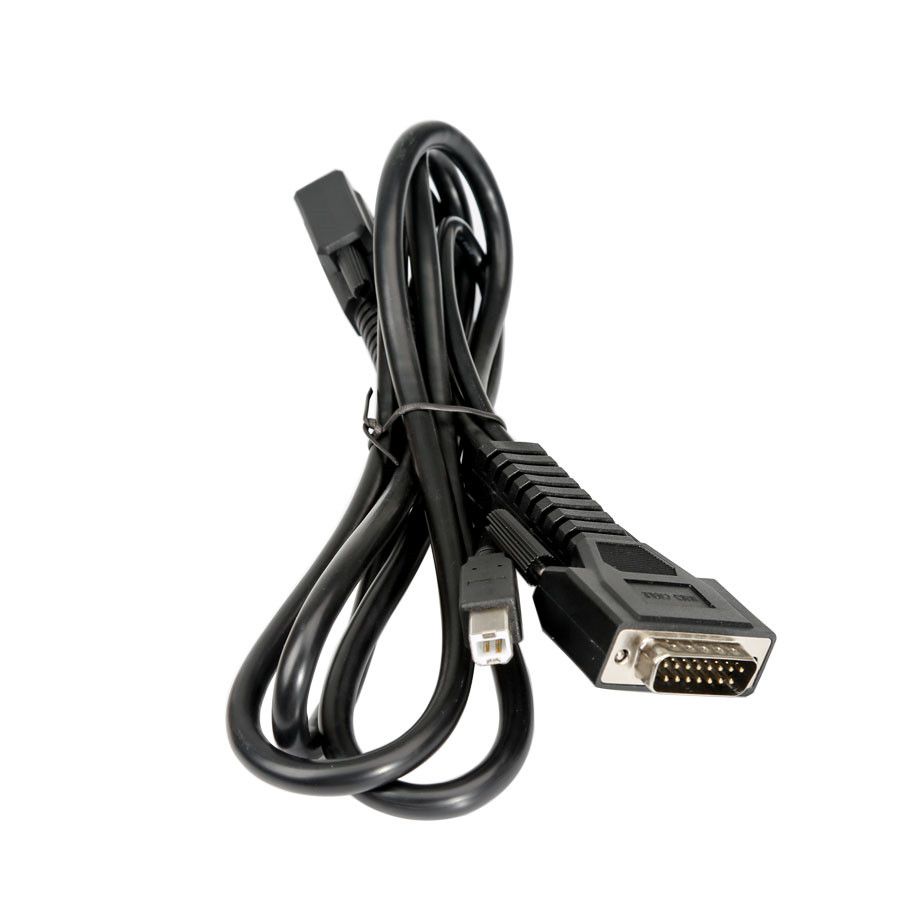
OBDSTAR X300 DP / Key Master PAD Android Tablet Key Programmer – Standard Configuration
Software Update: One-key upgrade with free updates for one year. After that, renewal costs $170/year.
Language Support: English (default), Turkish, Thai, Portuguese, French, Russian. To change language, please purchase SP283-S.
Standard Configuration Features
OBDSTAR X300 DP Key Programmer Standard Configuration includes: Immobilizer + Odometer Adjustment + EEPROM/PIC Adapter + OBDII + TOYOTA G & H Chip All Keys Lost support.
Upgrade to Full Configuration for Additional Functions
For expanded capabilities, choose the X300 DP Full Configuration, which adds: ABS, TPS, SRS Reset, TPMS (Low Tire) Reset, Steering Angle Reset, CVT Learning/Value Reset, EPB, Oil/Service Reset, Battery Matching, and Diagnosis for Japanese and Korean vehicle brands.
Product Overview
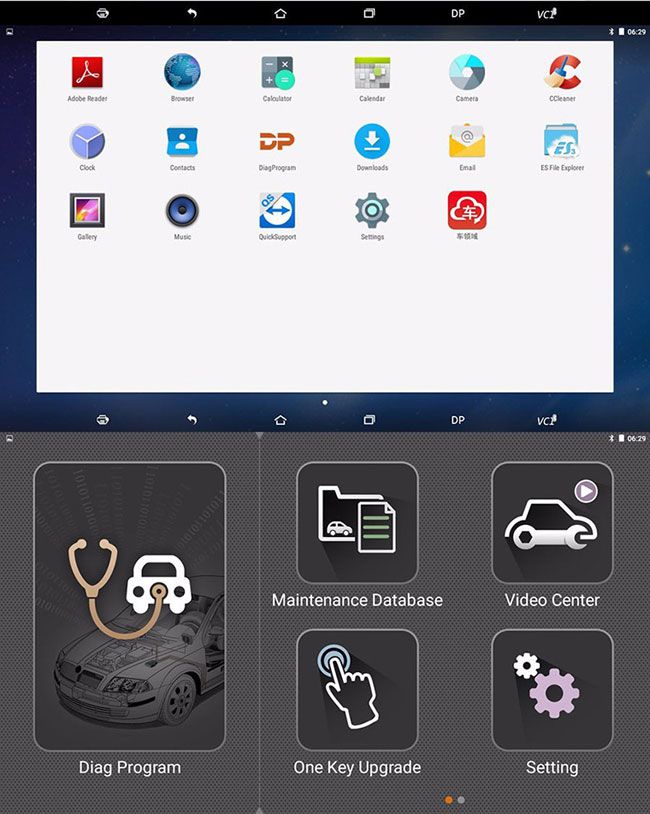
The X300 DP Standard version is OBDSTAR’s first tablet-based Key Programmer, representing a significant advancement in both Key Programming and diagnostic functionality. Built on OBDSTAR’s professional automotive programming and advanced diagnostic technology, the X300 DP offers broad vehicle coverage, powerful features, and high reliability. Leveraging the Android operating system, it also integrates useful applications and services such as a Maintenance Database, Remote Assistant, and One-Key Update.
User Experience & Capabilities
The OBDSTAR Key Master DP / X300 DP is an all-in-one device that combines the Android OS with immobilizer programming, diagnostics, and special functions—aligning with global industry trends and meeting user demands effectively. Its extensive maintenance database and library of car testing videos simplify operation and ensure successful outcomes. The Remote Guide feature enhances communication between end users and technicians, eliminating concerns about after-sales support.
- Android system with a clear, user-friendly interface
- Diagnostic functions that enhance professionalism in Key Programming
- Extensive video library for easy operation
- Robust maintenance database for comprehensive vehicle data
- Remote guide for real-time technician support
- Report center for continuous improvement of user experience and technical performance
- One-key upgrade via Wi-Fi
- Industrial-grade design ensures stable performance in extreme temperatures
- Multi-language support for global usability
Vehicle Coverage – OBDSTAR Key Master DP Standard Version
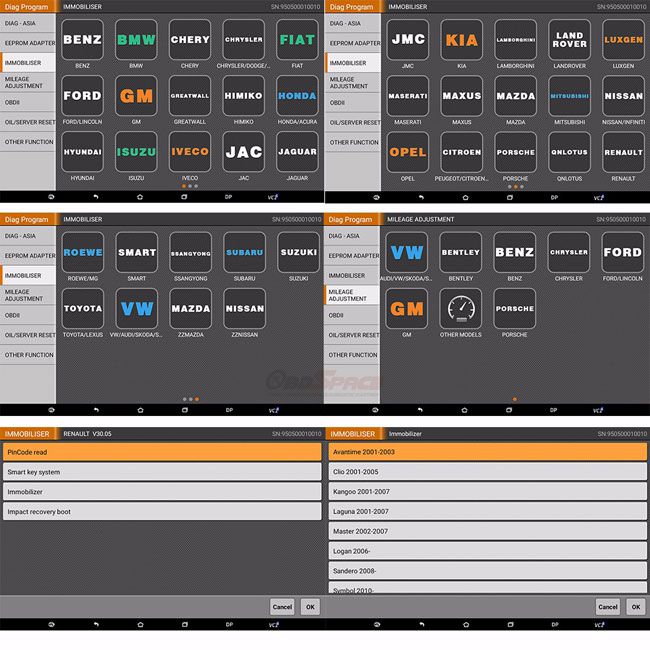
BENZ, BESTURN, BMW, CHANGHE, CHERY, CHRYSLER (CHRYSLER/DODGE/JEEP), DFFENGSHEN, DFPV, FAW, FIAT, FORD/LINCOLN, GEELY/HUAPU/SQYL, GM (BUICK/CADILLAC/CHEVROLET/GMC/HUMMER), GREATWALL, HAWTAI, HIMIKO, HNMAZDA, HONDA/ACURA, HONGQI, HYUNDAI, ISUZU, JAC, JAGUAR, KIA, LANDROVER, LIEBAO, LUFENG, LUXGEN, MASERATI, MAZDA, MITSUBISHI, NISSAN/INFINITI, OPEL, PEUGEOT/CITROEN, PORSCHE, PROTON, QQROS, RENAULT, ROEWE/MG, SGMW, SMART, SSANGYONG, SUBARU, SUZUKI, TJFAW, TOYOTA/LEXUS, VW/AUDI/SKODA/SEAT, YOUNGLOTUS, ZZMAZDA, ZZNISSAN
Note: Software functionality may vary by region. For precise details, please contact us or your local distributor.
OBDSTAR X300 DP Standard Version Features
- Read and clear fault codes
- Clear key memory
- Program keys, proximity keys, smart keys, and flip keys
- Support for after-market and OEM Key Programming
- Display live data
- Component actuation
- Read keys from immobilizer memory
- New ECU programming
- New mechanical key number programming
- Vehicle identification key programming
- Reset ECU & reset immobilizer
- New remote controller programming
- Immo PINCODE reader
- Mileage adjustment via OBD
- Comprehensive database for major vehicle makes
- VCI diagnosis
- One-key upgrade via Wi-Fi
- Remote assistance
- Built-in repair videos
- Report center
- EEPROM chip read and immobilizer initialization
- EEPROM/PIC adapter
- OBDII support
- Diagnosis functionality
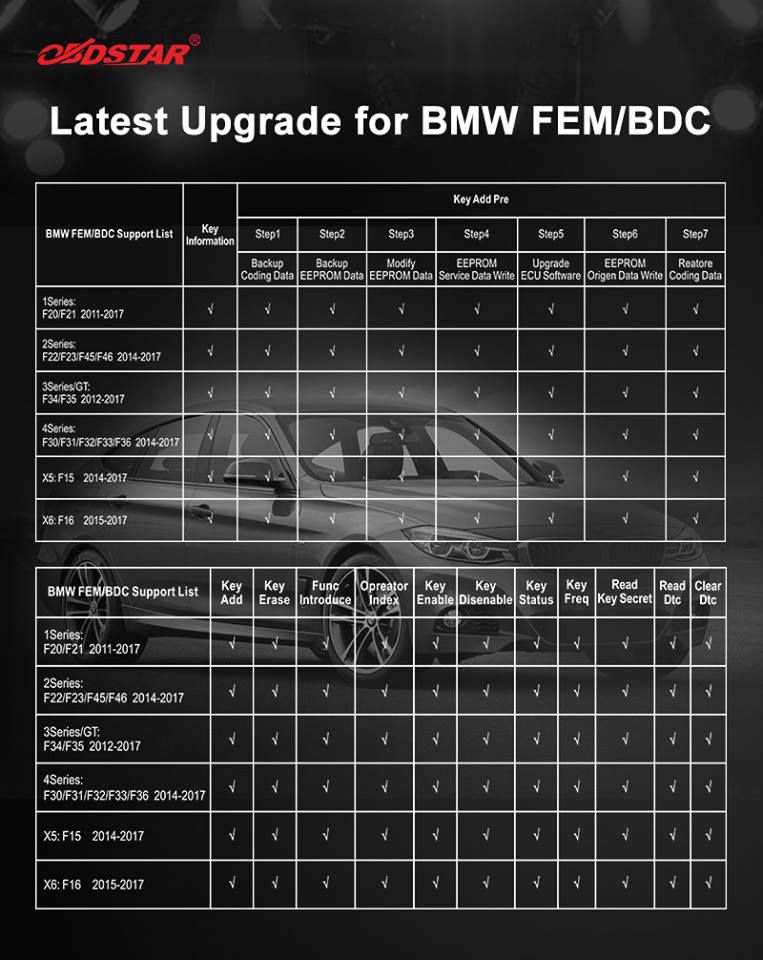
Free Update: BMW FEM/BDC Key Programming (January 17, 2018)
X300 DP BMW FEM/BDC Key Programming
1. Key Programming
- Key Information
- Key Programming Preprocessing
- Code data backup
- EEPROM Original Data Backup
- Service Mode Data Generation
- Service Mode Writing
- FEM/BDC Module Programming
- EEPROM Original Data Recovering
- Code Data Recovering
- Key Adding
- Key Deleting
- Function Introduction
- Operation Guide
2. Other Functions
- Key enable
- Key disable
- Key status
- Key frequency
- INS reading
- DTC reading
- DTC deleting
BMW FEM/BDC Key Programming Supported Models
| Series | Chassis | Year |
| 1 | F20/F21 | 2011–2017 |
| 2 | F22/F23/F45/F46 | 2014–2017 |
| 3/GT | F34/F35 | 2012–2017 |
| 4 | F30/F31/F32/F33/F36 | 2014–2017 |
| X5 | F15 | 2014–2017 |
| X6 | F16 | 2014–2017 |
Update Announcement – May 27: Odometer Reset Enhancements
- K-line Odometer reset Model (M2) added for AUDI/VW/SKODA/SEAT
- VW Golf 7 models added
- BENZ A-Class (Chassis W169) via OBD added
- BENZ B-Class (Chassis W245) via OBD added
- BENZ C-Class (Chassis W204) via OBD added
- BENZ CLK-Class (Chassis W209) via OBD added
- BENZ CLK-Class E-Coupe (Chassis W207) via OBD added
- BENZ CLS-Class (Chassis W218) via OBD added
- BENZ E-Class (Chassis W212) via OBD added
- BENZ GLK-Class (Chassis X204) via OBD added
- BENZ SLC-Class (Chassis R197) via OBD added
Device Specifications – OBDSTAR X300 DP Android Tablet Key Programmer
- Operating System: Android 5.1
- Screen Resolution: 1280 × 800
- CPU: Samsung Exynos4418 A9 Quad-Core ARM Cortex-A9 @ 1.4GHz
- Bluetooth: Yes
- Battery Capacity: 7400mAh
- Wi-Fi: Yes
- RAM: 2GB
- Rear Camera: 5 megapixels
- Storage: 32GB MicroSD (TF) Card
- Internal Storage: 16GB Flash
- Screen Size: 7 inches
- Operating Temperature Range: -10℃ to 55℃ (14℉ to 131℉)
- Storage Temperature Range: -20℃ to 70℃ (-4℉ to 158℉)
- Weight: 700g
- HDMI Output: Available
- Dimensions: 215 × 147 × 30 mm
- Touch Screen Type: Capacitive
- Shell: Industrial-grade, three-proof (water, dust, shock) design with rubber coating
Packing List – OBDSTAR Key Master DP Standard Version
- X300 DP Tablet Computer (Standard Version)
- 5V DC Adapter Power
- 12V DC Adapter Power
- Adapter
- Adapter Board
- USB Cable
- OBD15P Main Cable
- Pin Adapter
- HONDA-3
- HYUNDAI/KIA-10
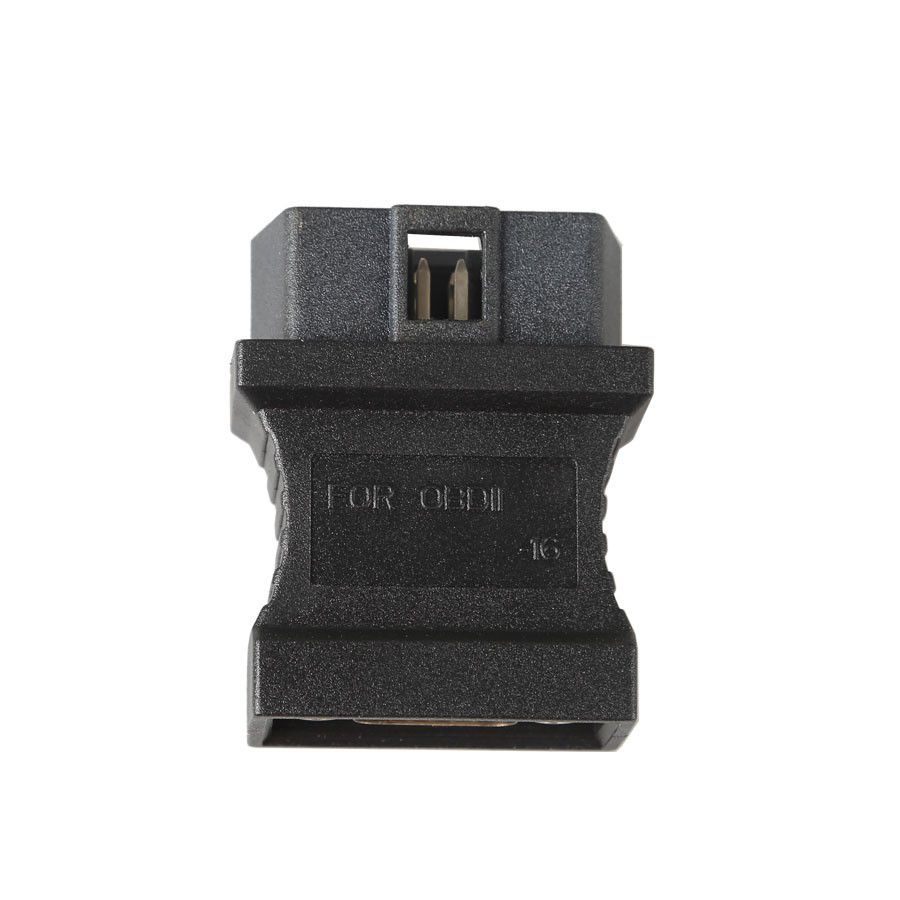
- OBD II-16
- KIA-20
- Product Certification
- User's Manual
Important Usage Notes
- Please charge the tablet according to the instruction manual when battery is low.
- Only use the provided 5V power adapter (from OBDSTAR or other reputable sources). Never use a power source exceeding 5V to avoid damaging the device.
- Please carefully observe the above warnings.
Frequently Asked Questions (FAQ)
1. Vehicle Linking Error?
A communication error occurs if the scan tool fails to communicate with the vehicle’s ECU (Engine Control Unit). Please check the following:
- Ensure the ignition is ON.
- Verify the scan tool’s connector is securely attached to the vehicle’s DLC.
- Confirm the vehicle is OBD2 compliant.
- Turn the ignition OFF, wait 10 seconds, then turn it back ON before retrying.
- Check that the control module is not defective.
2. Operating Error?
If the scan tool freezes or becomes unresponsive, it may be due to an exception or a slow ECU response. To resolve:
- Reset the scan tool.
- Turn the ignition OFF, wait 10 seconds, then turn it back ON and resume testing.
3. Scan Tool Doesn’t Power Up?
Troubleshooting Power and Operational Issues
If the scan tool won’t power up or operates incorrectly, follow these steps to diagnose the issue:
- Ensure the scan tool’s connector is securely connected to the vehicle’s DLC.
- Inspect the DLC pins for damage—check if any are bent or broken. Clean the DLC pins if necessary.
- Verify the vehicle battery is in good condition and maintains a voltage of at least 8.0 volts.