vvdi
The built-in update software allows user to update VVDI Prog firmware timely.High-speed USB communication interface enable the software automatically connect.Smart operation mode: the possible causes of error will be listedReserve ports: for future update.The self-test function enable you check if the machine works well.Can supply power via USB cable, the software will automatically prompt if the external USB power supply is needed.
Original Xhorse VVDI PROG Programmer with PCF79XX Adapter is a one of our vvdi Tools, you can buy Original Xhorse VVDI PROG Programmer with PCF79XX Adapter from ukobd2.com.
Wholesale Top quality VAS6154, GM Tech2, VCM II For Ford, Handy Baby II Car Key Chip Copier, CDP DS150
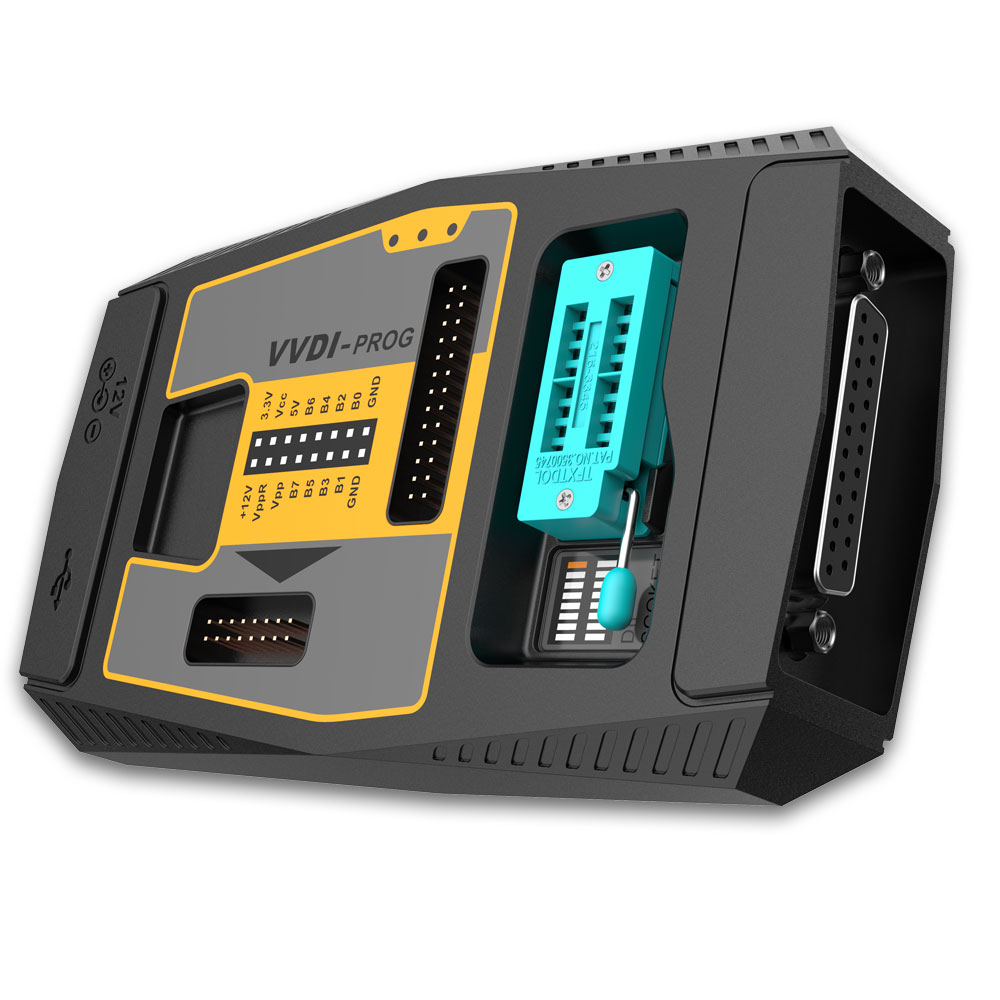
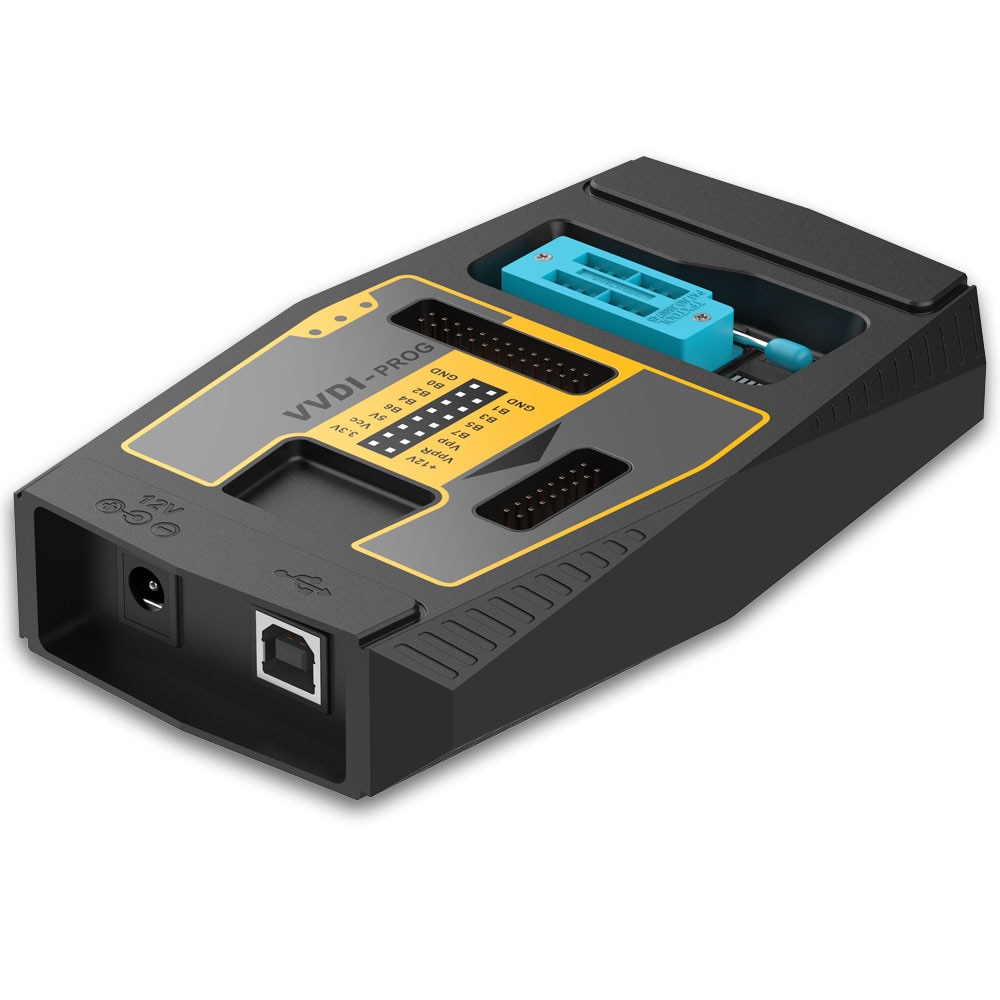
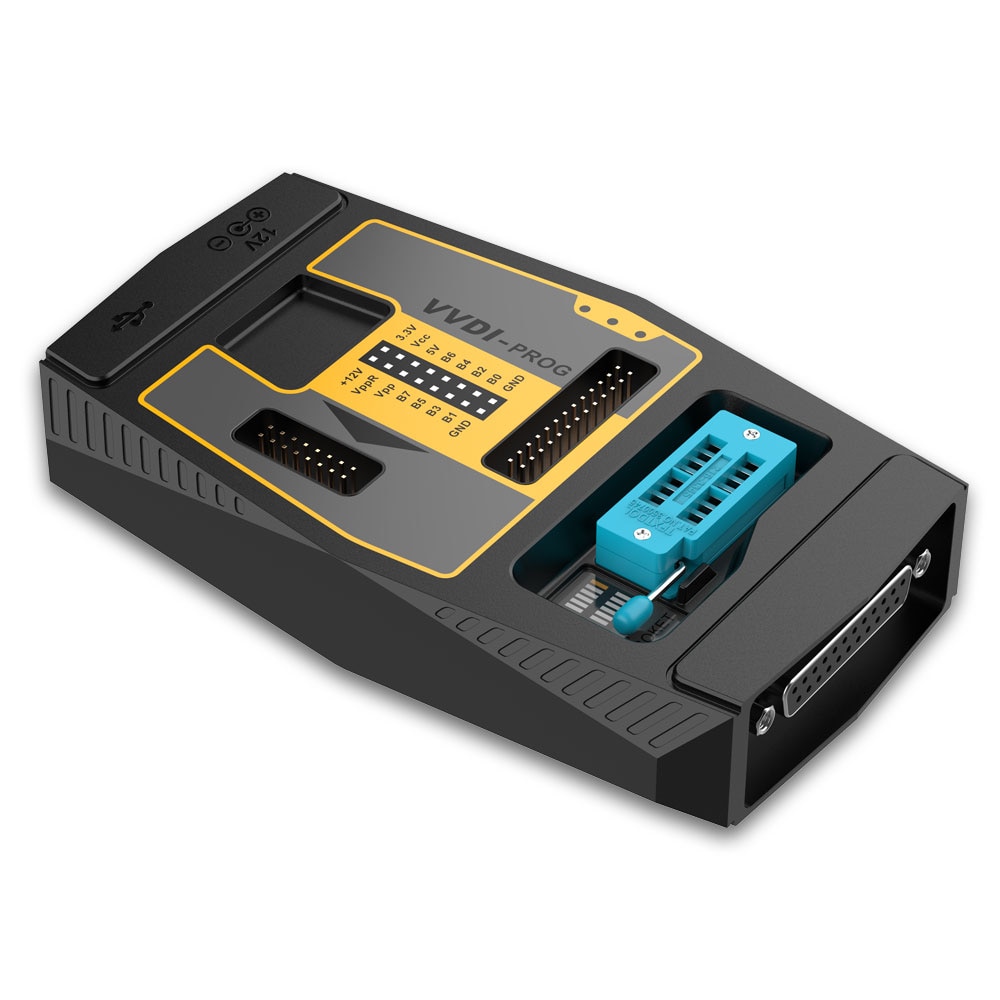
images of Original Xhorse VVDI PROG Programmer with PCF79XX Adapter
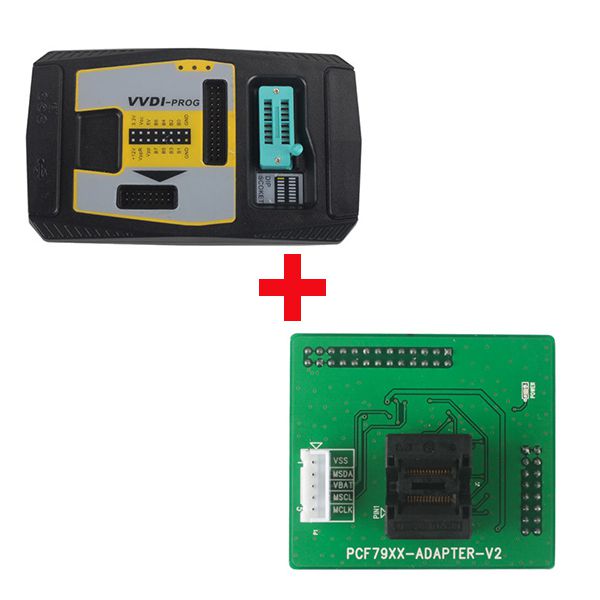
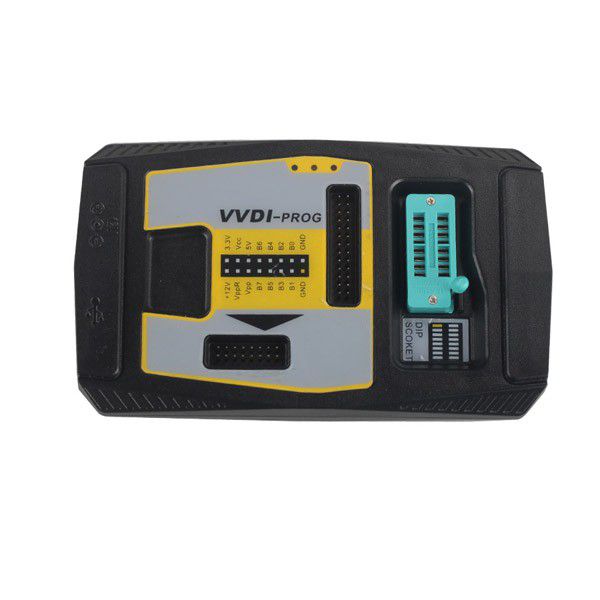
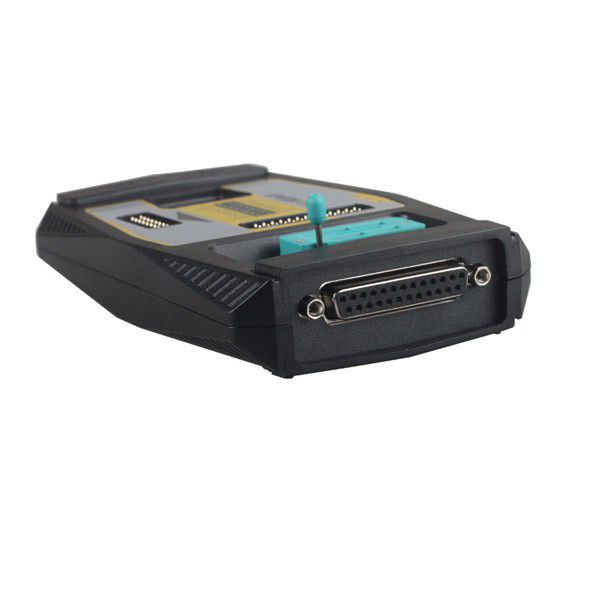
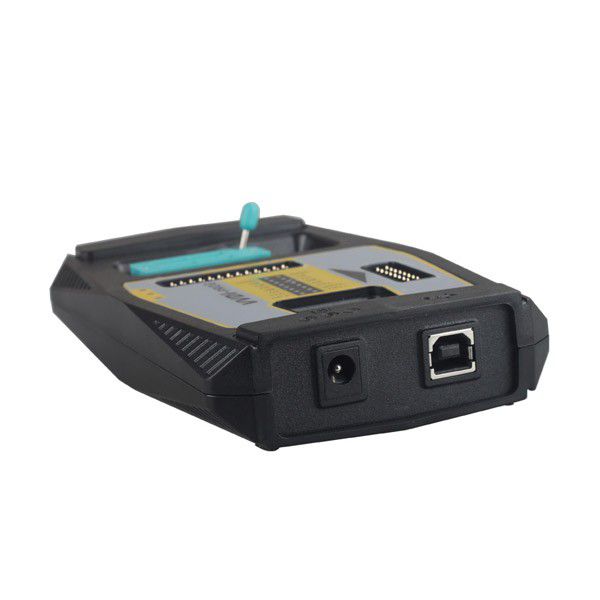
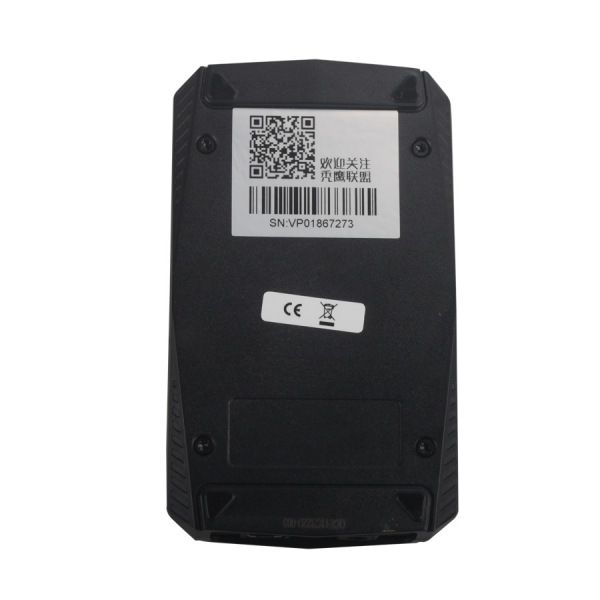
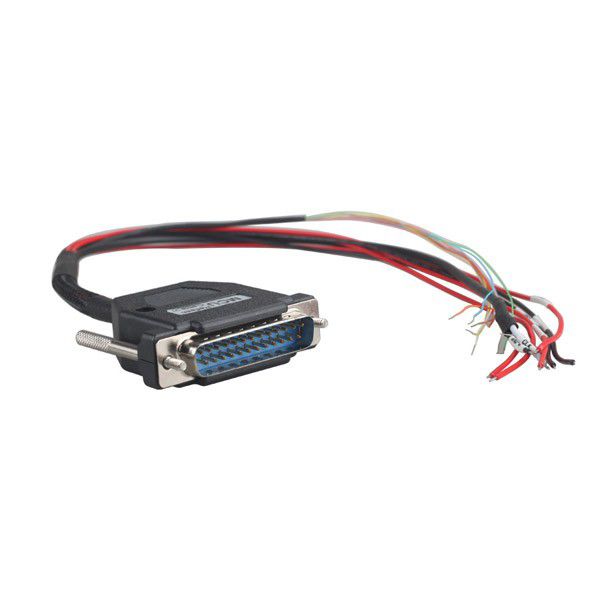
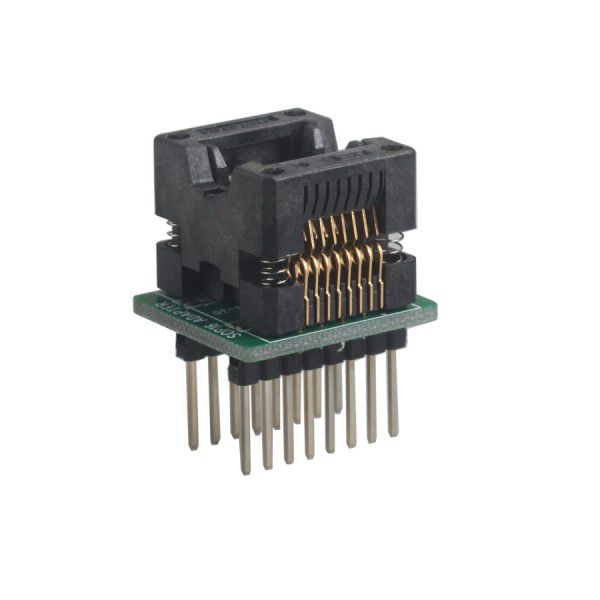
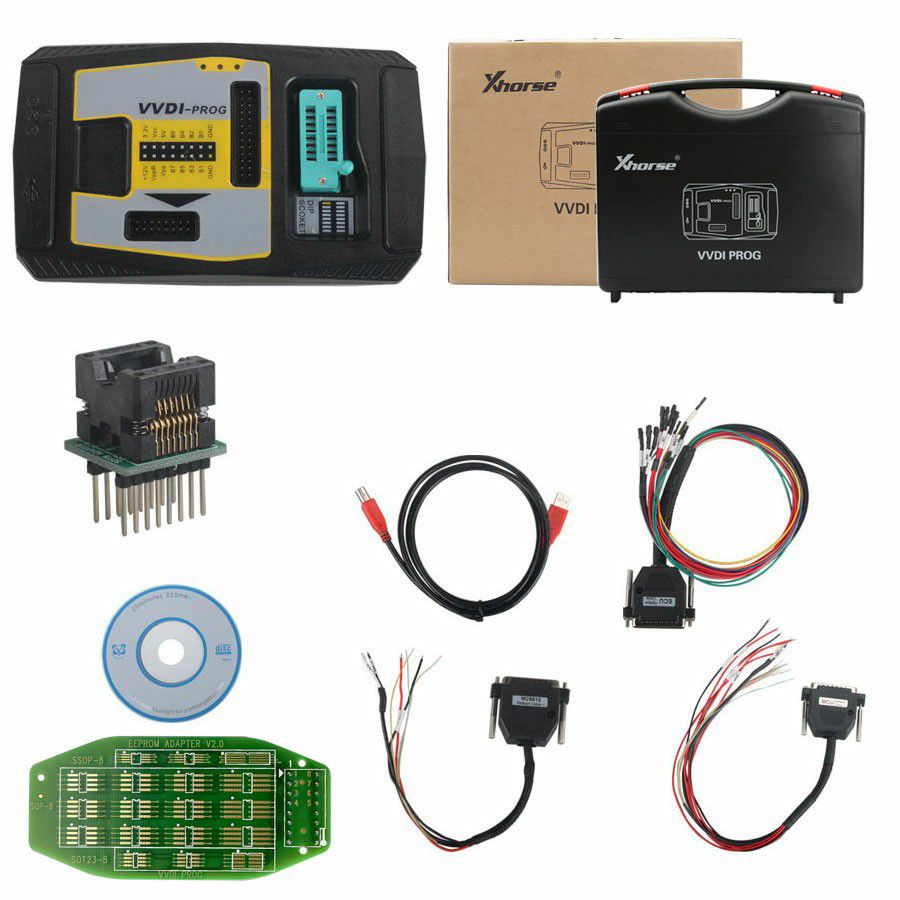
Xhorse VVDI PROG Programmer
Software Version: 4.9.7
Firmware Version: 2.2.2
Supported Languages
English, French, Italian, Spanish, Arabic, Czech, Polish, Portuguese, Russian, Turkish, Chinese
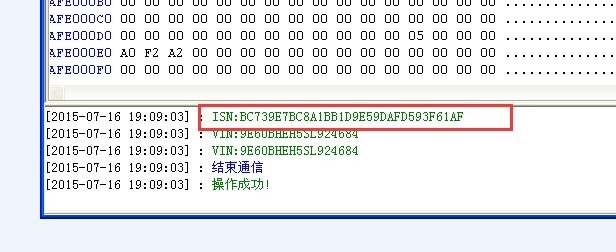
VVDI-Prog programmer can get free for BMW ISN read function and NEC, MPC, Infineon etc chip continuously update service.
Top 6 Reasons to Get VVDI PROG Programmer
- Built-in update software: Ensures timely VVDI Prog firmware updates.
- High-speed USB communication interface: Enables automatic software connection.
- Smart operation mode: Lists possible causes of errors.
- Reserve ports: Available for future updates.
- Self-test function: Checks if the device is working properly.
- Power supply: Delivered via USB cable; software automatically prompts if an external USB power supply is needed.
VVDI Prog Programmer Introduction
Main Functions
- Supports read & write (R&W) for numerous chips, including MC9S08 series, MC68HC(9)12 series, MC9S12 series, V850 series, H8X series, R8C series, PCF79XX series, and most EEPROM chips.
- Supports chip data verification and blank check functions.
- Supports data file comparison.
- Supports R&W for BMW N20 and N55 ECUs (shows ISN directly).
- Stable R&W for MC9S12XE series chips (e.g., 5M48H, 1N35H, 2M53J, 3M25J, etc.).
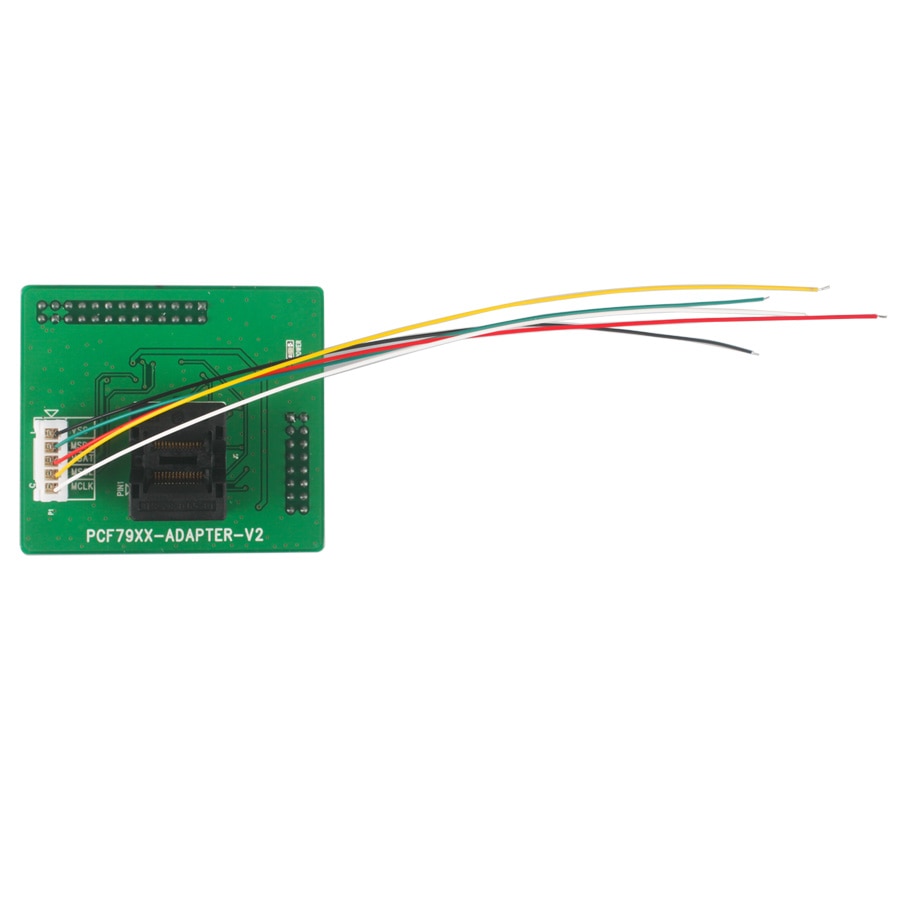
- Supports renewal of PCF79XX remotes—currently compatible with BMW E/F series (note: PCF79XX adapter is optional).
- Includes numerous connection diagrams.
VVDI Prog Update Log
Software Version v4.9.7 (2020-11-23)
This version does not require a firmware update.
- Added VVDI PROG USER MANUAL 4.9.7 version in Doc folder.
- Added TC21X-8F, TC22X-12F, TC22X-16F, TC23X-16F, TC23X-24F, TC23X-32F options under <2-MCU>.
- Added XC2261N-24, XC2263N-16, XC2263N-24, XC2263N-40, XC2264N-16, XC2264N-24, XC2264N-40, XC2265N-16, XC2265N-24, XC2265N-40, XC2268N-40, XC2285-56F, XC2286-56F, XC2287-56F, XC2285-72F, XC2286-72F, XC2287-72F, XC2285-96F, XC2286-96F, XC2287-96F, XC2285M-56F, XC2286M-56F, XC2287M-56F, XC2285M-72F, XC2286M-72F, XC2285M-104F, XC2286M-104F, XC2287M-104F, XC2788X-104F, XC2788X-136F, XC2787X-136F, XC2787X-200F, XC2786X-96F, XC2785X-104F, XC2785X-72F options under <2-MCU>.
- Added HC908JK1, HC908JK3, HC908JL3, HC908JK8, HC908KX8 options under <2-MCU>.
- Added MC9S08QL4, MC9S08QL8 options under <2-MCU>.
- Added D70F3735, D70F3736, D70F3737, D70F3738, D70F3792, D70F3793, D70F3841, D70F3842 options under <2-MCU>.
- Added 5-SERIES-CHAIR-SWITCH-MODULE option under <8-OTHERS>.
- Added S350 GATEWAY CONTROLLER option under <8-OTHERS>.
Software Version v4.9.5 (2020-08-24)
This version does not require a firmware update.
- Fixed RH86 bug.
- Fixed RH850 Series bugs.
- Added VVDI PROG USER MANUAL 4.9.5 version in Doc folder.
- Added 24AA025, 24AA1025, 24AA1026 options under <1-EEPROM&FLASH>.
- Added FOTON(MC9S12G128) option under <4-IMMOBILIZER>.
- Added HC05X32(1D69J) option under <4-IMMOBILIZER>.
- Added 300C-46 option under <4-IMMOBILIZER>.
- Added S350-CONTROL-UNIT-PKE option under <4-IMMOBILIZER>.
- Added MAXUS-V80 option under <5-DASHBOARD>.
- Added CAPTU-AIRBAG option under <7-AIRBAG>.
- Added VOLVO-AIRBAG(2020) option under <7-AIRBAG>.
- Added C205-CHAIR-MODULE option under <8-OTHERS>.
- Added FAW-BCM(MPC5603BxLQ) option under <8-OTHERS>.
- Added BOYUE-PRO(2020)-PEPS-CONTROLLER option under <8-OTHERS>.
- Added BOYUE-TIRE-PRESSURE-MODULE option under <8-OTHERS>.
- Added VV5-TAILGATE(2017) option under <8-OTHERS>.
- Added RFA-SECURED(SPC560B60L3) option under <8-OTHERS>.
- Added MAGOTAN-LEFT-FRONT-DOOR-MODULE option under <8-OTHERS>.
- Added MAGOTAN-REVERSING-RADAR-MODULE option under <8-OTHERS>.
Software Version v4.9.4 (2020-05-26)
This version does not require a firmware update.
- Added VVDI PROG USER MANUAL 4.9.4 version in Doc folder.
- Added R7F701330 option under <2-MCU>.
- Added FENGJUN-7 option under <5-DASHBOARD>.
- Added TOYOTA-RAV4 option under <5-DASHBOARD>.
- Added BAOJUN-310/560 AIRBAG option under <7-AIRBAG>.
- Added T300 AIRBAG option under <7-AIRBAG>.
- Added NEW VISION AIRBAG option under <7-AIRBAG>.
- Added BAODIAN AIRBAG option under <7-AIRBAG>.
- Added LYNKCO-AIRBAG option under <7-AIRBAG>.
- Added SRS-VW62 option under <7-AIRBAG>.
- Added AUDI-AC-CONTROLLER(R7F701548) option under <8-OTHERS>.
- Added FRM-E-SERIES-XDT256 option under <8-OTHERS>.
- Added ESCORT-BCM option under <8-OTHERS>.
- Added 8th-for SONATA-AC-CONTROLLER option under <8-OTHERS>.
- Added SKODA-RADIO-STREAM option under <8-OTHERS>.
Software Version v4.9.3 (2020-04-29)
This version does not require a firmware update.
- Fixed 93Cxx ERASE BUGs.
- Added VVDI PROG USER MANUAL 4.9.3 version in Doc folder.
- Added S2943 and S2943(CLIP) options under <1-EEPROM&FLASH>.
- Added EIZ-W906-9S12XDT384, EIZ-W906-9S12XDP384(ADAPTER), EIZ-W906-9S12XDP512, EIZ-W906-9S12XDP512(ADAPTER) options under <4-IMMOBILIZER>.
- Added CRAFTER-EZS-9S12XDT384, CRAFTER-EZS-9S12XDT384(ADAPTER), CRAFTER-EZS-9S12XDP512, CRAFTER-EZS-9S12XDP512(ADAPTER) options under <4-IMMOBILIZER>.
- Added ARRIZO3 option under <5-DASHBOARD>.
- Added FIAT500 option under <7-AIRBAG>.
- Added GLC260-ELECTRONIC-TAILGATE-UNIT(2016) and V260-STEERING-COLUMN(2016) options under <8-OTHERS>.
- Added BESTURN B90 CONTROL UNIT-PKE(2015) option under <8-OTHERS>.
- Added CLIO-HFM-MODULE option under <8-OTHERS>.
- Added PHAETON-REVERSE-RADAR-UNIT(2012) option under <8-OTHERS>.
Software Version v4.9.2 (2020-03-16)
This version does not require a firmware update.
- Added VVDI PROG USER MANUAL 4.9.2 version in Doc folder.
- Added STM32F405RG, STM32F405OG, STM32F405VG, STM32F405ZG, STM32F405OE, STM32F407VE, STM32F407ZE, STM32F407IE, STM32F407IG options under <2-MCU>.
- Added FRM-E-SERIES-XEQ384-READ, FRM-E-SERIES-XEQ384-WRITE, FRM-F-SERIES-XEP100-READ, FRM-F-SERIES-XEP100-WRITE, FRM-F-SERIES-XET512-READ, FRM-F-SERIES-XET512-WRITE options under <8-OTHERS>.
- Added ENVISION—TAILGATE-COMPUTER option under <8-OTHERS>.
- Added PHAETON—TAILGATE-COMPUTER(2012) option under <8-OTHERS>.
VVDI Prog Cables and Functions
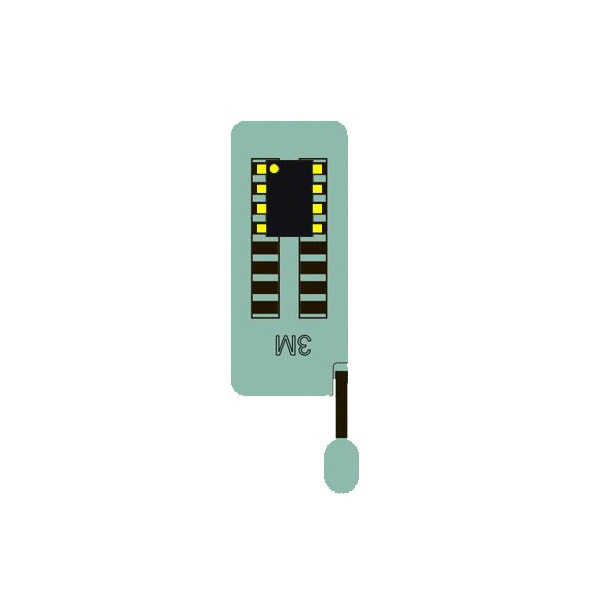
16Pin Locking Socket
Used to read common EEPROM chips. Note: Please insert the chip as shown in the image below.
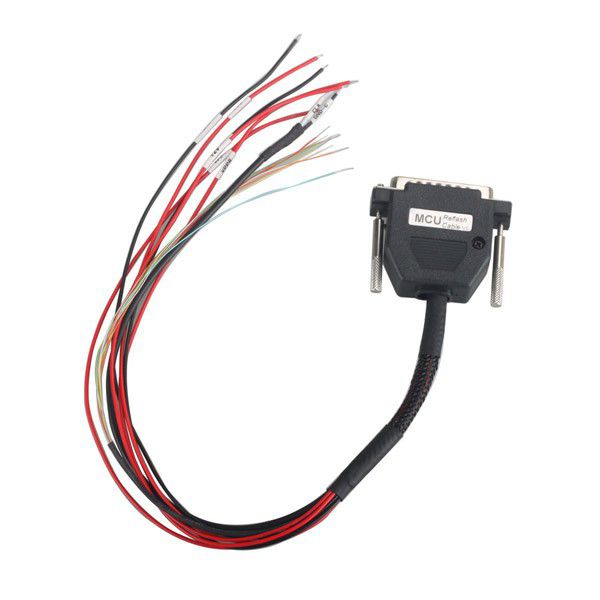
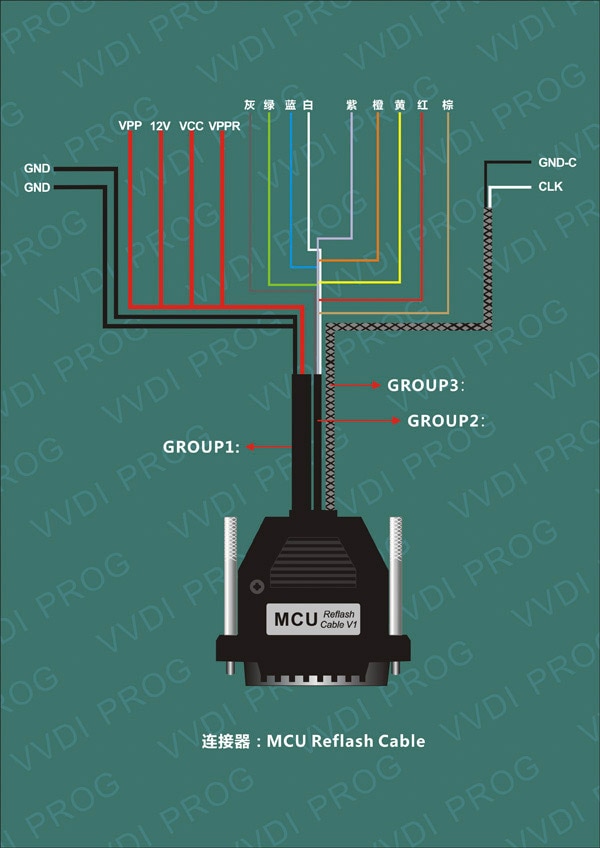
1.3.2 MCU Reflash Cable
Used to program MCU on board.
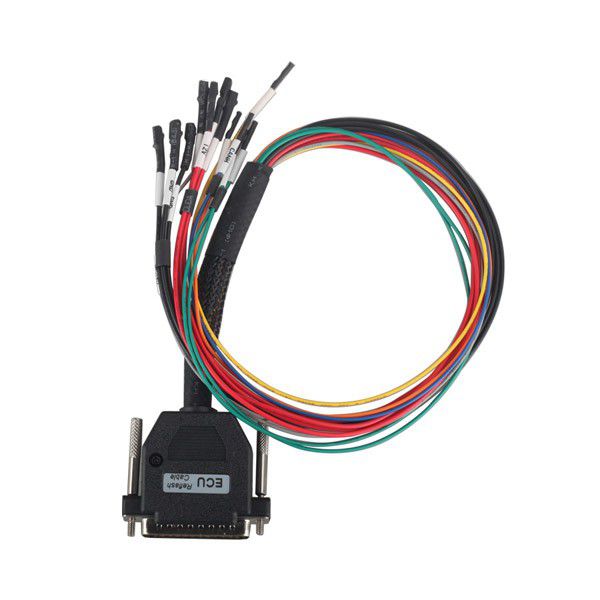
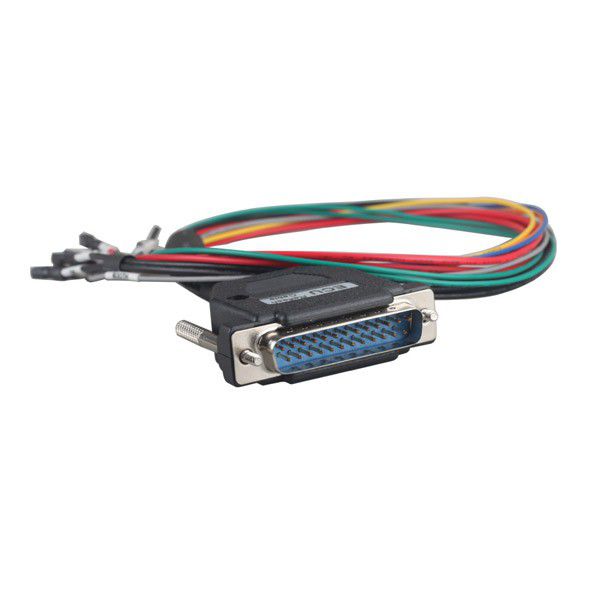
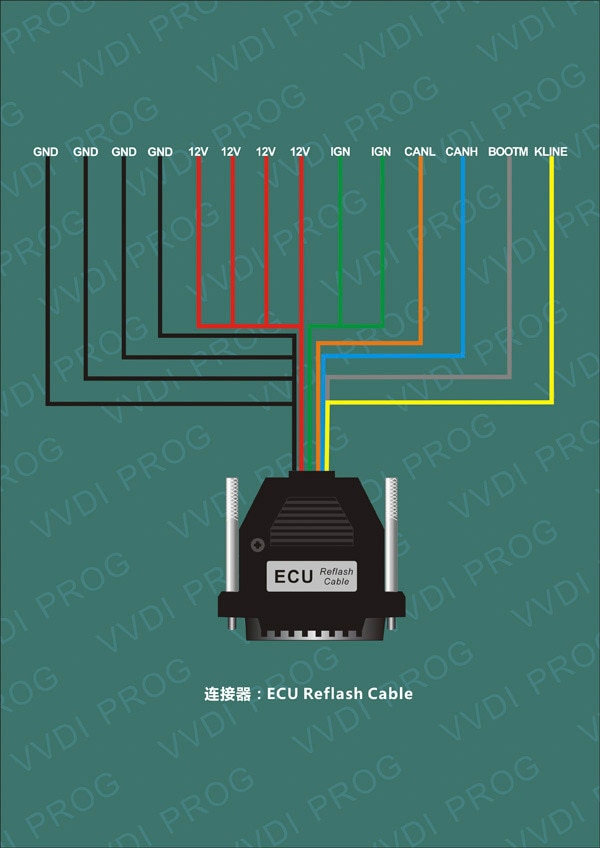
1.3.3 ECU Reflash Cable
Used to program ECU.
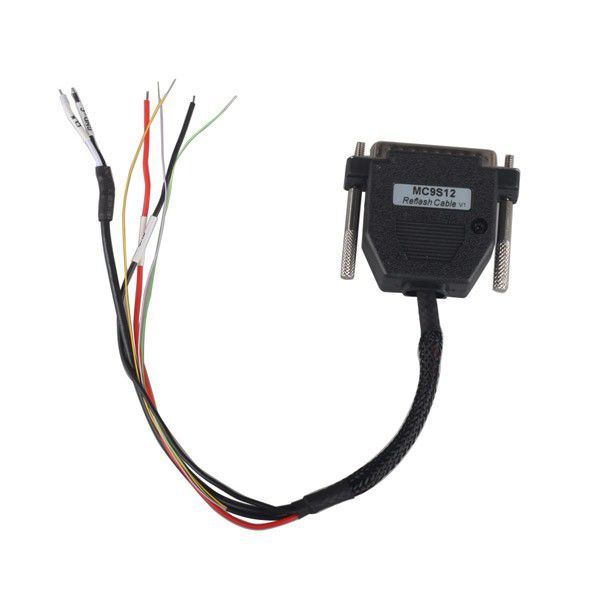
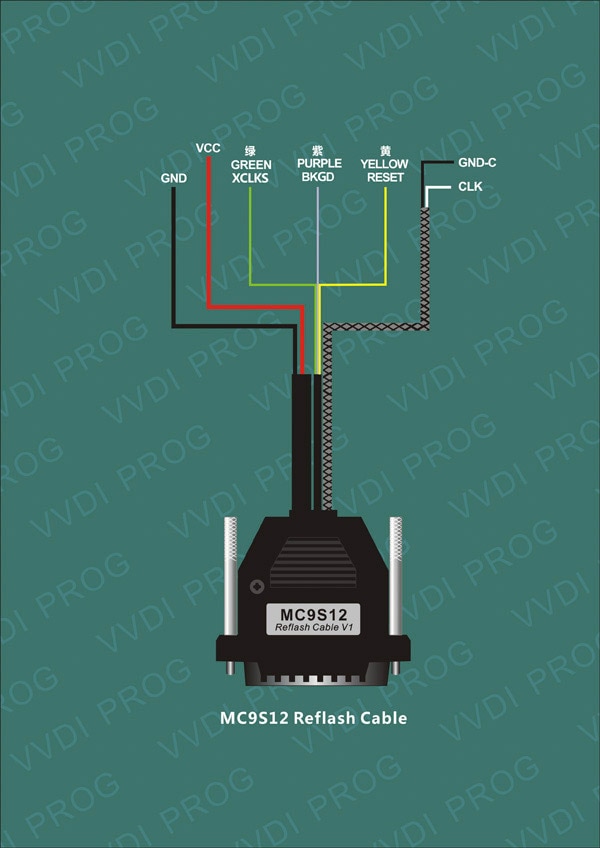
1.3.4 MC9S12 Reflash Cable
Used to program MC9S12 series chips.
How to Update VVDI-Prog Software & Firmware?
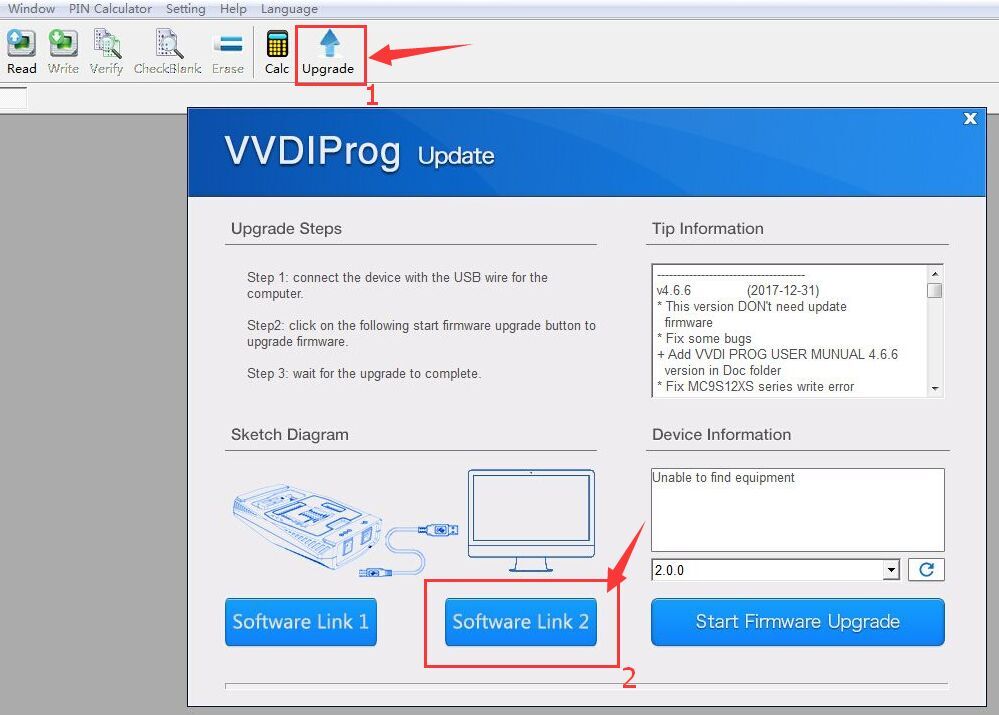
Software Update
You can download the latest software from our "Download" page or via the link provided in the product description.
In the VVDI Prog software, click the "Upgrade" button to enter the upgrade interface, as shown below:
Firmware Update
Please note: Firmware update is only necessary when explicitly instructed. Press the "Start Firmware Upgrade" button to proceed.
Package List
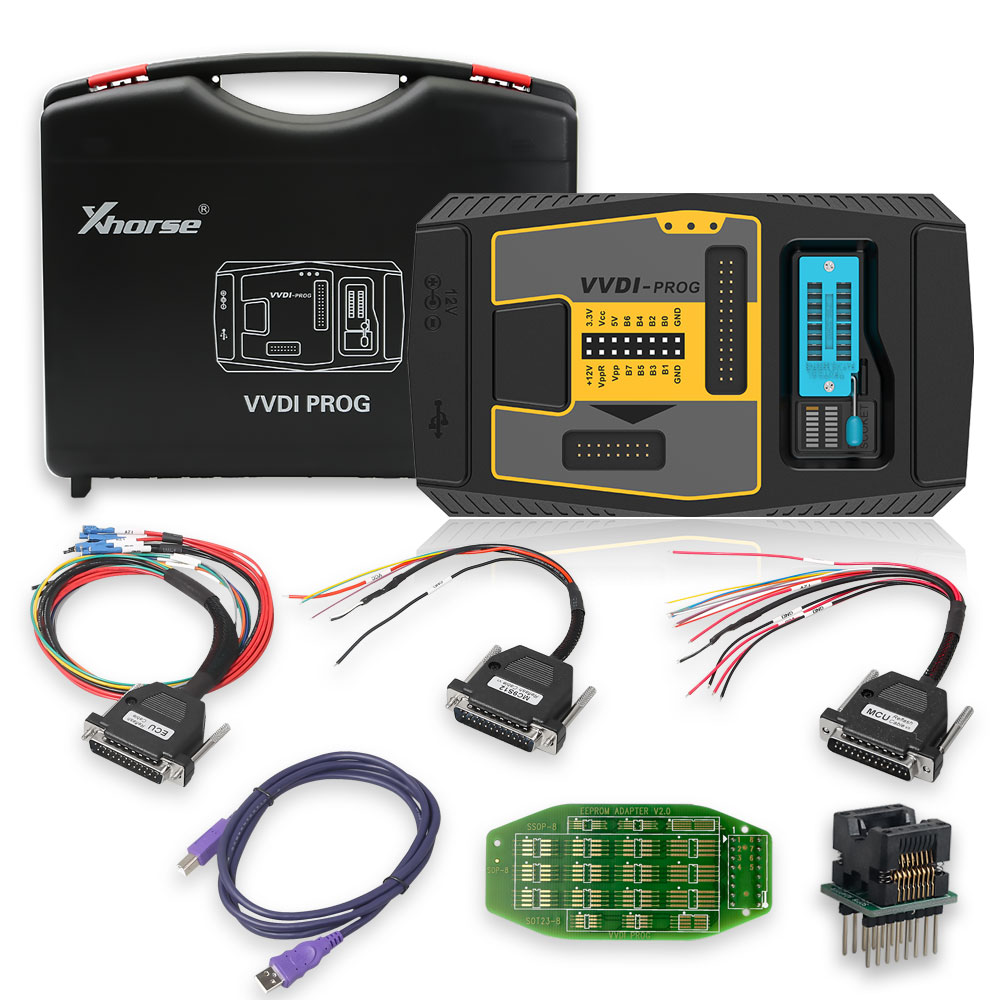
- 1 pc × Programmer multiplexer
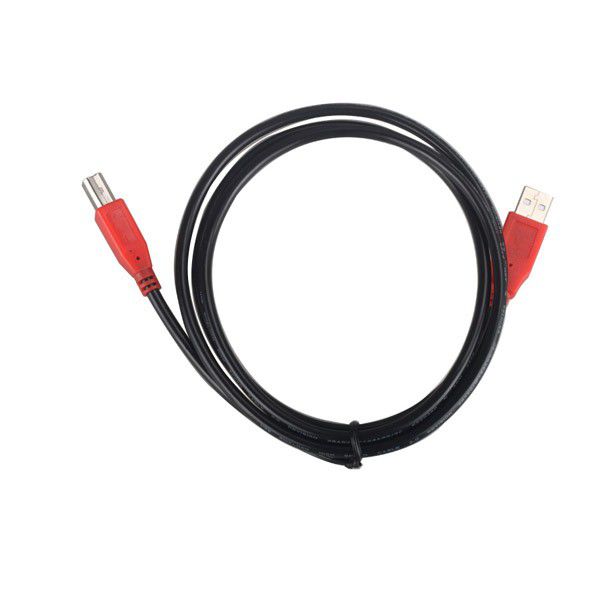
- 1 pc × Square USB cable
- 1 pc × SOP16 test socket
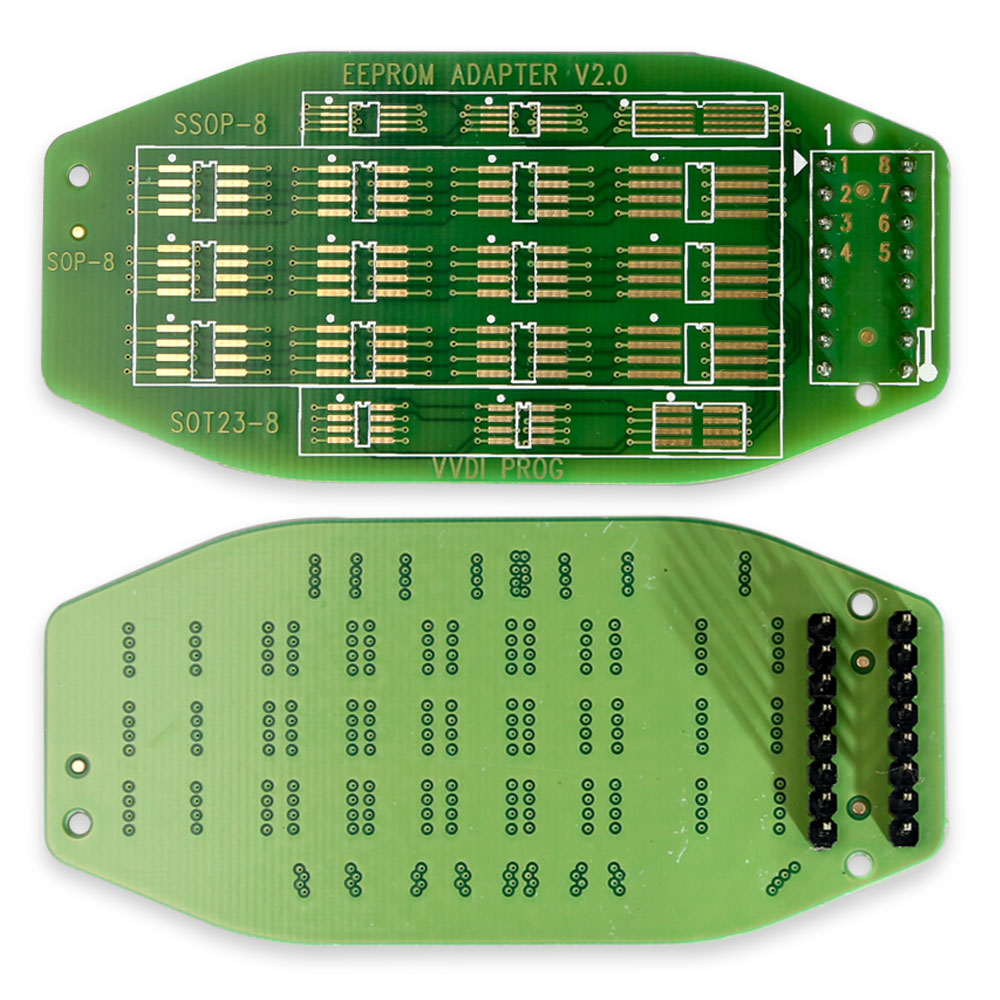
- 1 pc × 16-pin converter (supports SOP/SOT/SSOP)
- 1 pc × MCU reflash cable
- 1 pc × ECU reflash cable
- 1 pc × MC9S12 reflash cable (used to program MC9S12 series chips)
Part 2: PCF79XX Adapter
1. Supported Chip Models:
Supported PCF79XX Chip Models
PCF7922 PCF7941 PCF7945 PCF7952 PCF7953 PCF7961
Two Optional Methods to Read and Write PCF79XX Chips
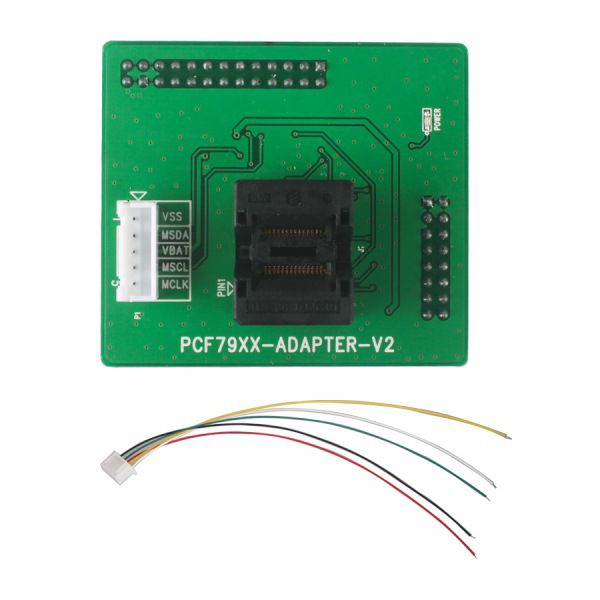
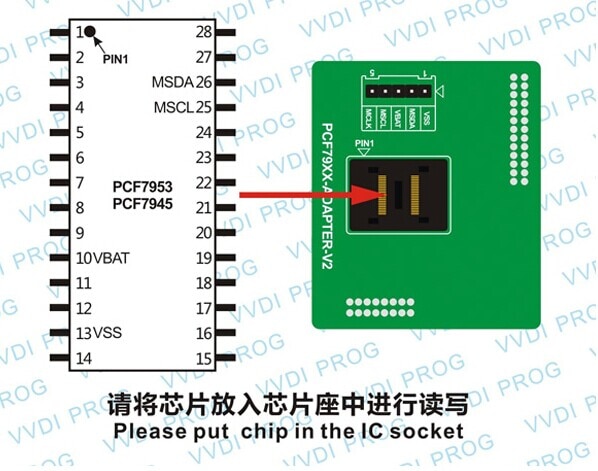
- Using the IC Socket: Remove the chip and place it into the IC socket. Then select the “PCF79XX chip” option as shown below.
- Using the Circuit Board Connection: Connect wires directly to the circuit board and select the “PCF79XX adapter” option as shown below.
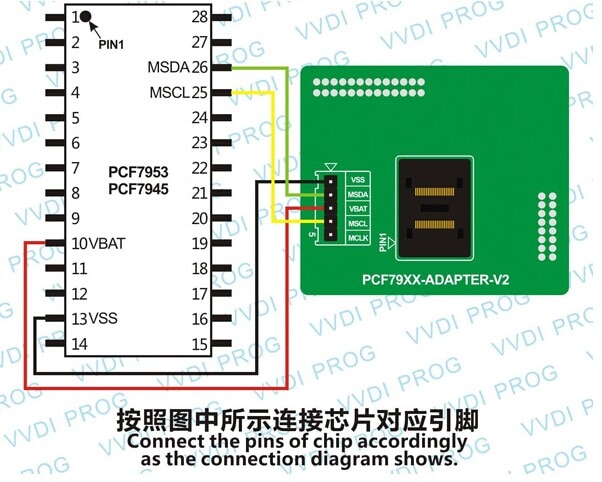
Note: If the “PCF79XX adapter” option fails to recognize the chip due to interference from the circuit board, remove the chip and use the IC socket with the “PCF79XX chip” option instead.
VVDI PROG Programmer Options Overview
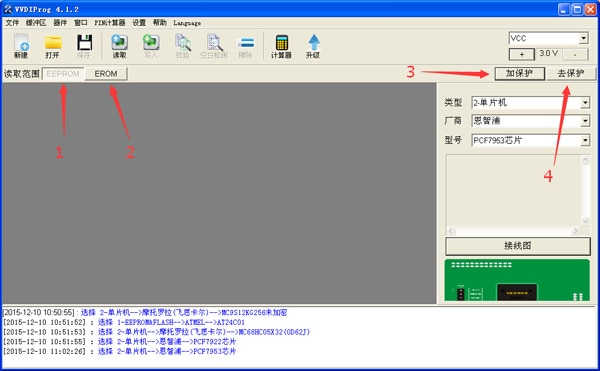
- “EEPROM”: Data storage space that can be read from and written to while in protected status.
- “EROM”: Program memory space (equivalent to FLASH memory on other chips), readable and writable only when unprotected.
- “Protected”: Click this to lock the chip, preventing data from being read out.
- “Unprotected”: Click this to unlock the chip, enabling data readout. Note: Unlocking will erase all original data stored on the chip.
PCF79XX Chip Functionality
The PCF79XX chip currently supports locking, unlocking, and reading/writing data.
Package Contents
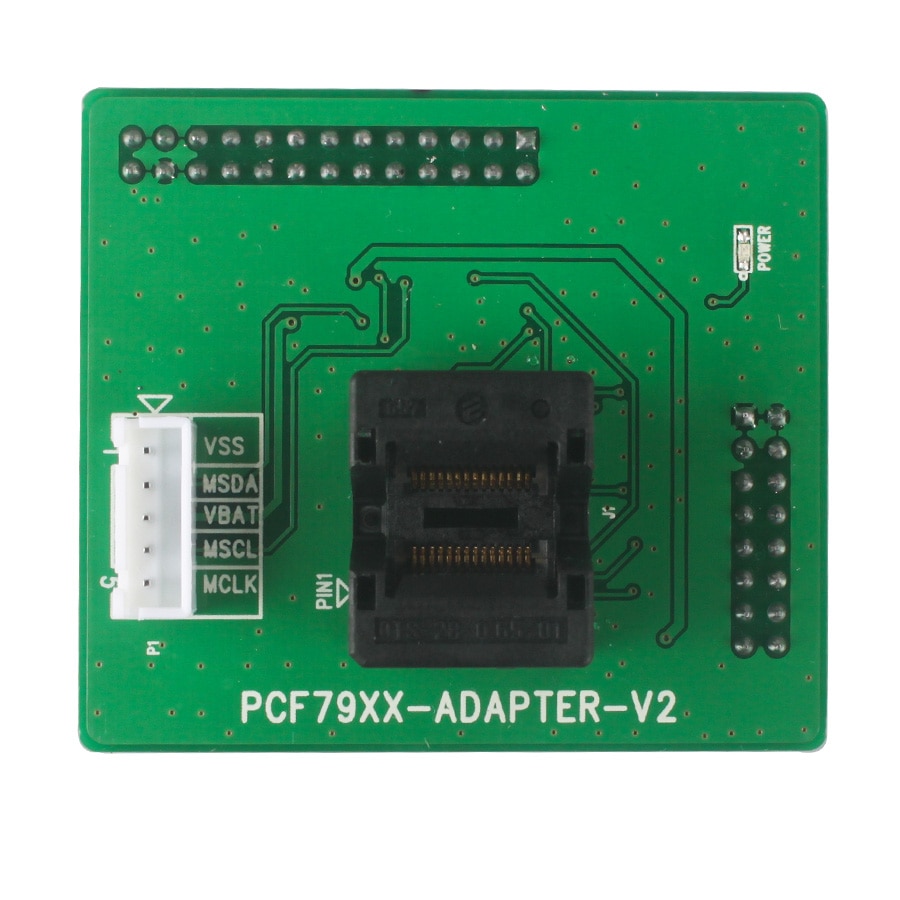
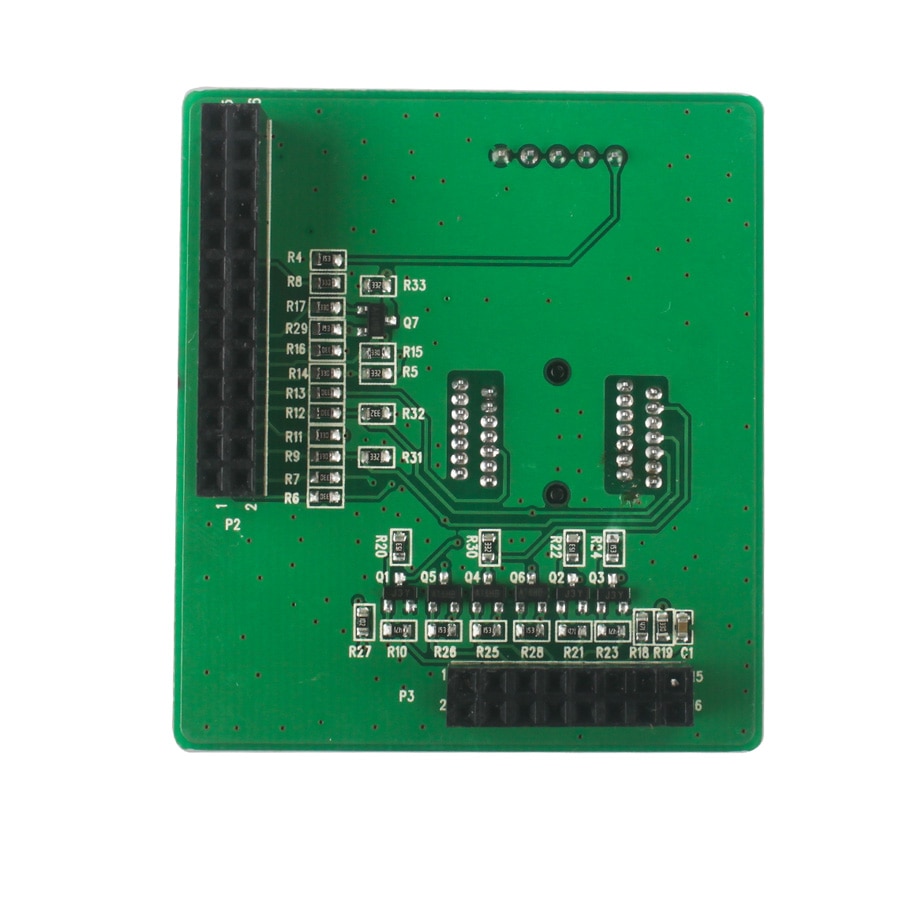
- 1pc × PCF79XX Adapter
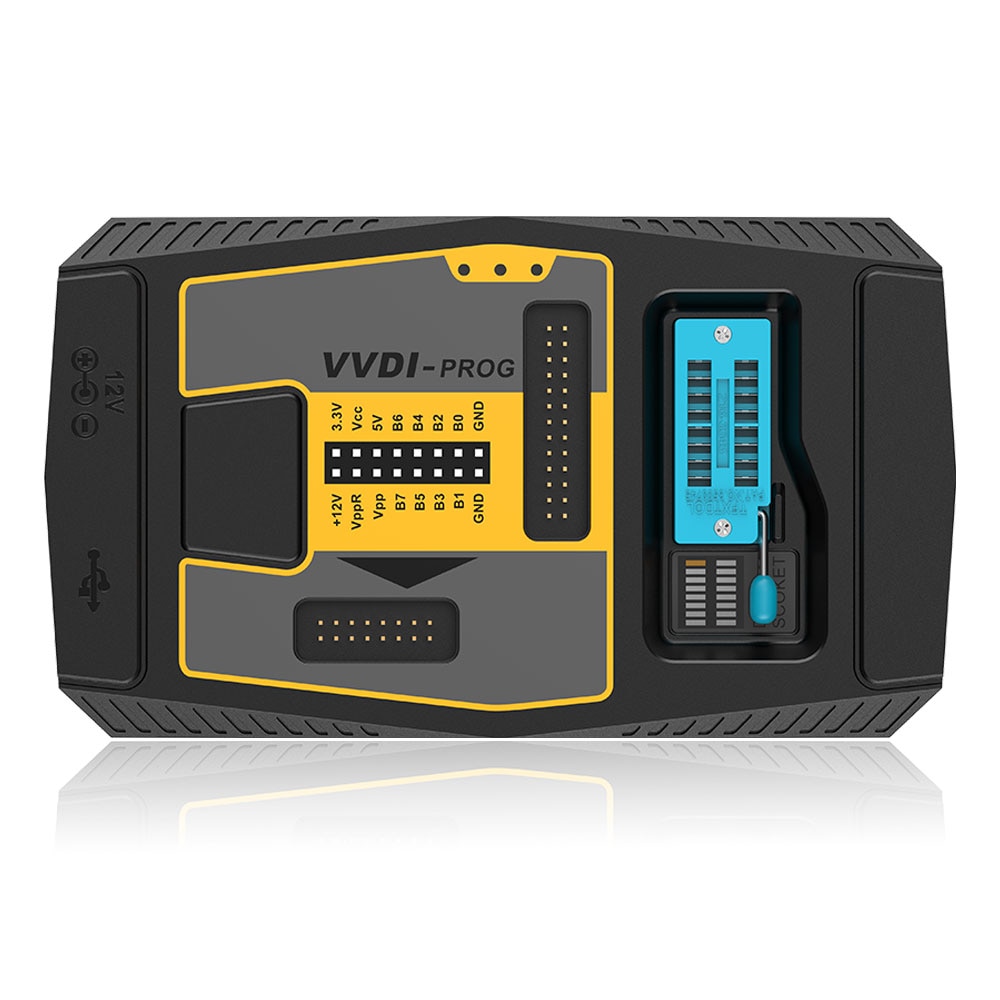
Go to Buy: Original Xhorse VVDI PROG Programmer with PCF79XX Adapter