vvdi2
This is 100% Original Xhorse BMW Version With Basic+BMW OBD+BMW CAS4+BMW FEM/BDC.
Xhorse VVDI2 BMW Version With Basic+BMW OBD+BMW CAS4+BMW FEM/BDC is a one of our vvdi2 Tools, you can buy Xhorse VVDI2 BMW Version With Basic+BMW OBD+BMW CAS4+BMW FEM/BDC from ukobd2.com.
Wholesale Top quality VAS6154, GM Tech2, VCM II For Ford, Handy Baby II Car Key Chip Copier, CDP DS150
images of Xhorse VVDI2 BMW Version With Basic+BMW OBD+BMW CAS4+BMW FEM/BDC
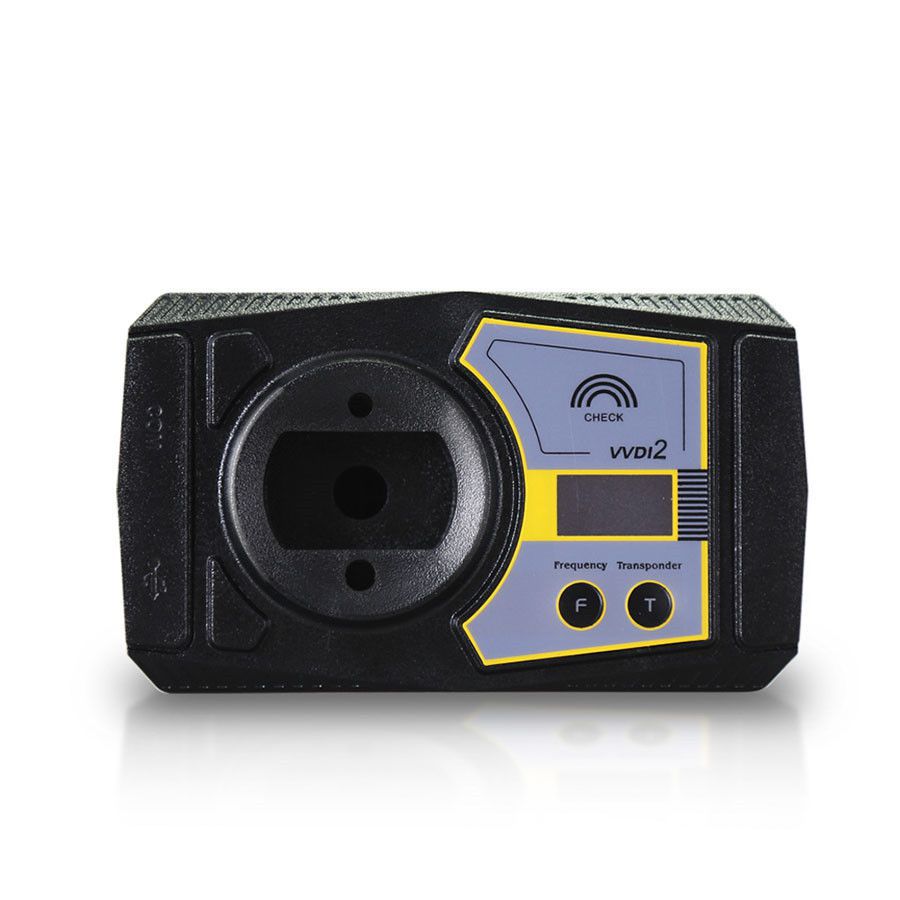
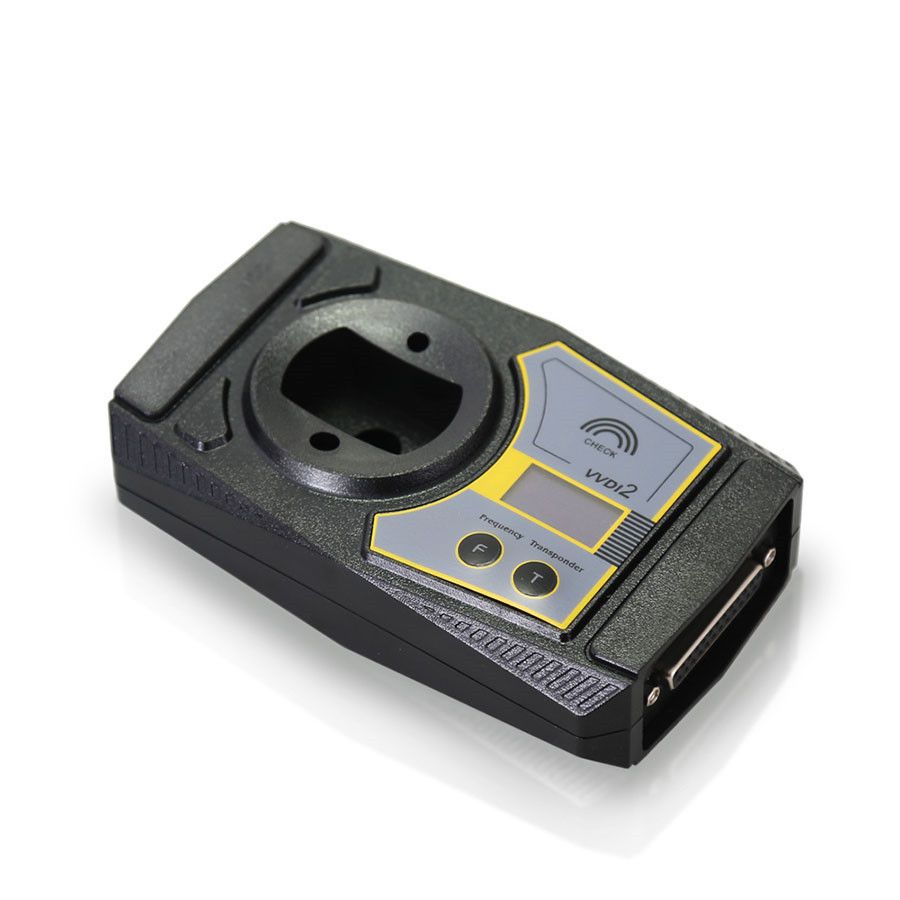
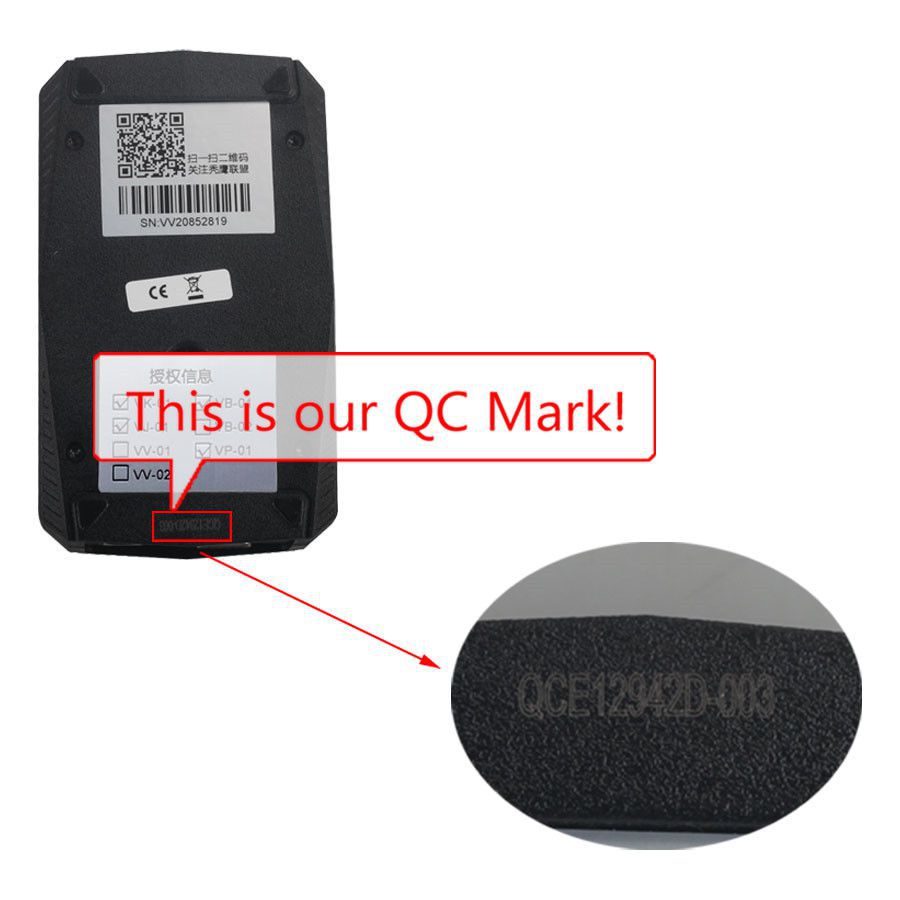
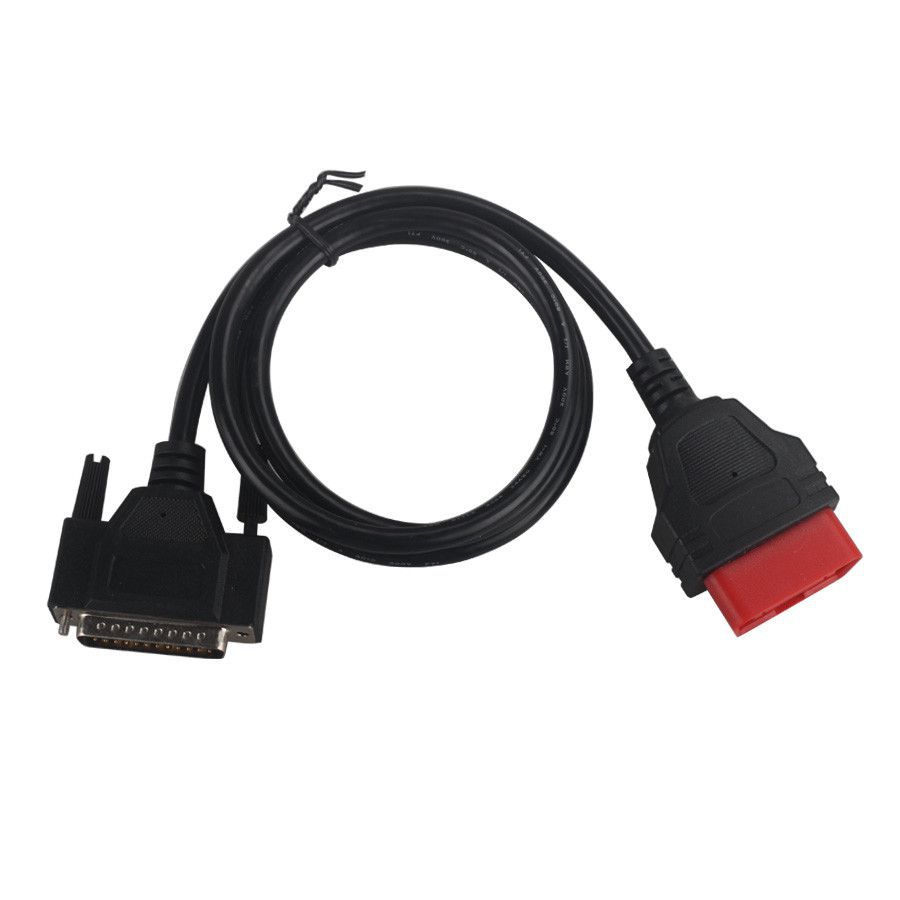
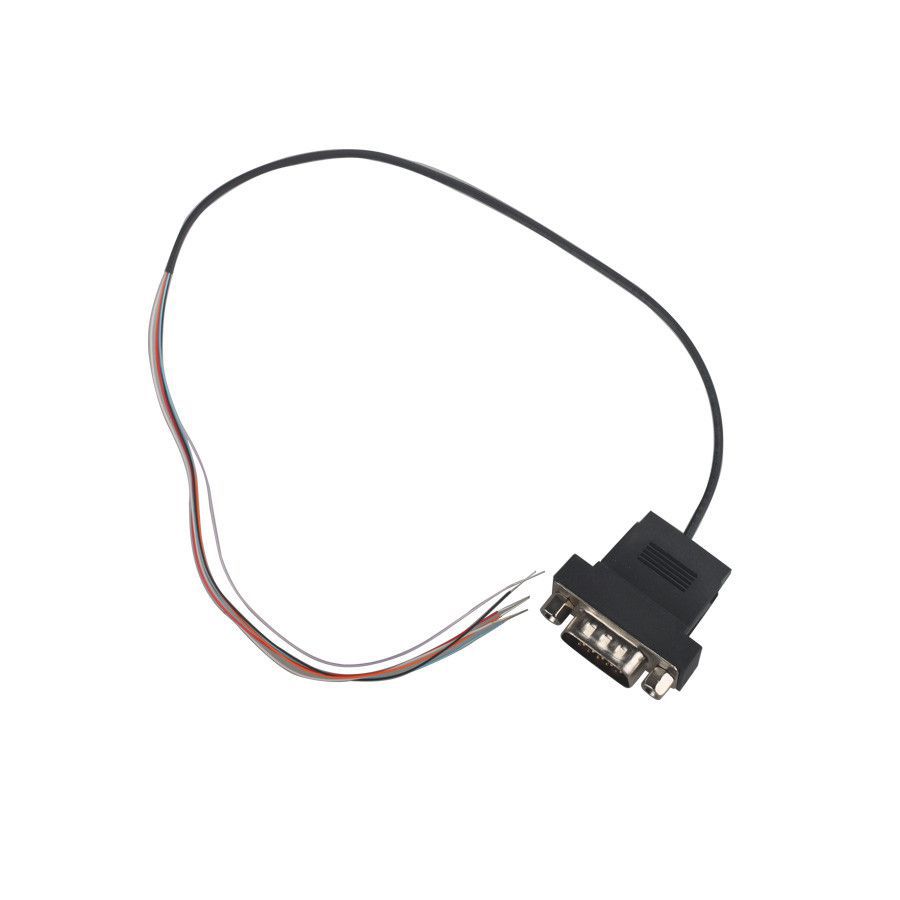
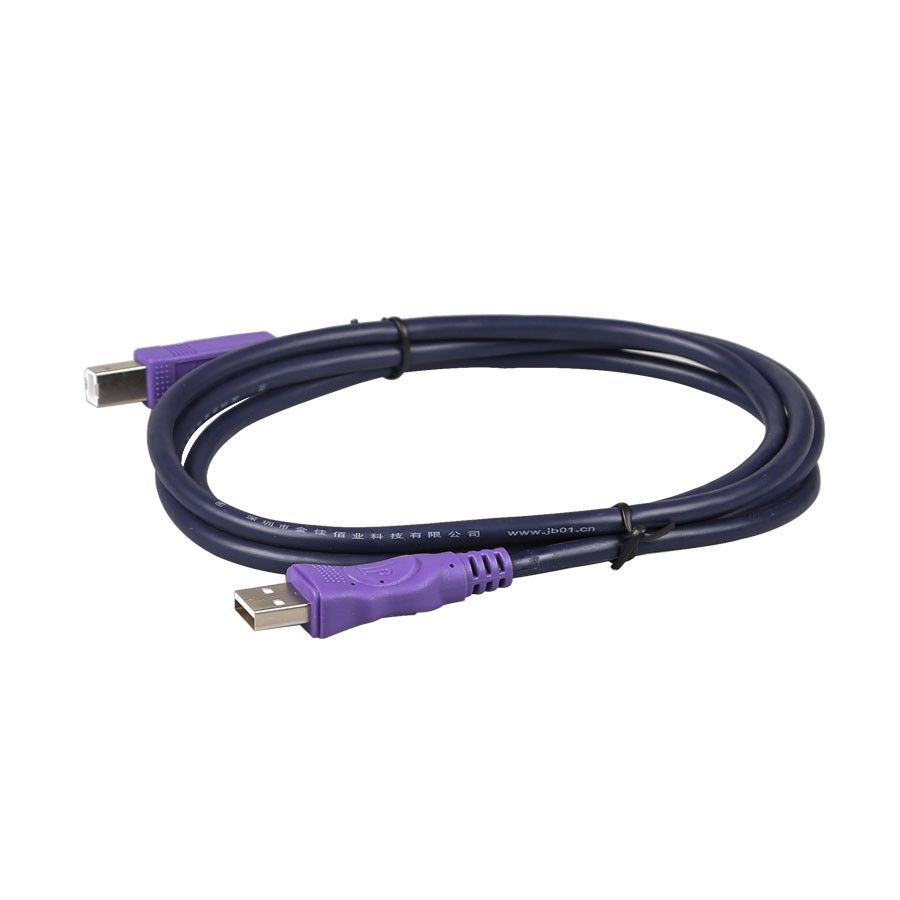
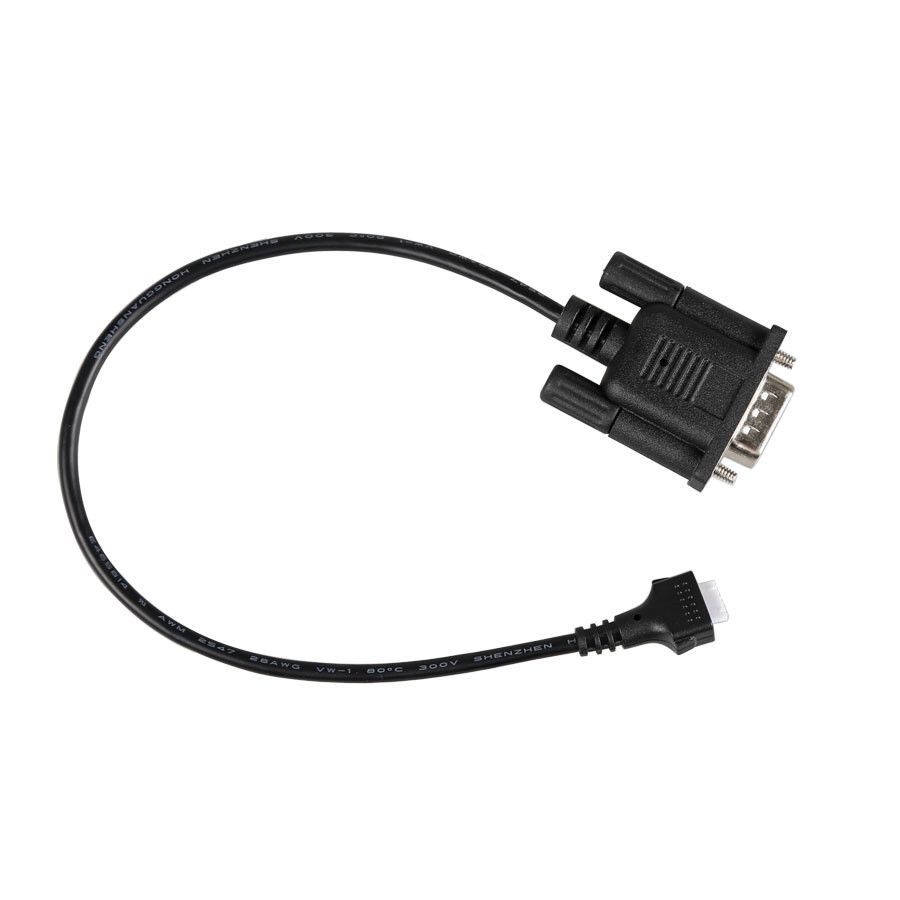
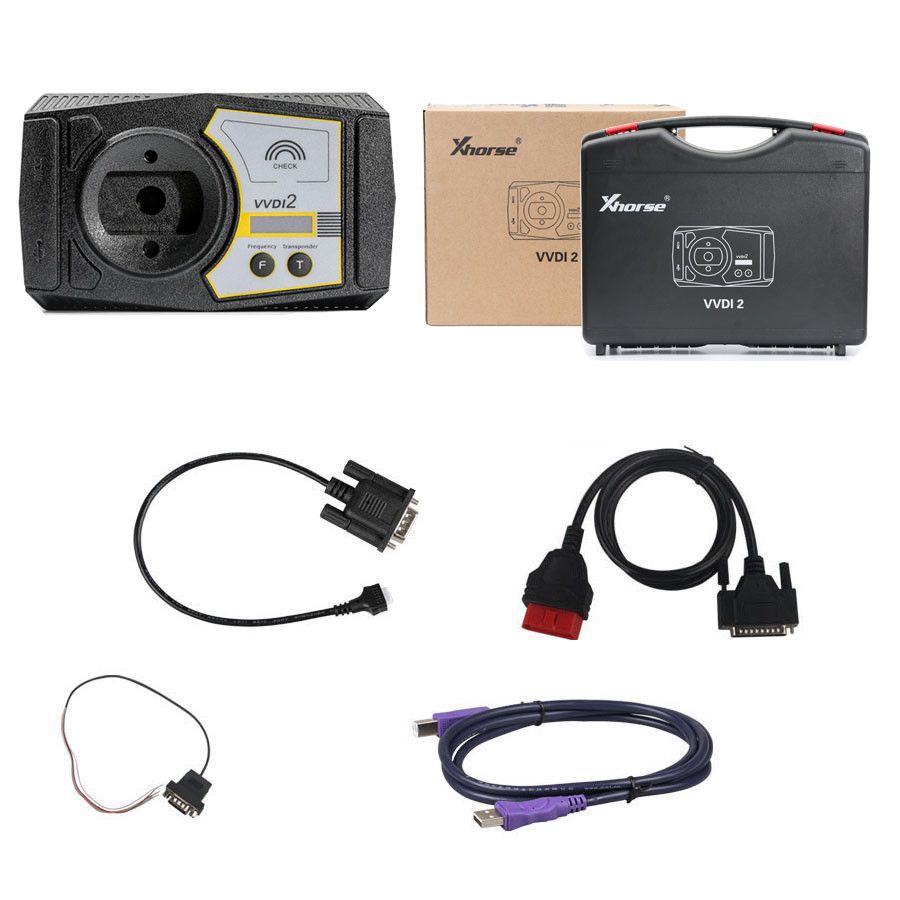
100% Original Xhorse VVDI2 for BMW – Includes Basic + OBD + CAS4 + FEM/BDC Functions
Activated Software Features in VVDI2
- VB-01 BMW OBD
- VB-02 BMW CAS4
- VB-03 FEM/BDC Function
- VP-01 Porsche Immobilizer Data Tool
- VJ-01 Passthru J2534
- VK-01 Transponder Programmer
Comprehensive BMW Functions Supported by VVDI2
EEPROM, Kilometer, and Synchronization via OBD
- Read and Write EEPROM
- Read and Write KM
- Synchronize DME-CAS and CAS-ELV Systems
Key Programming and Management
- Get Key Information
- Write Key Information
- Load and Save Key Information
- Prepare Dealer Key Using Programmer
- Prepare Dealer Key via Ignition Switch
- Add New Key
- Program Key Information
- Repair Keyless Key
- Enable or Disable Key
- Clear DTC and Clear Shadow Memory
Key Creation from File
- EWS1, EWS2, EWS3, EWS4
- CAS1, CAS2, CAS3, CAS3+, CAS4
Key Unlocking Capabilities
- Unlock Using Key Info File
- Unlock Using CAS1/CAS2/CAS3/CAS3+ EEPROM Data
Kilometer Adjustment via File
- EWS3 and EWS4 Systems
- CAS1 to CAS4 Modules
- Cluster (E Series): M35080 EEPROM Dump
- Cluster (F Series)
CAS Module Repair Functions
- CAS1 (0K50E) OBDII Repair
- ISTAP4* Version OBDII Repair
VVDI2-BMW FEM/BDC System Support (Fully Released and Available)
Follow these steps for Key Programming: Get Key Info → Program FEM/BDC System → Make Key
- Supports creating new keys via ignition switch (add spare key or all keys lost; all key lost requires ISN)
- Allows resetting FEM/BDC kilometer data (cluster must be reset manually)
- Enables erasing stored keys (key position becomes blank after erase)
- Supports backup of module coding
- Supports restore of module coding
Important Notes for FEM/BDC Operations
- Backup and restore coding can typically be performed directly without additional steps.
- Adding keys, resetting KM, or erasing keys requires prior programming of the FEM/BDC system.
- If 'Get Key Info' shows an unsupported type, the message will appear: “Customer should use 'BMW E-sys software' to program FEM/BDC system,” then proceed with VVDI2-BMW programming.
- Do not close the software window during FEM/BDC system programming until all processes are complete.
- FEM/BDC programming involves soldering and EEPROM extraction. FEM uses a 95128 chip; BDC uses a 95256 chip. Two identical chips may be present—refer to the software diagram to select the correct one.
- After programming, always restore the original EEPROM data and coding. If issues arise after reinstallation (e.g., remote start failure or window malfunctions), use "BMW E-sys software" to recode the FEM/BDC system.
- If power is connected to the module but the relay continuously rings, contact technical support. Properly executed programming should result in smooth operation.
Package Contents
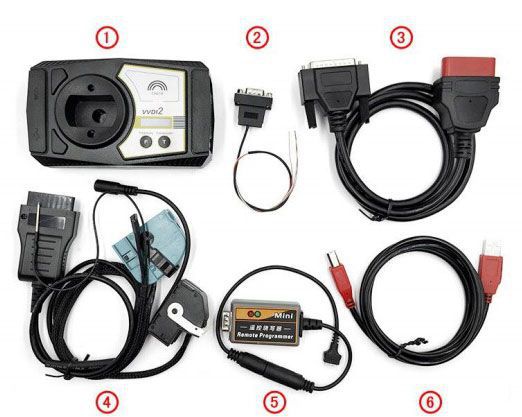
- VVDI2 Main Interface Unit
- 5th Generation BDM Programmer
- OBD2 Diagnostic Cable
- CAS Plus Module (additional component; must be purchased separately: CAS Plug for VVDI2 BMW or Full Version – 84.99 USD)
- Remote Key Programmer
- USB Connection Cable
Go to Buy: Xhorse VVDI2 BMW Version With Basic+BMW OBD+BMW CAS4+BMW FEM/BDC