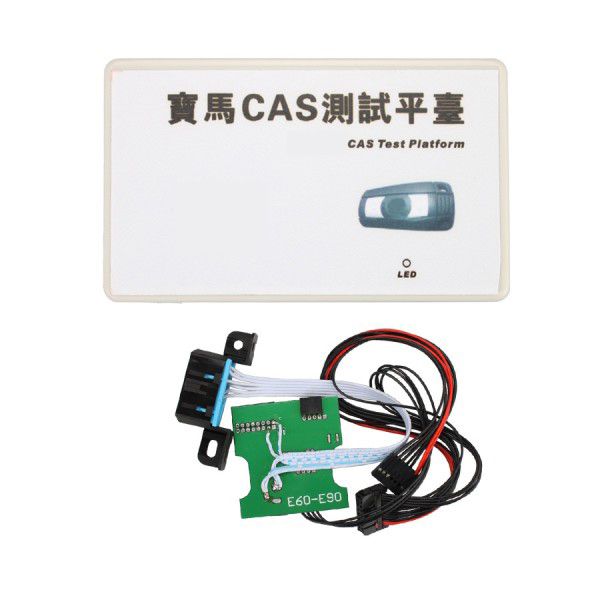
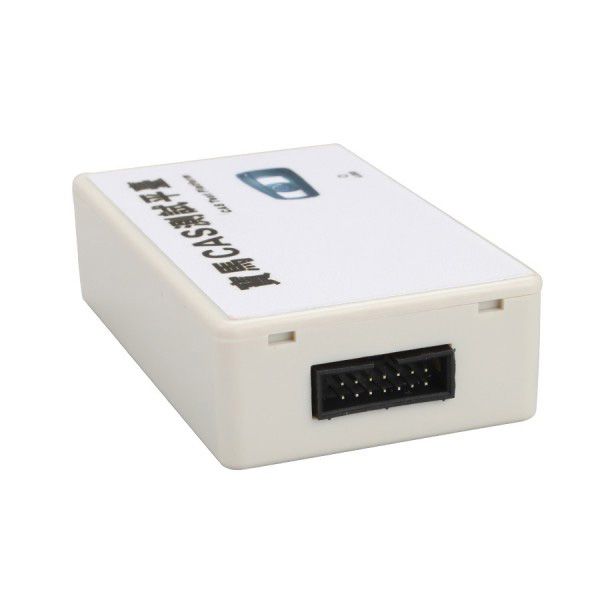

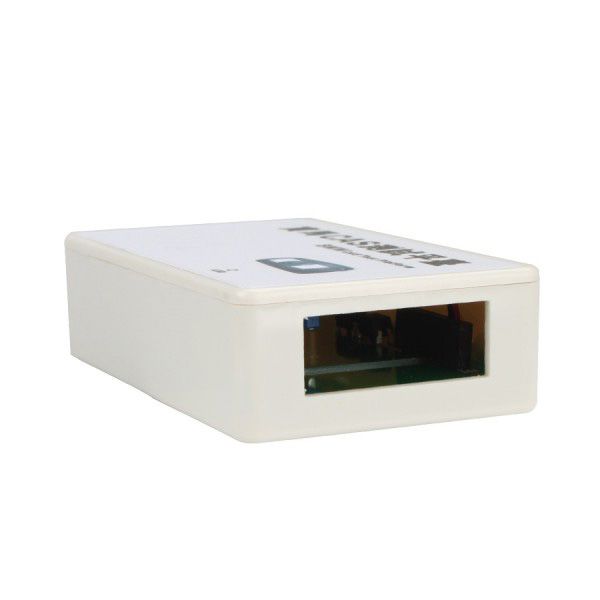
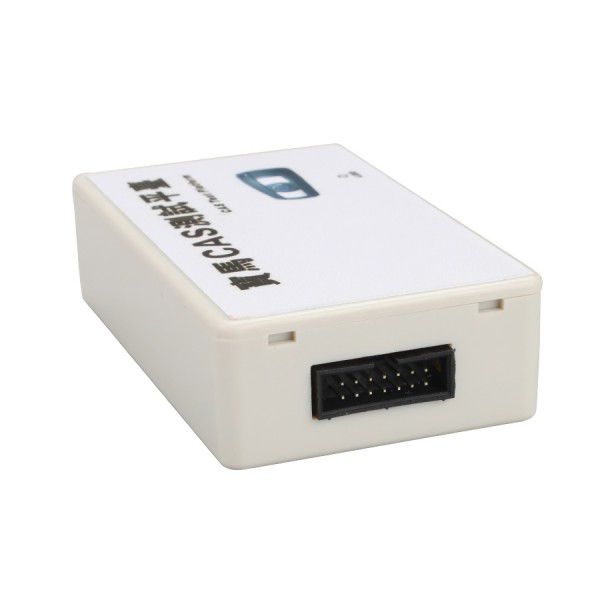
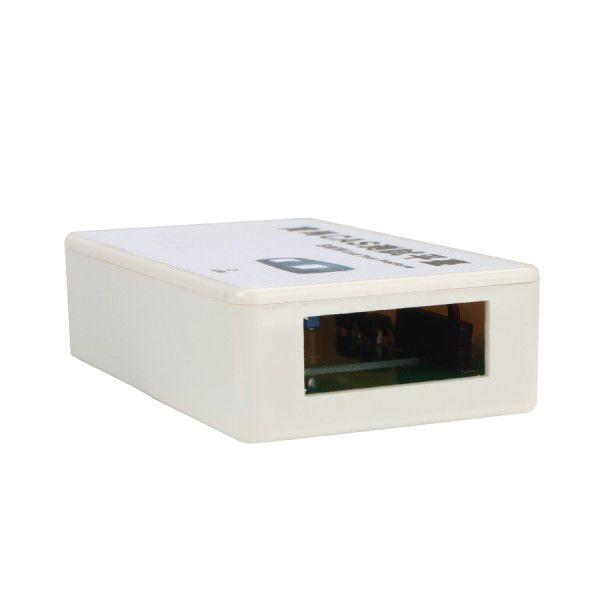
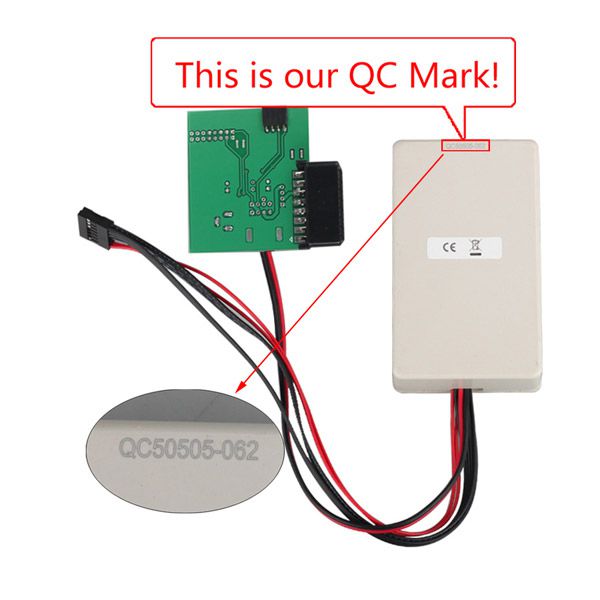


BMW CAS Test Platform – Fast Verification of CAS and Key Functionality Without Vehicle Connection
Update: This BMW CAS cannot be updated.
Support System: No computer connection required—simply follow the on-screen instruction steps.
How the BMW CAS Test Track Platform Works
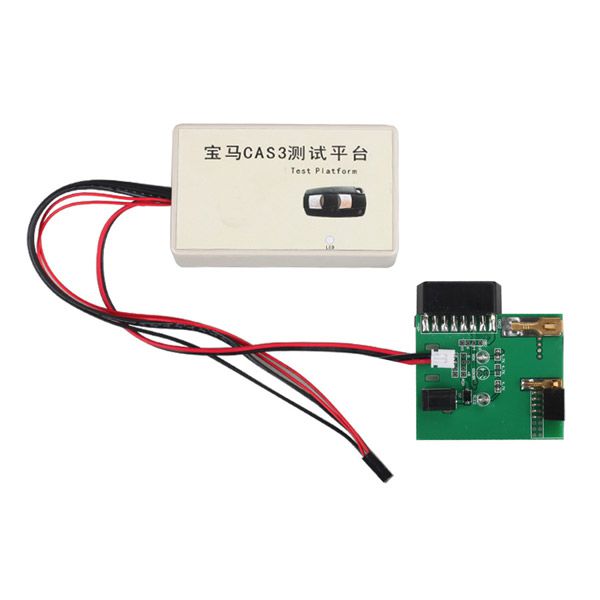
Step 1: Connect and Test BMW CAS3
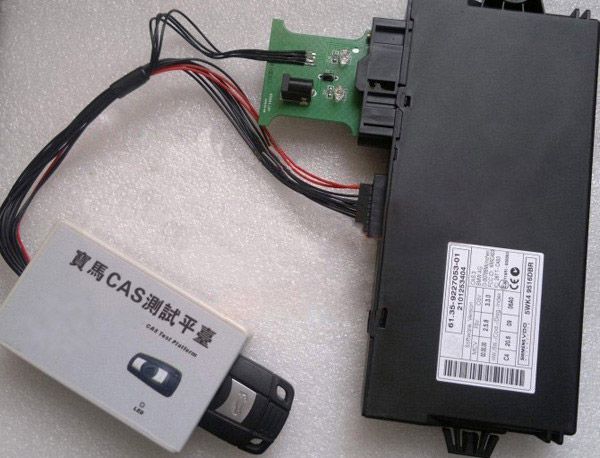
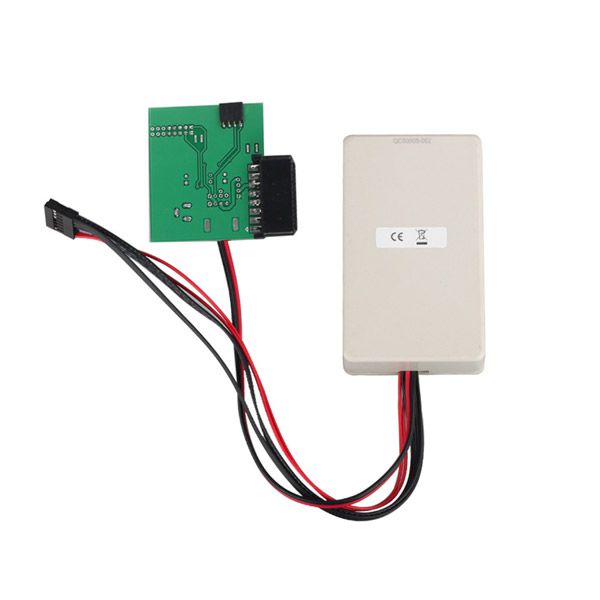
Step 2: Connect and Test BMW CAS2
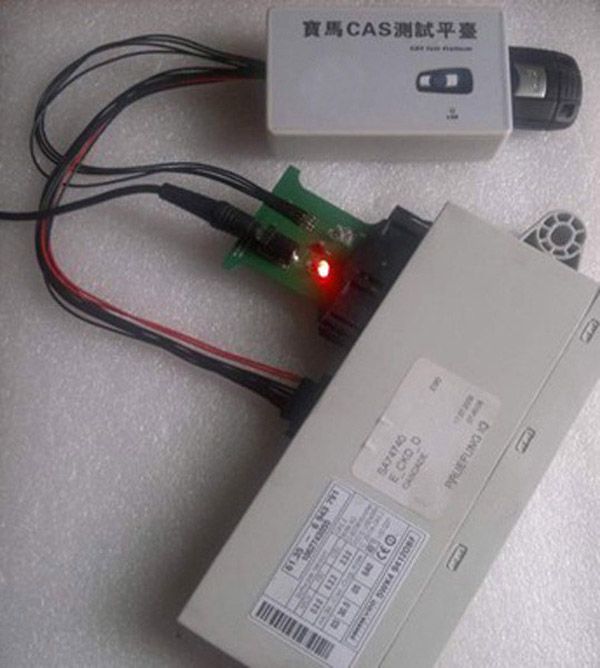
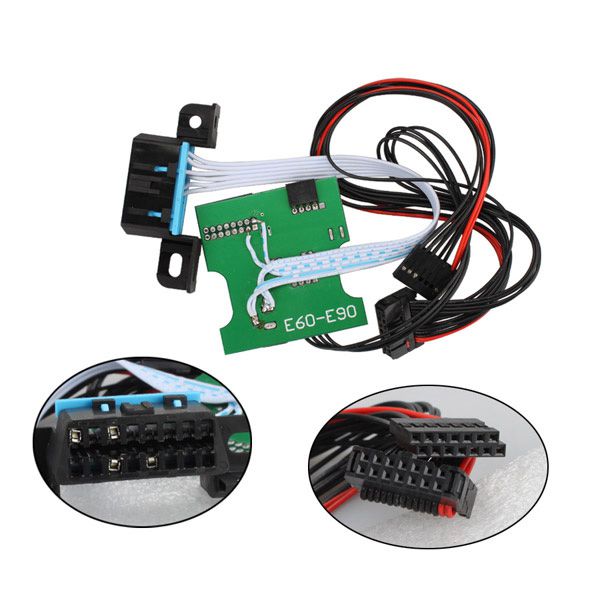
Step 3: Cable Connection Note
The red cable of CAS2 / CAS3 must be plugged into the first pin of the socket.
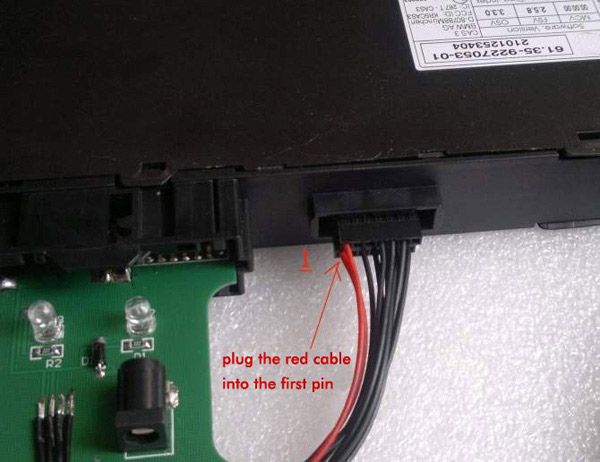
Step 4: Power and LED Indicator Check
After connecting 12V power, the power light turns ON. The LED on the CAS test platform will flash rapidly once per second, indicating the CAS CPU is functioning properly. If the LED does not turn ON, the CAS is abnormal and requires repair or replacement.
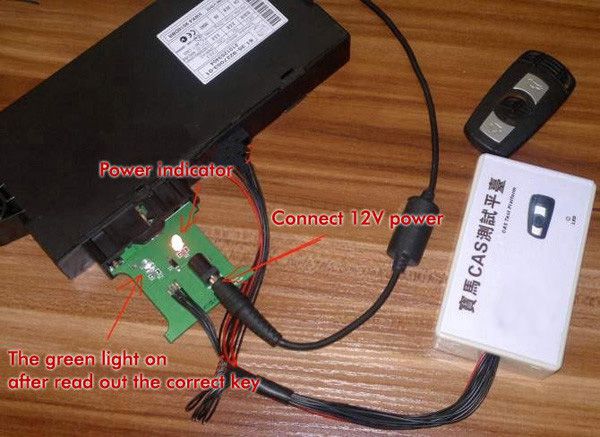
Step 5: Key Functionality Test
Insert the BMW key into the CAS test platform mainframe. A buzzer sound and a green indicator light on the CAS power adapter confirm that both the key and CAS are working correctly. If not, the key may be damaged or was not programmed successfully.
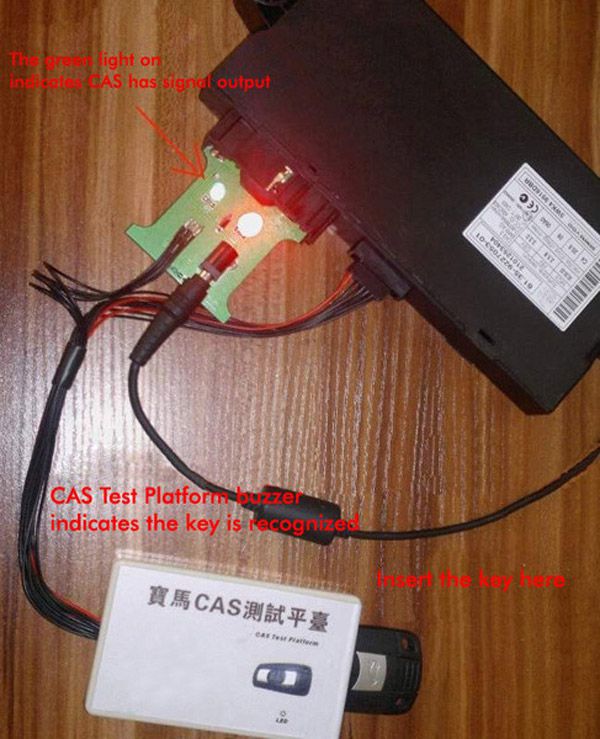
Additional Notes
When the BMW CAS Test Platform is connected to a brand-new CAS3 unit, the LED light will not illuminate until EEPROM data has been written to it.
Fault Diagnosis with the BMW CAS Test Platform
By connecting the BMW CAS Test Platform to the CAS module and applying power, the behavior of the LED light helps identify the source of the fault:
- LED stays ON continuously after power connection: Indicates CPU FLASH data loss. It is recommended to write FLASH data from another BMW model of the same year.
- LED does not turn ON after power connection: Suggests the CPU FLASH data is locked due to an unstable programmer during data writing. EEPROM data editing is required.
- CAS3 fails during programming and prevents car startup: If, after connecting to the test platform and applying power, the LED remains ON continuously, this indicates missing FLASH data and a locked EEPROM.
Package Contents
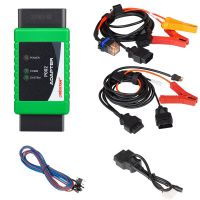
1pc × BMW CAS Test Platform