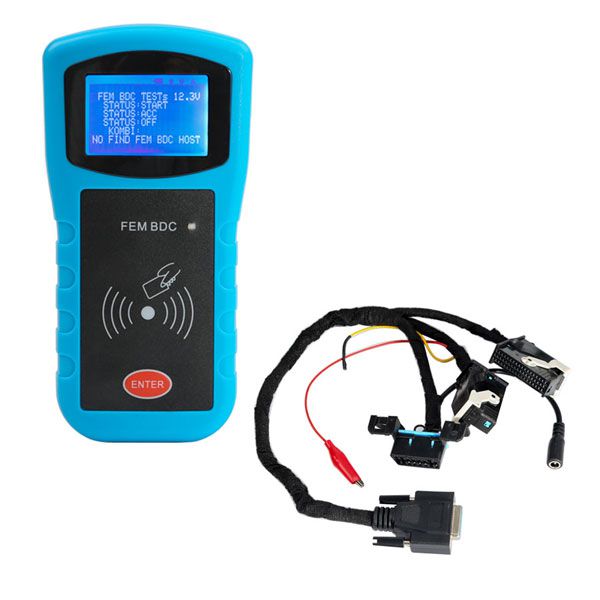
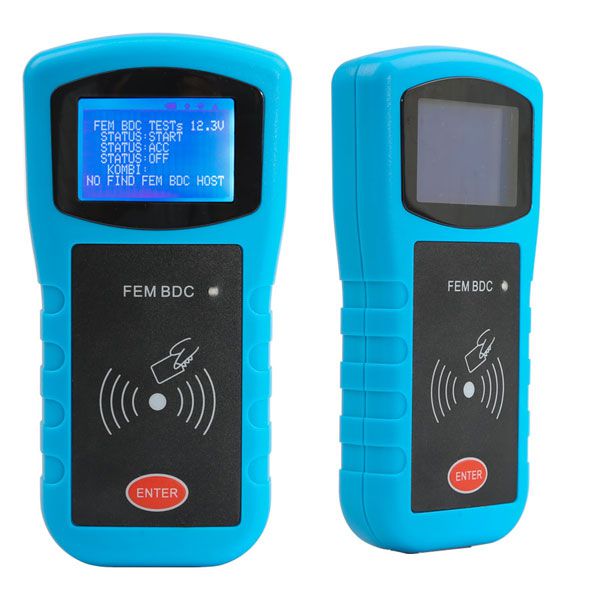

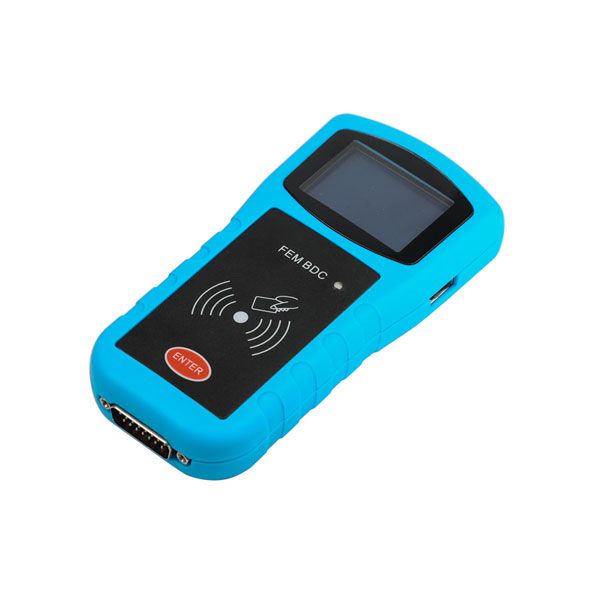
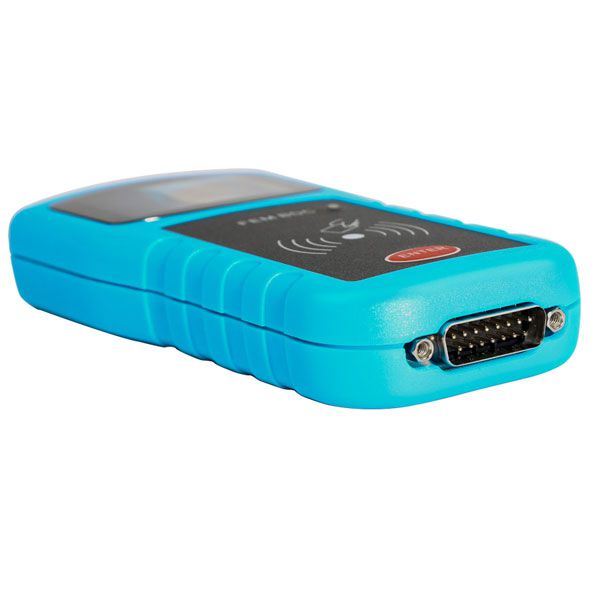
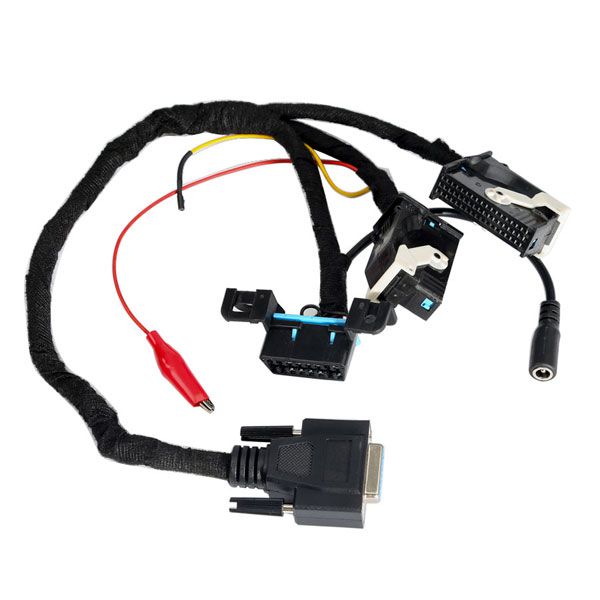
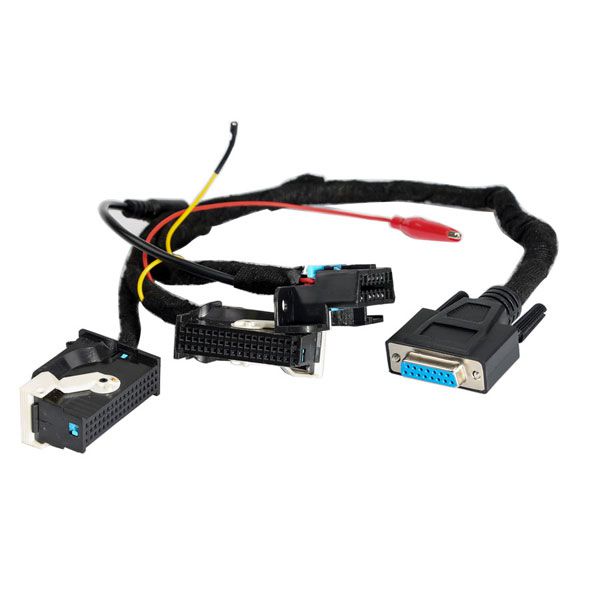


BMW FEM/BDC Data Desktop Test Platform
For programming FEM/BDC keys and ECU Gearbox
Compatible BMW Models
FEM BDC Module Testing Platform for BMW F20, F30, F35, X5, X6, i3
Key Features
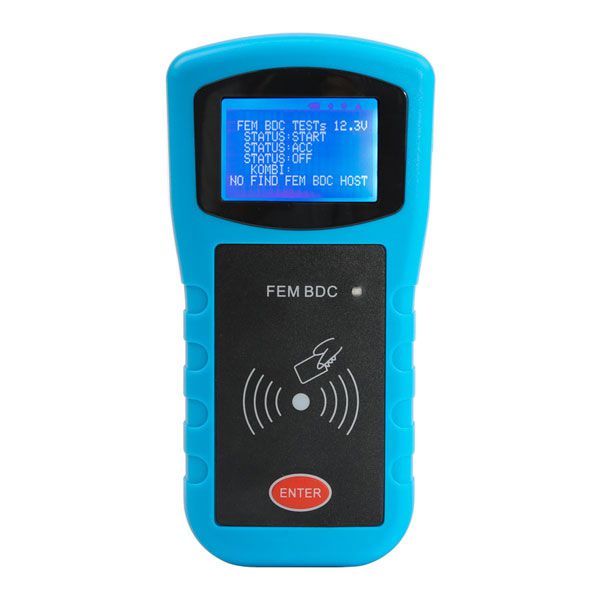
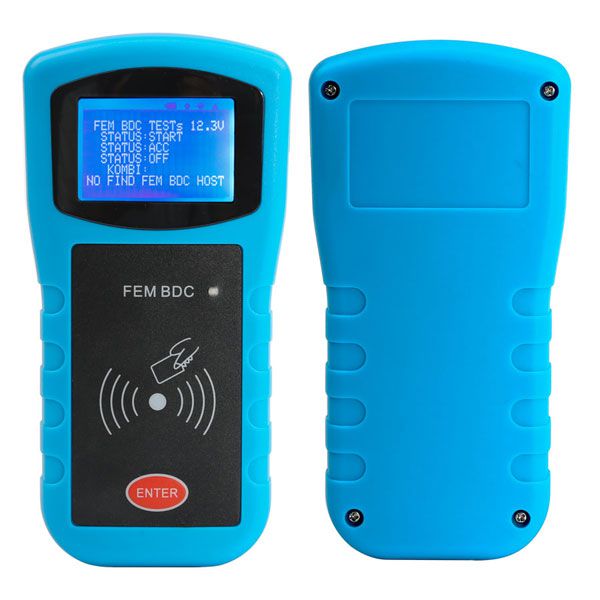
With your FEM/BDC keys, the FEM BDC Module Testing Platform easily detects whether the FEM/BDC Control Module is in good condition—no start-stop button required.
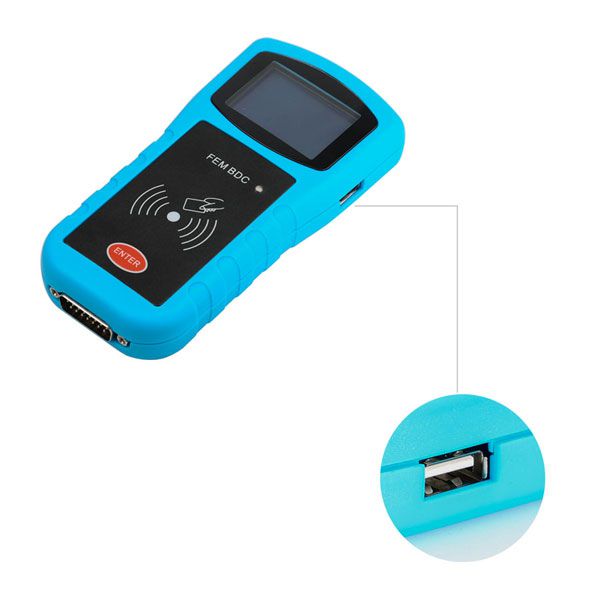
Designed with 4 interfaces, it supports making FEM and BDC keys and is suitable for connecting the dashboard, keys, FEM module, ECU, and gearbox.
Eliminates the need to test components on the vehicle, offering a convenient and efficient solution.
Compatibility with Programmers
Can work standalone or in conjunction with BMW FEM key programmers such as Yanhua BMW-FEM, BMW Explorer, VVDI2 BMW, CGDI Prog, and BMW F-series FEM Blade key tools.
Power Supply
Power supply: 12V dedicated
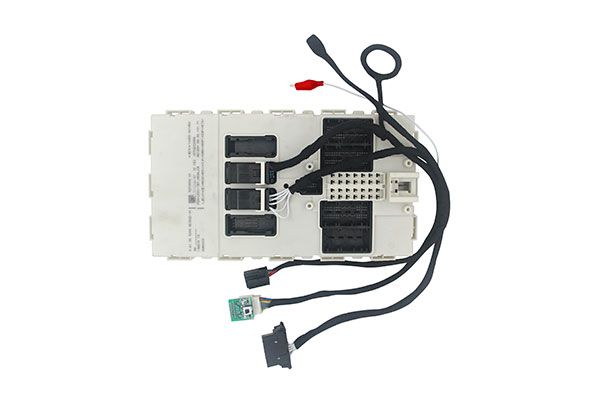
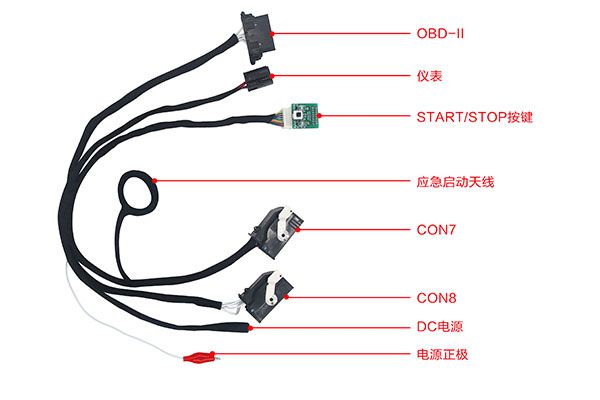
How to Use the BMW FEM/BDC Test Platform
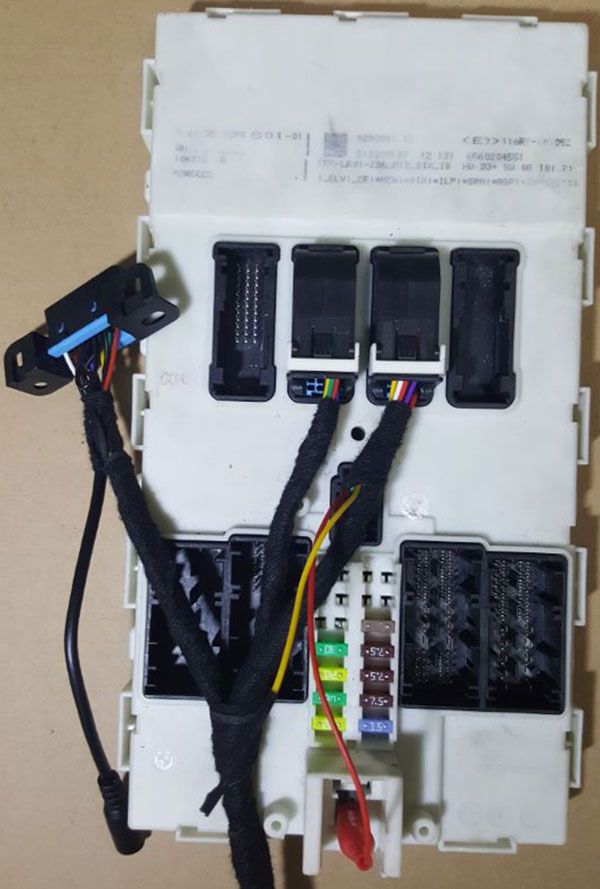
Pic. 1: The adapters are inserted into the testing platform.
Pic. 2: Connect the harness properly and ensure the ignition switch is in the OFF position. Verify that the voltage is 12V.
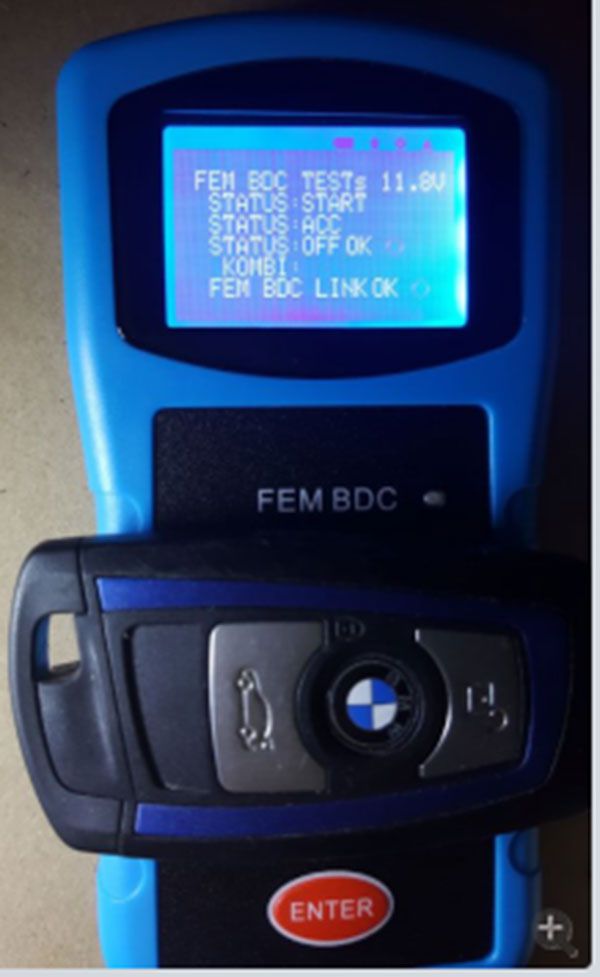
Pic. 3: Place the FEM key into the sensing area and press the "Enter" button—the red LED will flash.
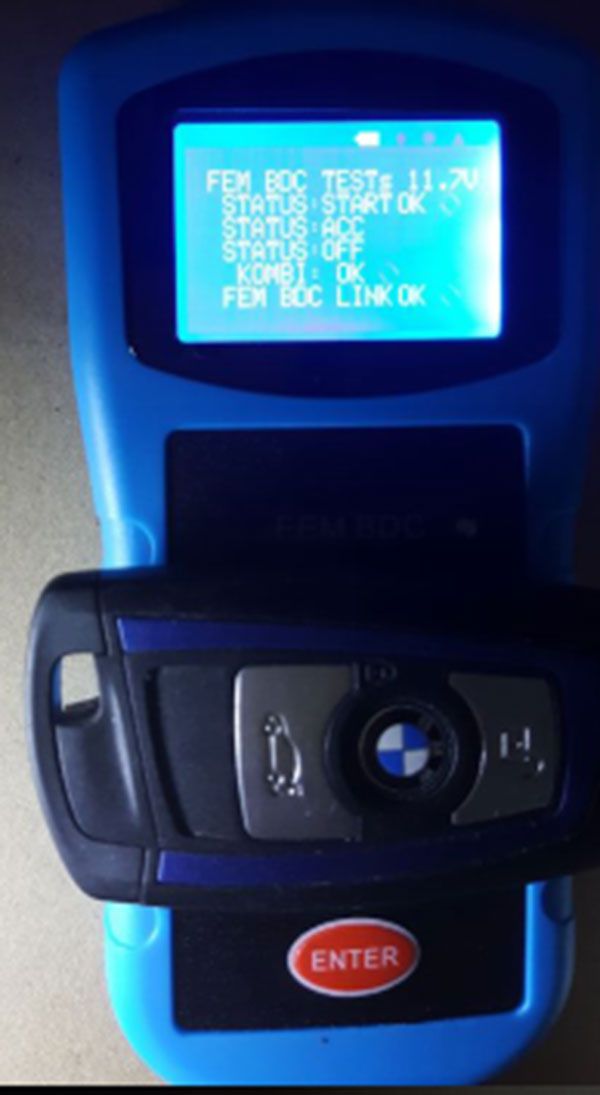
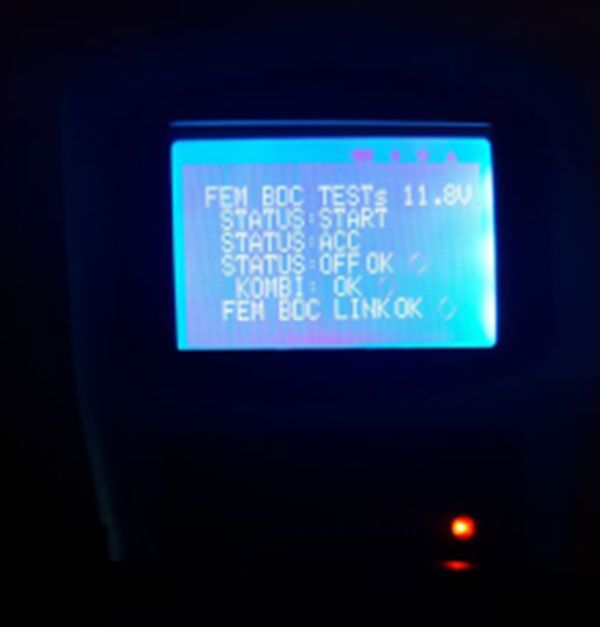
Press the "Enter" button again. The screen displays FEM BDC TESTS: 11.2V, and the battery icon appears, indicating successful startup.
Press "ENTER" again: ACC OK
Press "ENTER" once more: OFF OK
Then, FEM BDC test OK.
If no FEM/BDC module is connected, the display shows: NO FIND FEM BDC HOST.
Package Contents
Package List:
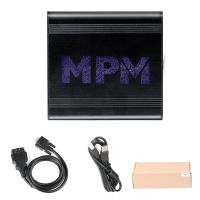
- 1pc × BMW FEM data desktop test platform