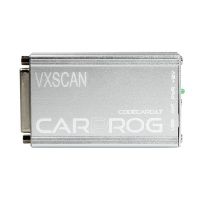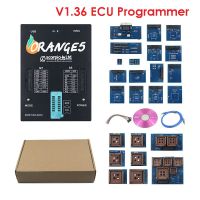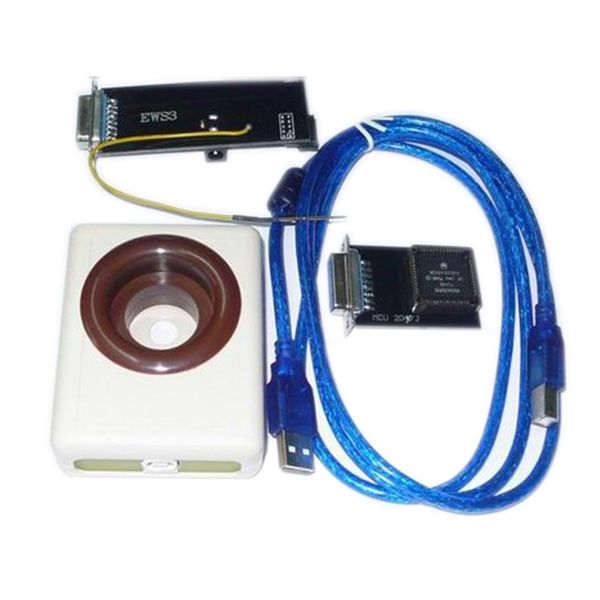


EWS Reader for BMW
Capabilities
- Compatible with all variants of EWS1, EWS2, EWS3, EWS3+, and EWS4.
- Reads and writes EWS3 and EWS3+ memory via the unit connector (K-line).
(Never attempt to read or write D47J mask processors—these have active protection.) - Automatically detects EWS version from EEPROM memory.
- Programs additional keys.
- Adds used keys (password required).
- Renews used keys (password required).
- Synchronizes keys.
- Activates and deactivates available keys.
- Codes the EWS module.
- Modifies EWS identification data (e.g., production date, EWS number).
- Resets used EWS3 units to factory conditions.
- Changes EWS VIN.
- Changes key VIN (for models after 1998).
- Adjusts EWS mileage (for models after 1998).
- Adjusts key mileage (for models after 1998).
EWS Motorola Processor Mask Verification
Always verify the processor mask before reading (see image below).
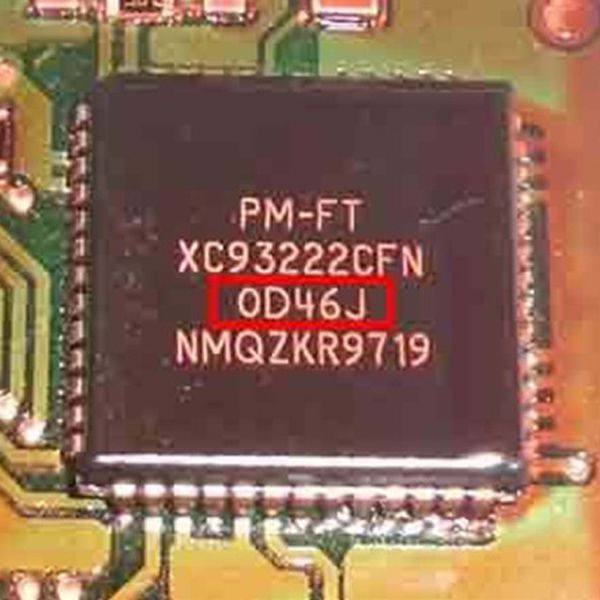
Processor Mask Examples
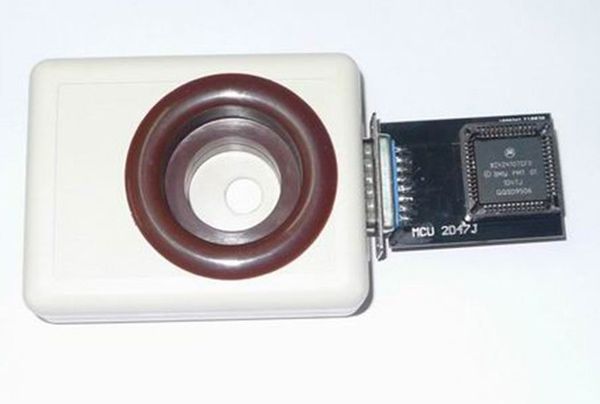
- Older EWS1, EWS2, and EWS3 hw2 sw5 units use the D47J mask. Remove the processor from the EWS board and read it using the special adapter included with the EWS Keymaker.
- EWS4 and EWS4(1) processors can be read using any standard programmer.
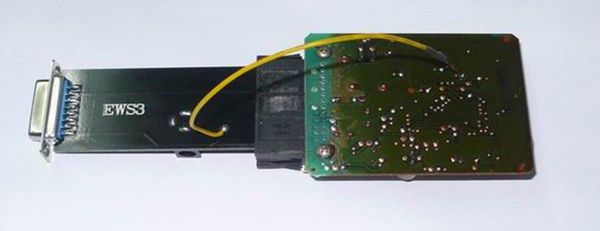
- Newer EWS3 and EWS3+ units use the D46J mask and can be read directly via the EWS connector (K-line).
D47J mask processor’s adapter connection
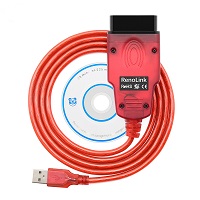
K-line cable to EWS connection
Reading EWS EEPROM Memory – “READ” Button Procedure
- Disconnect and remove the EWS module from the vehicle.
- Open the module and detach the electronic board from the EWS housing.
- Connect the device to your PC via USB cable and install drivers from the “USB_Driver” folder. Use the D47J adapter for D47J masks or the K-line cable for D46J masks.
Starting the BMW EWS Reader Software
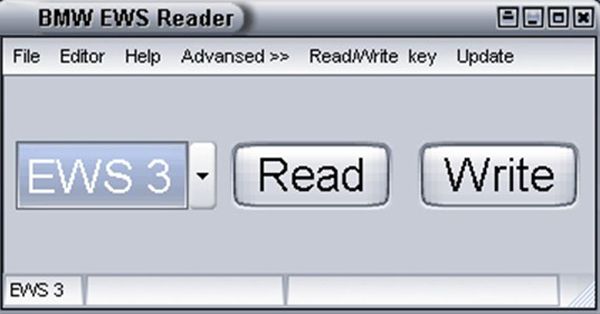
The software is ready for K-line operation immediately. To use the D47J adapter, switch the operation mode:
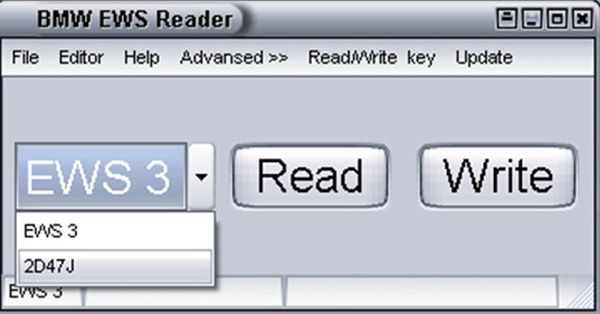
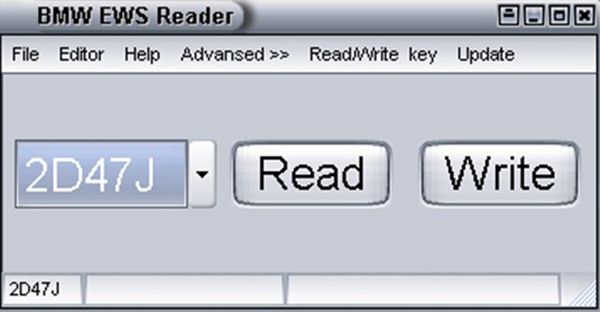
Never attempt to read a D47J mask processor via the K-line cable—it may damage the processor’s internal memory.
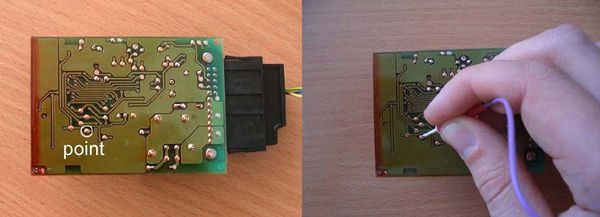
Supply 12V at 500mA or higher to the device. Power must be connected when reading EWS internal memory via its connector. Locate and clean the designated contact point on the EWS board:
Press the READ button. A status report will appear at the bottom of the window:
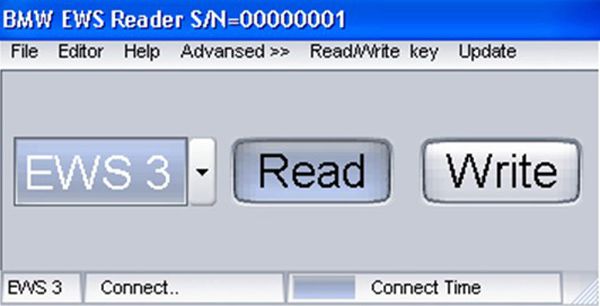
Touch the previously identified contact point with the tester attached to the device. A progress report will appear at the bottom of the window. The tester may be removed once the reading process begins. If reading a D47J processor with the adapter, select “D47J” and press READ. Upon successful completion, an “OK” message will appear. Then click the EDITOR tab at the top of the window.
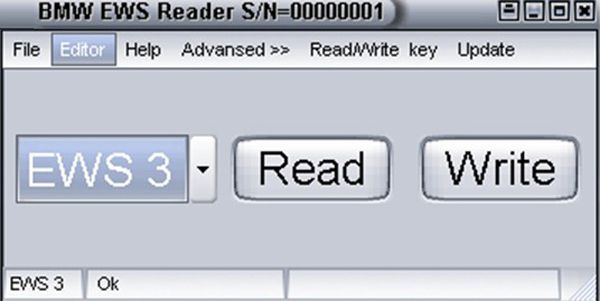
The EEPROM memory file window will open:
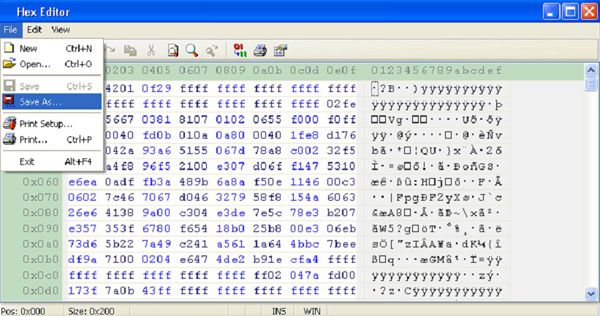
If all lines display “00,” you likely forgot to connect the external power supply during the read process.
Save the file to your hard drive using File → Save As. You may also save directly from the main window using the File → Save As option in the top menu:
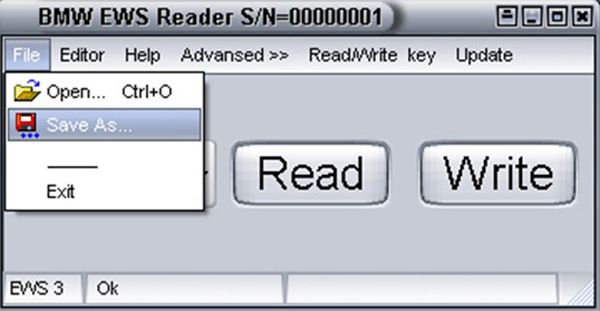
Writing New EEPROM Memory
Open the new file you wish to write to the EWS:
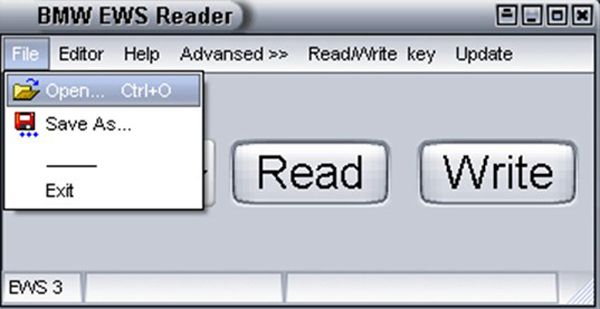
Press the Write button and touch the same contact point on the EWS board with the tester. Upon successful completion, an “OK” message will appear at the bottom of the main window.
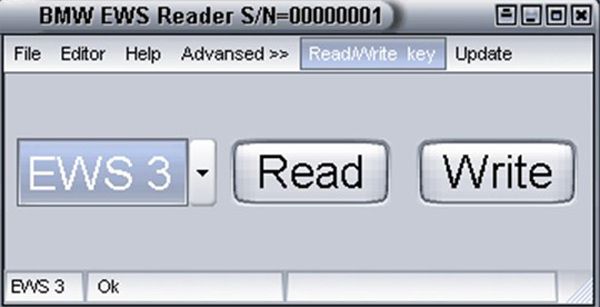
PCF7935 Transponder and ELM Key Reading
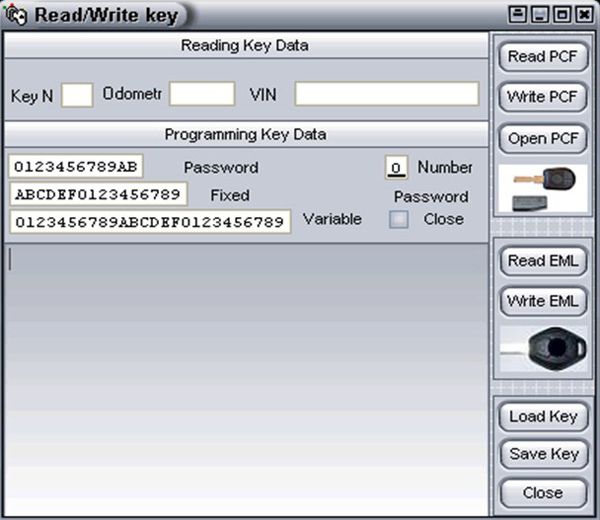
Select the Read/Write Key tab:
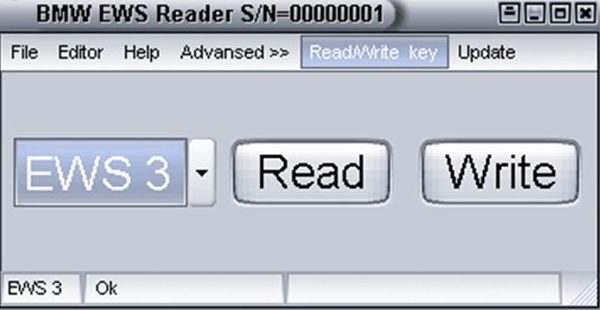
A new window will open on the right: