 USD
USD Euro
Euro British Pound
 Australian Dollar
- Home
-
Categories
- Car Diagnostic Tools
- Original Brand Tools
- Car Key Programmers
- OBD2 Code Scanners
- Truck Heavy Duty Scanners
- ECU Chip Tuning Tools
- Odometer Correction Tools
- VAG Diagnostic Tool
- Original Launch X431 Tools
- Original Autel Tool
- Original Xhorse Tool
- Key Cutting & Locksmith Tools
- Airbag/Service Reset Tools
- OBD2 Cables and Connectors
- AUGOCOM Camshaft Engine Timing Tool
- Other OBDII Vehicle Tools
- Car Key Blanks
- Car Key Chips
- Car Diagnostic Software
- Automotive Electrical Testers & Test Leads
- Auto HID Xenon Light and LED Light
- Automotive Electronics
- Repair & Maintenance Tools
- MB Star Diagnostic Tools
- Health Care
- Special Deals
- Consumer Electronics
- Home & Garden
- Outdoor
- Expired Tools
- Top Selling
- New Arrivals
- for MB
- for Porsche
- Xhorse
- for TOYOTA
- for FORD
- Order Tracking
- Drop-ship
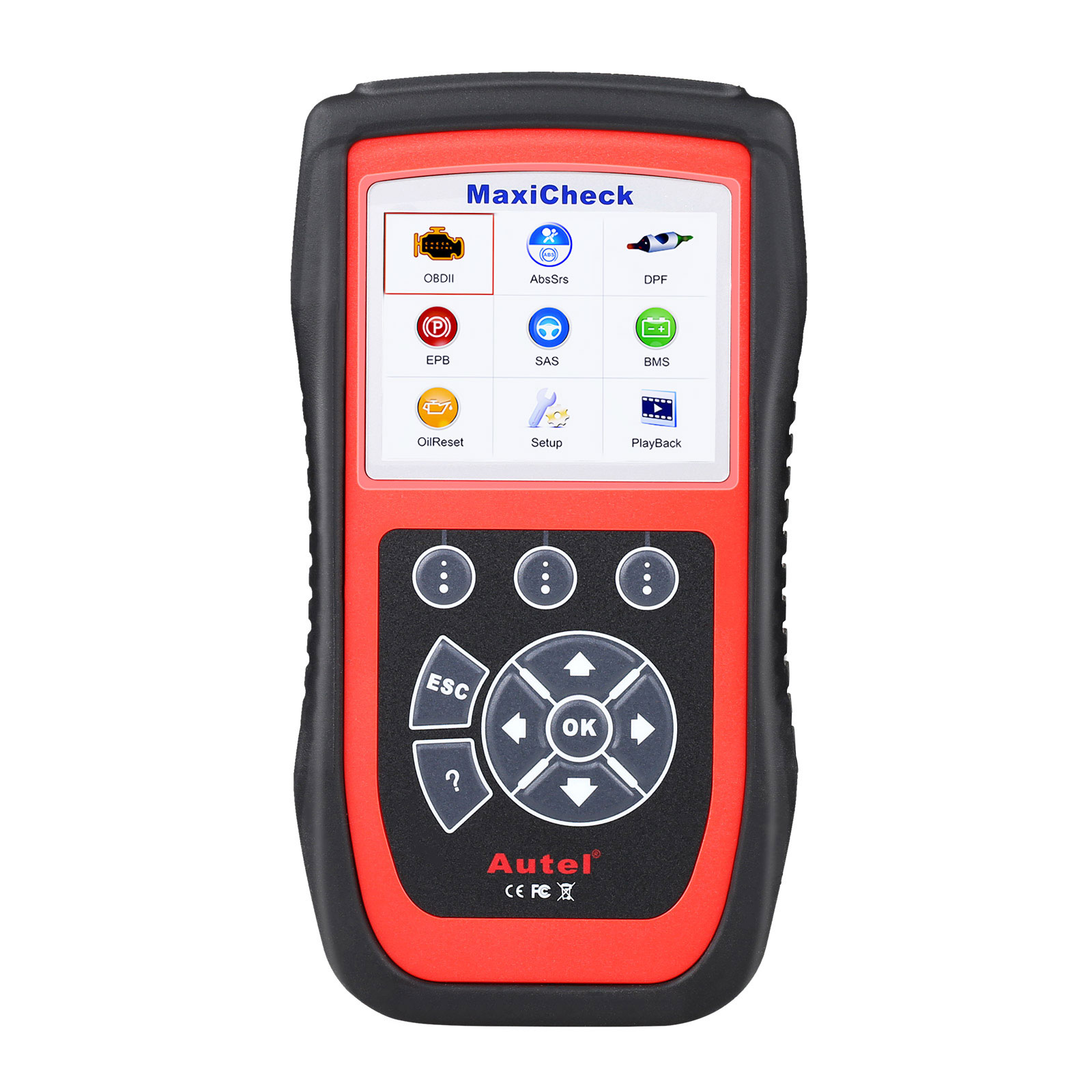
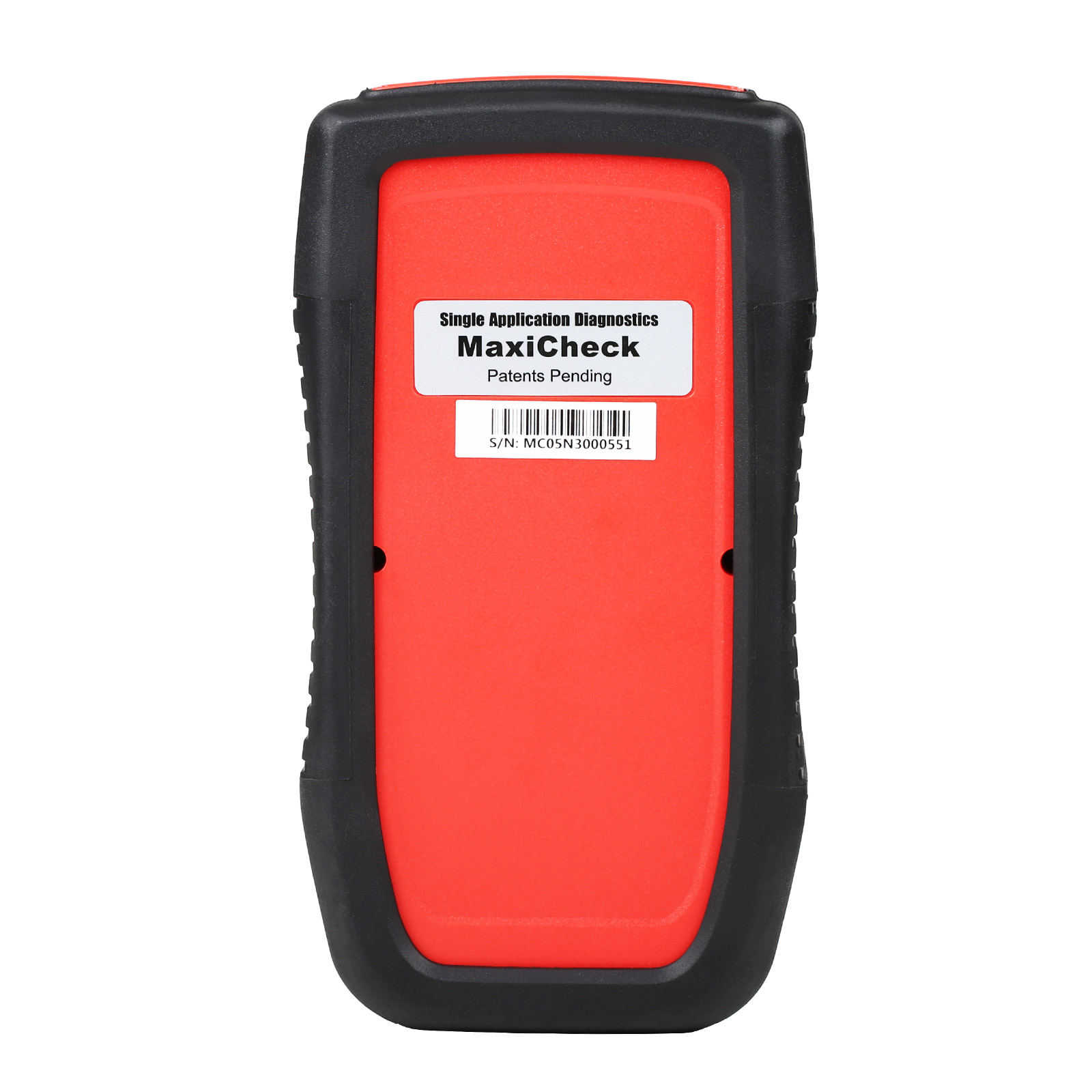
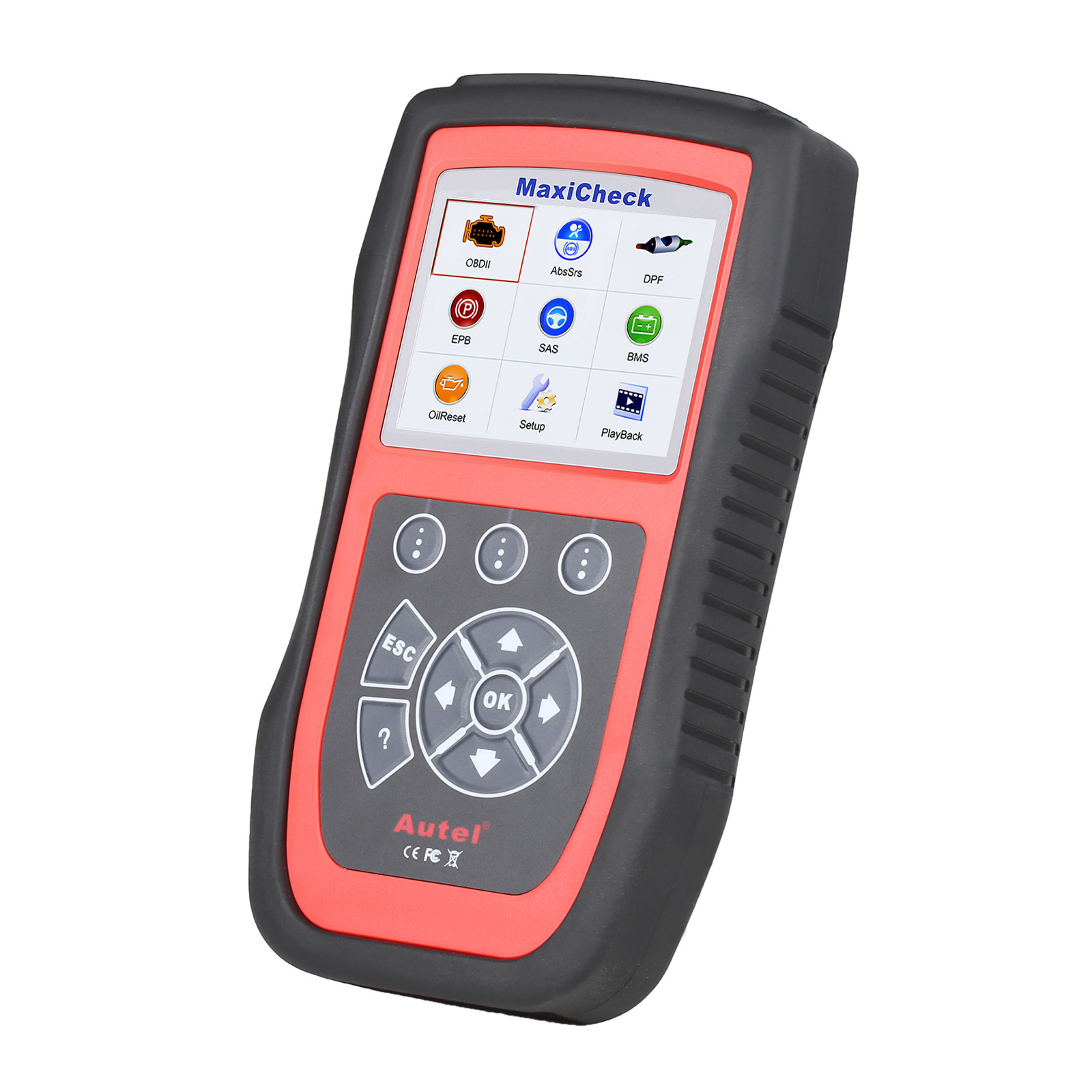
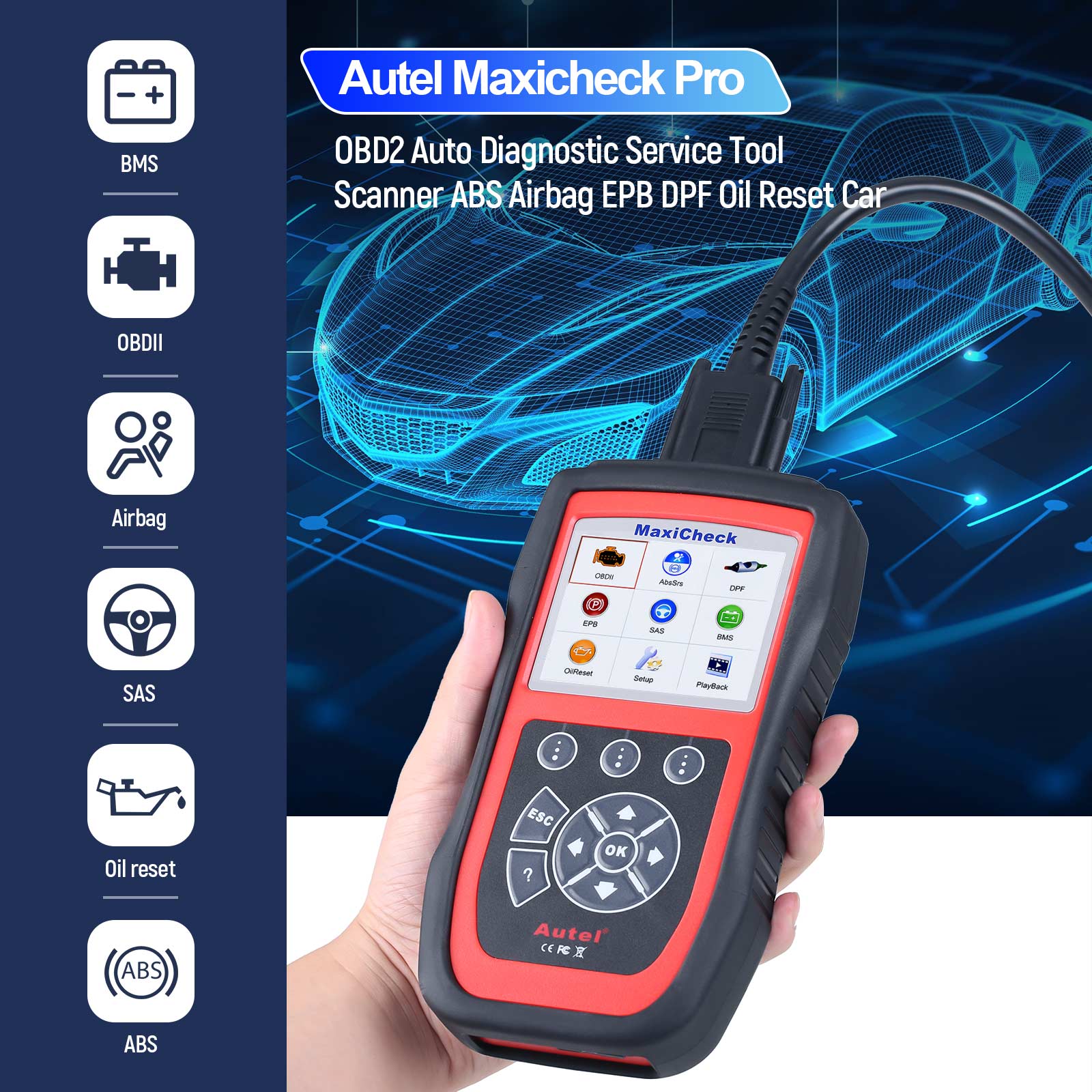
Autel MaxiCheck Pro EPB/ABS/SRS/SAS Function Special Application Diagnostics Update Online
2.Lifetime free updates via SD card
3.It is designed for professional technicians and body shops to service individual specialized systems.
- Price:
- US$179.00/ piece
- Discount Price:
- US$167.00/ piece 7%
- Quantity:
-


- Shipping:
- Express Shipping Service
Estimated delivery time: 3-15 working days.See details » - Returns:
- Return for refund within 7 days,buyer pays return shipping.Read details »
- Support:
-
 Online Chat
  WhatsApp
  Skype
Skype  Ask a question


- Product Details
- Product's Reviews
- Write a Review
- Related Products
Autel MaxiCheck Pro – EPB/ABS/SRS/SAS Special Application Diagnostics Tool with Online Updates
Top 5 Reasons to Choose the Autel MaxiCheck Pro
- Free Lifetime Online Updates via Autel Official Website
- One-Year Warranty Included
- Specially Designed for Professional Technicians and Auto Body Shops
- Supports Key Specialized Systems: ABS, SRS, EPB, SAS, and Oil Light Resets
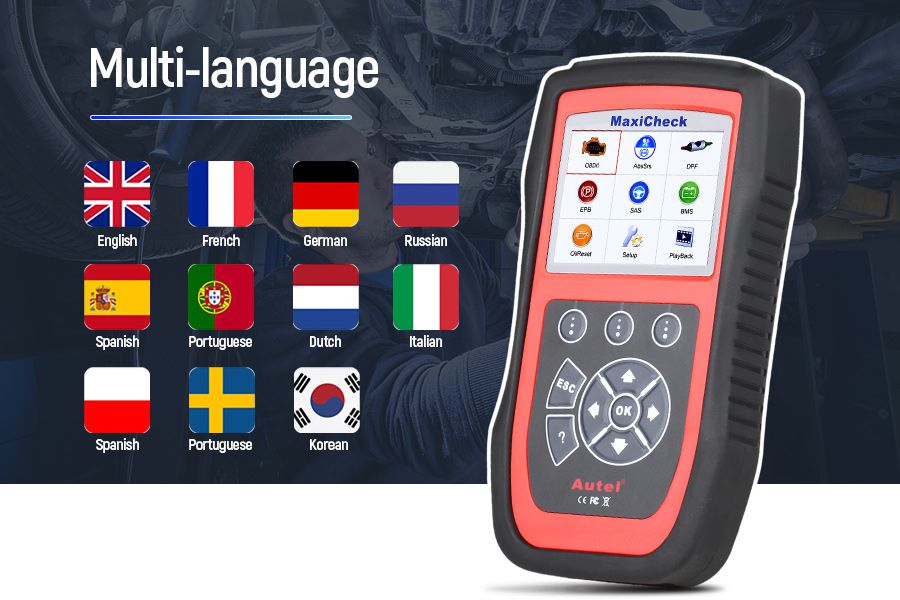
- Multilingual Interface: English, French, German, Spanish, Portuguese, Dutch, Polish, Swedish, Korean, Japanese, Russian, Italian (Provide device serial number for language changes)
Important Notes & Compatibility Information
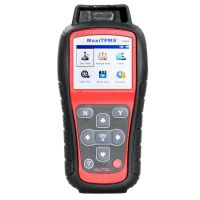
- TPMS Function Not Included: Tire Pressure Monitoring System functionality is not supported. Consider MaxiTPMS TS601 for TPMS programming.
- Vehicle Year Limitations: MaxiCheck Pro supports select vehicles up to model year 2015; GM models supported up to 2018. Not all functions are universal across vehicles.
- Function-Specific Compatibility: Features like ABS automated bleed, oil reset, EPB, SAS, BMS, and others are not universally compatible. Always verify compatibility before purchase.
- Japanese Vehicle Note: Toyota and Honda models may vary in auto-bleed functionality even within the same make, model, and year. Confirm with your dealership if this feature is equipped.
- VIN Required for Confirmation: To ensure compatibility, email your vehicle’s VIN, model, year, and required functions to the seller prior to ordering.
Product Overview: Autel MaxiCheck Pro Diagnostic Scanner
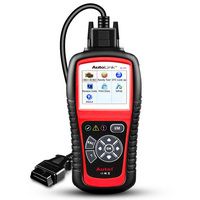
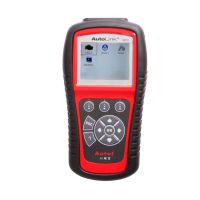
The Autel MaxiCheck Pro is a professional-grade diagnostic tool tailored for automotive service centers and technicians. It enables precise servicing of specialized systems including brake, airbag, steering angle, and maintenance reset operations. This scanner supports inspection and mileage resets, oil light resets, battery maintenance services, and freeze frame data viewing for accurate diagnostics. With coverage for over 50 vehicle makes for ABS and SRS systems, it offers essential bi-directional functions such as ABS bleeding, airbag resets, and EPB control—though these are not universally compatible across all models. Always provide your VIN to confirm function availability before use.
Supported Vehicle Coverage
ABS/SRS System Support
BENZ, BENZ Sprinter, BMW, Citroen, Fiat, Ford, LandRover, Porsche, Renault, Smart, Subaru, Suzuki, Toyota, Volvo, VW
Electronic Parking Brake (EPB) Support
BENZ, BMW, Citroen, Ford, LandRover, Peugeot, Porsche, Renault, Toyota, Volvo, VW
Oil Light Reset (OLR) Support
BENZ, BENZ Sprinter, BMW, Citroen, Fiat, Ford, LandRover, Porsche, Renault, Smart, Subaru, Suzuki, Toyota, Volvo, VW
Steering Angle Sensor (SAS) Calibration Support
BENZ, BMW, Chrysler, Citroen, Fiat, LandRover, Peugeot, Renault, Subaru, Suzuki, Toyota
Key Features of the Autel MaxiCheck Pro
- Diagnose and reset Electronic Brake Caliper (EBC) / Sensotronic Brake Control (SBC), including brake pad thickness reset for Audi A8
- Perform multiple service resets: maintenance, oil, inspection, and mileage intervals
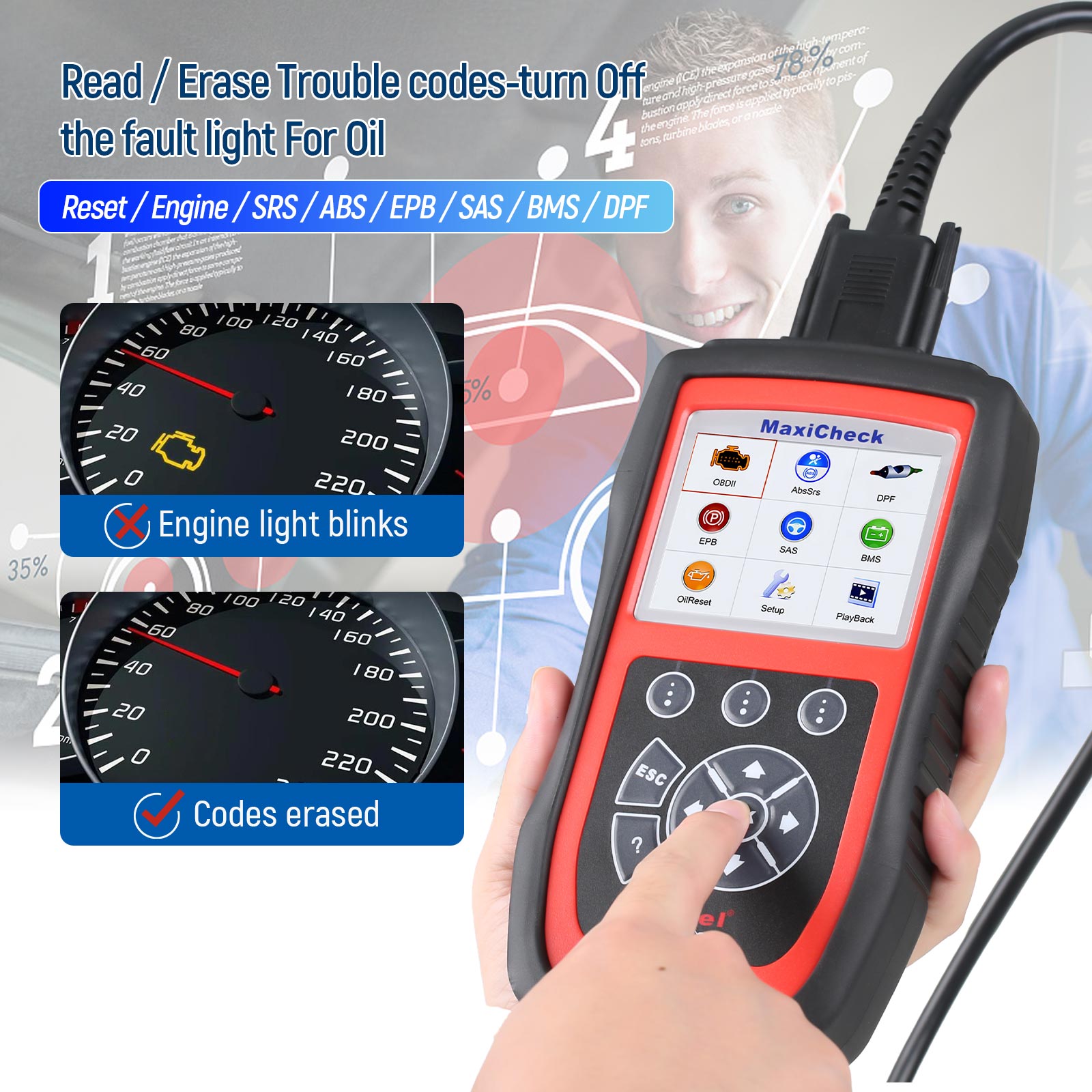
- Read and clear OBD-II diagnostic trouble codes for domestic, Asian, and European vehicles
- Full OBDII/EOBD coverage with step-by-step on-screen guidance
- Streamline common workshop tasks that require a diagnostic tool
Comprehensive Service Functions
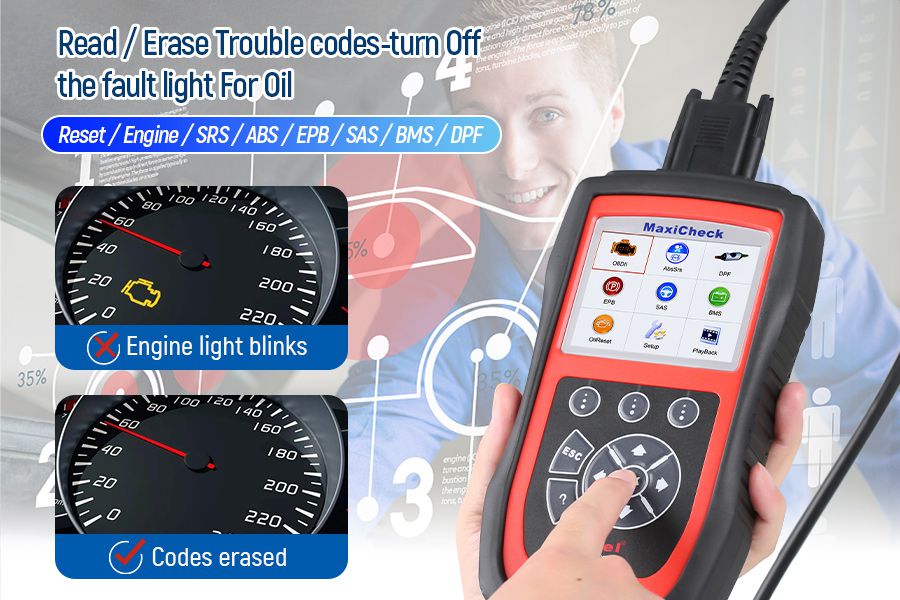
- Read and clear SRS (Airbag) and EPB/SBC trouble codes
- Read and clear ABS codes with bi-directional control
- Open and close electronic brake calipers
- Diagnose EPB/SBC caliper functionality
- Reset Steering Angle Sensors (SAS)
- Reset oil service lights and mileage-based service intervals
- Set inspection service intervals (Inspection 1 & 2) and adjust inspection mileage
- Enhanced OBD2 diagnostics for Domestic, Asian, and European vehicles
- Turn off ECU and brake warning lights
- View, graph, record, and playback OBD-II live data
- Access Mode 6 and freeze frame data
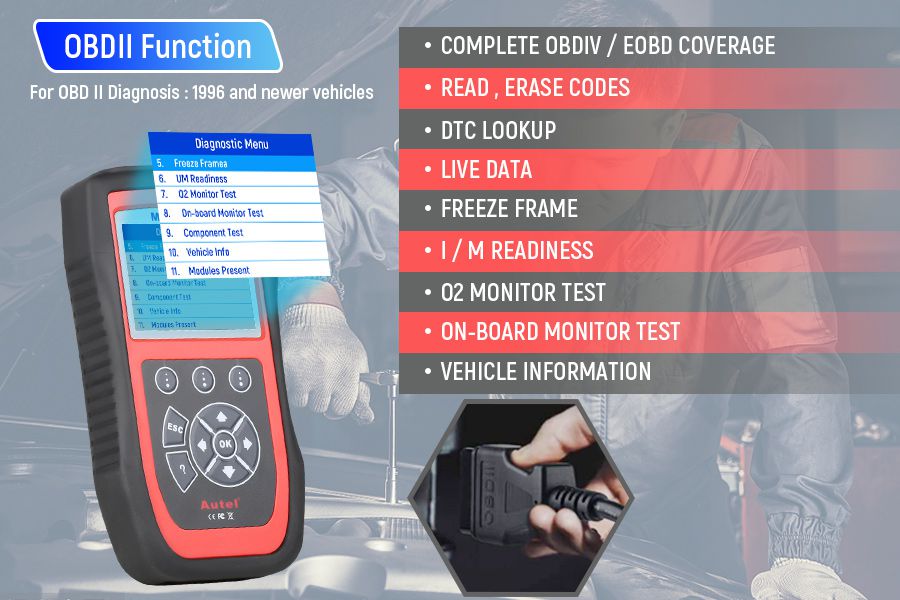
OBD II Diagnostic Capabilities
- Read and erase diagnostic trouble codes (DTCs)
- DTC lookup for quick reference
- Live data and freeze frame viewing
- Retrieve I/M readiness status
- O2 sensor and on-board monitor tests
- Component testing
- View vehicle information
- Identify modules present in the vehicle
Specialized System Functions
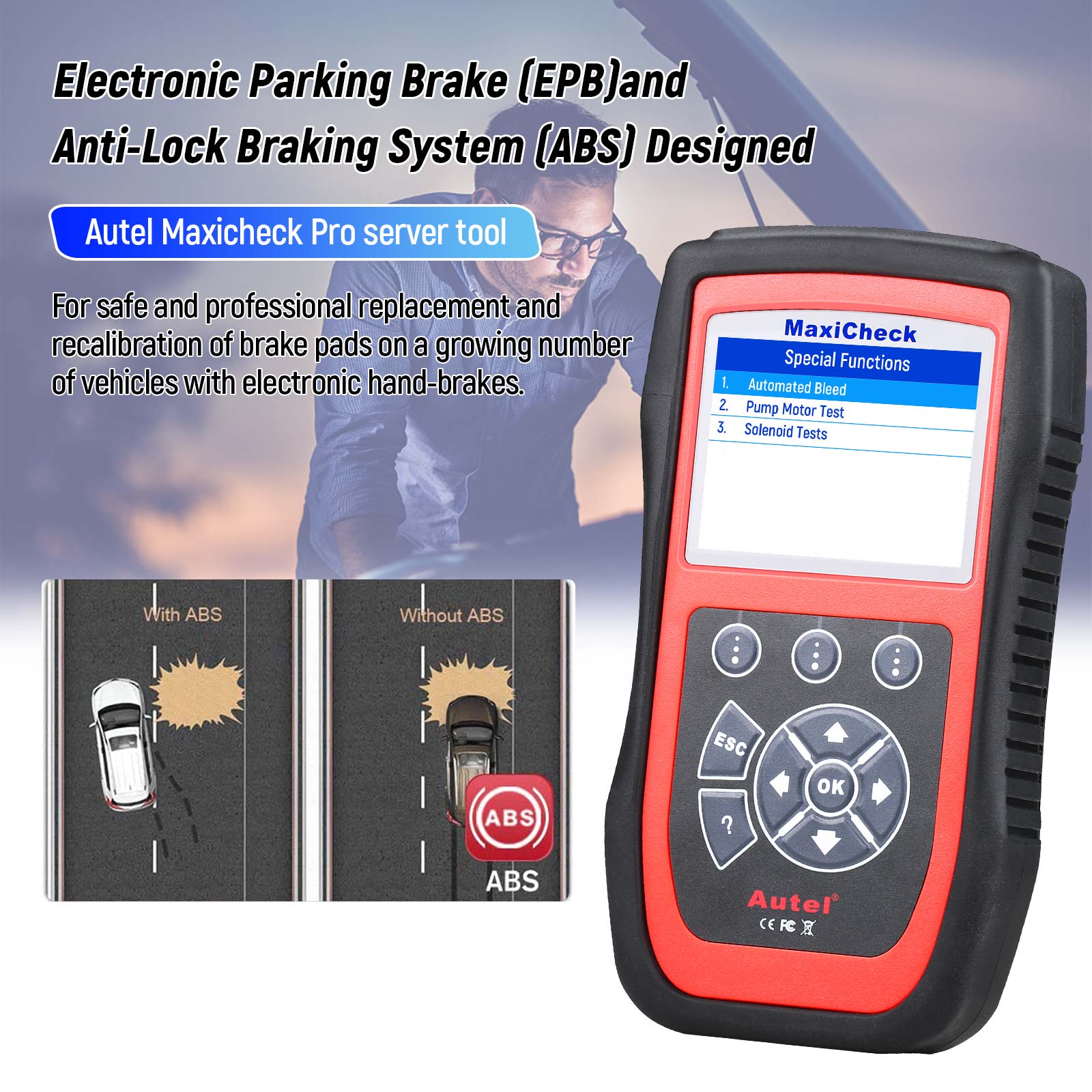
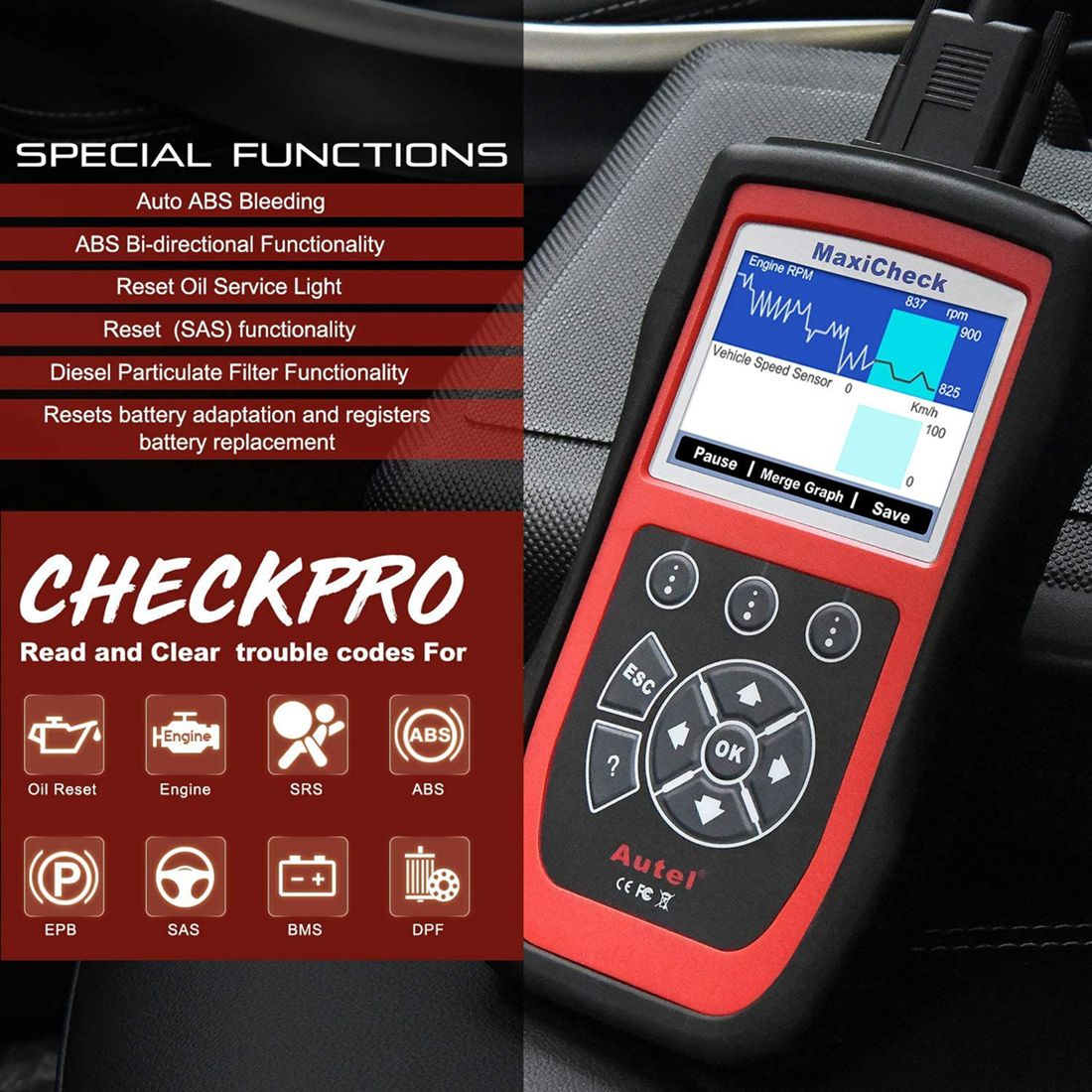
1. Electronic Parking Brake (EPB) & Anti-Lock Braking System (ABS)
The MaxiCheck Pro safely links to the vehicle's control module via the OBD-II port, enabling disengagement of electronic parking brakes during pad replacement. This eliminates reliance on expensive OEM tools, improving efficiency and reducing costs. Also supports reading and clearing ABS trouble codes and bi-directional bleed functions where compatible.
2. Supplemental Restraint System (SRS) & Airbag Reset
Allows technicians to read and clear airbag system trouble codes and reset SRS warning lights—ideal for collision repair shops performing post-accident repairs or component replacements.
3. Battery Management System (BMS) Service
Evaluate battery charge state, monitor circuit current, register new battery installation, activate vehicle rest mode, and charge battery through the diagnostic socket.
4. Steering Angle Sensor (SAS) Calibration
Performs zero-position calibration of the steering angle sensor on vehicles equipped with ESP (Electronic Stability Program), ensuring optimal performance after alignment or suspension work.
5. Diesel Particulate Filter (DPF) Service
Enables retrieval and erasure of DPF-related codes, reset of DPF warning light after filter replacement, micromanagement of injection rate, and initiation of static/dynamic regeneration when particle load reaches maximum levels—avoiding dealer visits.
6. Oil Service Reset
Resets service lights and maintenance intervals for various brands including BMW, Mercedes-Benz, Volvo, VW/Audi, Fiat, Mazda, and more. Saves time and cost by replacing the need for manufacturer-specific scan tools.
How to Update the Autel MaxiCheck Pro
- Install Maxi PC Suite using the included CD or download from www.autel.com or authorized distributor sites (compatible with Mac and Windows).
- Ensure your computer has an active internet connection.
- Insert the scanner’s SD card into your PC.
- Launch the Maxi PC Suite software and wait for the login window.
- Enter your Autel ID and password. Use [Forget Password?] if needed to recover credentials.
- Select product type and serial number, then proceed.
- In the update interface, select desired updates—recommended to install all available updates.
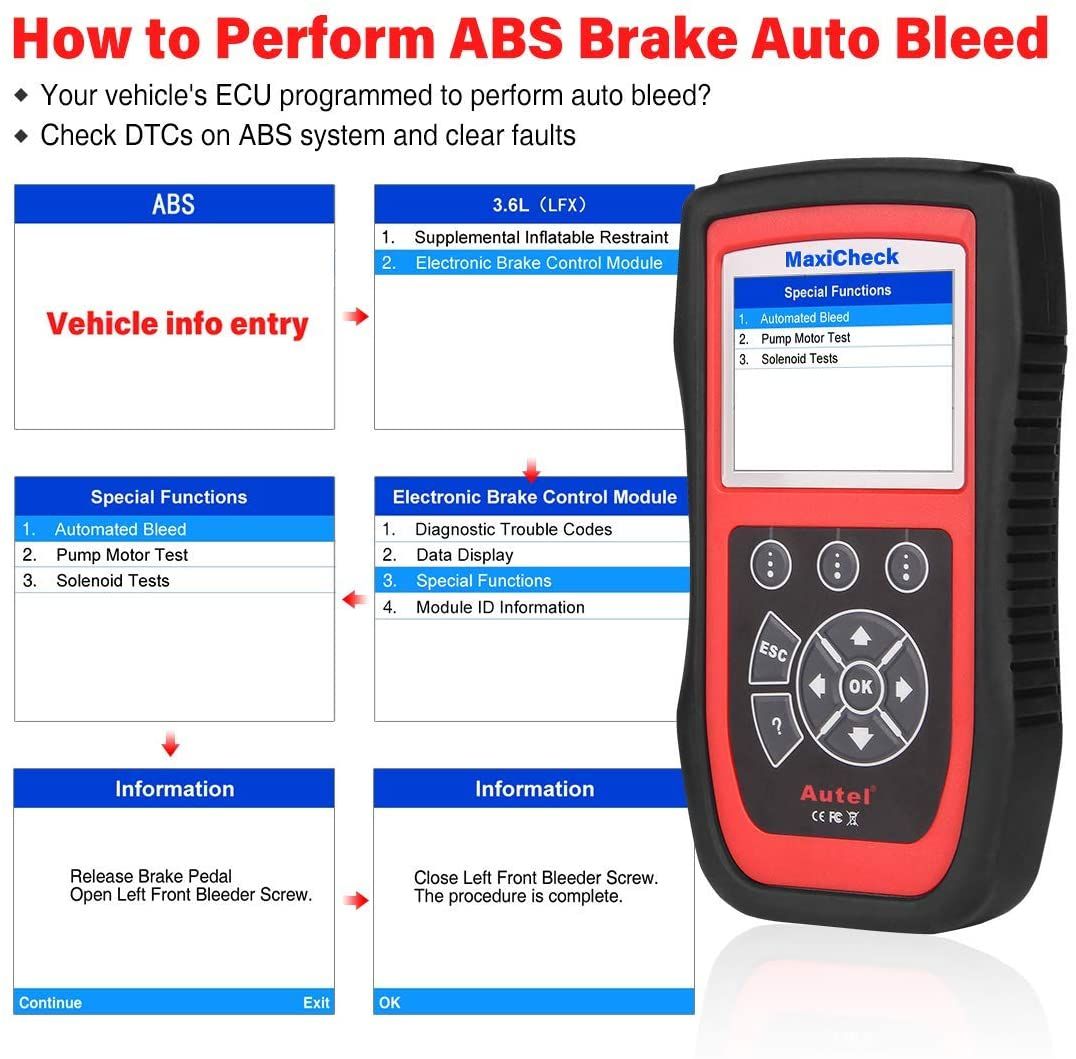
How to Perform ABS Auto Bleed Using MaxiCheck Pro
Navigate: ABS/SRS → Select Vehicle Make/Model/Year or Enter VIN → Anti-Lock Brake System → Special Functions → ABS Automated Bleed / Hydraulic Brake Bleeding (or similar option).
Powering On the MaxiCheck Pro Scanner
The MaxiCheck Pro does not have an internal battery and draws power directly from the vehicle via the OBD-II port.
- Connect the scanner to the vehicle’s DLC (Diagnostic Link Connector) using the provided OBD-II cable.
- Turn the ignition to the ON position.
Troubleshooting: Scanner Won’t Power Up
- Verify the vehicle battery has sufficient charge.
- Ensure the ignition is turned ON.
- Check for proper voltage at PIN 4 (Ground), PIN 5 (Signal Ground), and PIN 16 (Battery Power) on the DLC port.
- Inspect the OBD-II cable pins for damage or bending.
Troubleshooting: No Communication Detected
- Confirm device compatibility with your vehicle before purchase.
- Update the scanner software to the latest version.
- Follow correct menu path: e.g., ABS/SRS → USA → GM → 2000–Passenger Car → Chassis → E (4th VIN digit) → Delco/Bosch ABS/TCS → Special Functions → Automated Bleed.
- If auto-bleed fails, test basic OBD-II communication first.
- If no OBD-II communication, inspect DLC port and OBD-II cable pins for damage.
- Note: Existing ABS DTCs can cause communication failure. Clear codes or perform necessary repairs before proceeding.
What’s Included in the Package
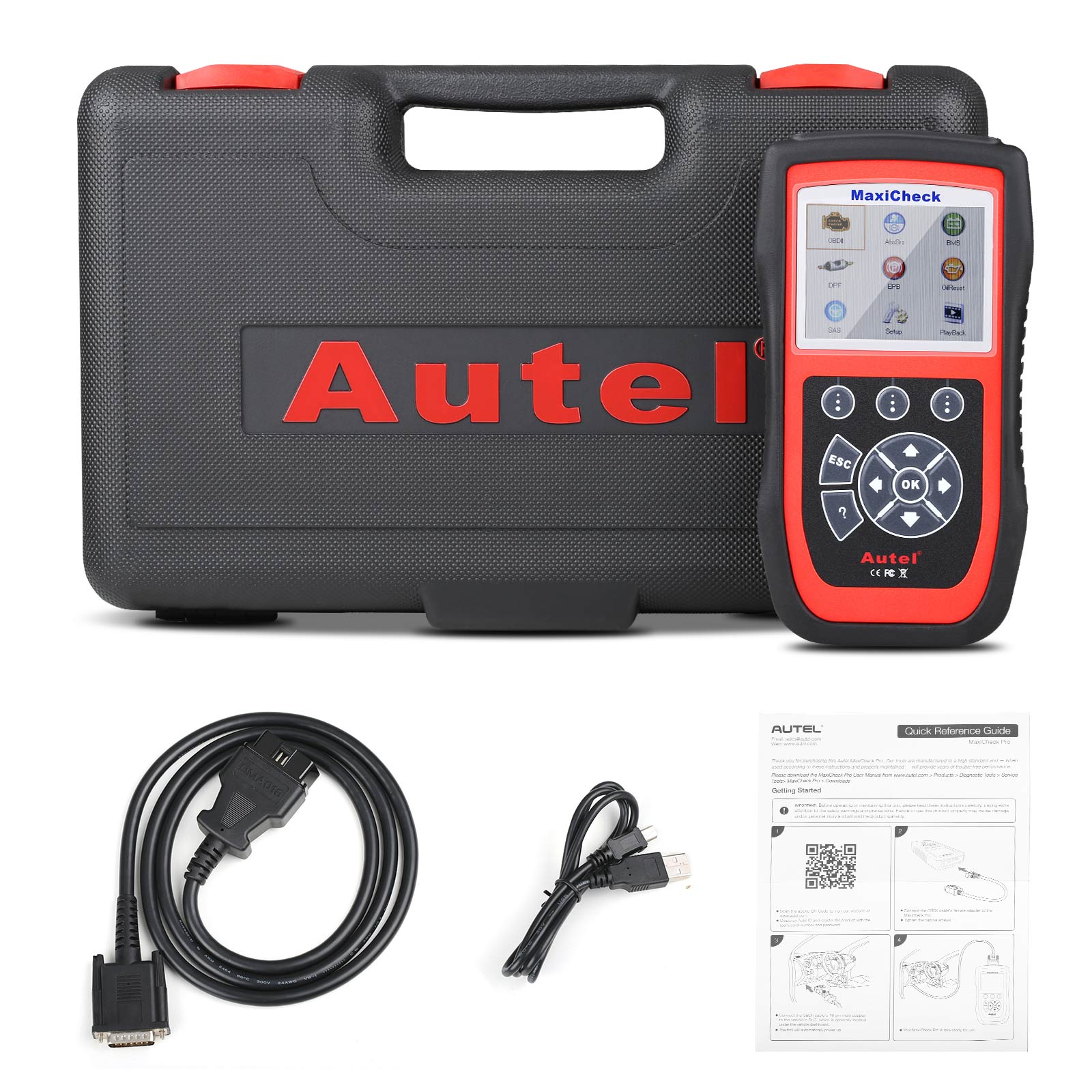
- 1 x MaxiCheck Pro Unit
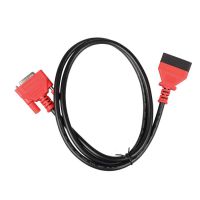
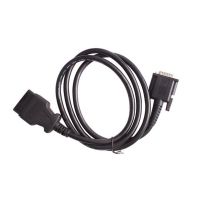
- 1 x OBD-II Cable
- 1 x CD with Software
- 1 x USB Cable
- 1 x User Manual
- 1 x Hard Carry Case
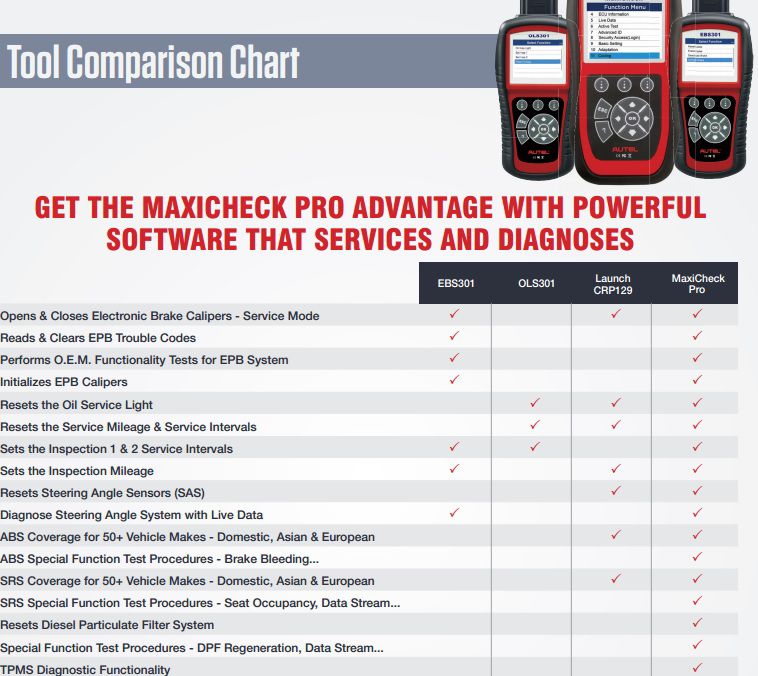
MaxiCheck Function Comparison Chart
- Related Items
- Recommond Tools
- Hot Sale
- On Sale
- New Arrivals
- Freeshipping Items
-
 US$999.00 / piece
 -
 US$379.05 / piece
 -
 US$159.00 / piece
 -
 US$550.05 / piece
 -
 US$179.00 / piece
 -
 US$299.00 / piece
-
 US$12.99 / piece
 -
 US$938.00 / piece
 -
 US$819.00 / piece
 -
 US$129.00 / piece
 -
 US$29.99 / piece
 -
 US$98.00 / piece
-
 US$229.00 / piece
 -
 US$639.00 / piece
 -
 US$43.90 / piece
 -
 US$209.00 / piece
 -
US$159.00 / piece
-
 US$94.05 / piece
-
US$379.05 / piece
-
 US$45.99 / piece
 -
 US$500.00 / piece
 -
 US$619.00 / piece
 -
 US$249.00 / piece
 -
 US$711.55 / piece
-
 US$55.00 / piece
 -
 US$157.00 / piece
 -
 US$27.00 / piece
 -
 US$245.00 / piece
 -
 US$689.00 / piece
 -
 US$509.00 / piece
-
 US$40.85 / piece
 -
 US$19.99 / piece
 -
 US$38.99 / piece
 -
 US$38.99 / piece
 -
 US$79.00 / piece
 -
 US$26.99 / piece
Trending Products
 US$1,198.00 / piece
 US$479.00 / piece
 US$1,069.00 / piece
 US$799.00 / piece
 US$371.00 / piece
 US$1,398.00 / piece