 USD
USD Euro
Euro British Pound
 Australian Dollar
- Home
-
Categories
- Car Diagnostic Tools
- Original Brand Tools
- Car Key Programmers
- OBD2 Code Scanners
- Truck Heavy Duty Scanners
- ECU Chip Tuning Tools
- Odometer Correction Tools
- VAG Diagnostic Tool
- Original Launch X431 Tools
- Original Autel Tool
- Original Xhorse Tool
- Key Cutting & Locksmith Tools
- Airbag/Service Reset Tools
- OBD2 Cables and Connectors
- AUGOCOM Camshaft Engine Timing Tool
- Other OBDII Vehicle Tools
- Car Key Blanks
- Car Key Chips
- Car Diagnostic Software
- Automotive Electrical Testers & Test Leads
- Auto HID Xenon Light and LED Light
- Automotive Electronics
- Repair & Maintenance Tools
- MB Star Diagnostic Tools
- Health Care
- Special Deals
- Consumer Electronics
- Home & Garden
- Outdoor
- Expired Tools
- Top Selling
- New Arrivals
- for MB
- for Porsche
- Xhorse
- for TOYOTA
- for FORD
- Order Tracking
- Drop-ship
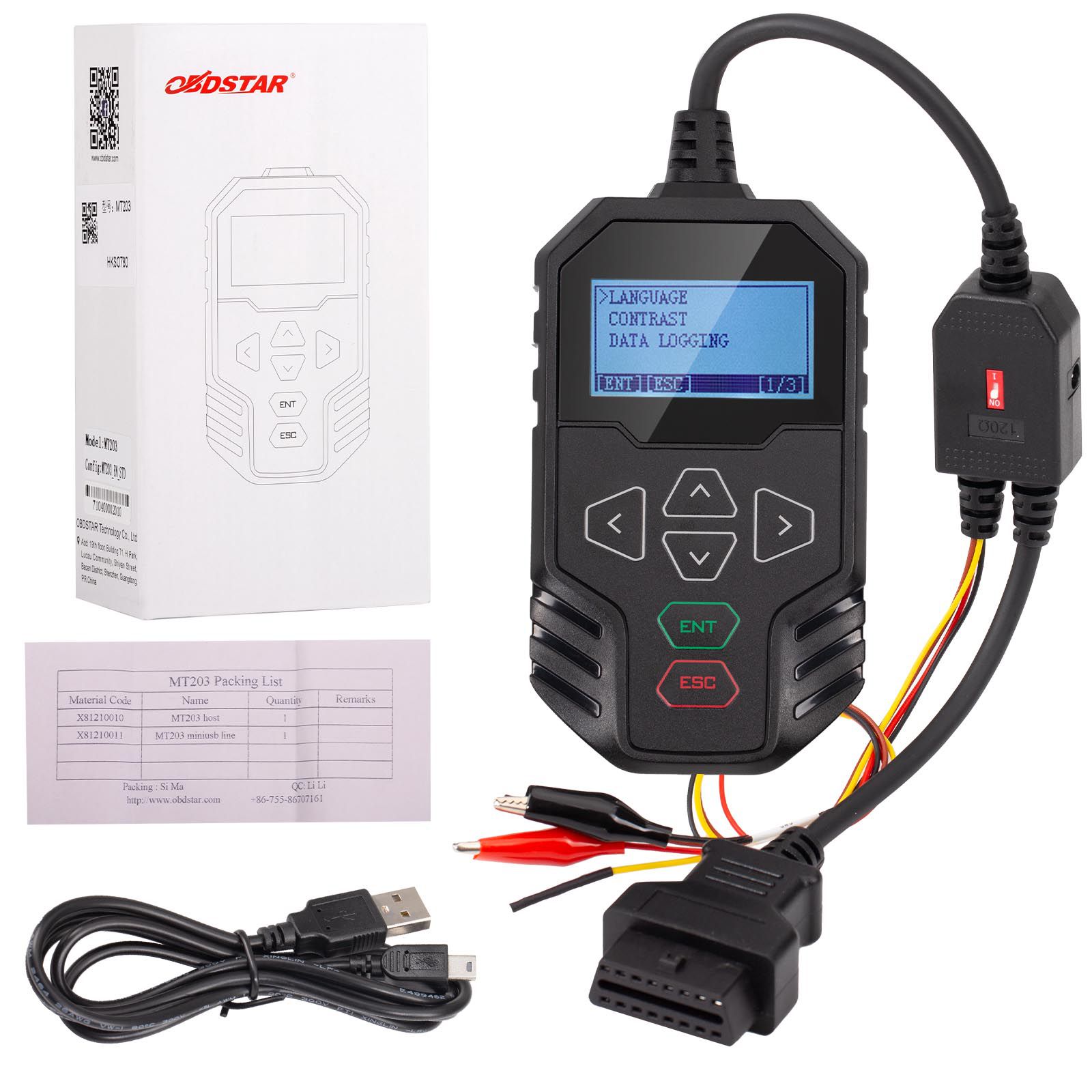

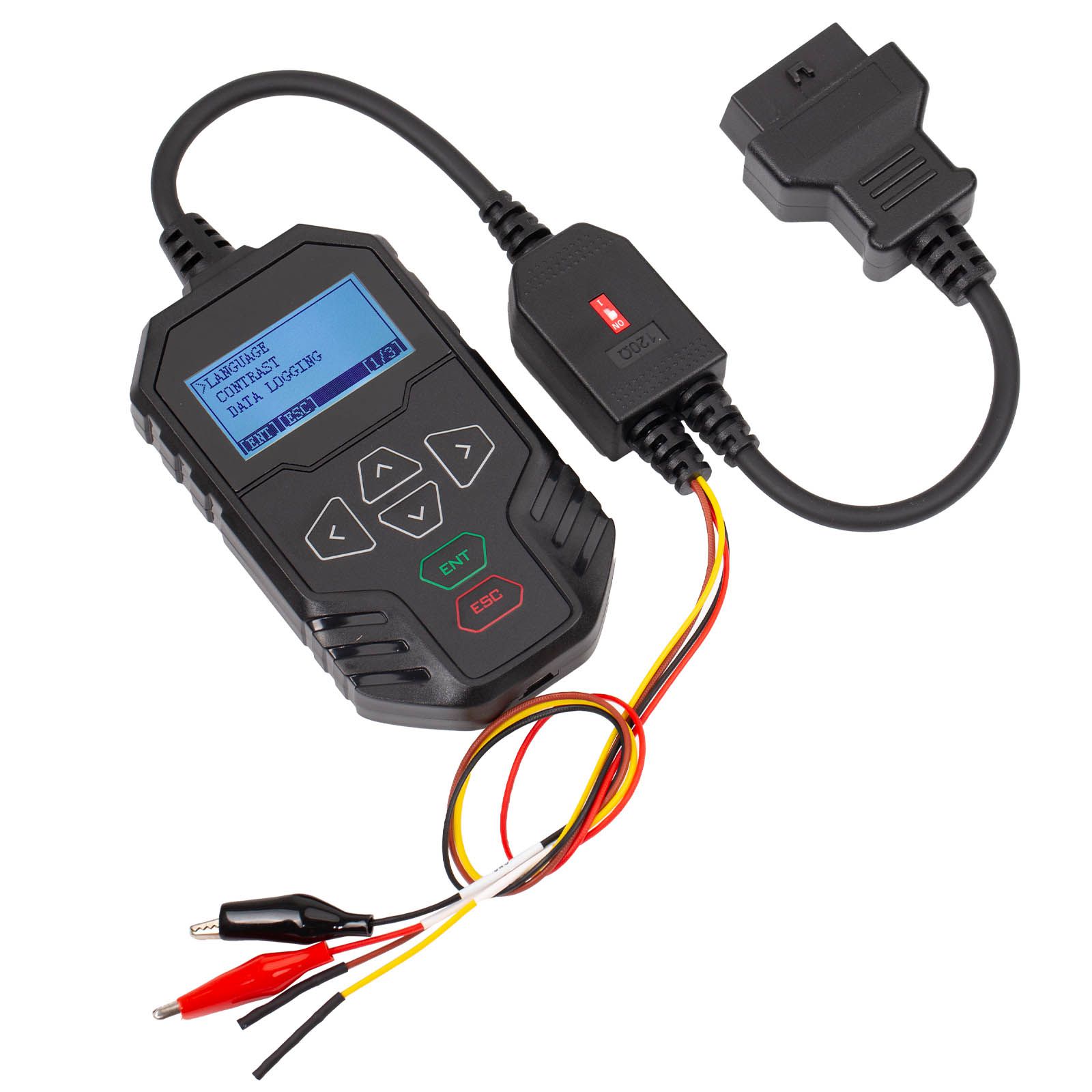
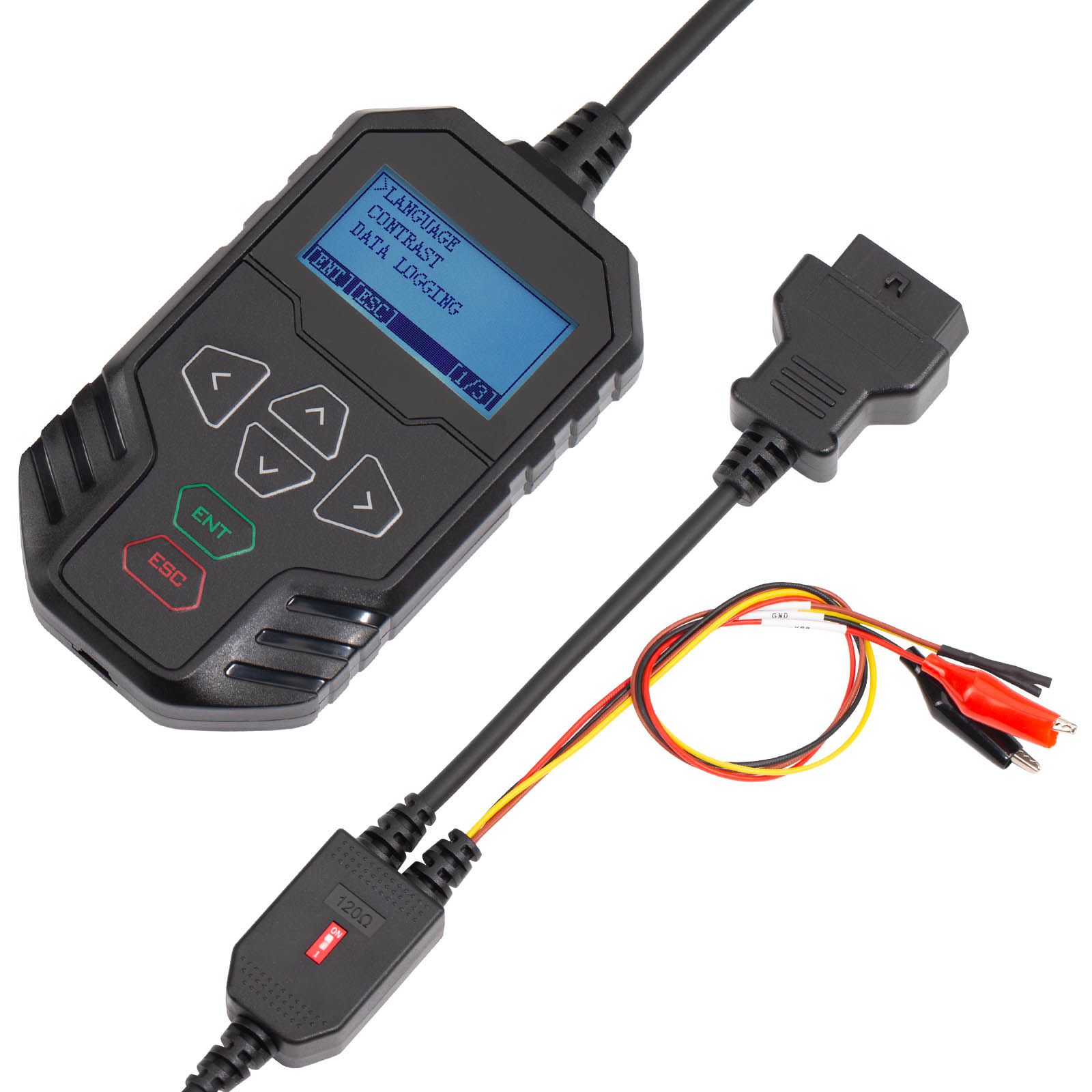
2025 OBDSTAR MT203 CAN Driver/Gateway Simulator Support Dash, Audio, Gear Lever, AC Panel and Other Test Functions
- Price:
- US$90.06/ piece
- Discount Price:
- US$75.05/ piece 17%
- Quantity:
-


- Shipping:
- Airmail Post
Estimated delivery time: 7-45 working days.See details» - Returns:
- Return for refund within 7 days,buyer pays return shipping.Read details »
- Support:
-
 Online Chat
  WhatsApp
  Skype
Skype  Ask a question


- Product Details
- Product's Reviews
- Write a Review
- Related Products
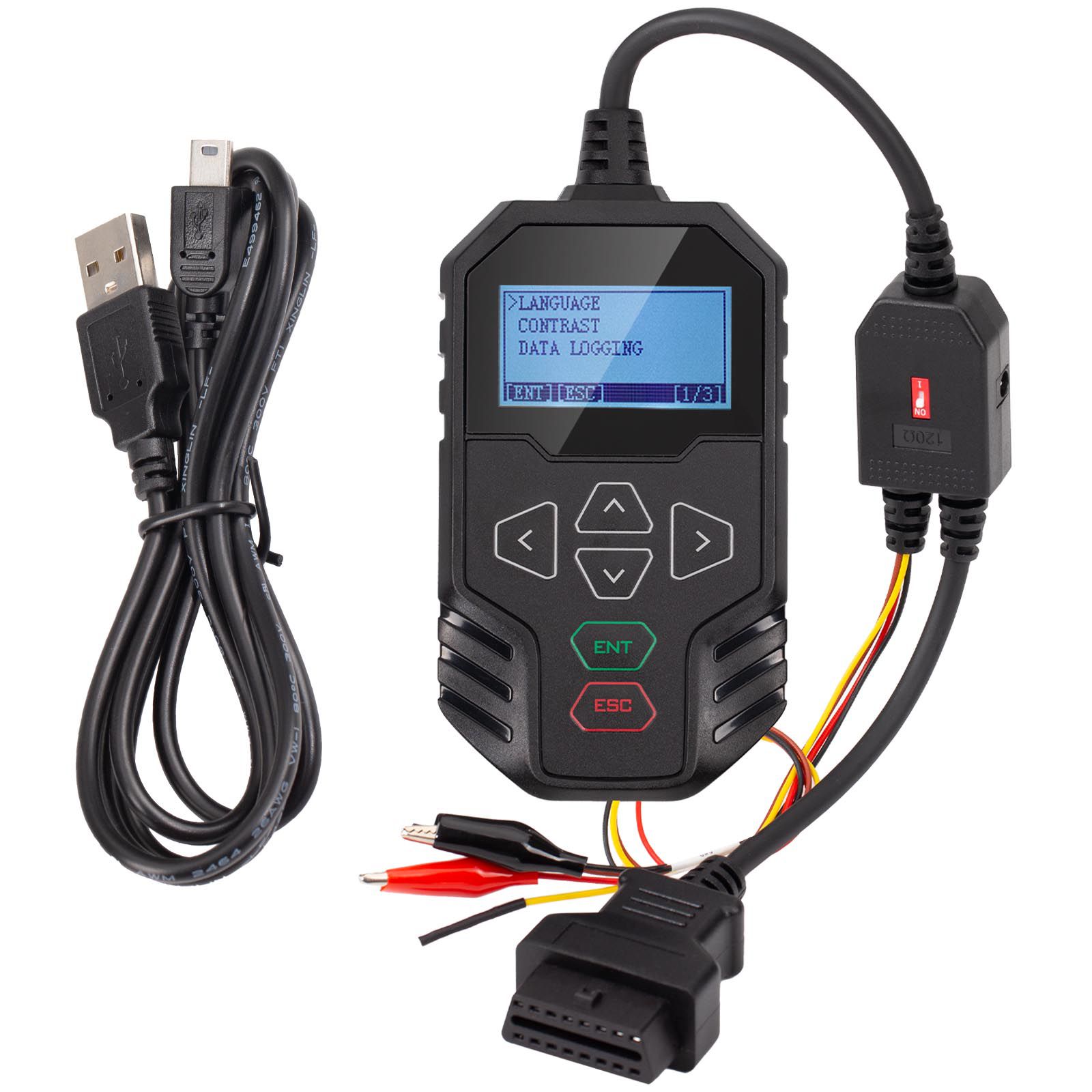
OBDSTAR MT203 CAN Driver/Gateway Simulator
The OBDSTAR MT203 CAN Driver/Gateway Simulator is a specialized tool designed for automotive electronics maintenance and repair, offering 2-year free updates. It provides CAN driver and gateway simulation functionality, supports multiple vehicle brands, and features a compact design—making it an essential aid for automotive electronics maintenance engineers.
Distributor Code: 0086A002
Key Features of OBDSTAR MT203
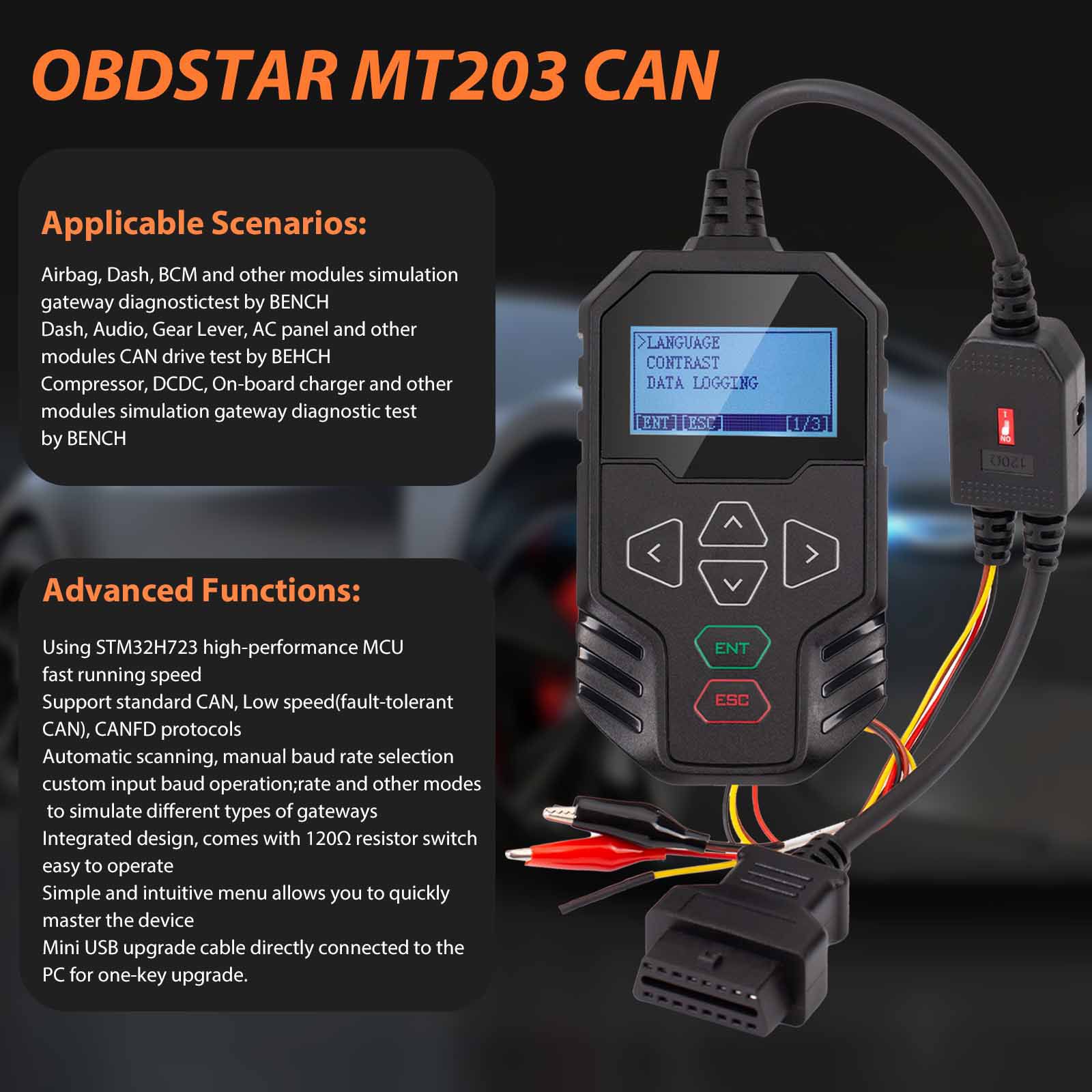
- Uses STM32H723 high-performance MCU for fast operation
- Supports Standard CAN, Low-Speed (Fault-Tolerant CAN), and CAN FD protocols
- Offers automatic scanning, manual baud rate selection, and custom baud rate input to simulate various gateway types
- Integrated design with built-in 120Ω resistor switch for ease of use
- Simple and intuitive menu for quick device mastery
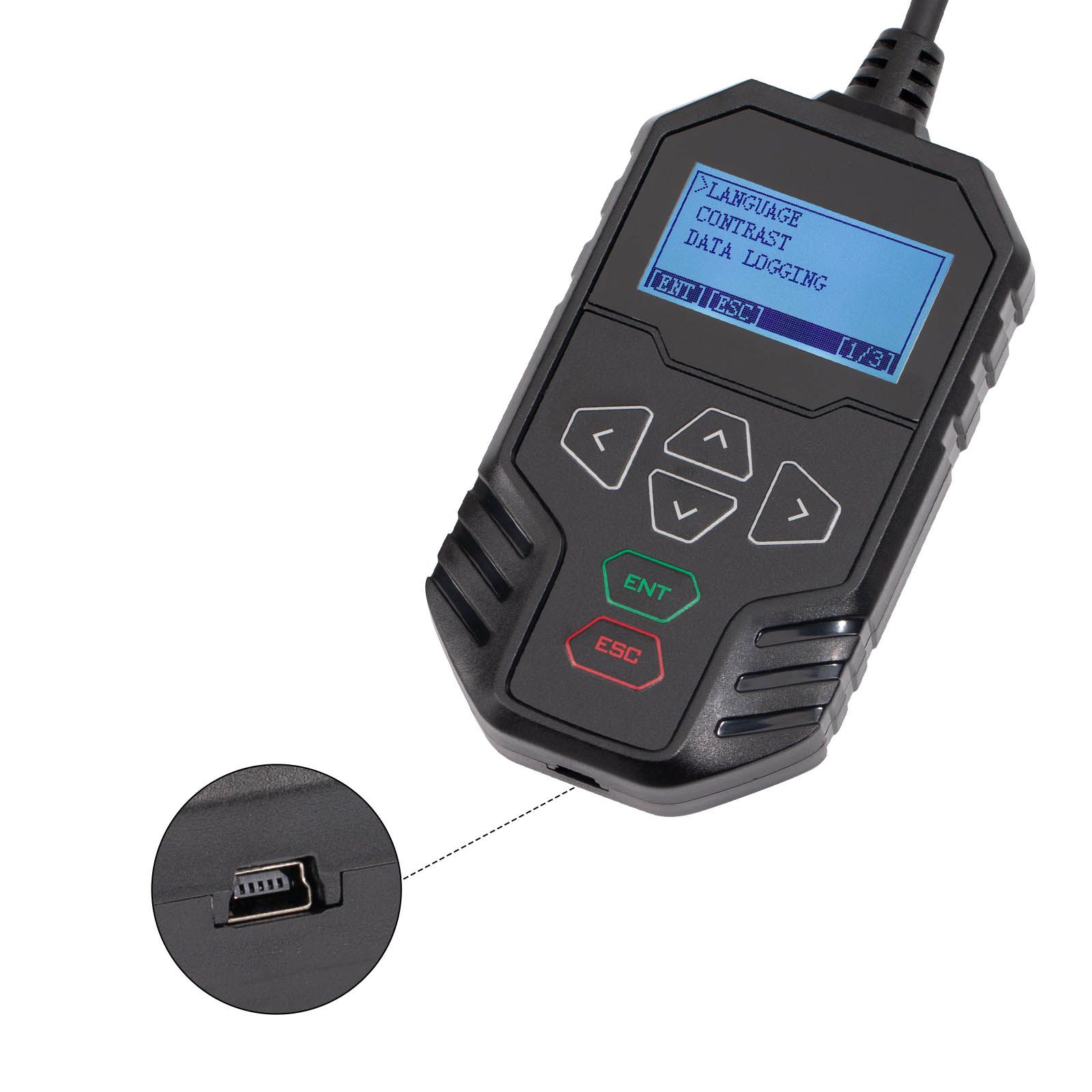
- Mini USB upgrade cable connects directly to PC for one-key firmware upgrades
Applicable Maintenance Scenarios
- Automotive electronic ECU repair (Airbag, Dash, BCM, and other modules) – simulation gateway diagnostic test via BENCH
- Automotive electronic ECU repair (Dash, Audio, Gear Lever, AC panel, and other modules) – CAN drive test via BENCH
- E-Car component repair (Compressor, DCDC, On-board charger, and other modules) – simulation gateway diagnostic test via BENCH
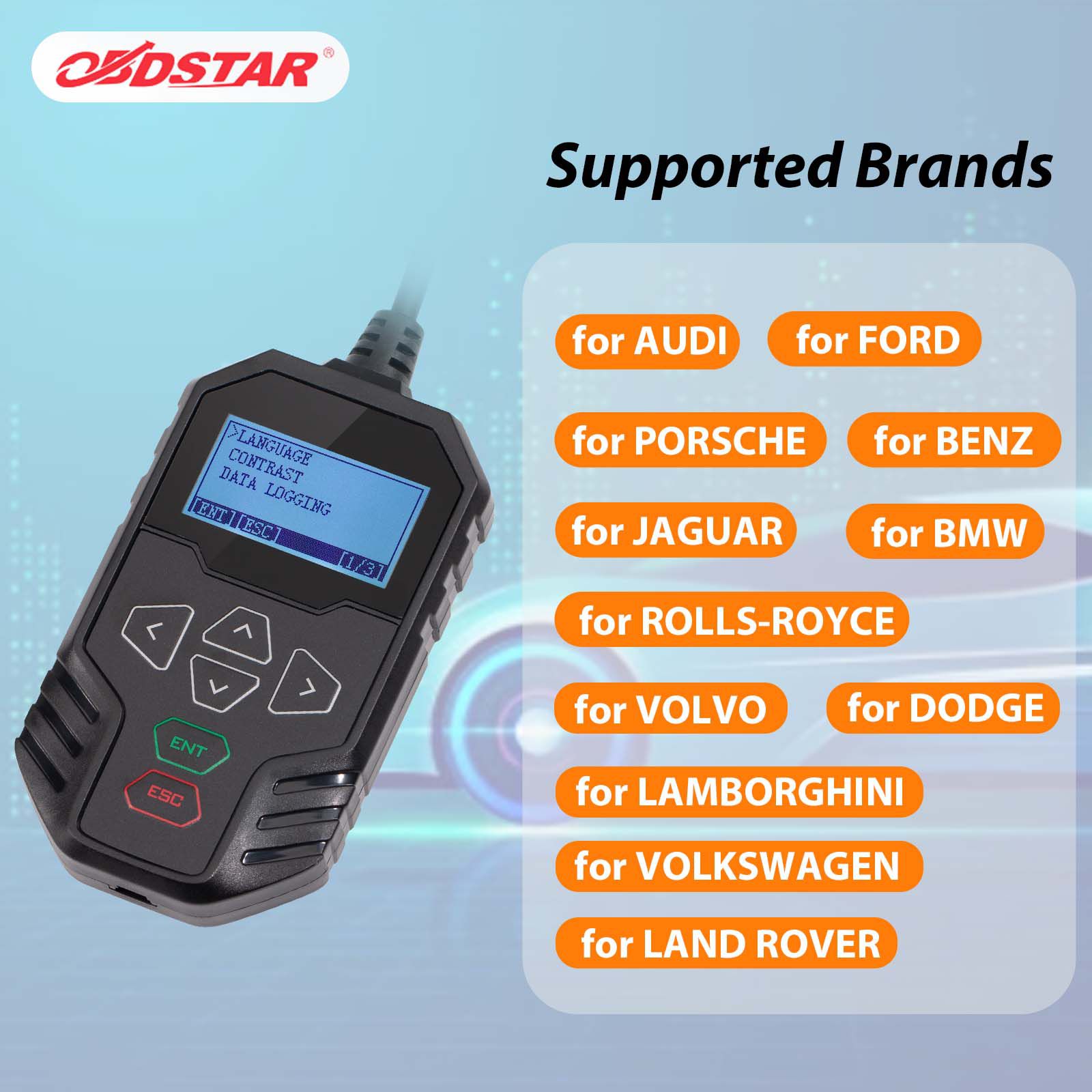
Supported Vehicle Brands for Dash, Audio, Gear Lever, AC Panel, and Other Test Functions
AUDI, FORD, PORSCHE, BENZ, JAGUAR, ROLLS-ROYCE, BMW, LAMBORGHINI, VOLKSWAGEN, DODGE, LAND ROVER, VOLVO
Supported Protocol Types and Functions
1. Gateway Supported Protocols
Standard CAN / Standard CAN
- 500K / 250K
- 500K / 125K
- Custom Baud Rate
Standard CAN / Tolerant CAN
- 500K / 83.3K
- 500K / 100K
- 500K / 125K
- 125K / 125K
- Custom Baud Rate
Standard CAN / CAN FD
- 500K / 5M
- 500K / 2M
- Custom Baud Rate
2. CAN Driver Supported Functions
Supports Dash, Audio, Gear Lever, AC Panel, and other test functions for AUDI, BENZ, BMW, DODGE, FORD, JAGUAR, LAMBORGHINI, LAND ROVER, PORSCHE, ROLLS-ROYCE, VOLKSWAGEN, VOLVO, and other brands.
Function Display (From OBDSTAR APP)
Main Page:
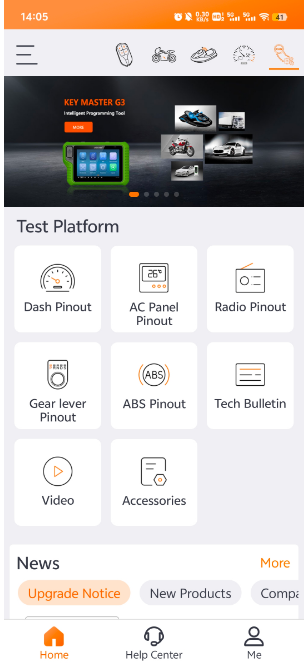
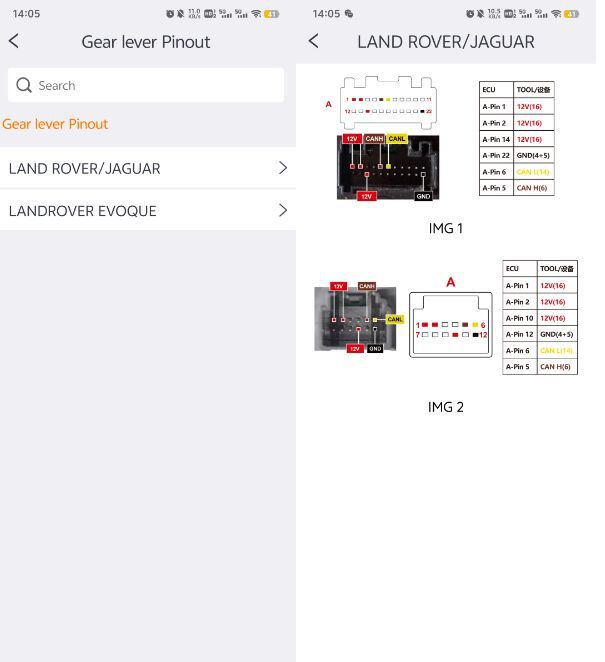
Gear Lever Pinout:
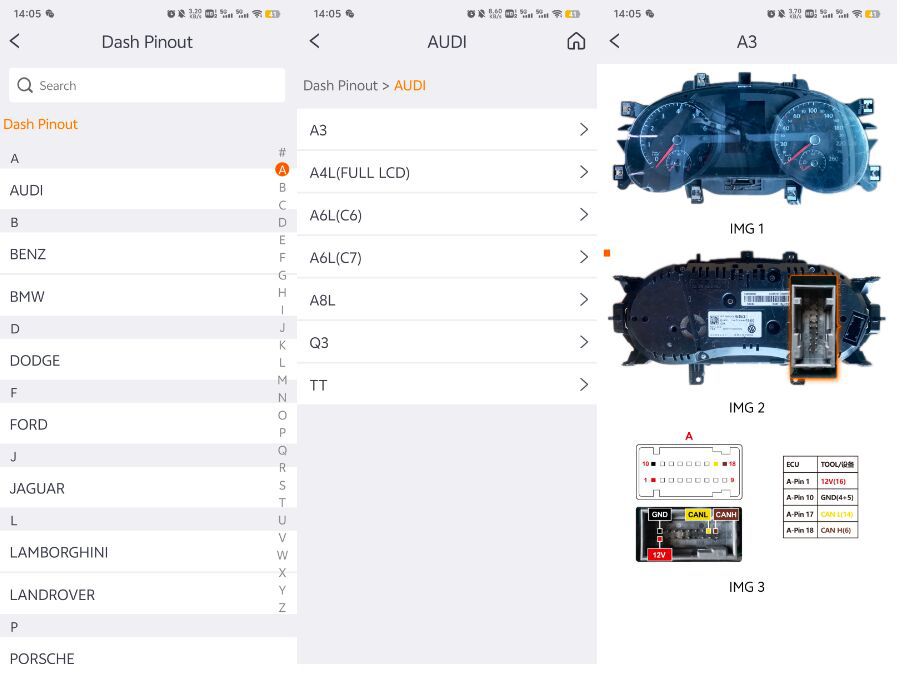
Dash Pinout:
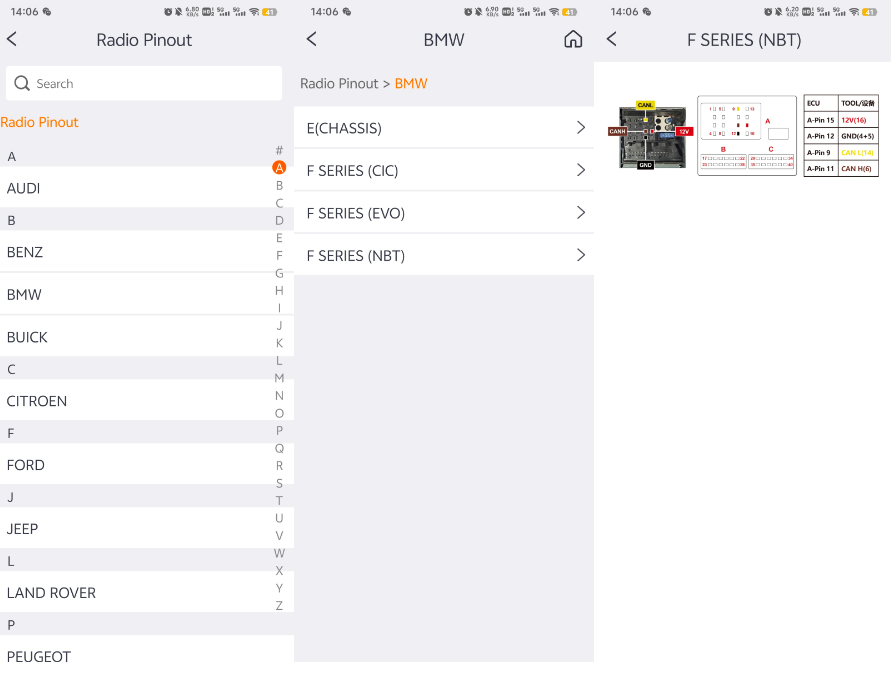
Radio Pinout:
Frequently Asked Questions (FAQs)
Q: Why does the automatic scanning fail?
A: The success of automatic scanning depends on several factors:
- Ensure the diagnostic instrument and ECU are correctly connected, and the ECU is powered before initiating automatic scanning.
- If the ECU remains powered without communication for a period (seconds or minutes), it may enter hibernation mode and become unresponsive—requiring a power cycle.
- Some ECUs do not actively transmit CAN signals; in such cases, manual configuration of the device is necessary.
- CAN FD is not supported for automatic scanning—manual setup is required.
Q: Where can I check the wiring diagram of the CAN driver?
A: Download the OBDSTAR APP from the Apple App Store or Google Play Store. The app includes wiring diagrams for Dash, Audio, Gear Lever, and more.
Q: What does the 120Ω resistor do?
A: If the ECU does not include a built-in 120Ω resistor, you must switch the unit’s resistor switch to ON to ensure proper CAN line communication.
Q: Is the FlexRay protocol supported?
A: No, it is not supported.
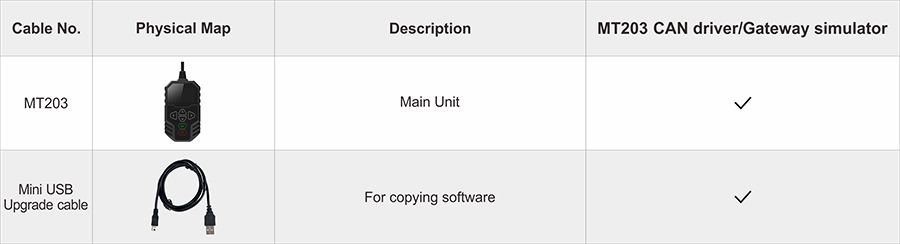
Package Includes
- 1pc × OBDSTAR MT203 main unit
- 1pc × Mini USB upgrade cable
- Related Items
- Recommond Tools
- Hot Sale
- On Sale
- New Arrivals
- Freeshipping Items
-
 US$999.00 / piece
 -
US$379.05 / piece
-
 US$159.00 / piece
 -
 US$550.05 / piece
 -
 US$179.00 / piece
 -
 US$299.00 / piece
-
 US$37.99 / piece
 -
 US$469.00 / piece
 -
 US$859.00 / piece
 -
 US$44.99 / piece
 -
 US$39.99 / piece
 -
 US$17.99 / piece
-
 US$257.99 / piece
 -
 US$39.99 / piece
 -
 US$449.00 / piece
 -
 US$790.00 / piece
 -
US$159.00 / piece
-
 US$384.00 / piece
-
 US$535.00 / piece
 -
US$599.00 / piece
-
 US$674.50 / piece
 -
 US$217.55 / piece
 -
US$44.99 / piece
-
 US$959.00 / piece
-
 US$371.00 / piece
 -
 US$245.00 / piece
 -
 US$589.00 / piece
 -
US$999.00 / piece
-
 US$39.00 / piece
 -
 US$349.00 / piece
-
 US$164.00 / piece
 -
 US$128.25 / piece
 -
 US$19.61 / piece
 -
 US$79.90 / piece
 -
 US$31.99 / piece
 -
 US$363.80 / piece
Trending Products
 US$349.00 / piece
 US$599.00 / piece
 US$79.00 / piece
 US$289.00 / piece
 US$256.92 / piece
 US$409.00 / piece